BLOGS · HARDWARE BLOGS
PUBLISHED
READING3 min
Mining on a 4GB graphics card is still viable in 2021: Radeon RX 470 4GB + RaveOS = 24 MH/s
Here is how to set up mining on a 4GB Radeon RX 470 graphics card using RaveOS and lolMiner to squeeze out 24 MH/s in 2021.
First, let's get one thing straight: this isn't a full guide on how to install and configure RaveOS. There are already plenty of guides online. Instead, I'll focus on the essentials and keep things as brief as possible.
You can no longer mine on 4GB cards using Microsoft operating systems like Windows 10, 8.1, or 7!
Also, keep in mind that anything you do to your hardware is at your own risk. Neither I nor UmTale Lab will be held responsible for any damage to your gear.
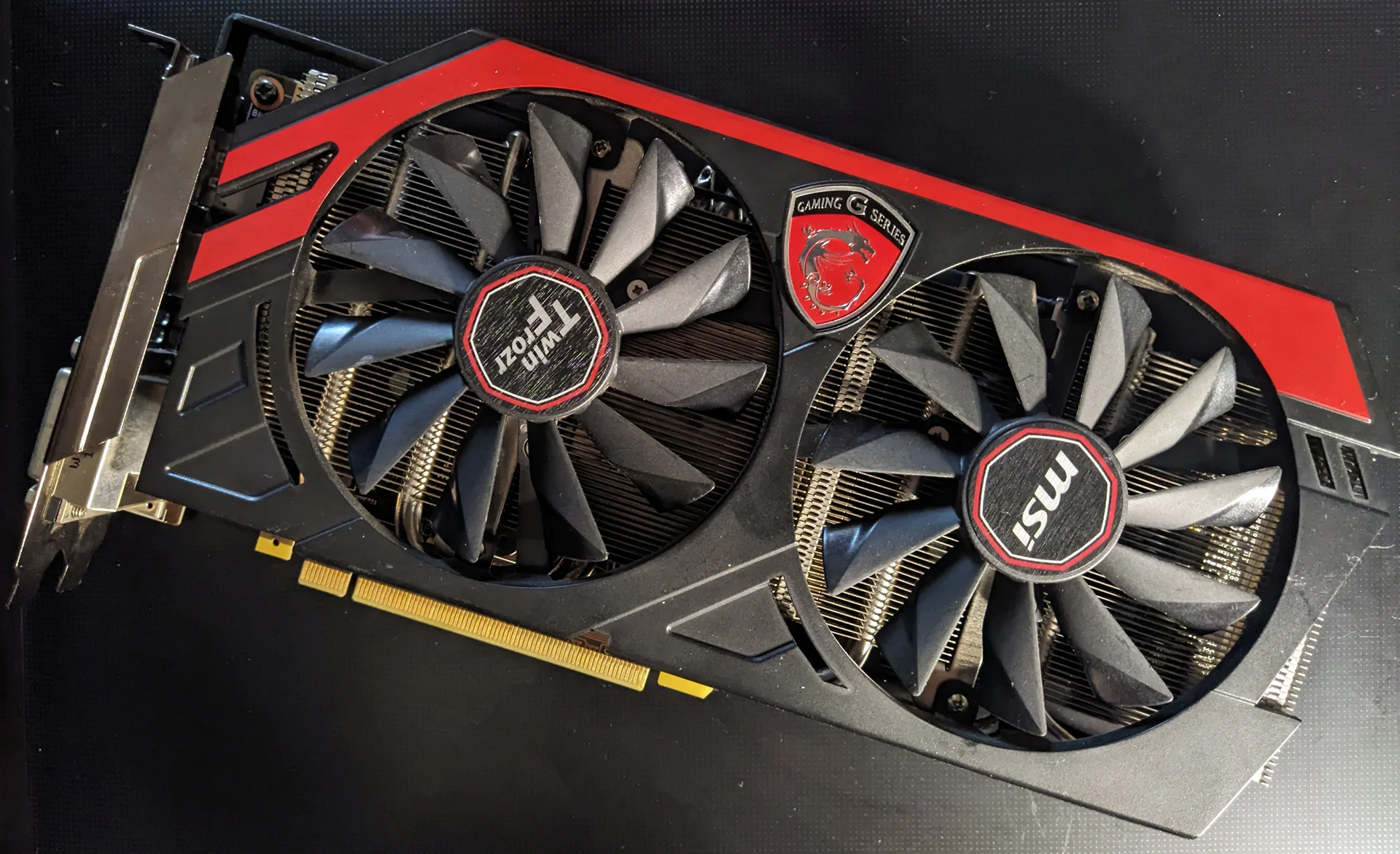
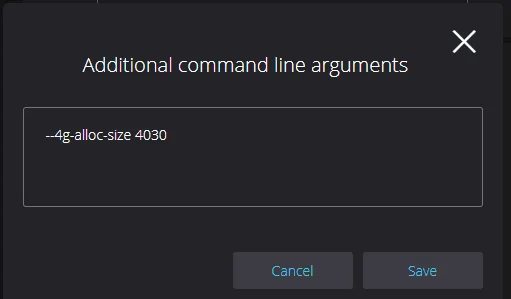
Here is what you need to keep mining on a 4GB graphics card (in my case, a SAPPHIRE Radeon RX 470 4GB NITRO+, commonly known as the RX 474). First, a USB flash drive, SSD, or HDD with RaveOS installed (HiveOS works too, but the configuration is different). Second, a motherboard with a full-speed PCIe 3.0 x16 slot, as older versions usually degrade performance. Finally, you'll need lolMiner 1.22 enabled in RaveOS with the following argument range: --4g-alloc-size 4080-4020.
 ⤢ ВІДКРИТИ
 ⤢ ВІДКРИТИ
You'll have to experiment by starting at --4g-alloc-size 4080 and working your way down to --4g-alloc-size 4020 to find the sweet spot that yields the highest hashrate for your specific card.
Reported results online vary wildly. Some miners hit 27 MH/s or more at 4080, while others barely squeeze out 1.5 MH/s even at 4060.
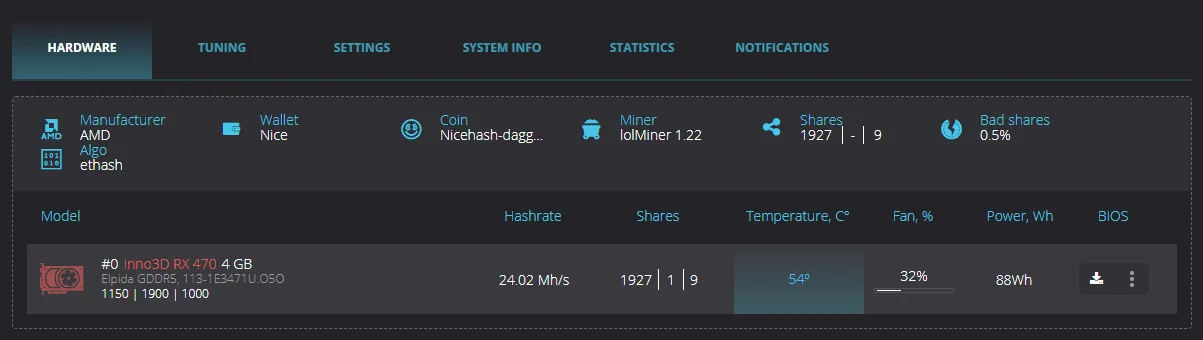
In my case, I had to drop down to --4g-alloc-size 4030, which was the only way I could reach 24 MH/s:
 ⤢ ВІДКРИТИ
You no longer need extra arguments like --zombie-tune in lolMiner 1.22. The software automatically configures and runs zombie mode on its own.
According to experts, mining on 4GB cards should remain viable for at least another couple of months.
You can download the official RaveOS image from the official website using this link.
Feel free to share your own 4GB mining results in the comments below.
P.S. Testing shows that a 4GB mining rig can run on just 4GB of DDR3 1333MHz RAM (two 2GB sticks in dual-channel) and a motherboard with 2-3 PCIe 2.0 x16 slots, depending on your card count. However, many users report a massive drop in hashrate when switching from PCIe 3.0 to PCIe 2.0. So, if I were you, I would definitely go with a platform that supports PCIe 3.0.
P.P.S. Starting with epoch 399, the performance hit on a PCIe 2.0 x16 bus is massive (around 2-4 MH/s depending on the card and memory). This makes a PCIe 3.0 x16 slot practically mandatory for mining on 4GB cards.