BLOGS · GAME BLOGS
PUBLISHED
READING7 min
Setting up RPCS3 v0.0.29+ for Uncharted 3: Drake's Deception
Optimize your Uncharted 3 experience on RPCS3 v0.0.29+ with this guide. We'll help you boost FPS and graphics, addressing the emulation's complexities and demanding PC requirements.
We've reached the third installment of the iconic Uncharted franchise. Drake's Deception is the culmination of Nathan Drake's adventures on the PlayStation 3 platform. This threequel featured the most advanced graphics, only slightly less impressive than Naughty Dog's next hit, The Last of Us.
You've probably already guessed that this is the main challenge when emulating Uncharted 3: Drake's Deception. The game is rich with light sources and highly advanced post-processing (for its time, of course). Unfortunately, getting everything at once—good visuals and an acceptable FPS—is currently impossible. To achieve a more or less adequate frame rate, you have to sacrifice visual quality. So, if you're not ready to give up some lighting or post-effects, you're better off waiting for further emulation progress. For everyone else, welcome to the final installment of our Uncharted trilogy emulation guide.
As is tradition, we'll start with the classic preamble:
First and most importantly, make sure your copy of Uncharted 3: Drake's Deception is version 01.19. We tested version 1.00: the game ran, but its FPS was significantly lower. Additionally, with older versions, not all settings mentioned below are available, and some work incorrectly.
Second, and equally important, check your emulator version: it must be no older than RPCS3 v0.0.29 HEAD | local_build (main branch). Update if necessary. If your version is significantly newer, it's quite possible that some settings may no longer be necessary for you. Try playing the game without additional changes. It's also possible that the game might refuse to launch at all with the settings listed below. In that case, please let us know in the comments for this post, and we'll try to put together a new guide as quickly as possible.
And thirdly, currently, running Uncharted 3: Drake's Deception on the RPCS3 emulator presents several issues: ranging from rare visual artifacts to less frequent crashes and critical bugs, as well as significant FPS drops in graphically intensive scenes.
Also, don't forget that this title still hasn't achieved 'Playable' status. Therefore, there are no 100% guarantees that you'll be able to complete the game without encountering a critical bug.
 ⤢ ВІДКРИТИ
RPCS3 configuration for Uncharted 3: Drake's Deception
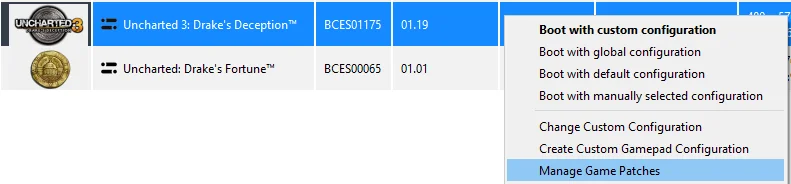
Launch the emulator and right-click on the 'Uncharted 3: Drake's Deception' icon; then, in the dropdown menu, left-click on 'Manage Game Patches':
 ⤢ ВІДКРИТИ
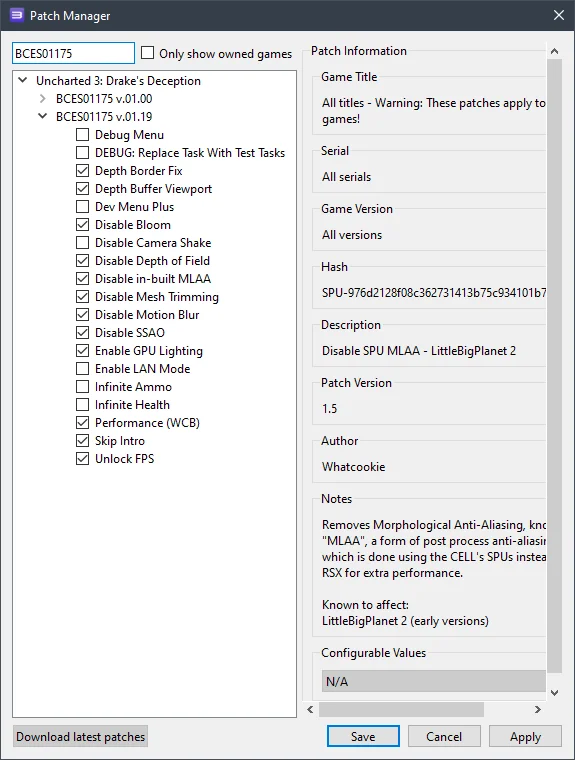
Here you'll need to enable no less than... twelve patches:
 ⤢ ВІДКРИТИ
However, the key ones are:
Disable in-built MLAA
Disable Mesh Trimming;
Enable GPU Lighting;
Disable Motion Blur;
Disable Depth of Field.
These patches significantly boost FPS and reduce graphical artifacts.
Optionally, you can also disable the unskippable introductory video (Skip Intro).
Overall, you could limit yourself to these six items. However, for maximum performance (especially if you have a weaker CPU), we'd recommend activating all the patches shown in the screenshot above.
Next, click "Apply," then "Save," and once again right-click on the 'Uncharted 3: Drake's Deception' icon. In the dropdown menu, select 'Change Custom Configuration':
 ⤢ ВІДКРИТИ
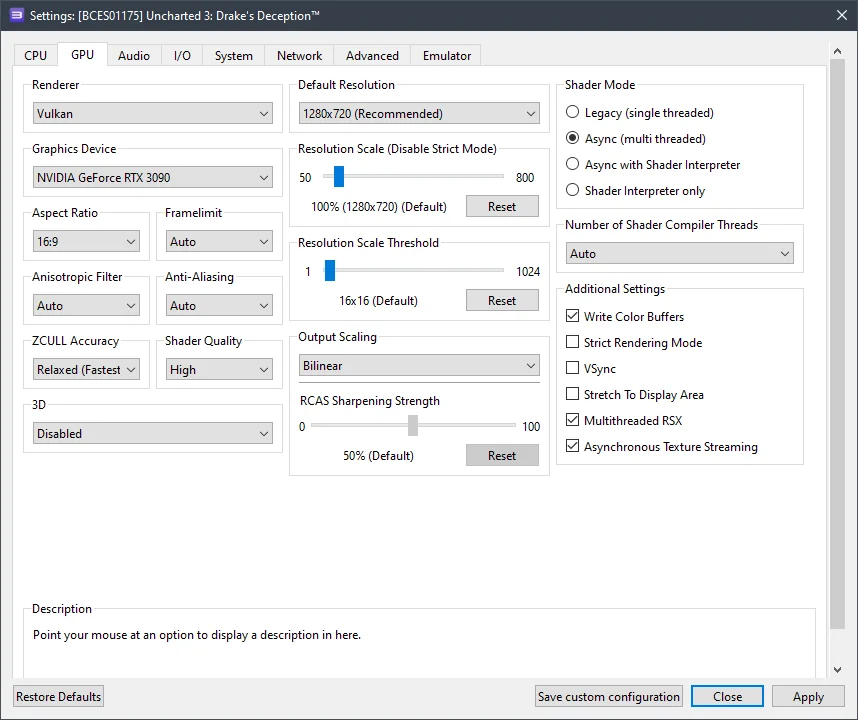
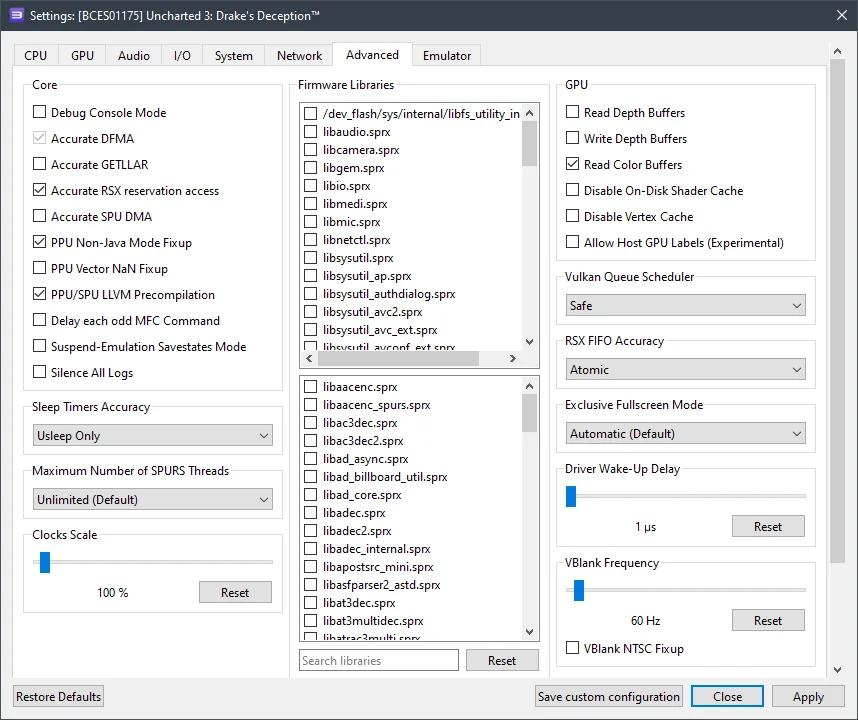
In this window, set the configurations according to the selected options and the screenshots provided below.
GPU configuration
Setting | Option | Description |
|---|---|---|
ZCULL accuracy | Relaxed | Improves performance and fixes some visual effects. |
Resolution scale | 100 | Without the "Disable in-built MLAA" patch, the game doesn't support internal resolution scaling. However, if you enable it, feel free to experiment. |
Write color buffers | On | Fixes overexposure when the camera collides with objects. |
Multithreaded RSX | On | Significantly boosts game performance. |
Asynchronous texture streaming | On | If you have a relatively powerful GPU (RX 470+ / GTX 1060+), enabling this option will improve performance. |
 ⤢ ВІДКРИТИ
Additional settings (advanced)
Setting | Option | Description |
|---|---|---|
Accurate RSX reservation access | On | You'll need to enable this option if your processor doesn't support the TSX instruction set. Most processors fall into this category, as Intel has largely abandoned the technology. |
Read color buffers | On | Fixes the black screen issue (lack of any graphics). |
RSX FIFO accuracy | Atomic | Significantly improves game stability. |
 ⤢ ВІДКРИТИ
Now, let's look at the results. As we mentioned at the beginning of this blog, they turned out to be quite mixed.
RPCS3 configuration results for Uncharted 3: Drake's deception
Unfortunately, owners of older processors (like Ryzen 1000 or Xeon E5-2600v3) won't be able to comfortably play Uncharted 3: Drake's Deception. On my personal PC, equipped with a Ryzen 5 3600 chip and an RTX 3090 graphics card, these settings yield around 17 FPS in particularly demanding scenes, and up to 38 FPS in indoor or simpler locations.
It's worth clarifying: before our configuration tweaks, Uncharted 3: Drake's Deception ran at just 4-9 frames per second.
It's easy to guess that 17-30 FPS isn't what most gamers want when playing a relatively dynamic third-person shooter. However, I can assure you that this frame rate is just on the edge of comfortable play for this particular game. Moreover, if your system features a 12th or 13th gen Core chip, or a Ryzen 7000, low FPS issues will hardly affect you. Even the Core i5-12400F in our lab manages 26-45 frames per second.
There's one significant caveat, though. To start, not all lighting elements function correctly (apart from the main light source, which works fine throughout the game). This means some locations become almost impossible to navigate without vision. While such instances are rare and don't critically impact core gameplay, they do severely harm immersion in the game world.
Furthermore, in particularly demanding scenes (like the burning mansion), low FPS can genuinely hinder progress through that level.
Below are screenshots captured on an AMD Ryzen 5 3600 processor and an RTX 3090 graphics card:
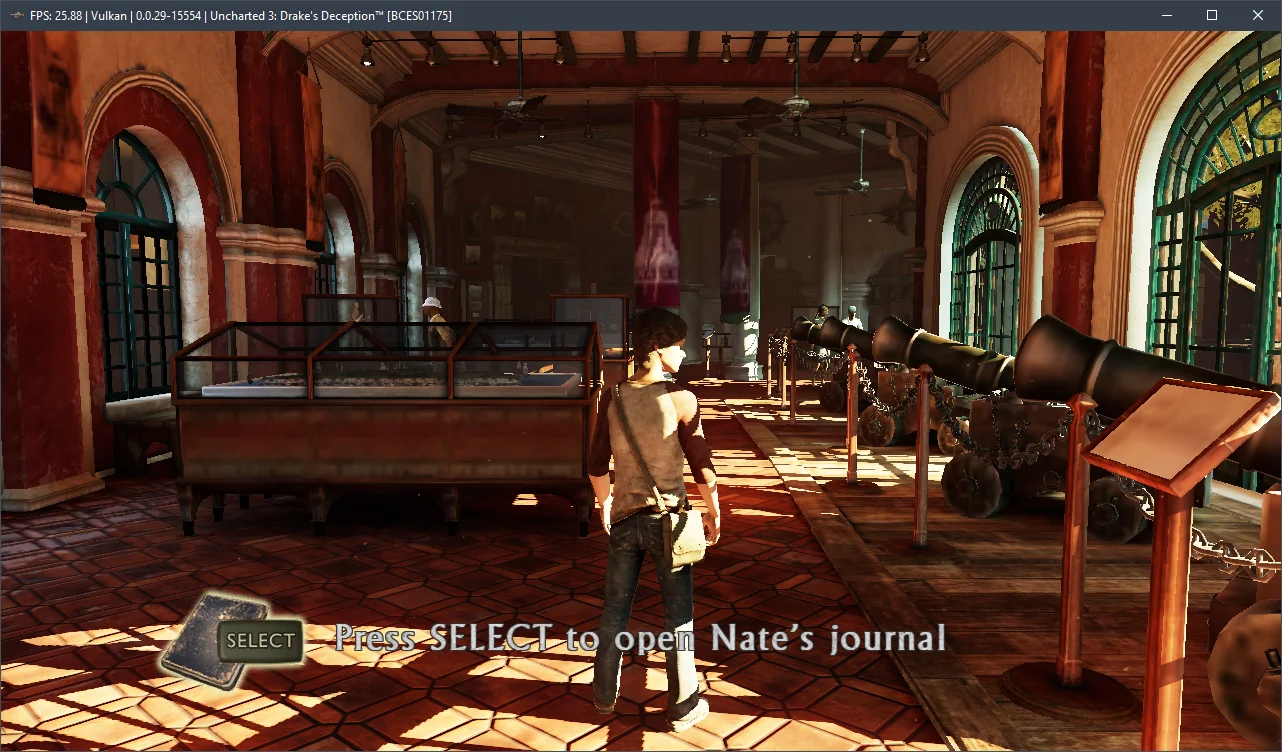
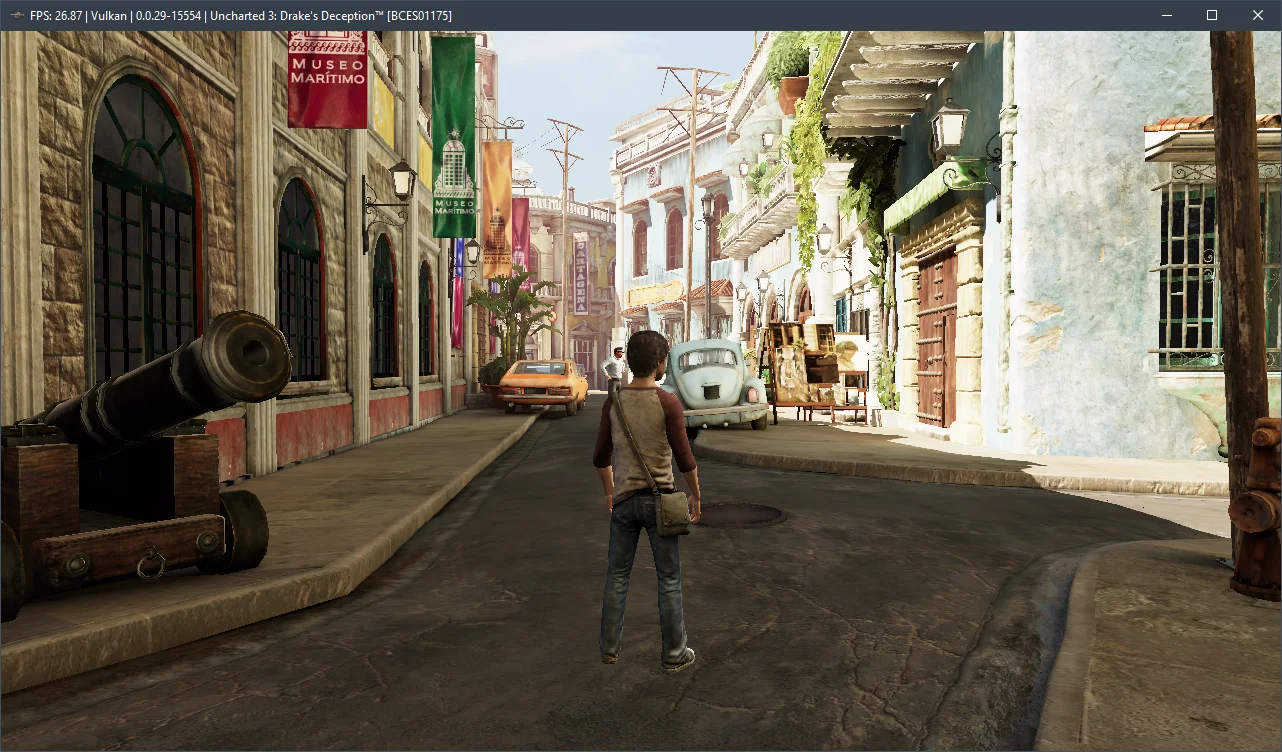
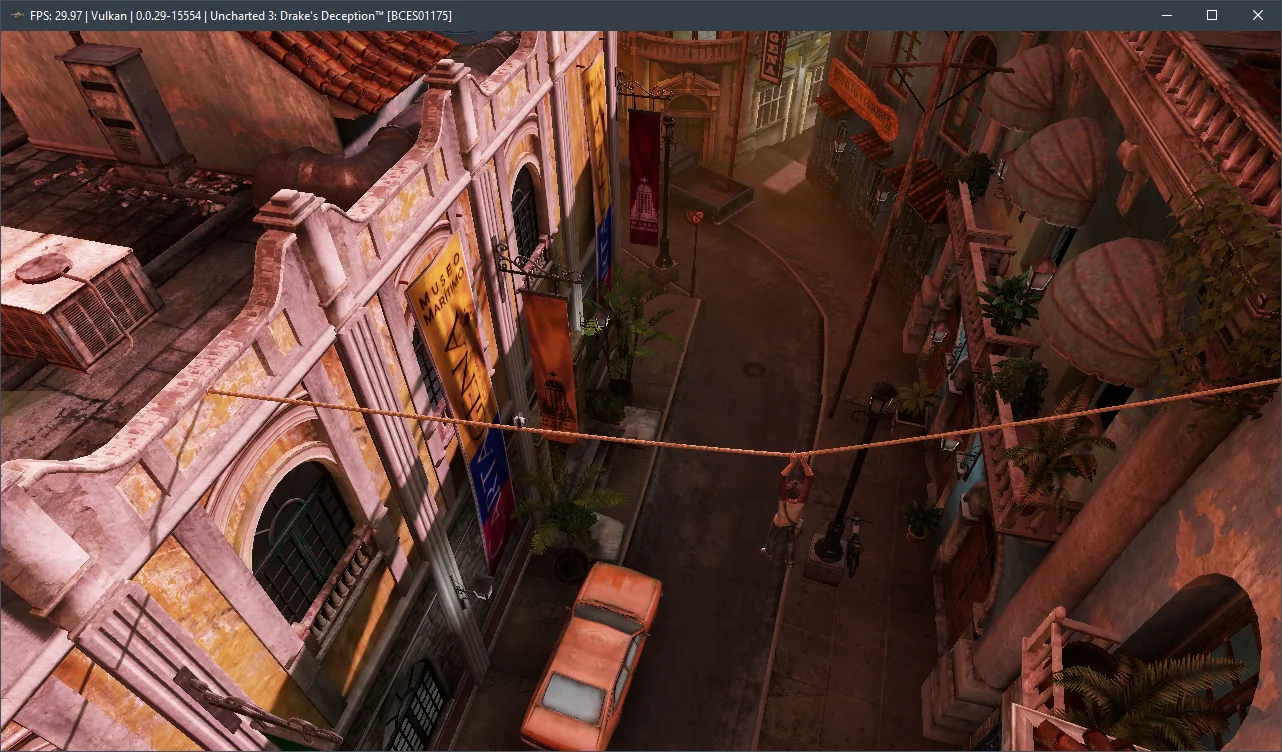
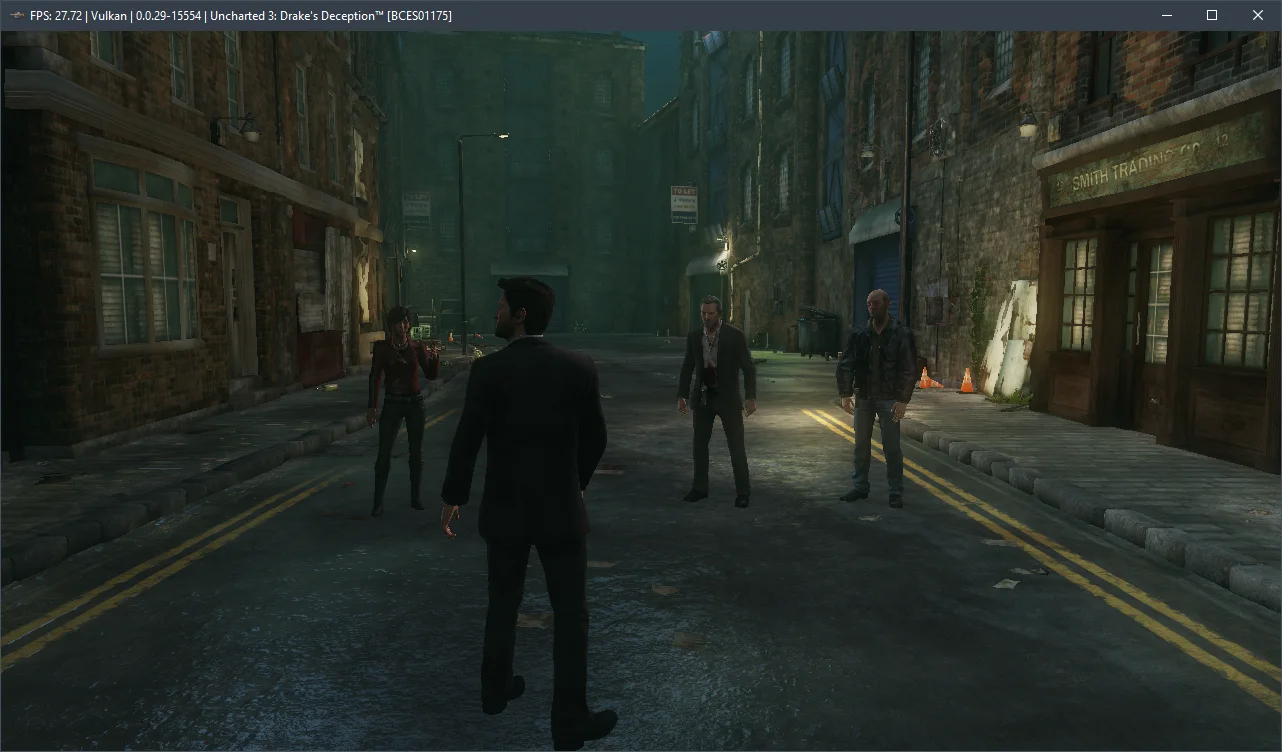
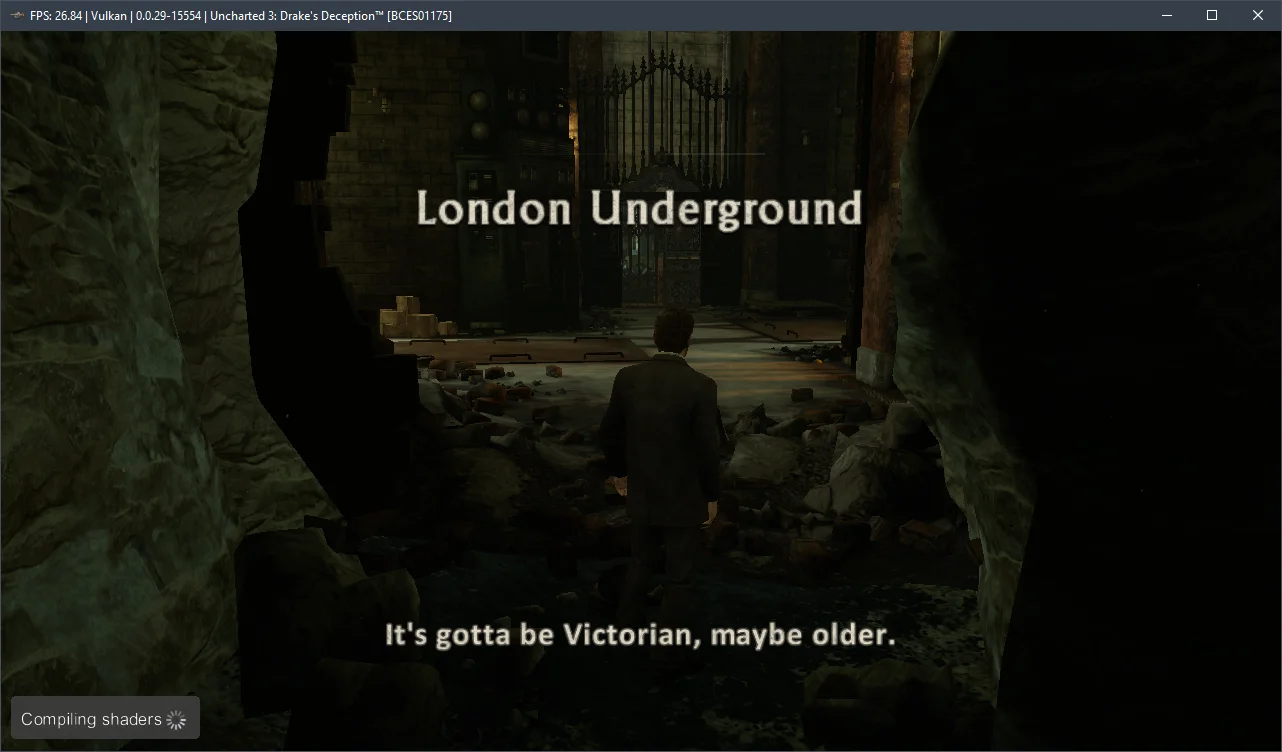
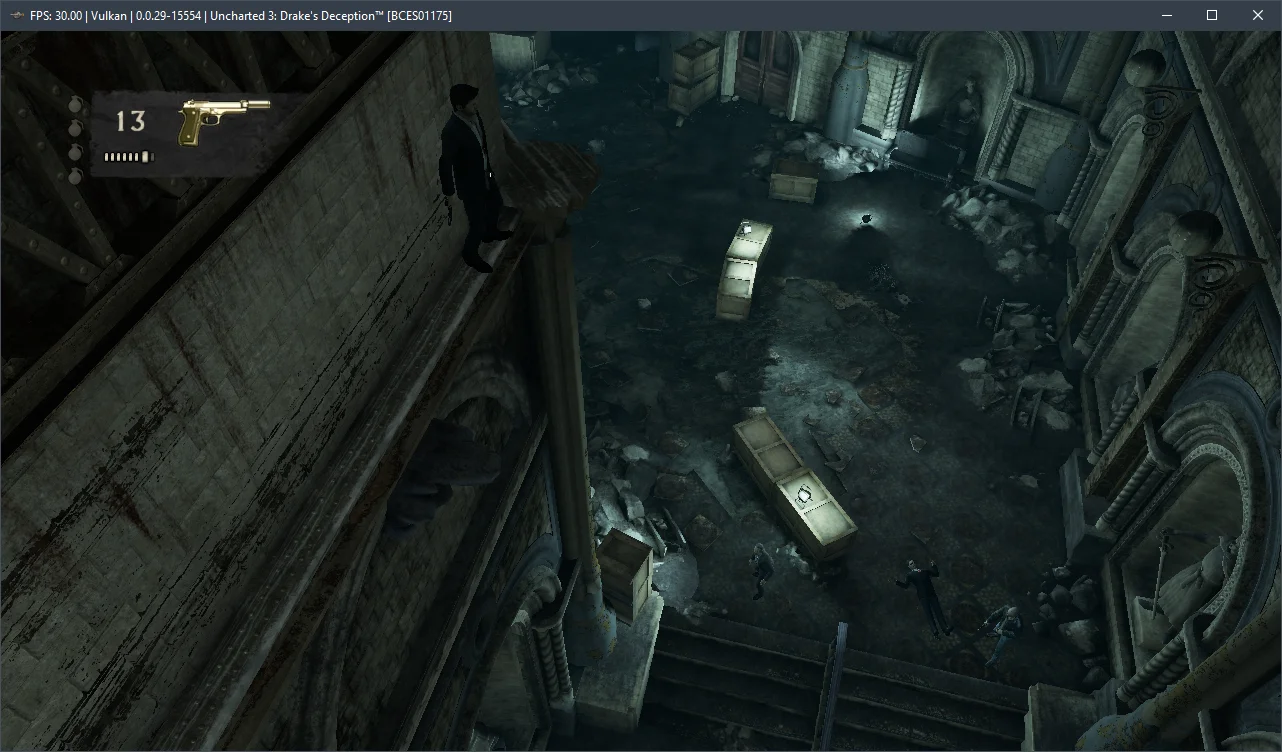
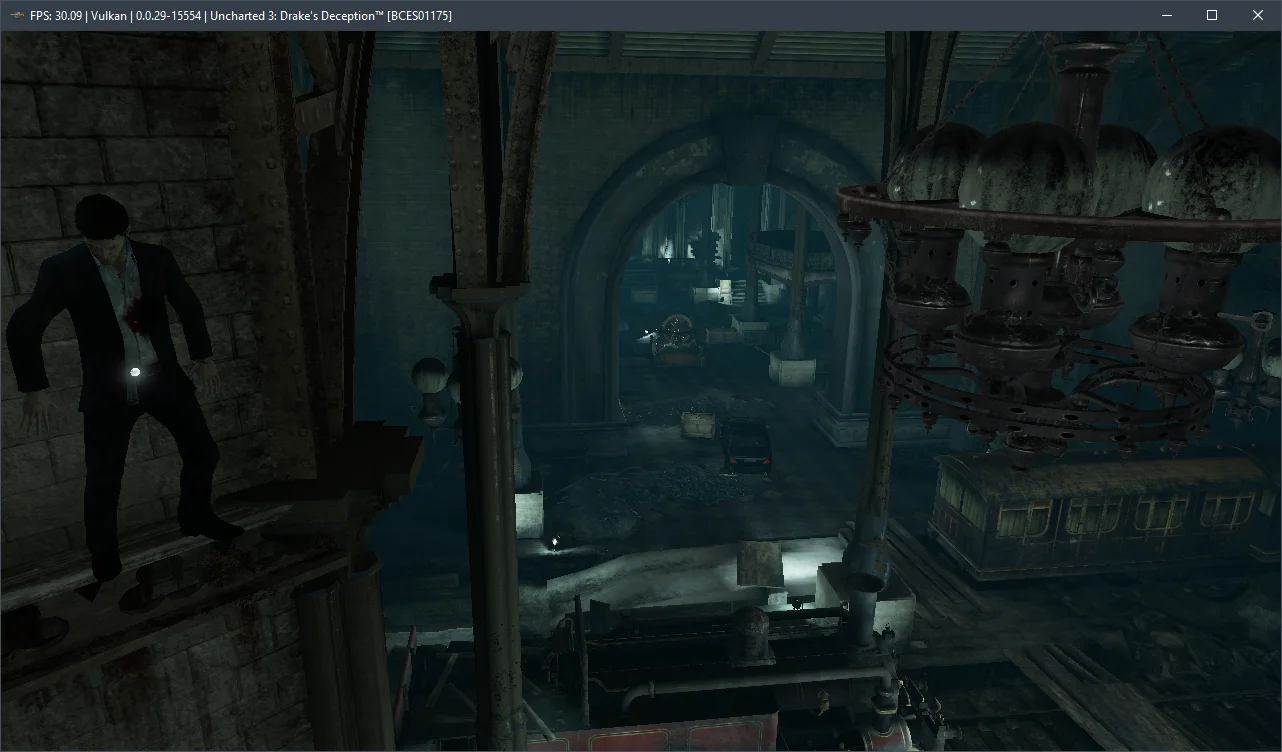
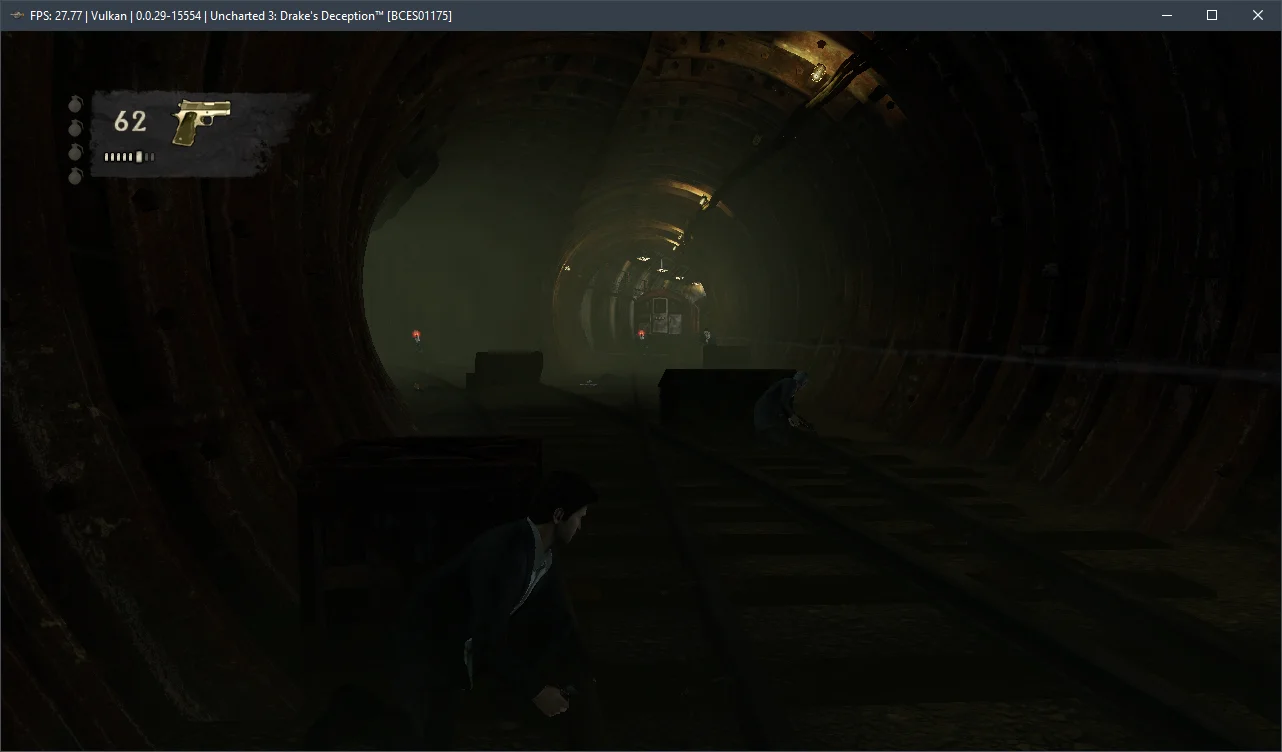
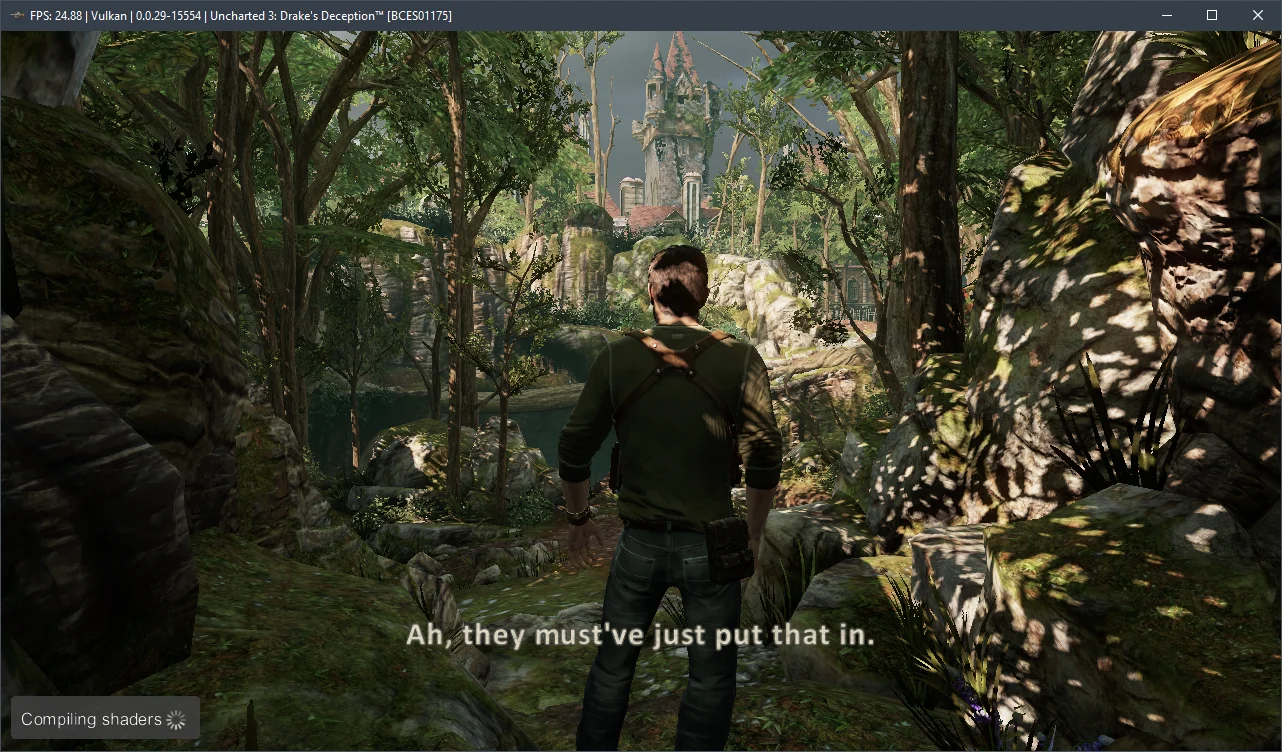
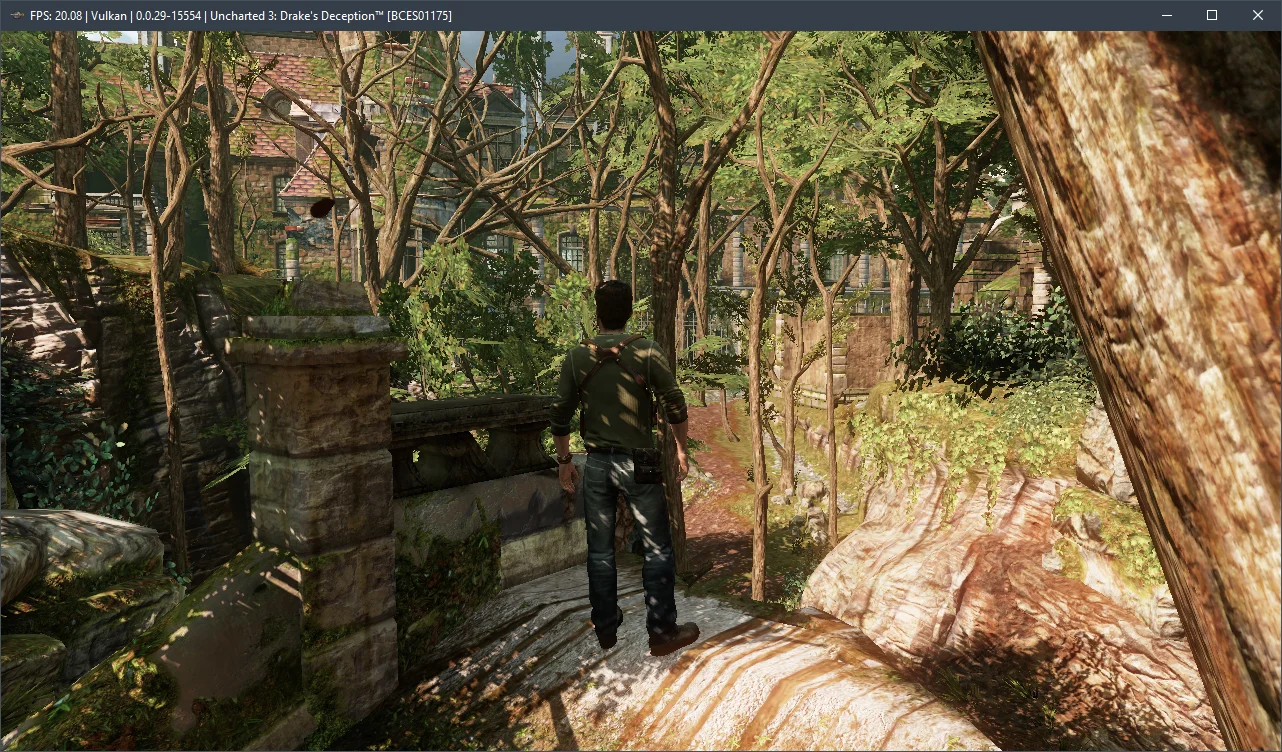
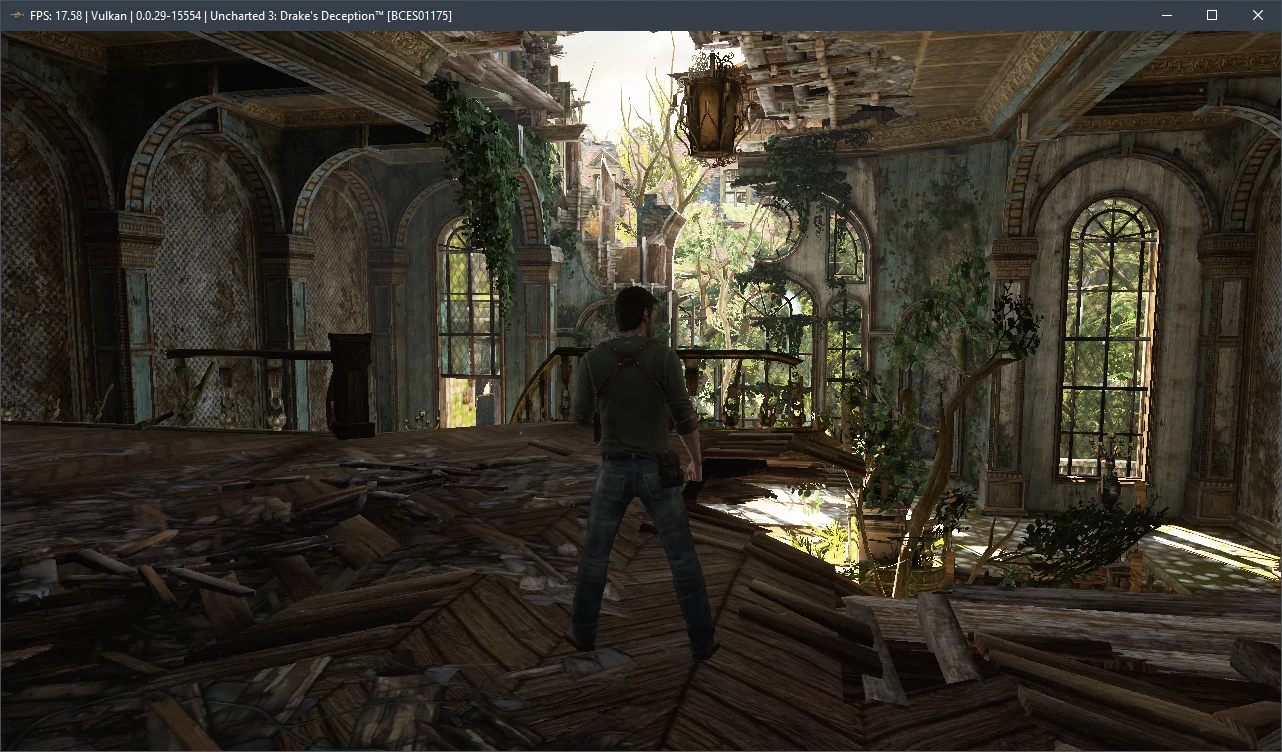
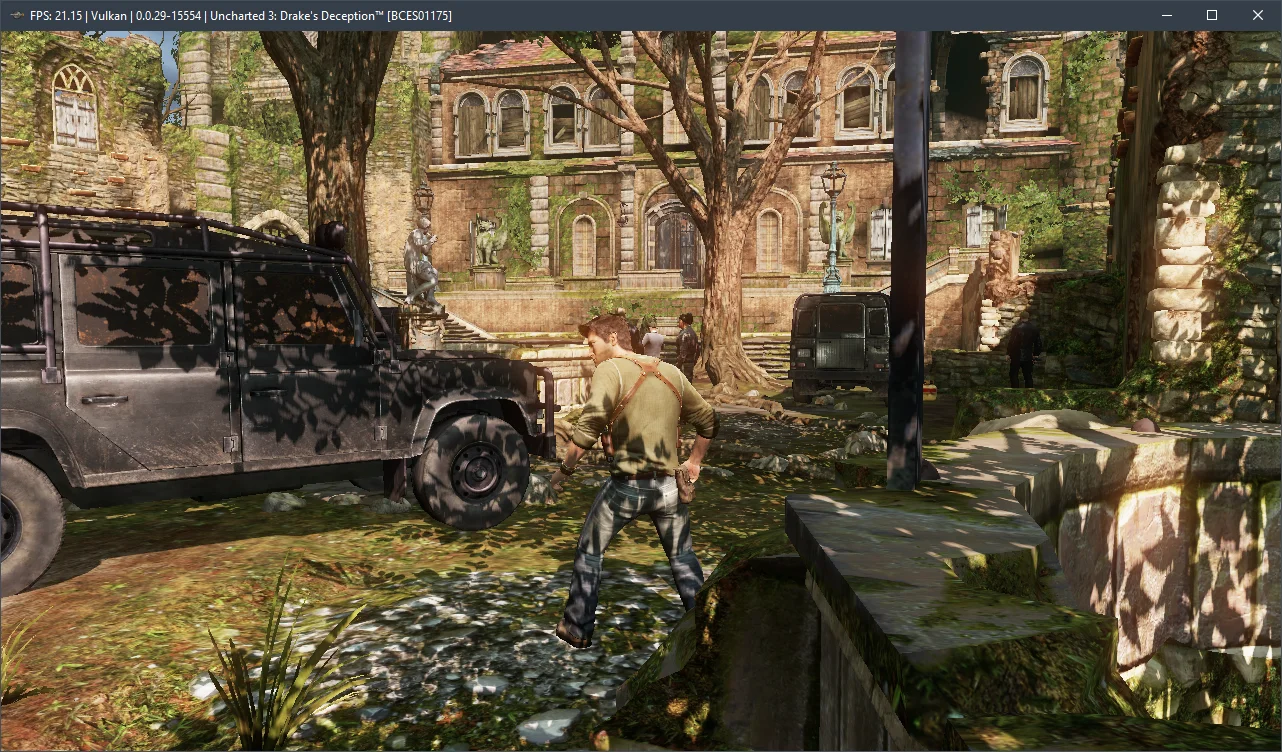
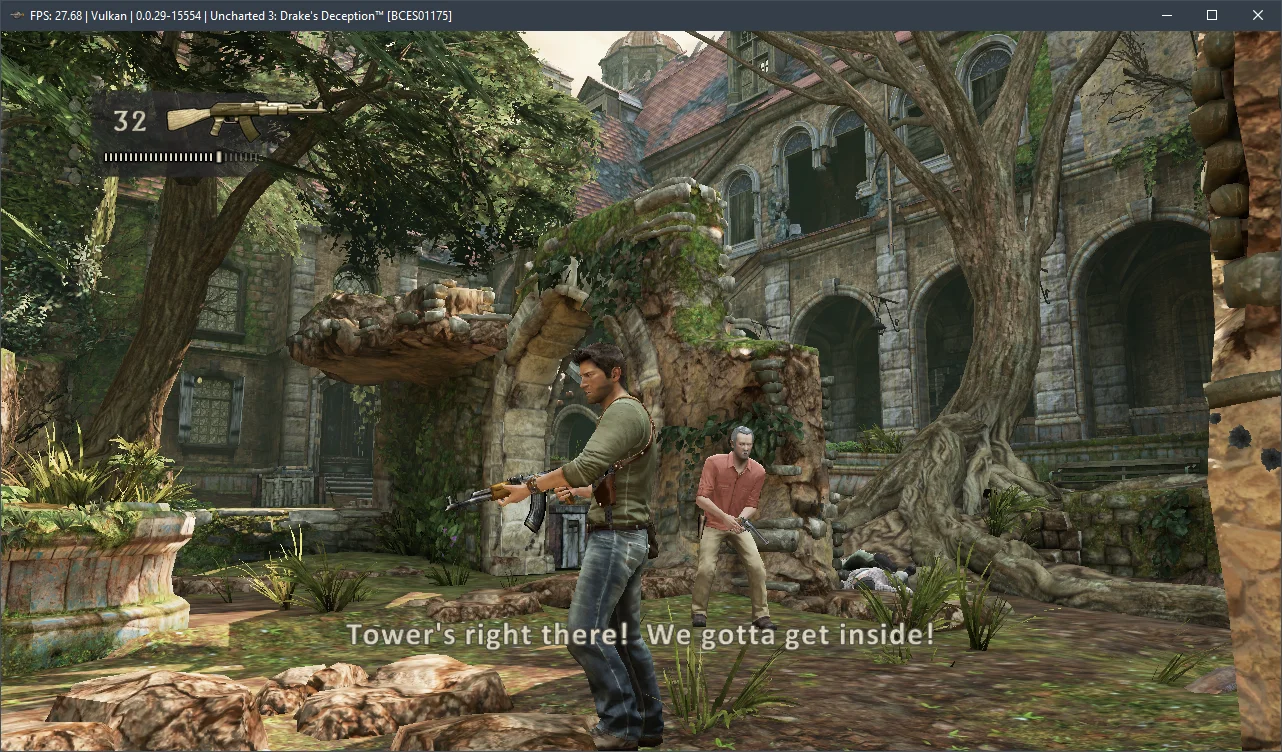
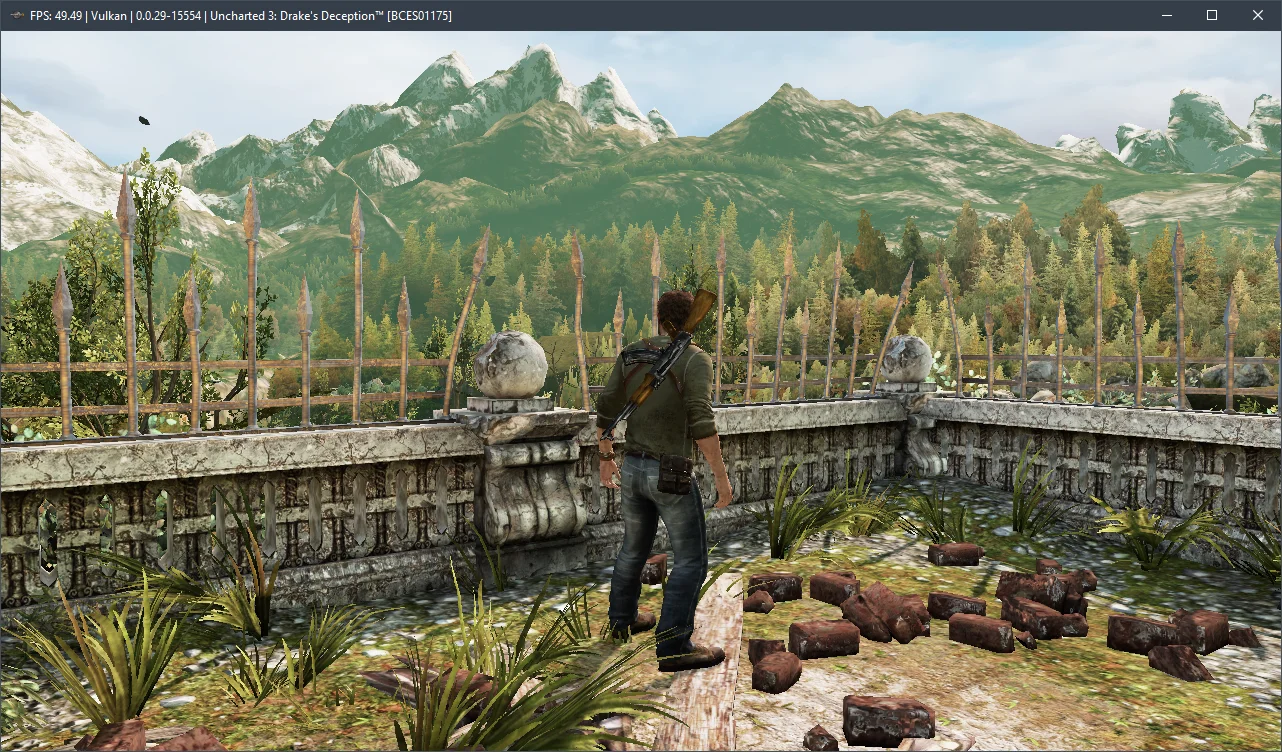
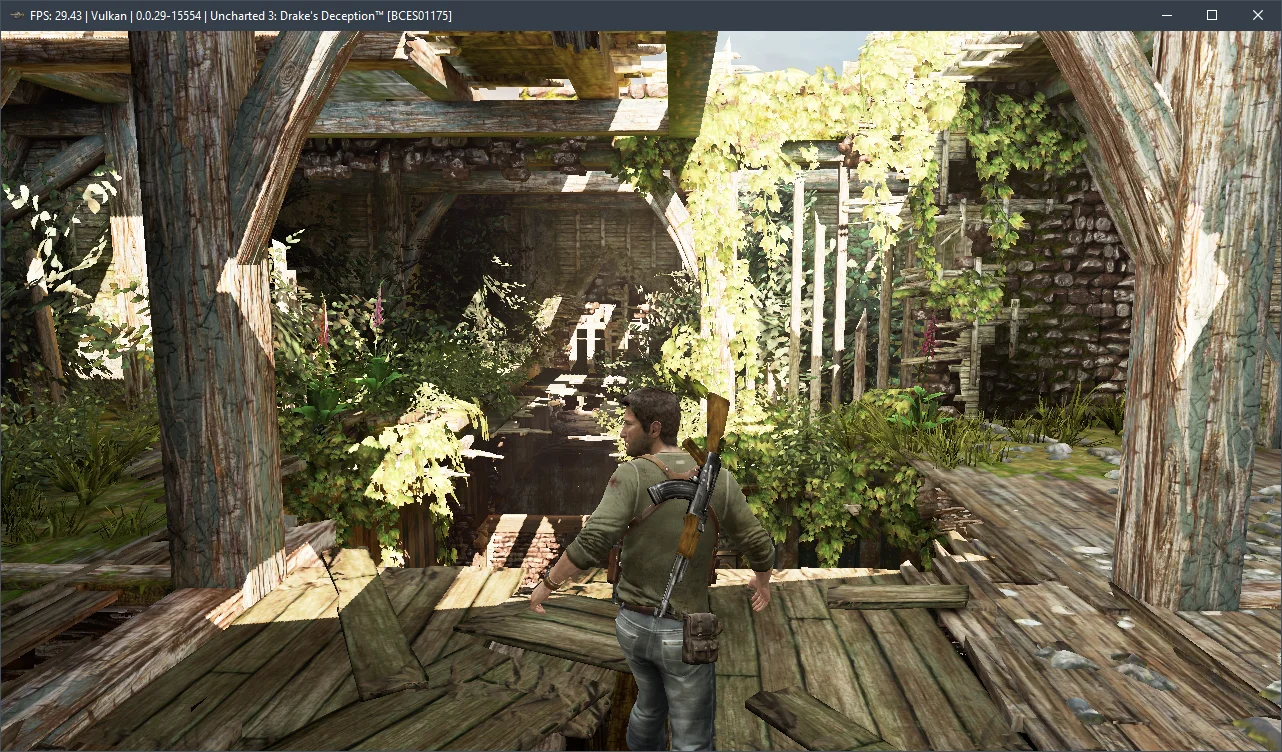
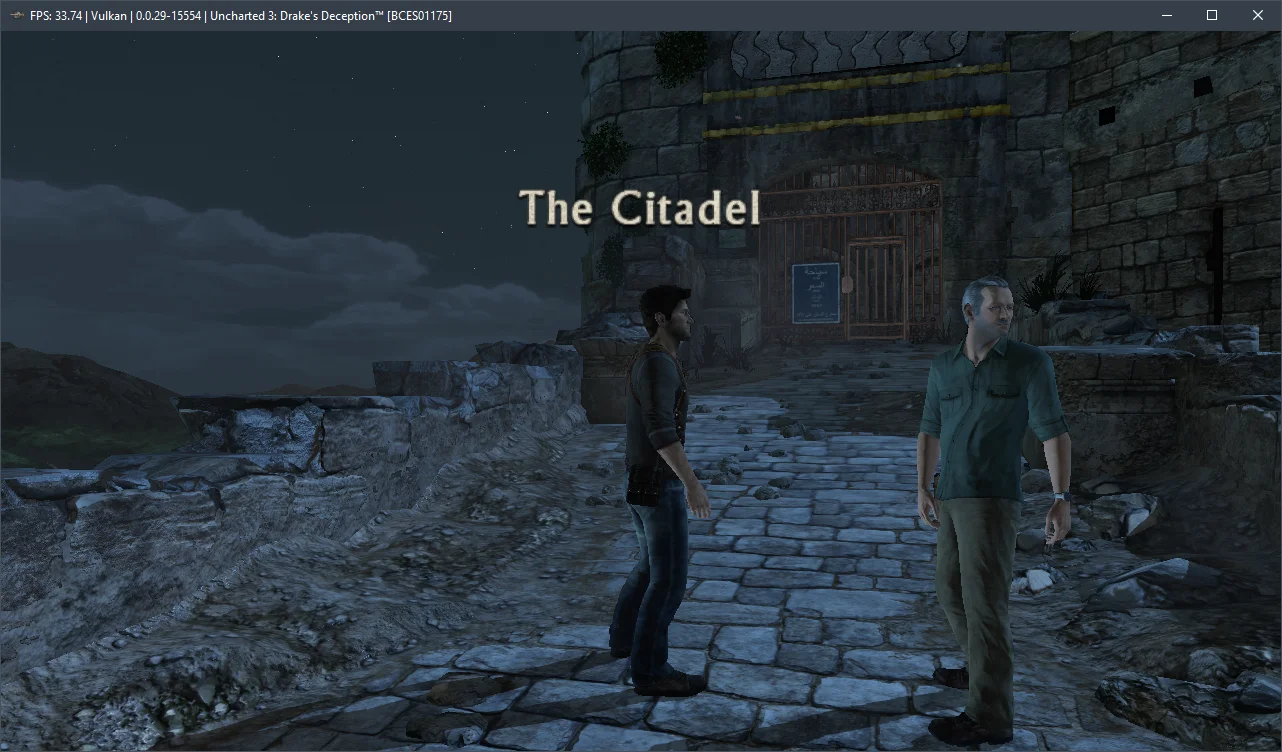
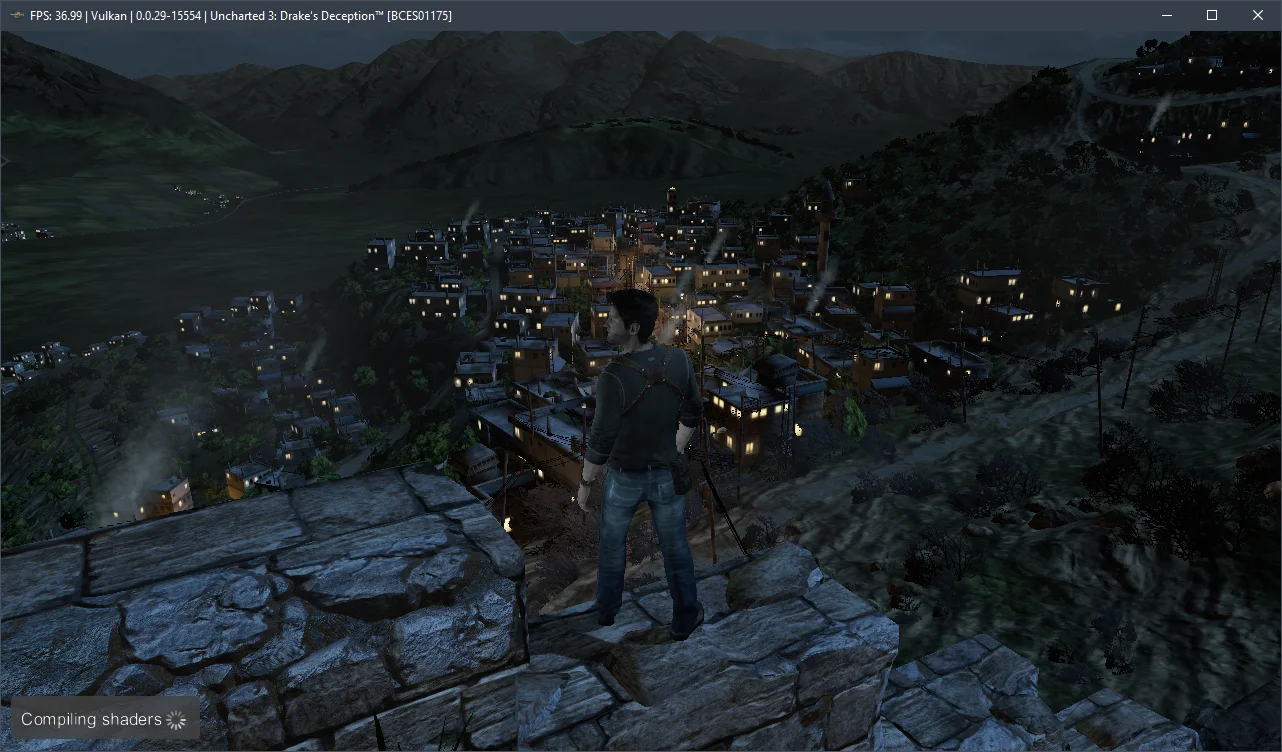
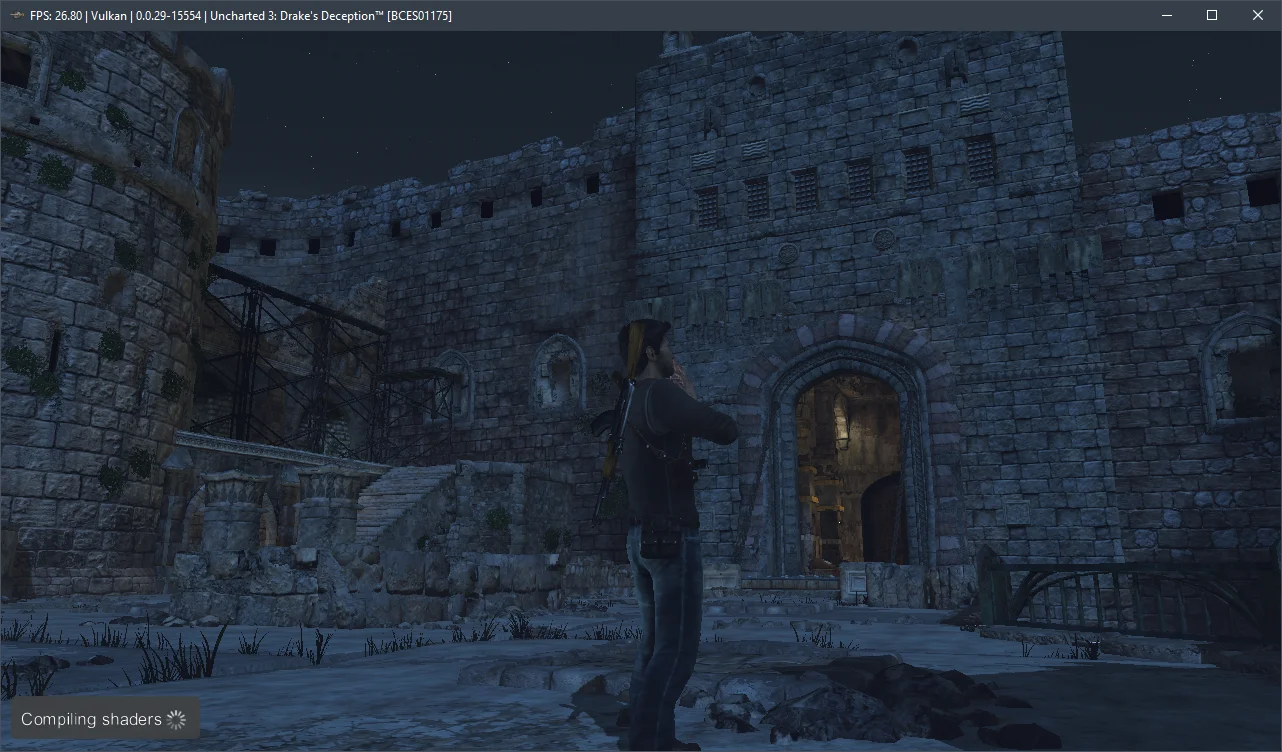
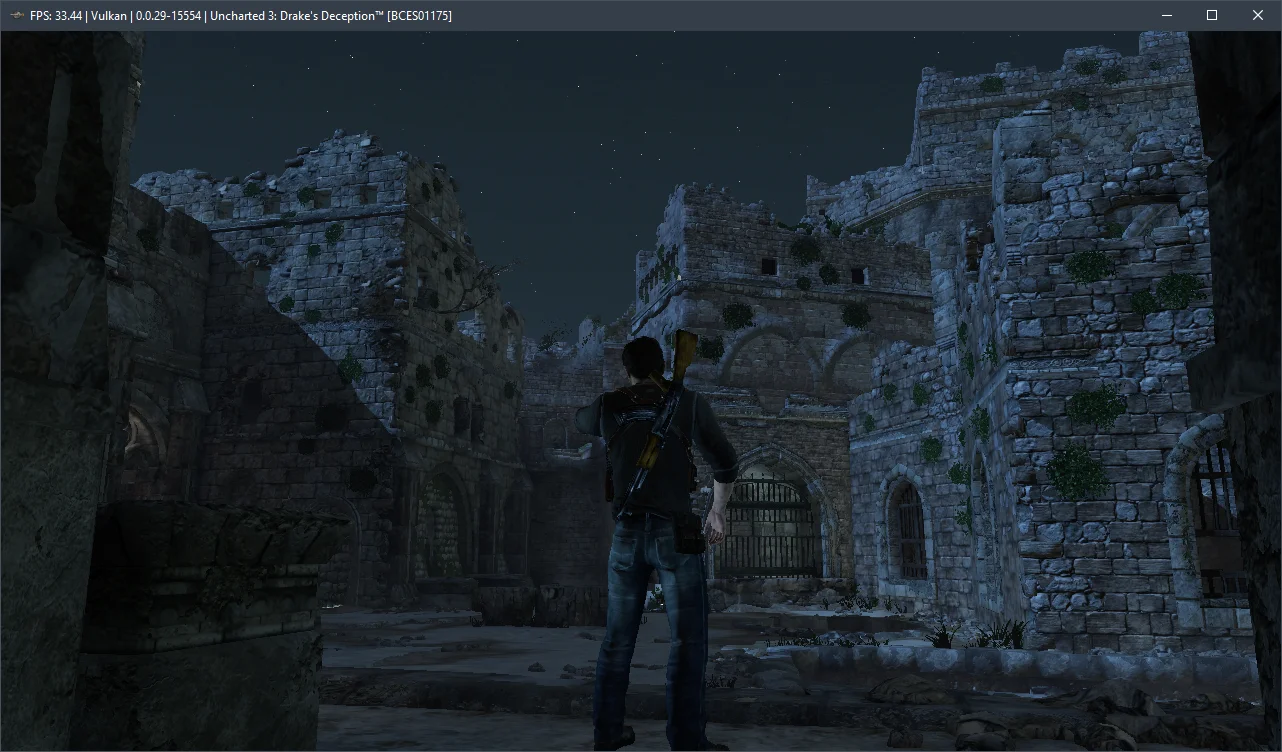
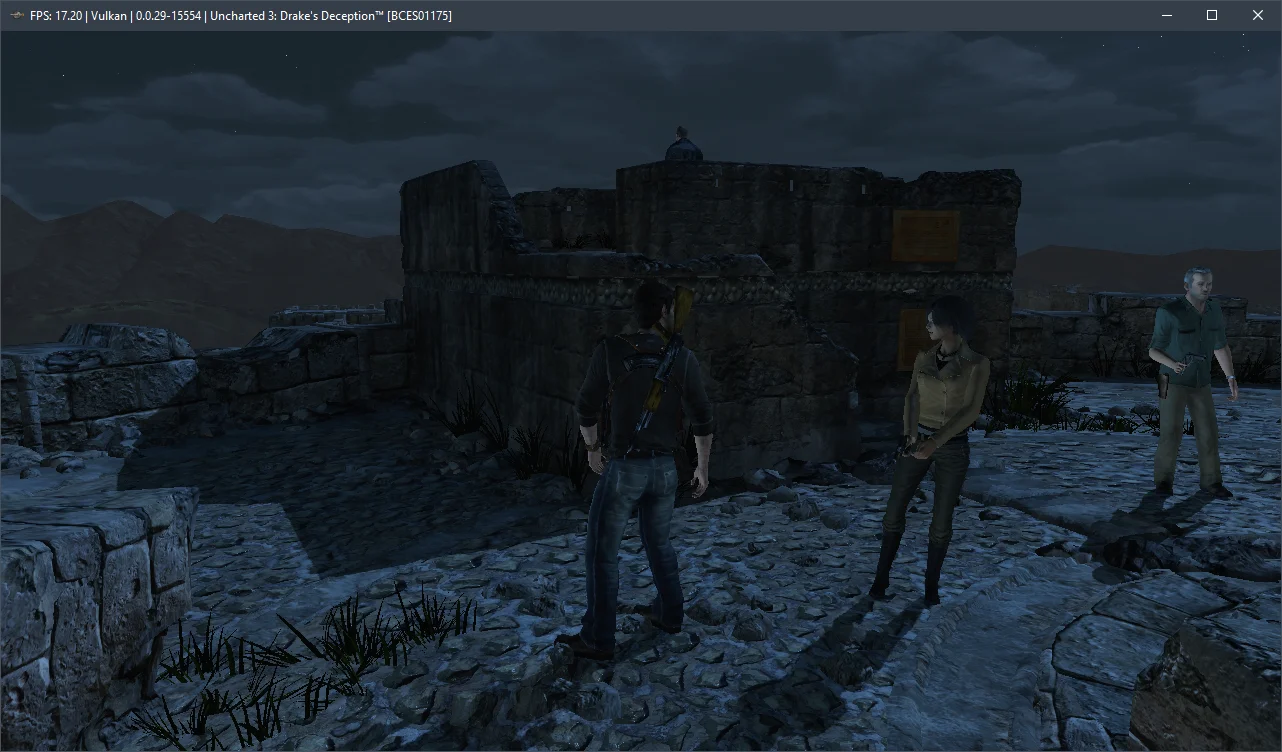
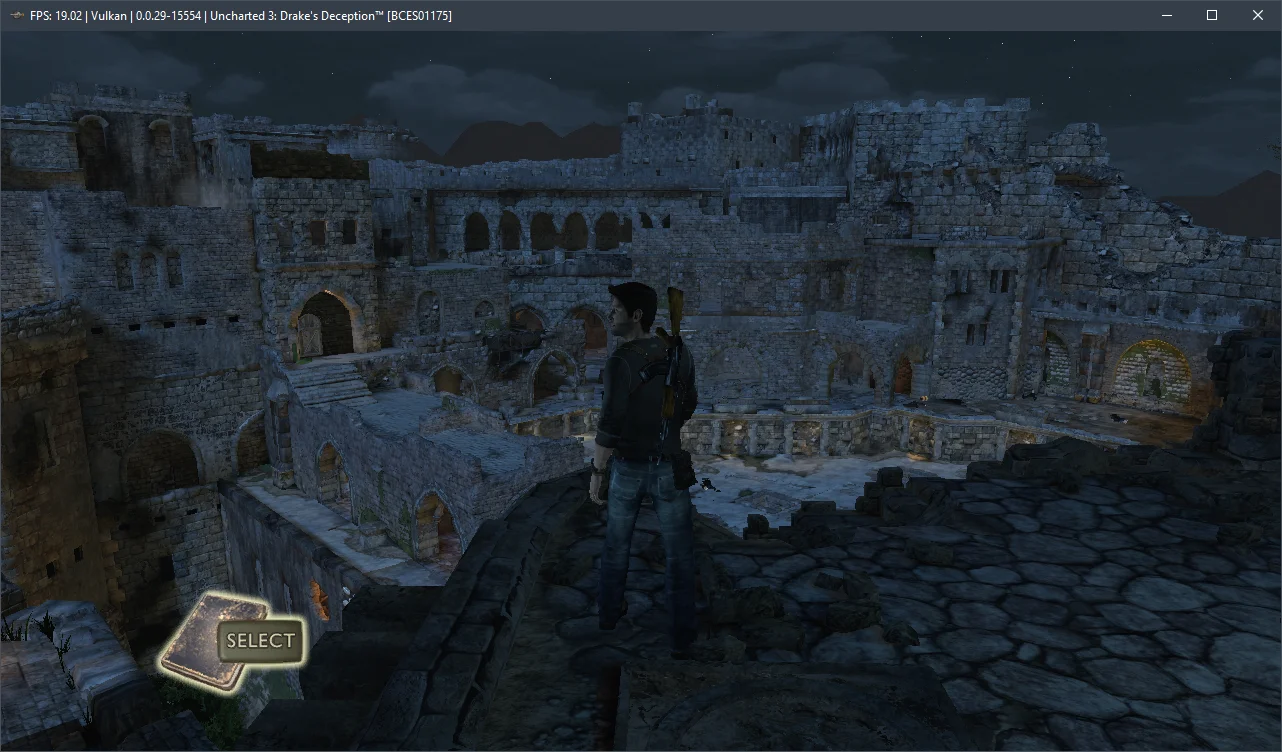
After spending over five hours with Uncharted 3: Drake's Deception, we found that the emulation isn't perfect. We encountered noticeable graphical artifacts, lighting issues (such as torches casting no light), and flickering textures. The game also crashed about five times, but gameplay resumed without any problems after restarting.
Now, a few words about the hardware requirements for the current RPCS3 v0.0.29+ emulator. Our benchmarks indicate that Uncharted 3: Drake's Deception runs reasonably well on 6-core AMD Zen 2-3 / Intel Skylake/Rocket Lake CPUs and AMD Radeon RX 400 / NVIDIA GeForce GTX 1000 series graphics cards. However, for a comfortable 30 FPS experience, you'll need a high-frequency 6-core (preferably 8-core) Alder Lake (Core 12-13) or Zen 4 (Ryzen 7000) CPU. Otherwise, you'll struggle to avoid significant performance issues.
Feel free to test the settings mentioned above and share your results and any questions in the comments.