BLOGS · GAME BLOGS
PUBLISHED
READING5 min
Setting up RPCS3 v0.0.29+ for Uncharted 2: Among Thieves
Get your RPCS3 emulator ready for Uncharted 2: Among Thieves. We'll show you how to optimize FPS with patches and settings, though perfect emulation is still a work in progress.
While Naughty Dog's first Uncharted game felt more like an experiment in a new genre for the studio, Uncharted 2 represents a serious effort to learn from mistakes and refine the game across the board. This includes art design, graphics, sound, direction, cinematography, and script.
In our last blog post, we explained how to configure the original Uncharted for decent performance on the RPCS3 emulator. This time, we'll guide you through getting Uncharted 2: Among Thieves to run at a playable frame rate. There's quite a bit to cover, so let's jump right into the classic introduction:
First and foremost, check your emulator version: it must be at least RPCS3 v0.0.29 Alpha | master (main branch). Update if necessary. If your version is significantly newer, it's entirely possible that some of these settings won't be needed. Try playing the game without additional changes first. It's also possible that with the settings below, the game might refuse to launch at all. In that case, let us know in the comments for this post, and we'll try to put together a new guide as quickly as possible.
Secondly, Uncharted 2: Among Thieves currently presents some challenges on the RPCS3 emulator. Issues range from rare visual artifacts during camera-object collisions to more frequent application crashes, critical bugs, and substantial FPS drops in graphically (and geometrically) intensive scenes.
Also, keep in mind that this title still hasn't achieved "Playable" status. Therefore, there's no 100% guarantee you'll be able to complete the game without encountering a critical bug.
 ⤢ ВІДКРИТИ
RPCS3 configuration for Uncharted 2: Among Thieves
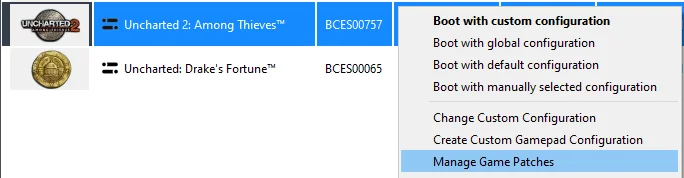
First, launch the emulator and right-click on the "Uncharted 2: Among Thieves" icon. Then, in the dropdown menu, left-click on "Manage Game Patches":
 ⤢ ВІДКРИТИ
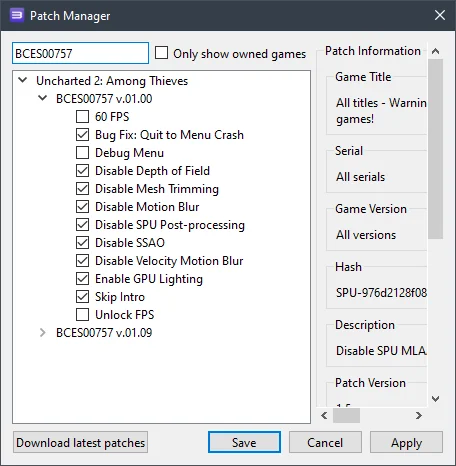
Here you need to activate a total of nine patches:
 ⤢ ВІДКРИТИ
The primary ones are:
Disable SPU Post-processing;
Disable Mesh Trimming;
Enable GPU Lighting;
Disable Motion Blur.
These patches significantly boost FPS and reduce graphical artifacts.
Optionally, you can also disable the introductory cutscene (Skip Intro), which cannot be skipped by default.
Overall, you could technically just use these five items, but we'd recommend activating all the patches shown in the screenshot above.
Next, click "Apply", then "Save", and again right-click the "Uncharted 2: Among Thieves" icon. In the dropdown menu, click "Change Custom Configuration":
 ⤢ ВІДКРИТИ
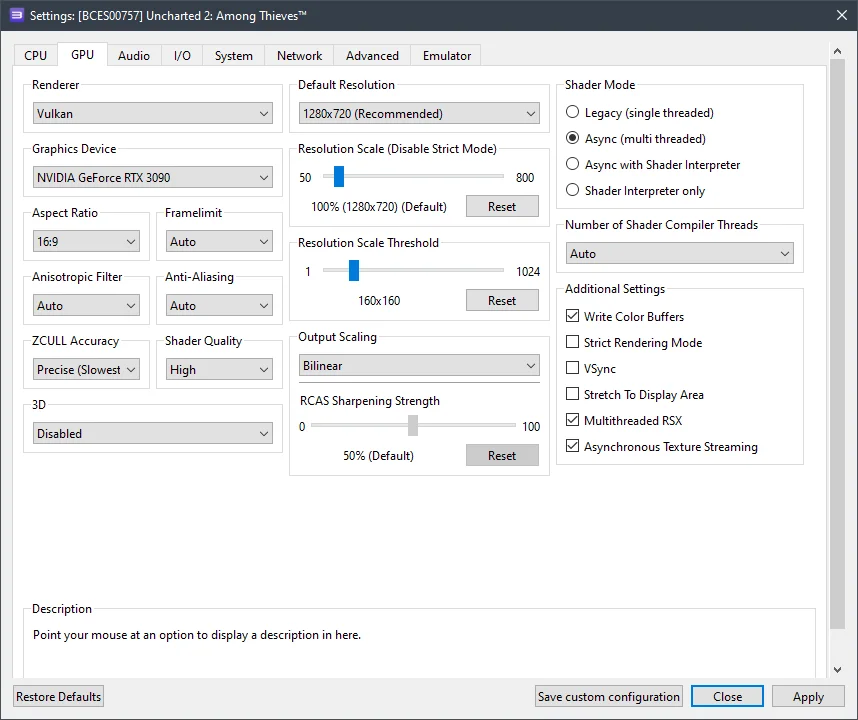
In this window, configure the settings according to the selected options and the screenshots below.
GPU configuration
Setting | Option | Description |
|---|---|---|
Anisotropic filter | Auto | Only use the "Auto" setting; changing this parameter will cause graphical artifacts! |
Resolution scaling threshold | 160 x 160 | This is the only way to increase the internal rendering resolution above 720p. |
Color buffer write | Enabled | Fixes camera collision overexposure. |
Multithreaded RSX | Enabled | Significantly boosts game performance. |
Asynchronous texture streaming | Enabled | If you have a relatively powerful GPU (RX 470+ / GTX 1060+), enabling this option will improve performance. |
 ⤢ ВІДКРИТИ
Advanced settings
Setting | Option | Description |
|---|---|---|
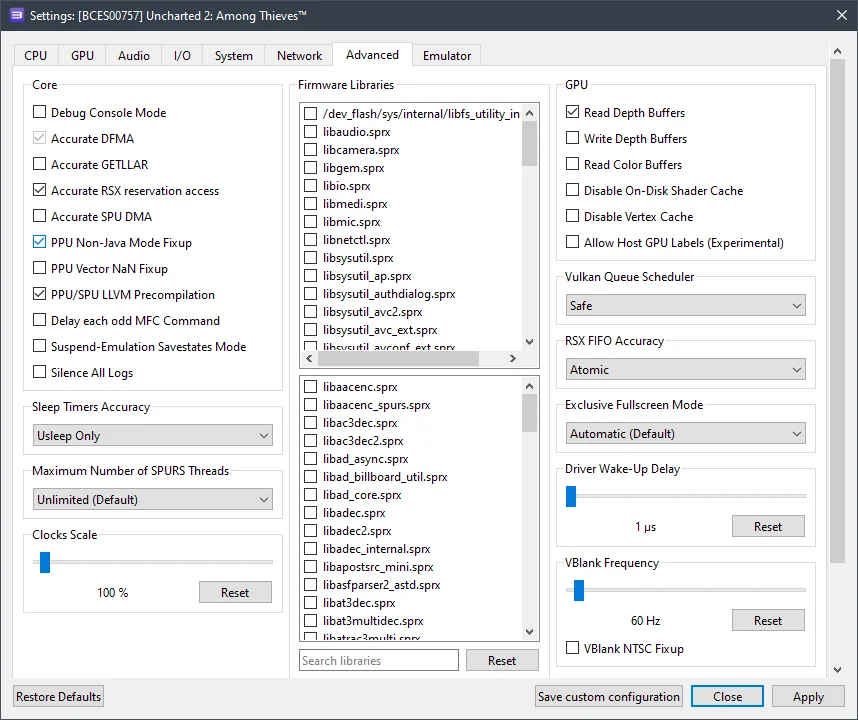
Accurate RSX reservation access | Enabled | You'll need to enable this option if your processor doesn't support the TSX instruction set – which is most of them, as Intel has essentially abandoned the technology. |
Read depth buffers | Enabled | Further eliminates overexposure. This option only activates when using Async Texture Streaming. |
RSX FIFO accuracy | Atomic | Significantly improves game stability. |
 ⤢ ВІДКРИТИ
Now let's dive into the results. As we mentioned at the start of this blog, there's a lot to discuss.
Unfortunately, owners of older processors (like Ryzen 1000 or Xeon E5-2600v3) won't be able to comfortably play Uncharted 2: Among Thieves. On my personal PC, which has a Ryzen 5 3600 and an RTX 3090, with all the settings described above, I'm getting around 16 FPS in particularly demanding scenes and up to 30 FPS in enclosed spaces and simpler locations.
It's probably worth clarifying that before we tweaked these settings, Uncharted 2: Among Thieves was only hitting 2-7 frames per second.
It's easy to guess that 16-30 FPS isn't what most gamers want when playing a relatively dynamic third-person shooter. However, I can assure you that this frame rate is just on the cusp of comfortable for this particular game. Plus, if your system features a 12th or 13th-gen Core chip or a Ryzen 7000, low FPS issues will barely affect you. Even the Core i5-12400F we have in our lab hits 25-30 frames per second.
Below are screenshots taken with an AMD Ryzen 5 3600 processor and an RTX 3090 graphics card:
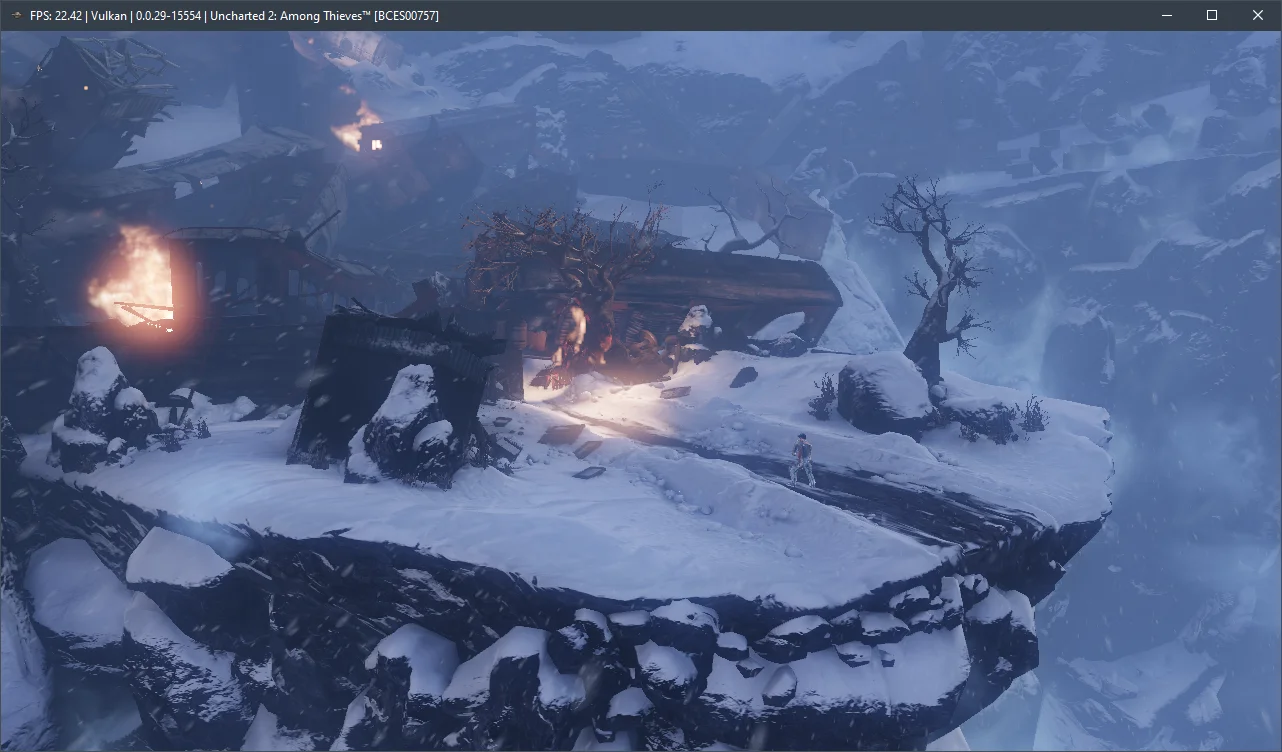
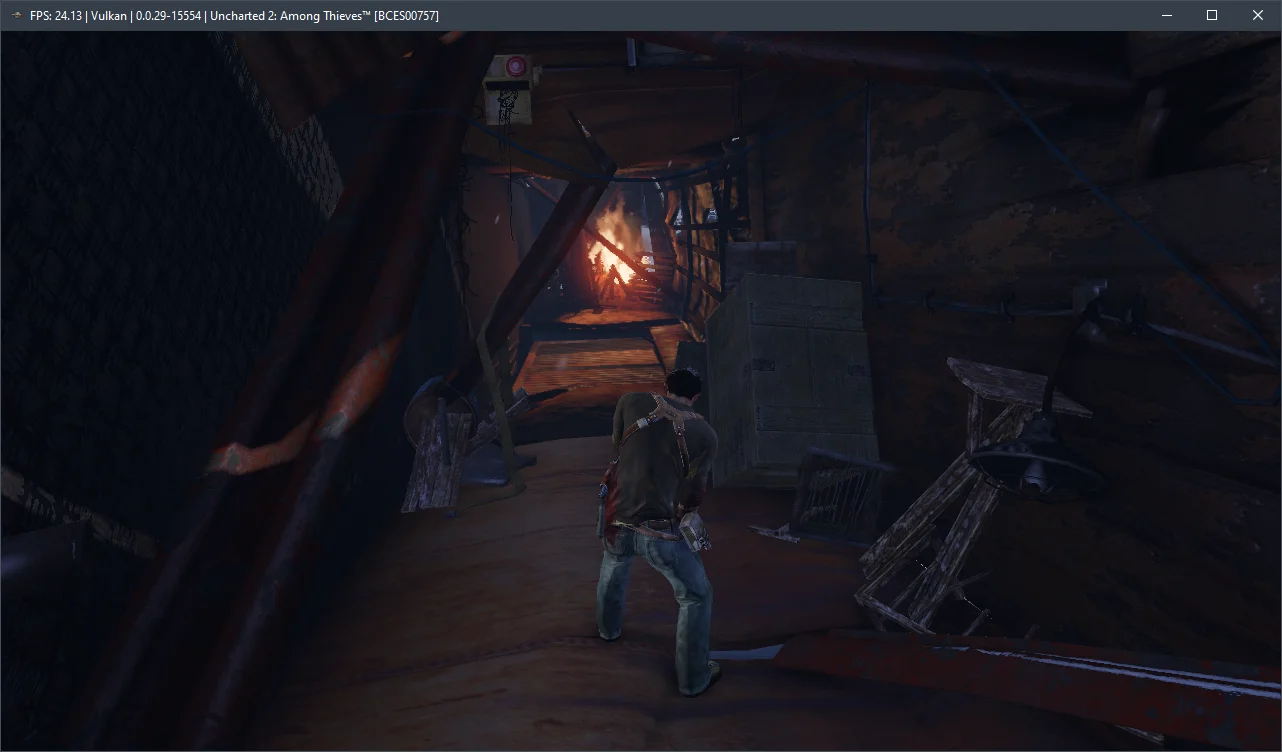
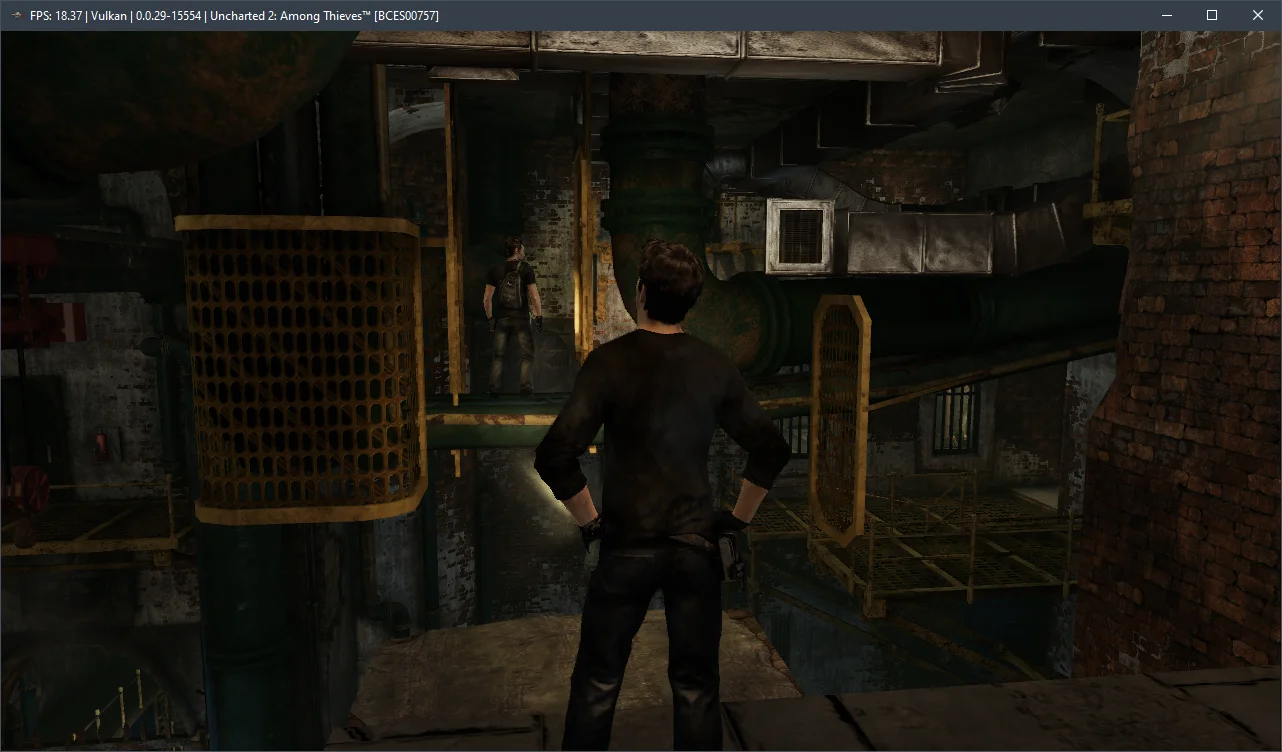
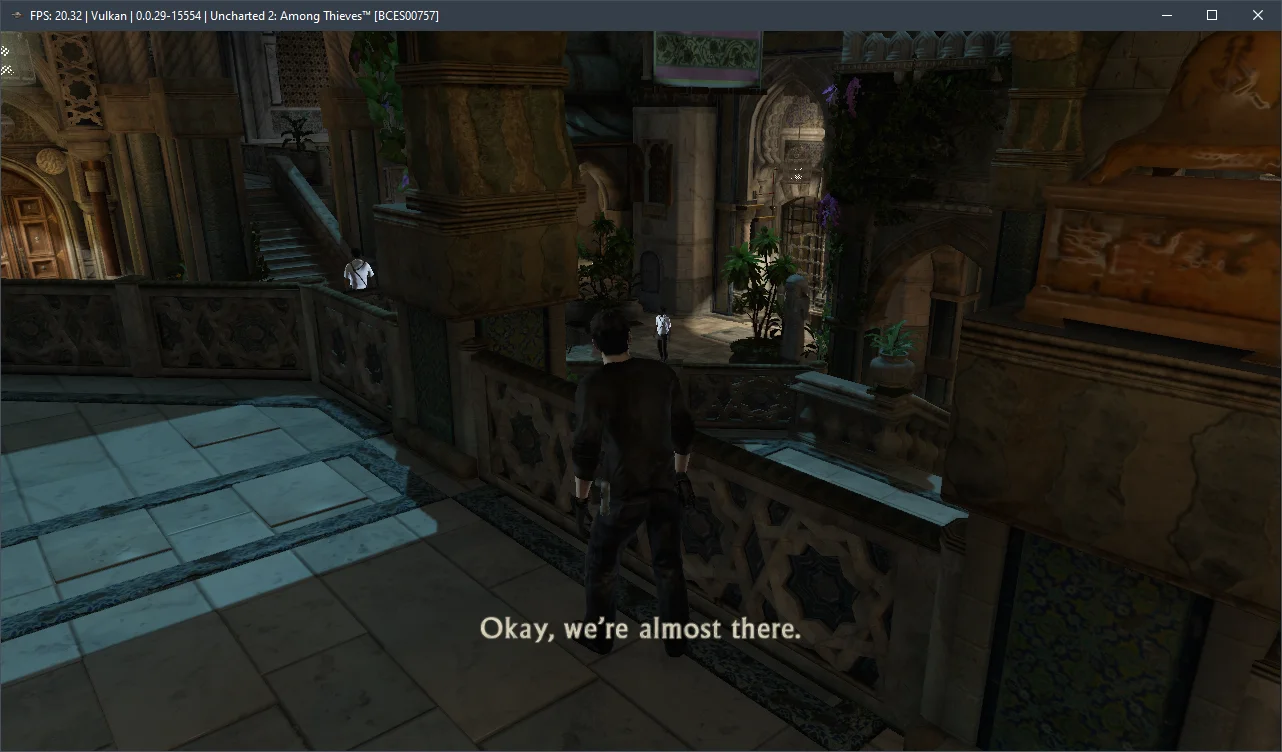
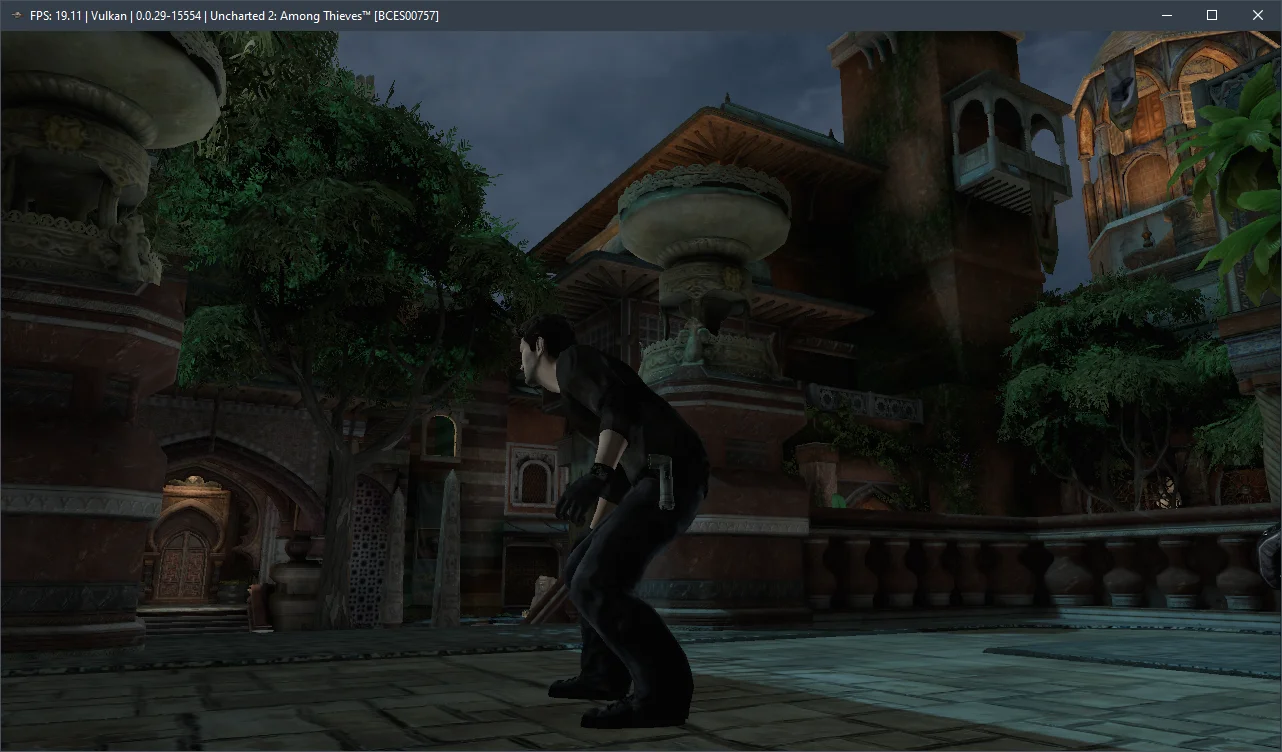
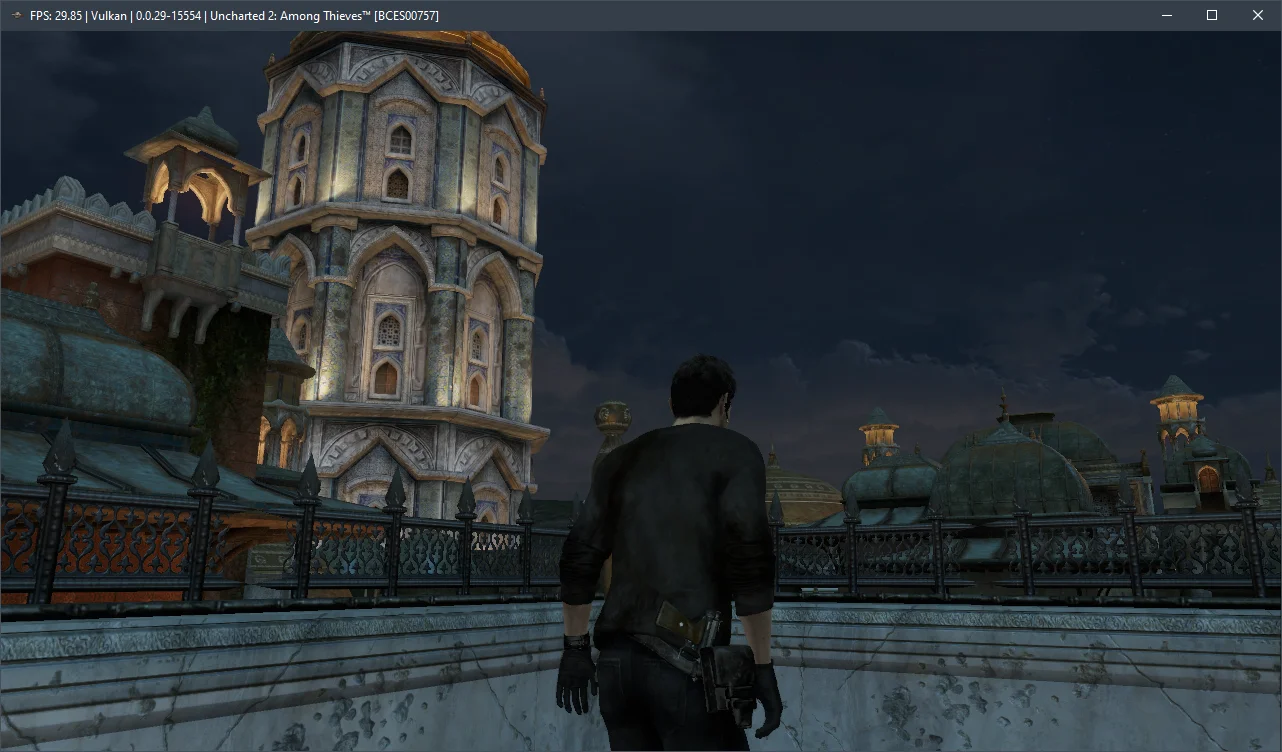
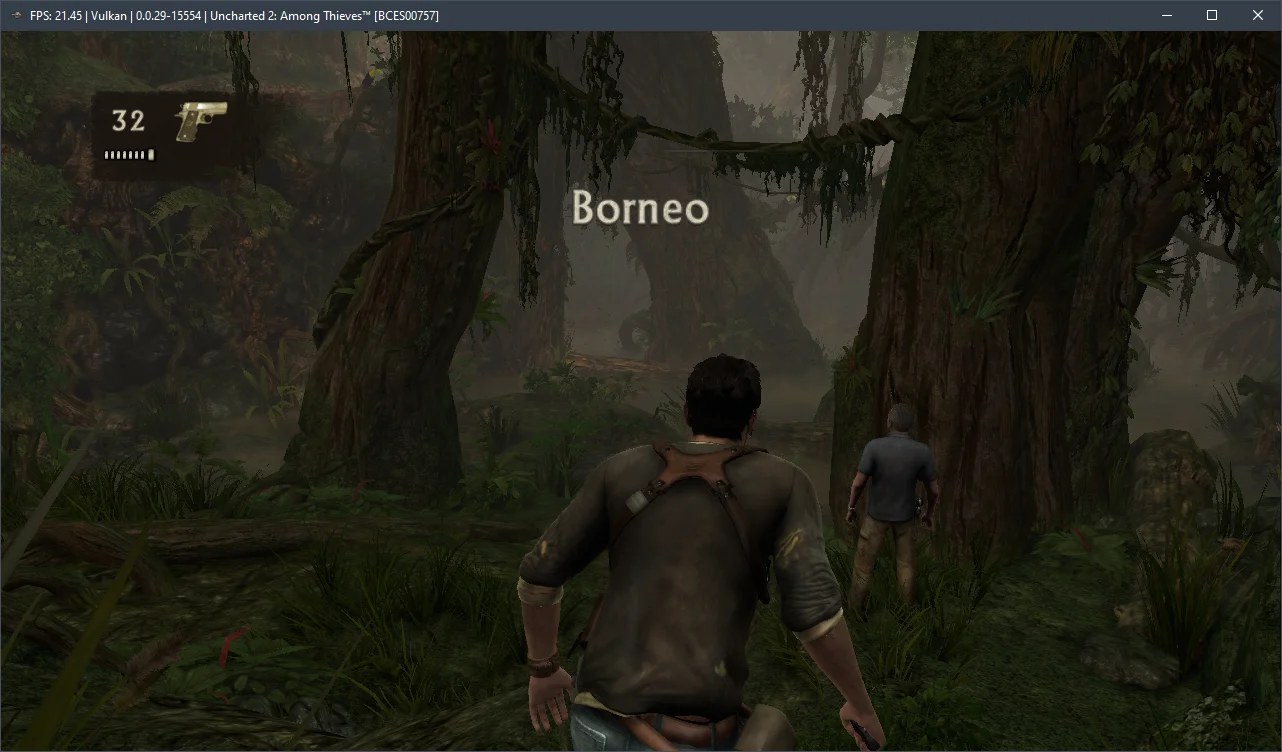
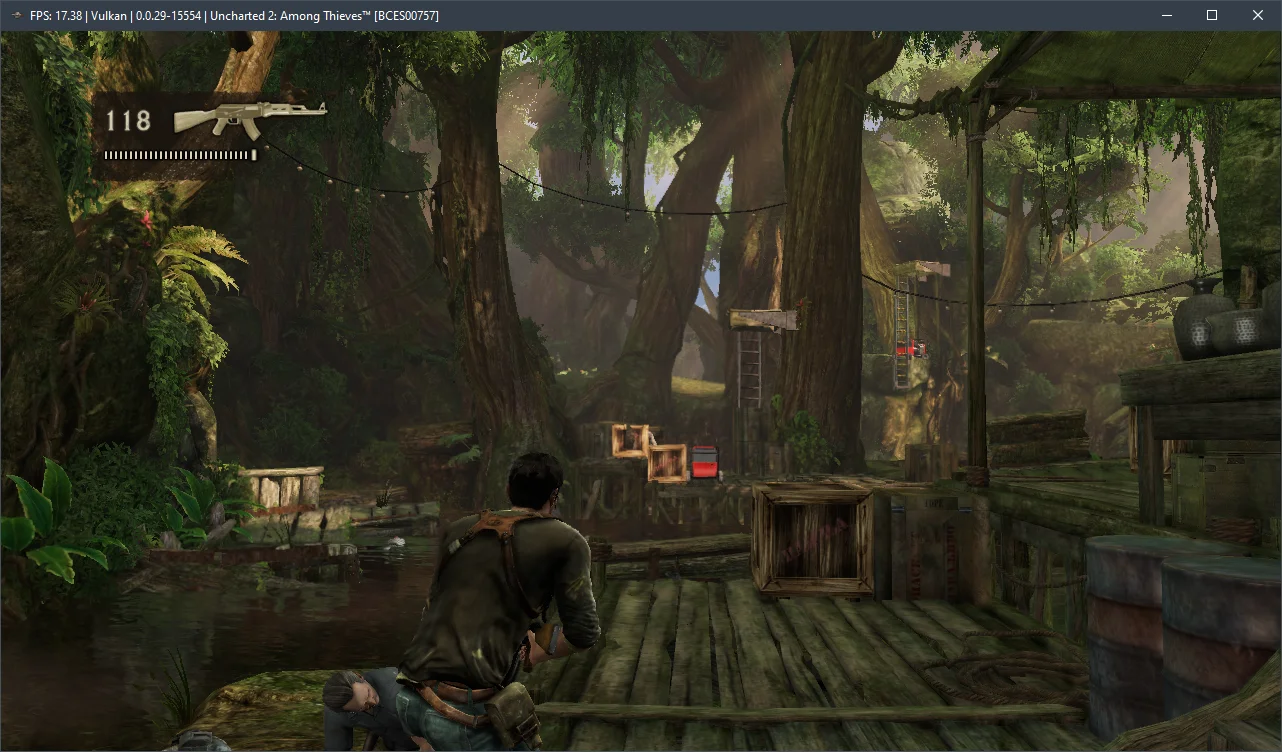
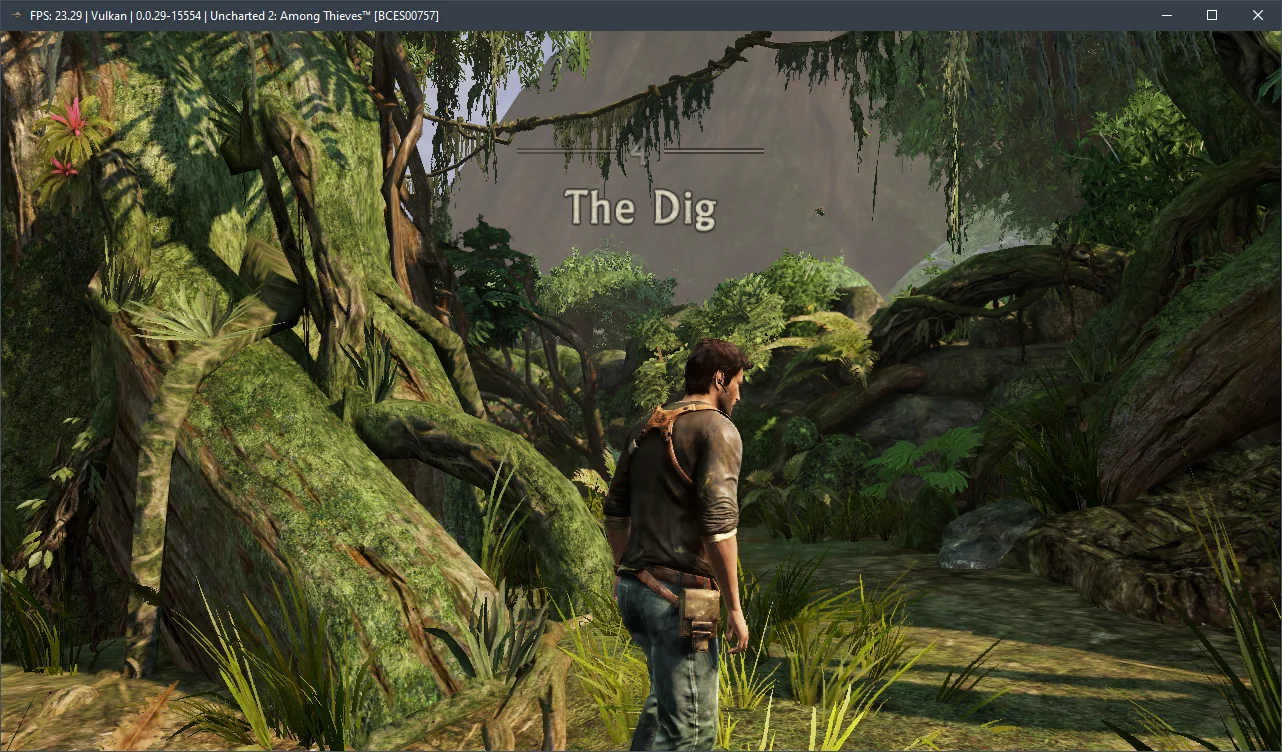
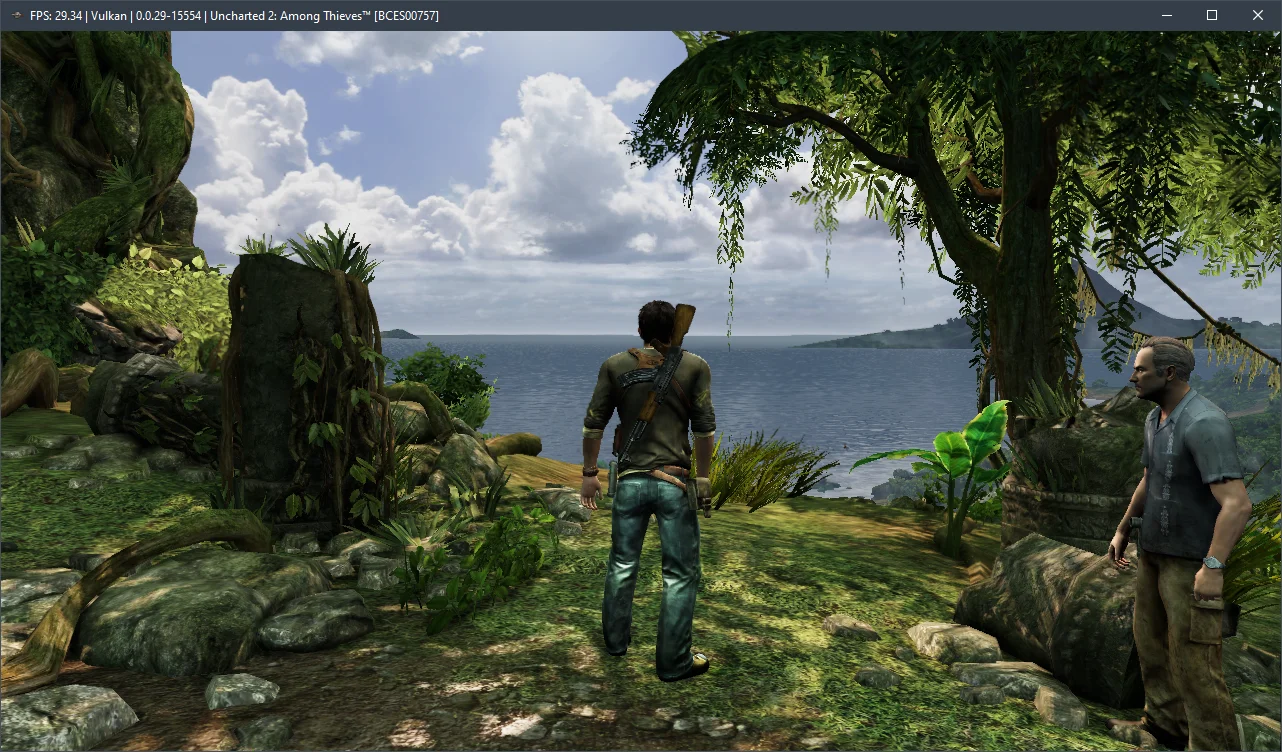
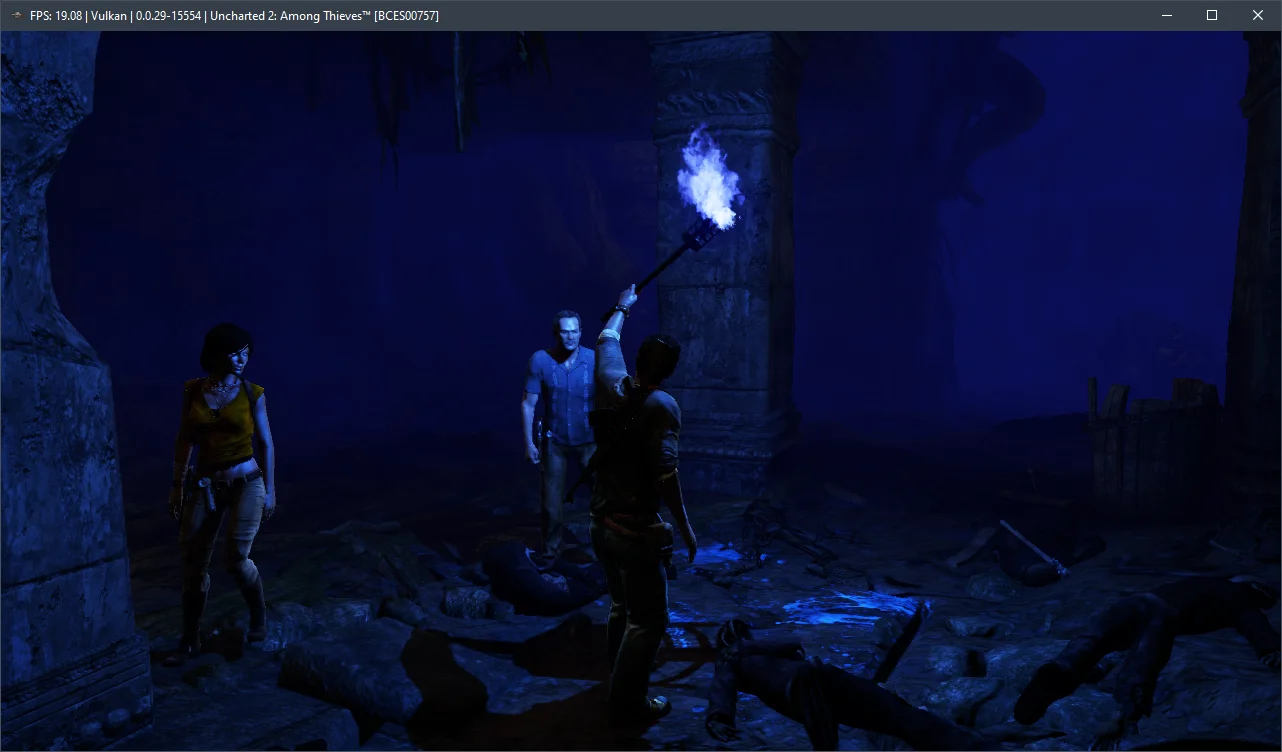
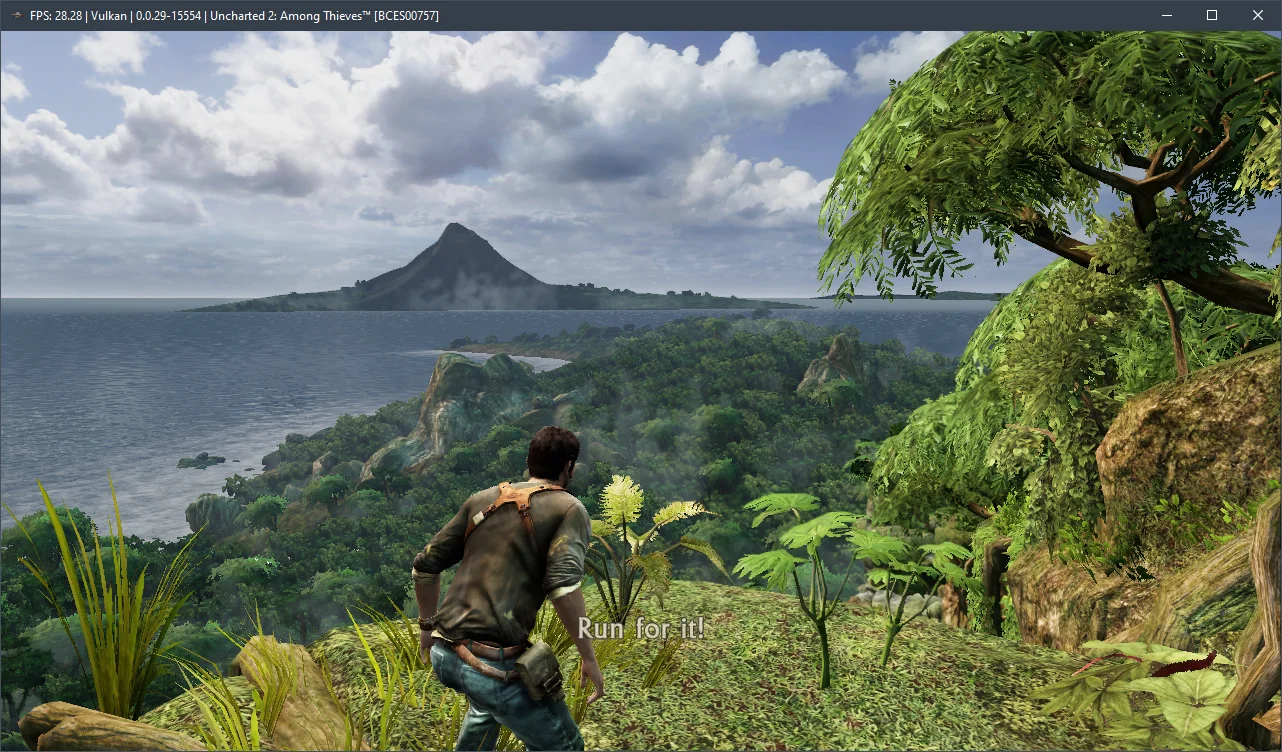
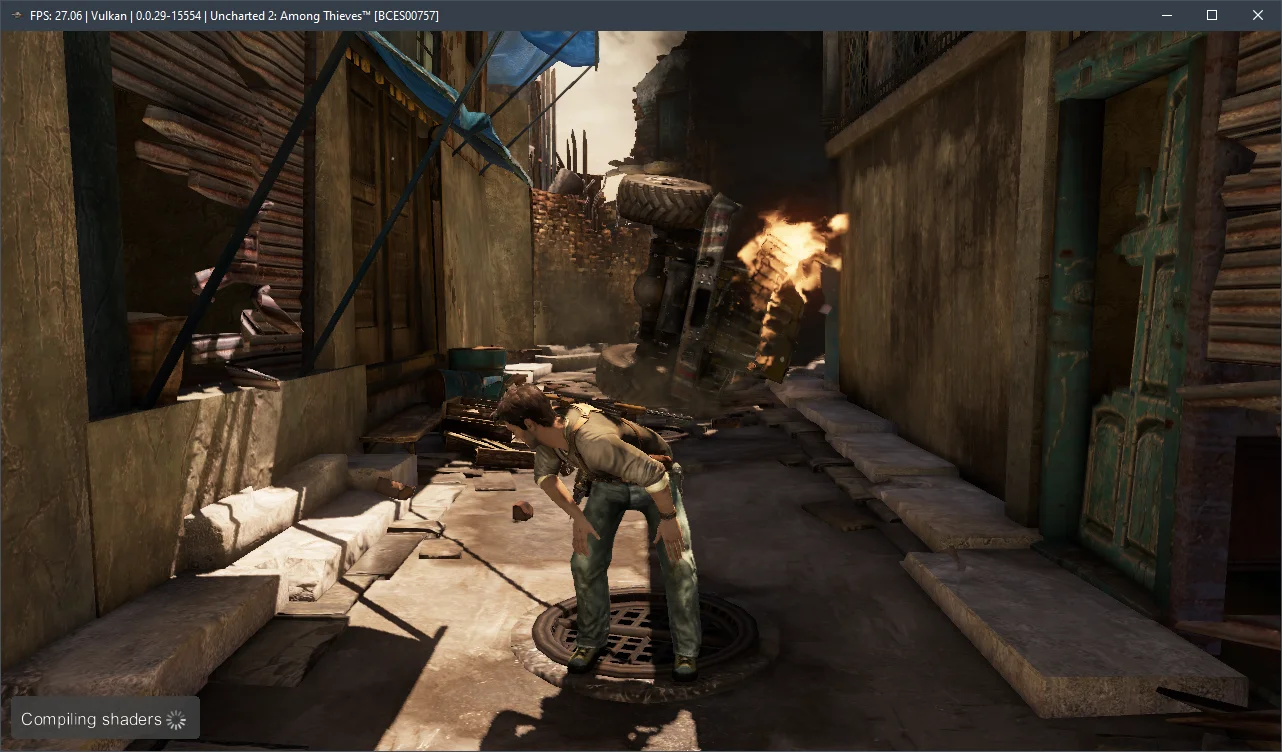
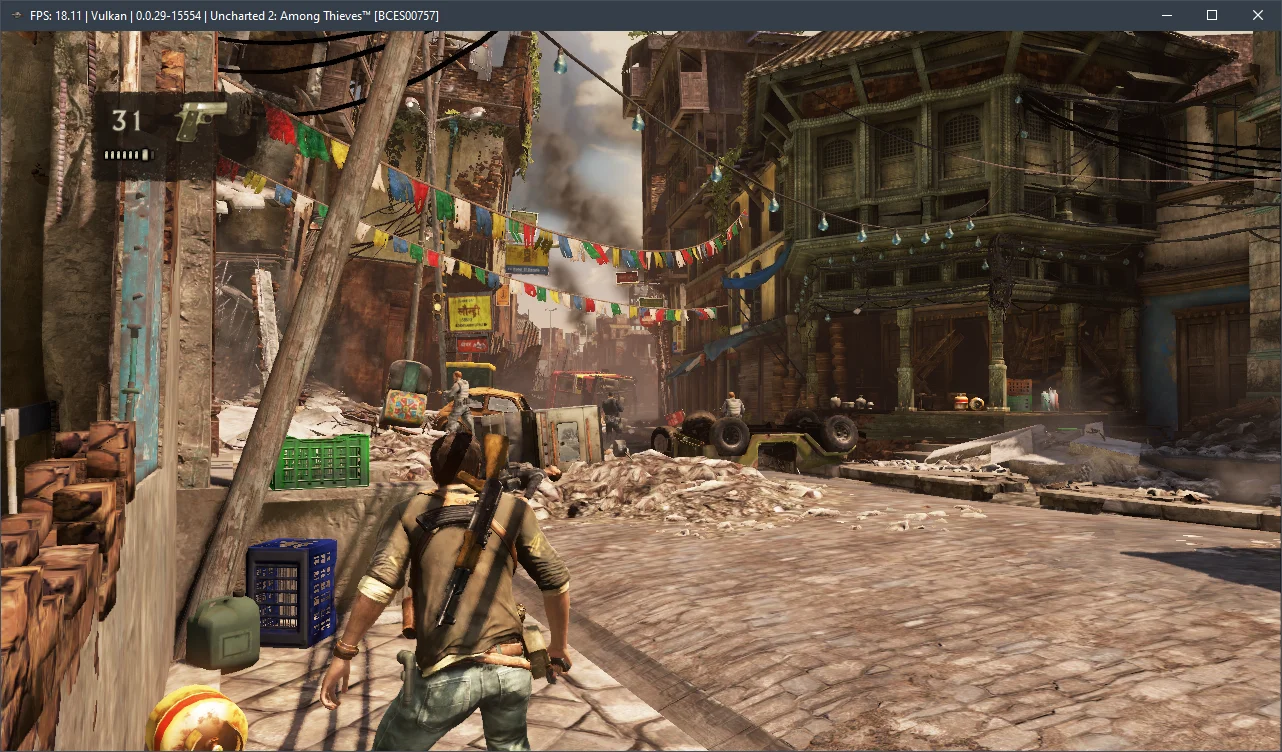
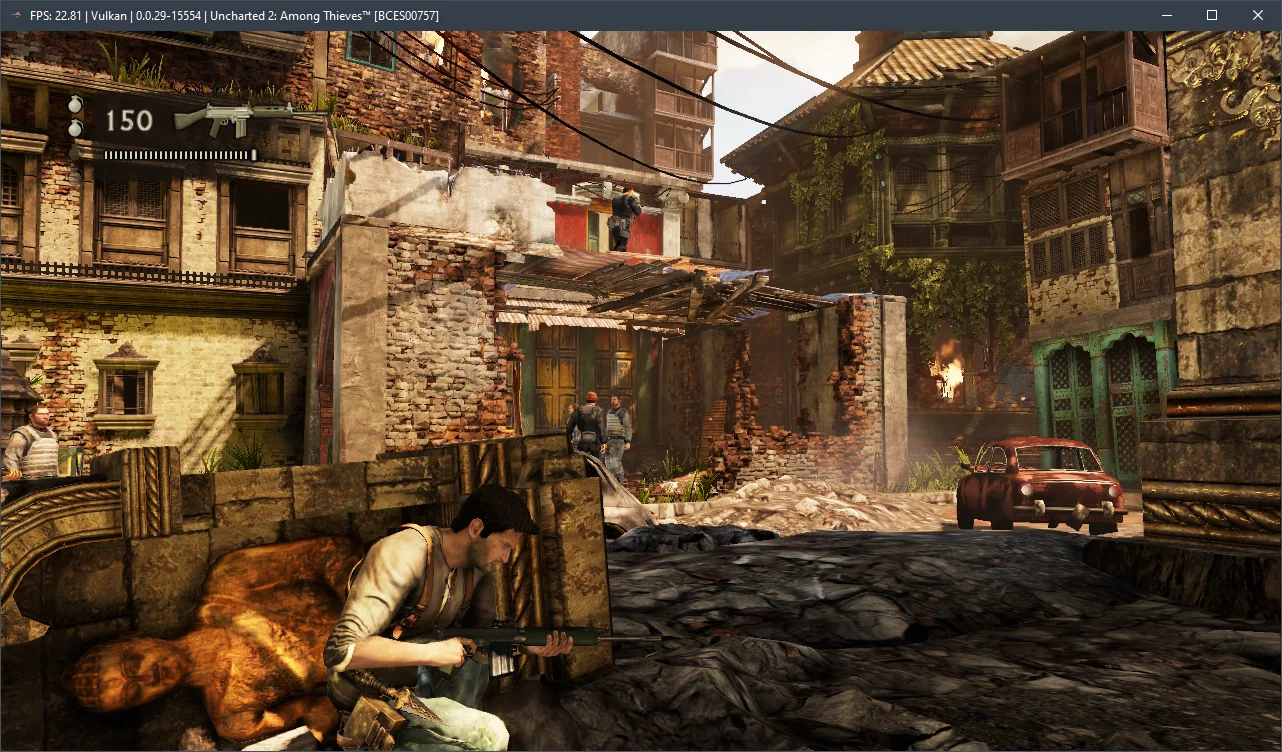
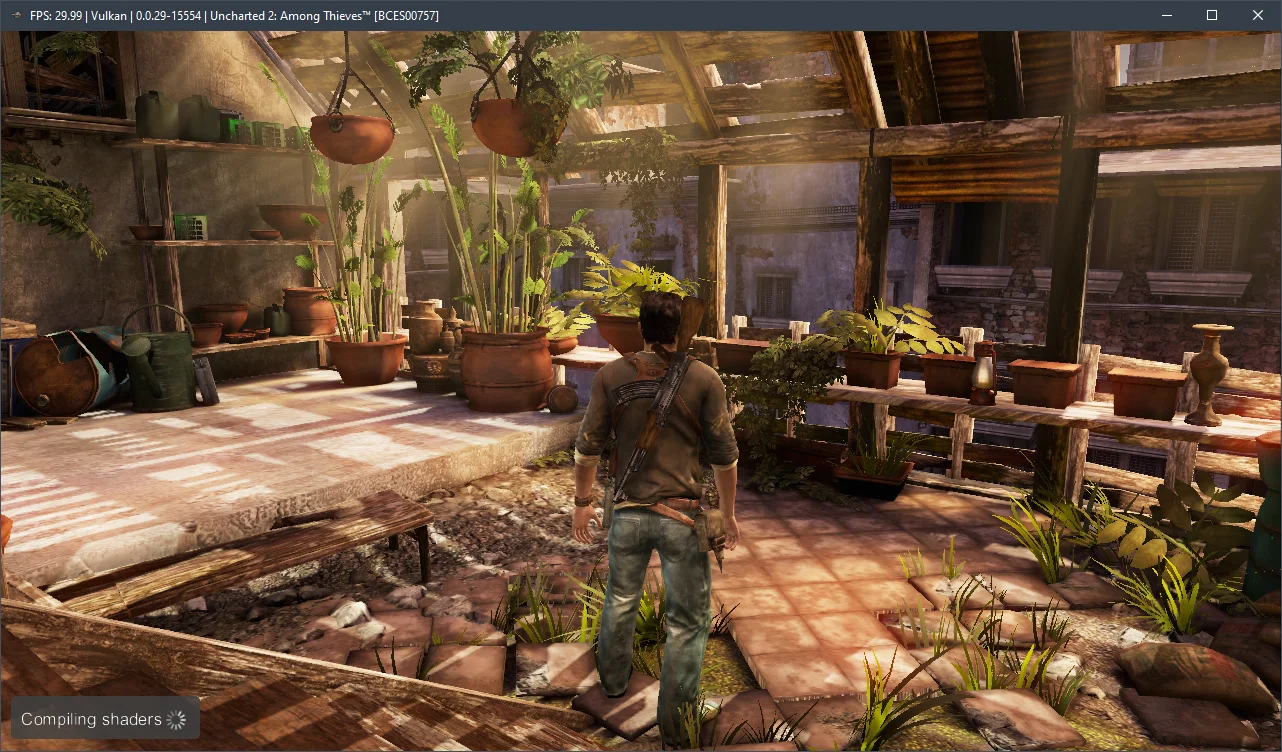
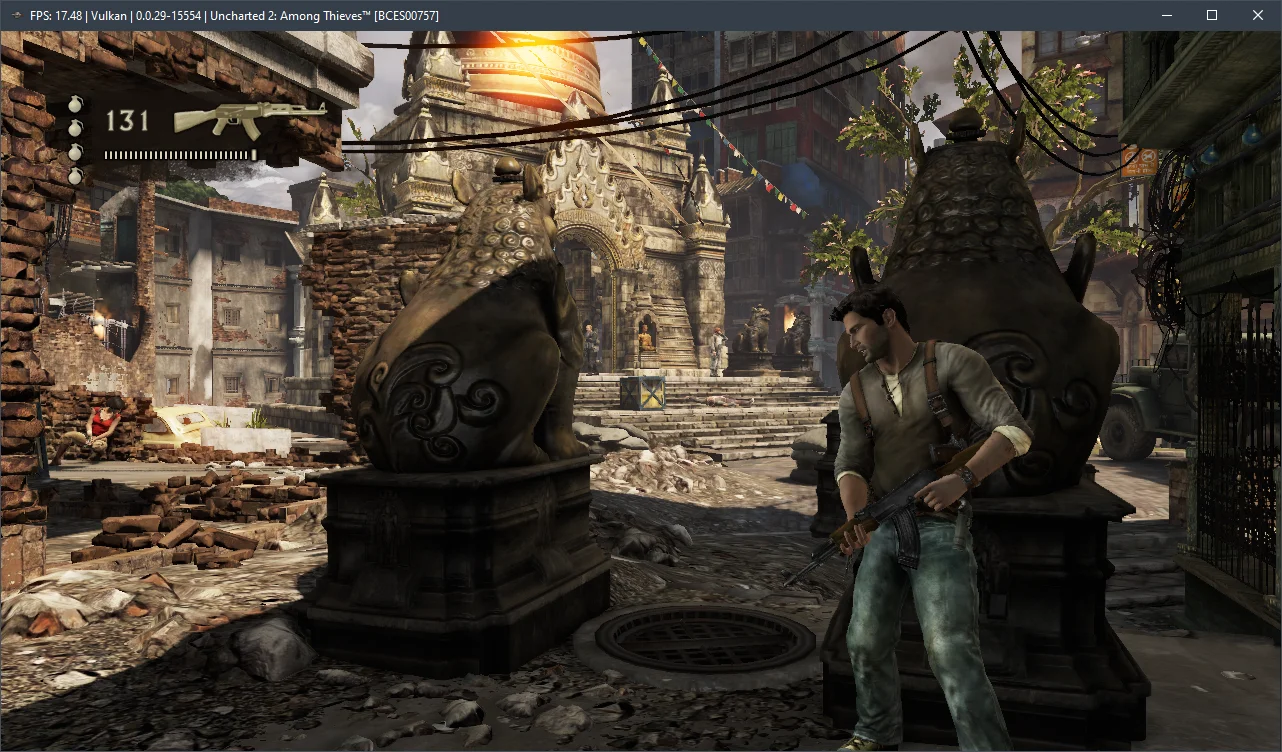
After more than four hours with Uncharted 2: Among Thieves, it's clear the emulation isn't perfect. We encountered noticeable graphical artifacts, lighting issues, and flickering textures. The game also crashed a few times, but each time, we were able to resume gameplay without further problems after a restart.
Now, let's talk about the hardware needed for the current RPCS3 v0.0.29+ emulator. Our benchmarks indicate that Uncharted 2: Among Thieves runs acceptably on 6-core AMD Zen 2-3 / Intel Skylake/Rocket Lake CPUs paired with AMD Radeon RX 400 / NVIDIA GeForce GTX 1000 graphics cards. However, for a smooth 30 FPS experience, you'll want a high-frequency 6-core (preferably 8-core) Alder Lake (Core 12-13) or Zen 4 (Ryzen 7000) chip. Without that, avoiding significant performance problems will be extremely challenging.
Feel free to test the settings we've provided and share your results in the comments below. Also, don't hesitate to ask any questions you might have.