BLOGS · GAME BLOGS
PUBLISHED
READING5 min
Setting up RPCS3 emulator v0.0.29+ for InFamous
Dive into RPCS3 settings for InFamous, covering CPU/GPU optimization, common issues, and recommended hardware for stable emulation. It's not perfect, but you can definitely get it running.
Back in the day, the InFamous series on PlayStation 3 served as PlayStation's answer to Activision's Prototype franchise. Both games launched almost simultaneously in 2009, and they were strikingly similar: both were open-world titles where players, imbued with special powers, had complete freedom.
InFamous was originally a PlayStation 3 exclusive, while Prototype was a multiplatform release. Consequently, many gamers missed out on InFamous, while Prototype fans have, for 14 long years, looked on with keen interest at the PlayStation-exclusive rival.
Back then, Sony didn't release its exclusives on PC. Gamers faced a tough choice: either buy a PS3 or wait for the fabled day RPCS3 could tolerably run InFamous. It looks like that day has arrived. But first, let's start with our traditional preamble:
First, check your emulator version. It should be at least RPCS3 v0.0.29 HEAD | local_build (main branch). Update if necessary. If your version is significantly newer, some of these settings might not be needed; try running the game without extra changes first. It's also possible the game might not launch at all with the settings below. If that happens, let us know in the comments, and we'll try to create a new guide as soon as possible.
Second: currently, InFamous on RPCS3 still has some issues. These range from rare visual artifacts (with particles and effects) to more frequent crashes, critical bugs, and significant FPS drops in graphically intensive scenes.
Also, remember this title still hasn't achieved "Playable" status. So, nobody can guarantee you'll finish the game without hitting a critical bug.
 ⤢ ВІДКРИТИ
RPCS3 configuration for InFamous
Launch the emulator, then right-click the "InFamous" icon. From the dropdown menu, left-click "Change/Create Custom Configuration":
 ⤢ ВІДКРИТИ
In this window, adjust the settings according to the selected options and screenshots below.
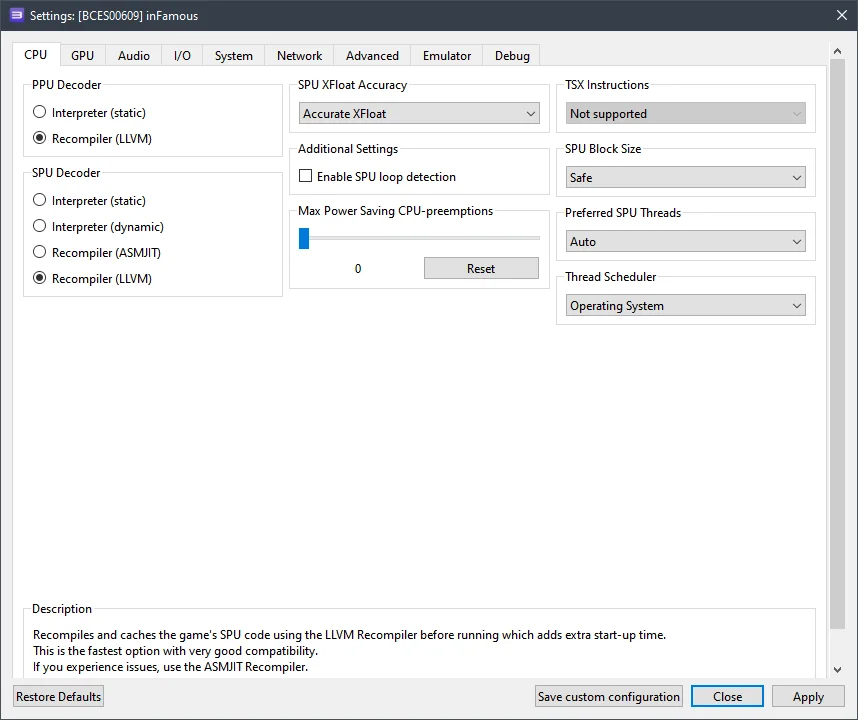
CPU configuration
Setting | Option | Description |
|---|---|---|
SPU XFloat Accuracy | Accurate XFloat | Fixes the disappearance of some enemies. |
 ⤢ ВІДКРИТИ
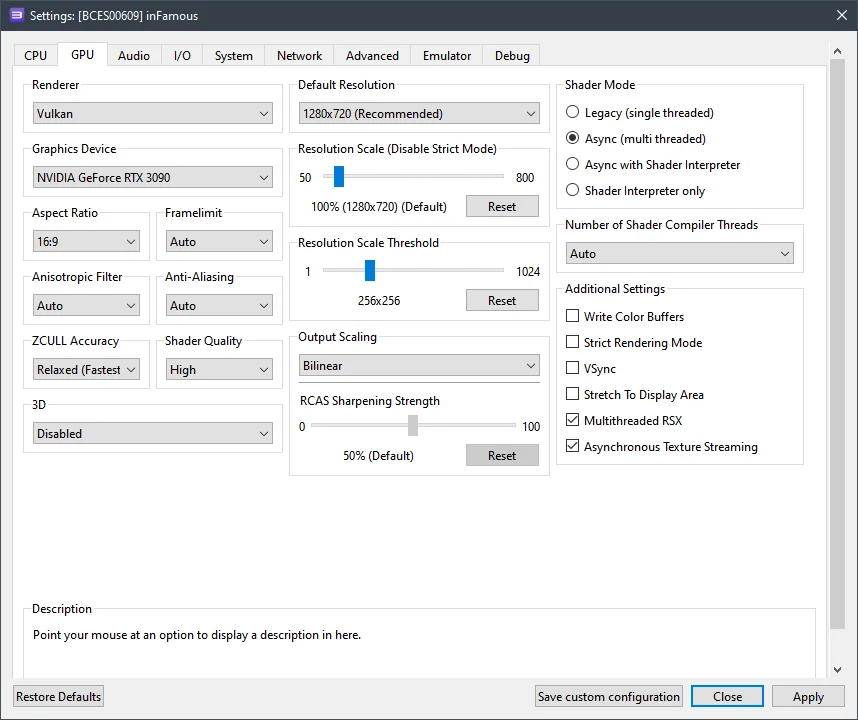
GPU configuration
Setting | Option | Description |
|---|---|---|
ZCULL accuracy | Relaxed | Increases performance. |
Resolution scale threshold | 256x256 | This option is required to increase the in-game render resolution above 720p. |
Multithreaded RSX | On | Slightly increases performance. |
Asynchronous texture streaming | On | If you have a relatively powerful GPU (RX 470+ / GTX 1060+), enabling this option will improve performance. |
 ⤢ ВІДКРИТИ
Advanced settings
Settings | Option | Description |
|---|---|---|
Sleep timers accuracy | As Host | Increases performance. |
RSX FIFO accuracy | Atomic | Improves stability. |
 ⤢ ВІДКРИТИ
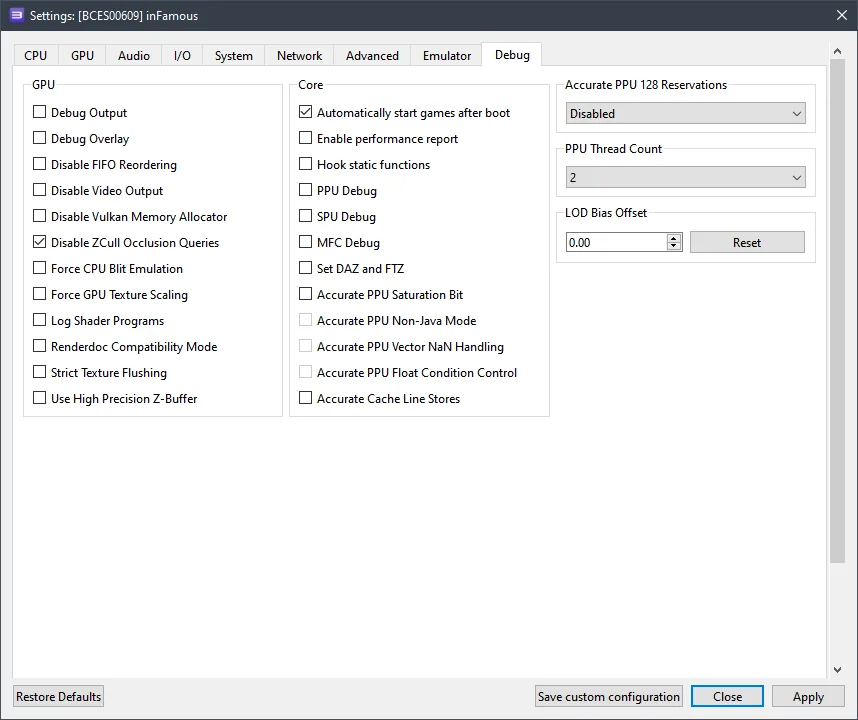
Hidden settings (Debug)
By default, this tab is hidden in the emulator settings, but it's easy to fix. Open File Explorer, navigate to the RPCS3 folder, then into GuiConfigs, and open the CurrentSettings.ini file. After that, find and change the line showDebugTab=false to showDebugTab=true. Save the change, restart the emulator, and open the game settings again. The Debug tab will now be available for editing.
Settings | Option | Description |
|---|---|---|
Disable ZCull occlusion queries | On | Slightly improves overall game performance. |
 ⤢ ВІДКРИТИ
Now, let's look at the results.
RPCS3 setup results for InFamous
It's unfortunate, but once again, owners of older CPUs (like Ryzen 1000 or Xeon E5-2600v3) won't be able to comfortably play InFamous. On my personal PC, running a Ryzen 5 3600 and an RTX 3090 graphics card with all the settings outlined above, I hit around 22 FPS in particularly demanding scenes (like the city center) and up to 35 FPS in simpler areas.
However, the Ryzen 5 3600 isn't a powerful CPU anymore. The Core i5-12400F, which we have in our lab, delivers 28-49 frames per second, a much more comfortable experience.
Below are screenshots taken with an AMD Ryzen 5 3600 CPU and an RTX 3090 graphics card:
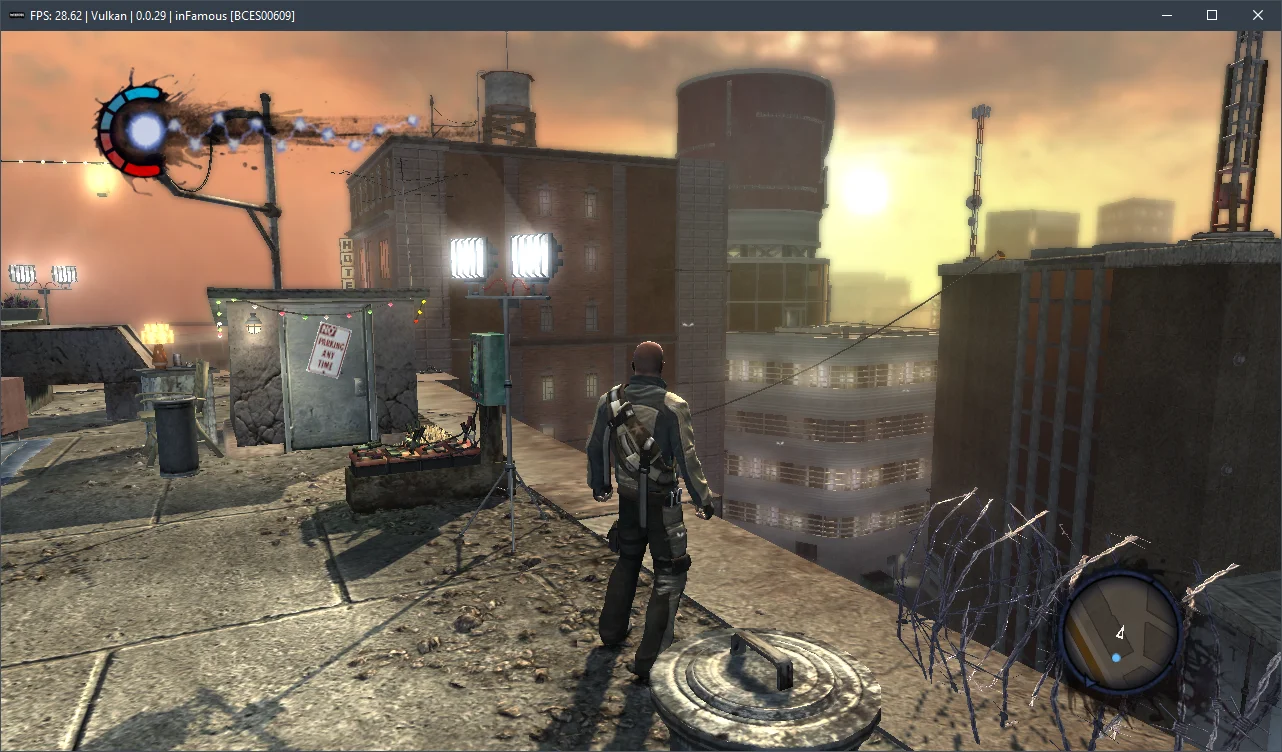
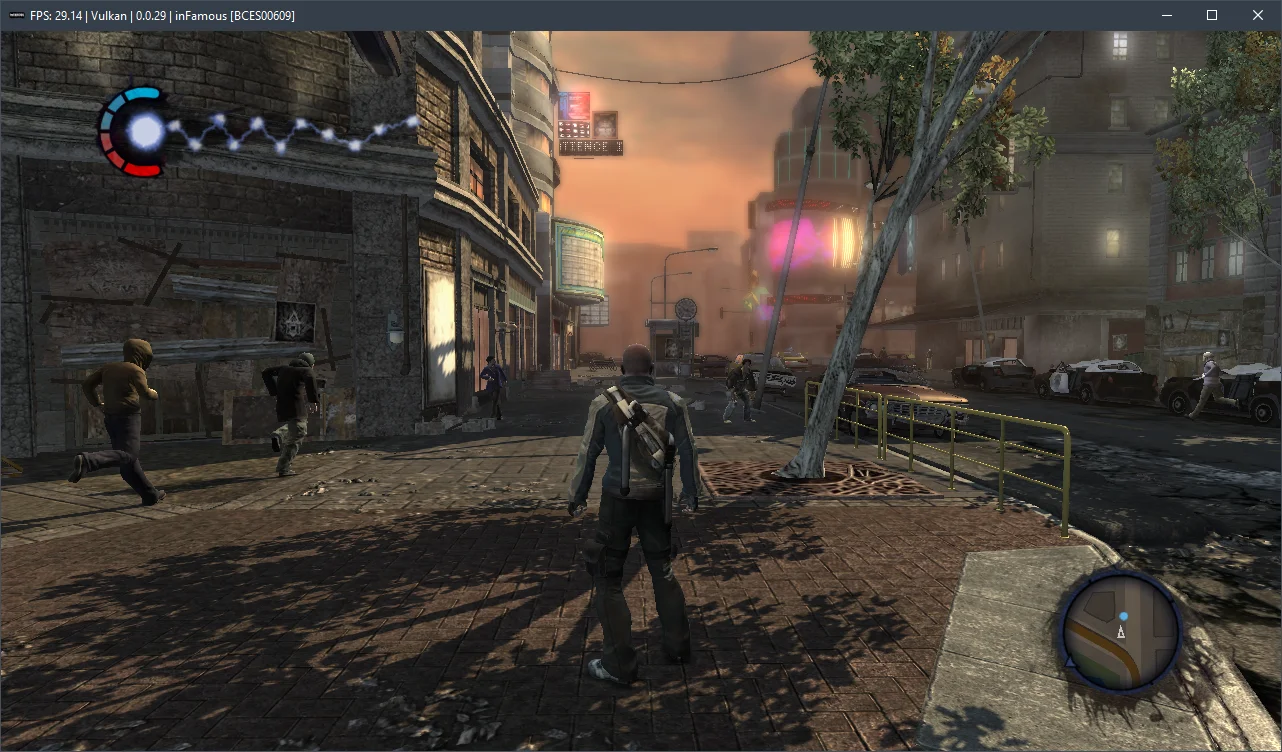
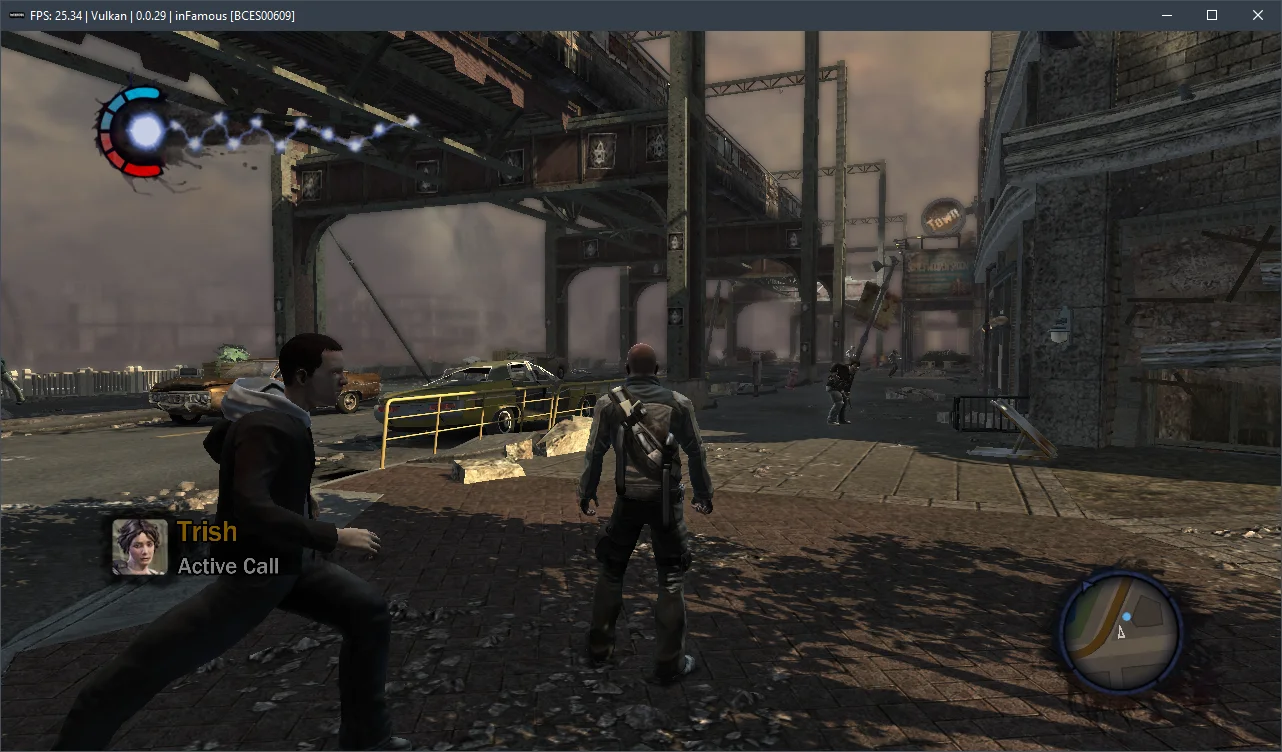
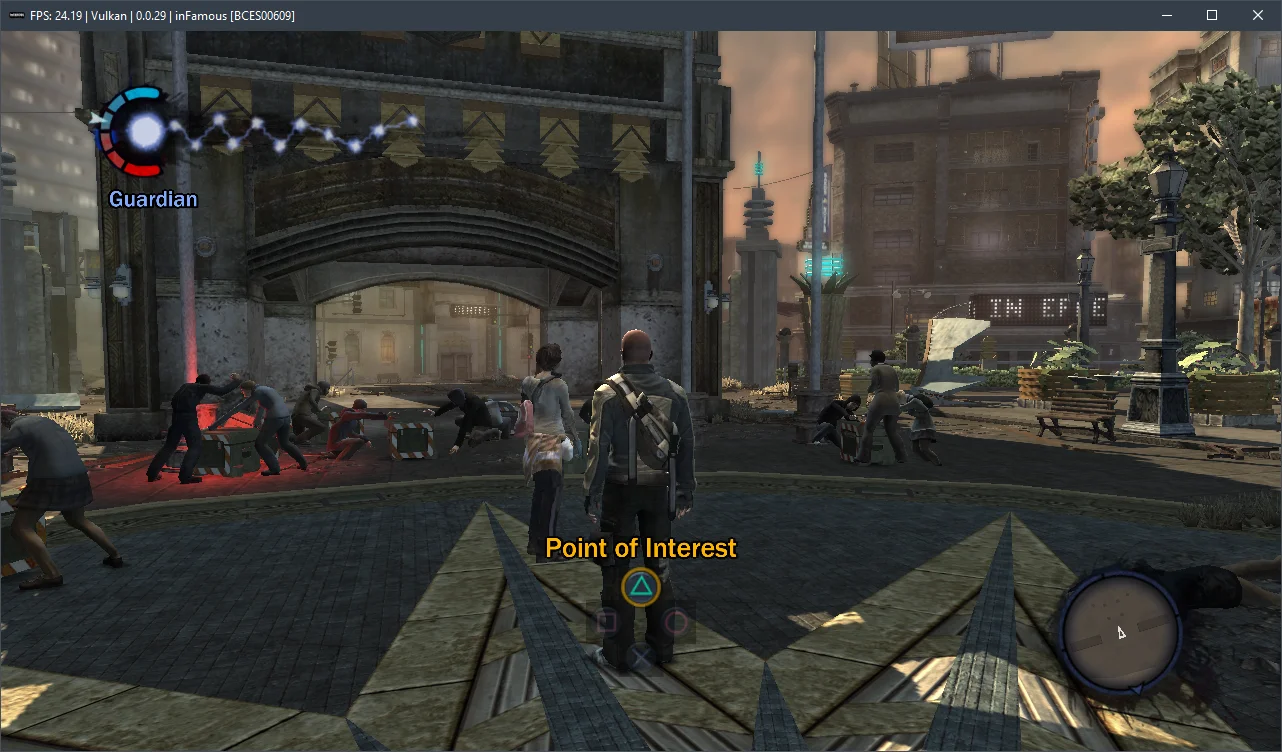
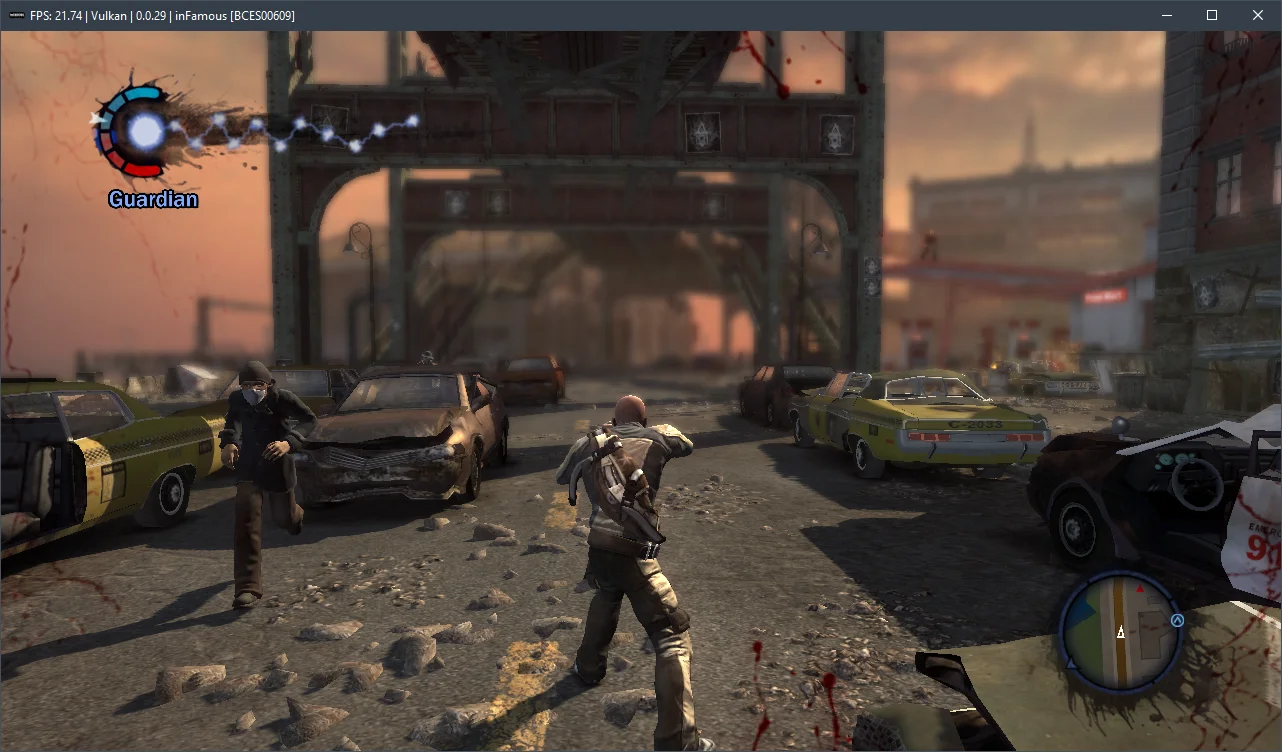
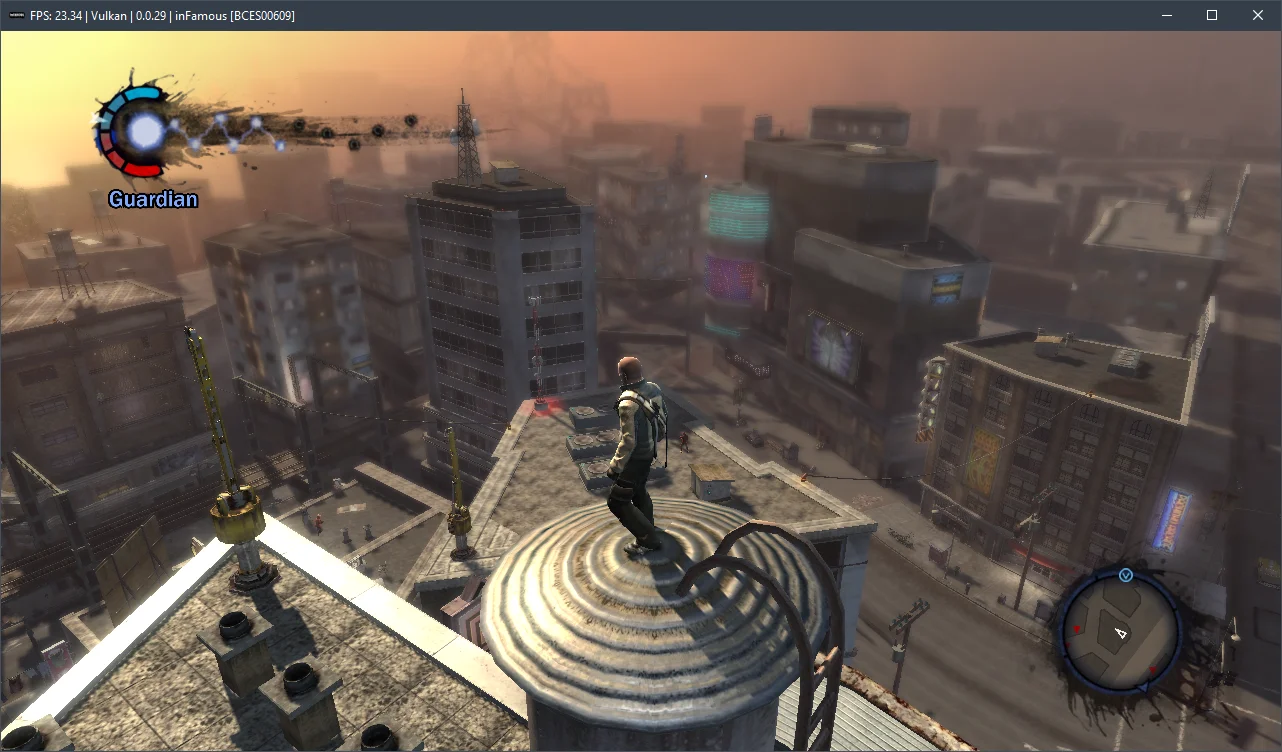
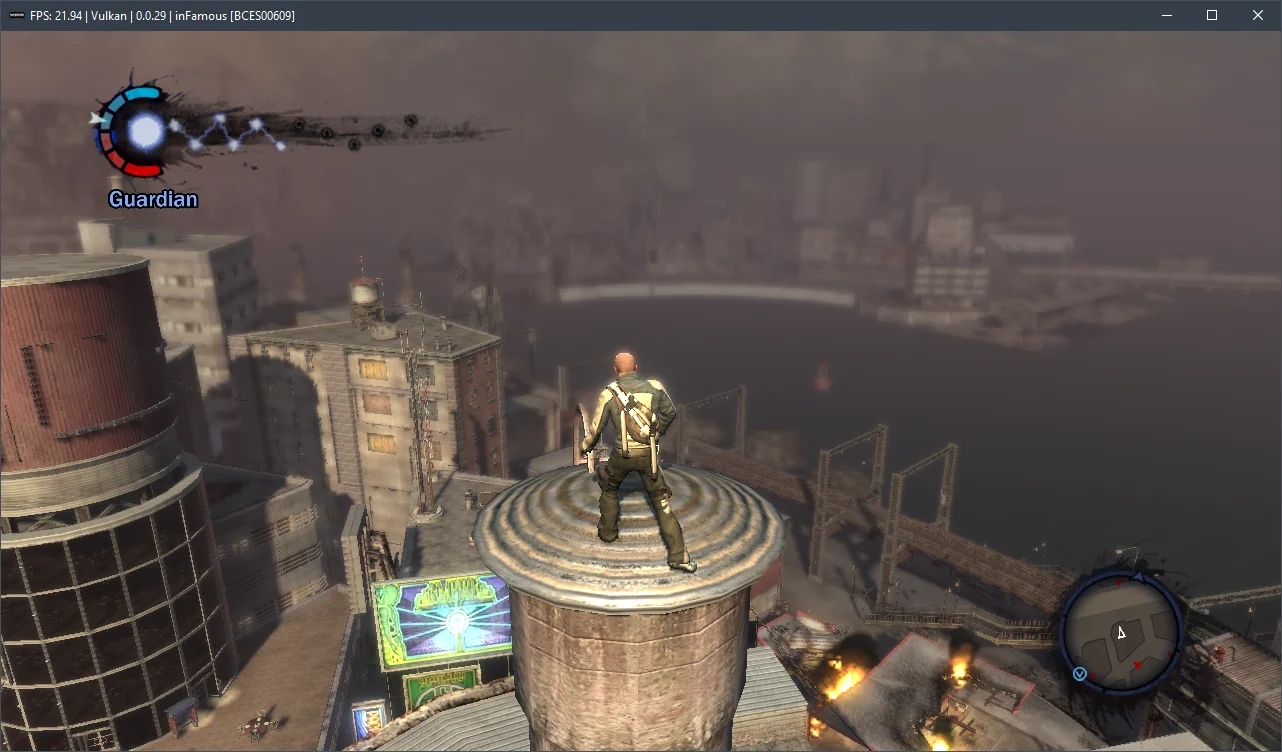
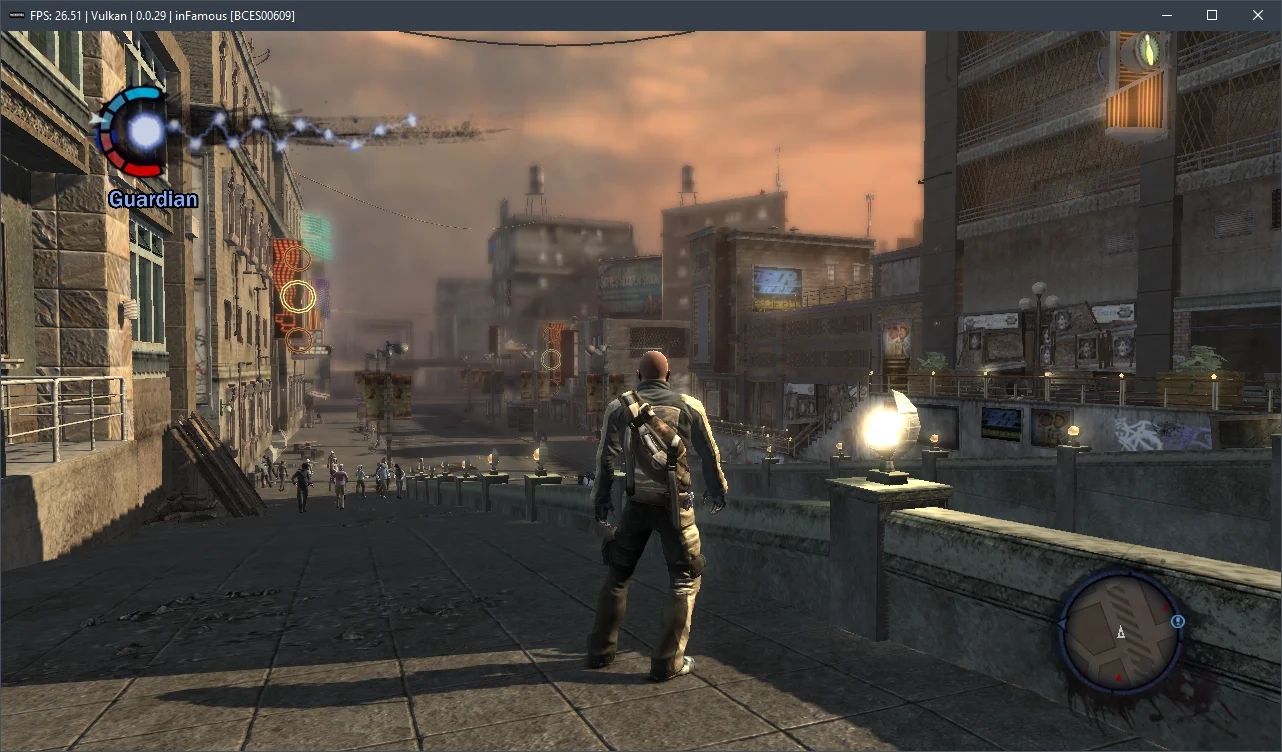
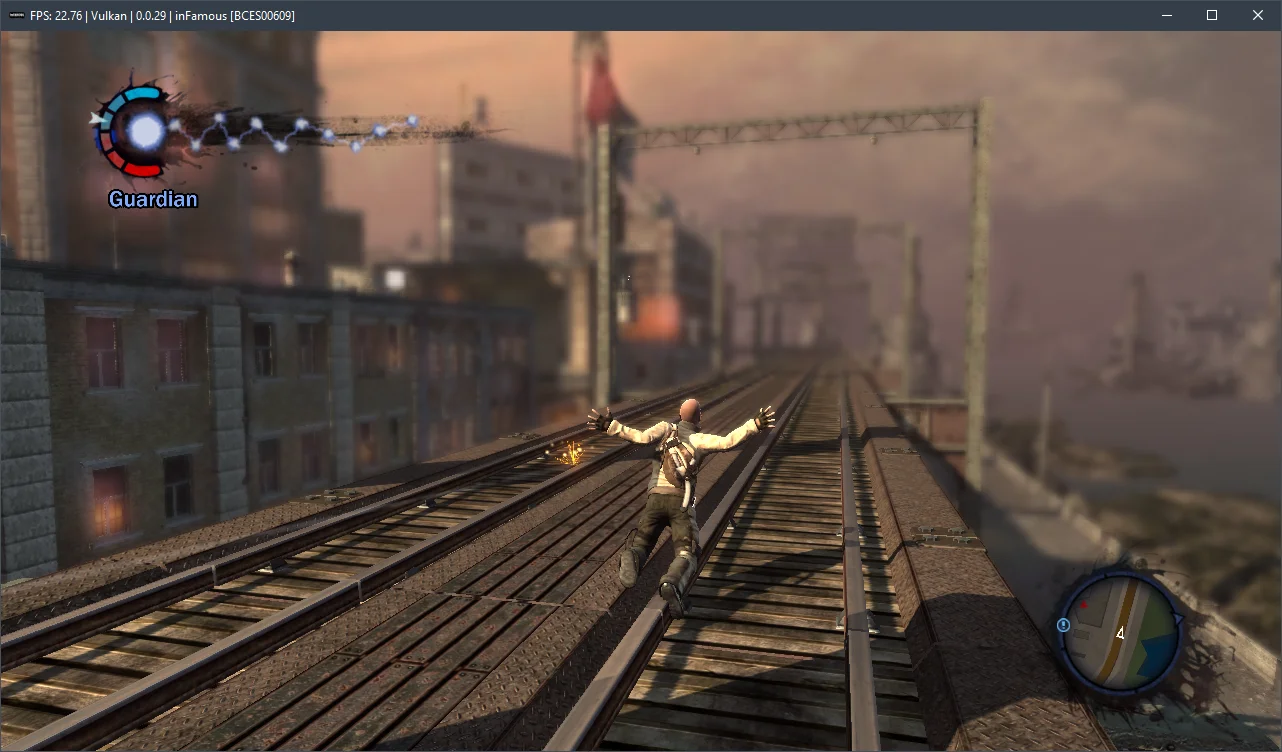
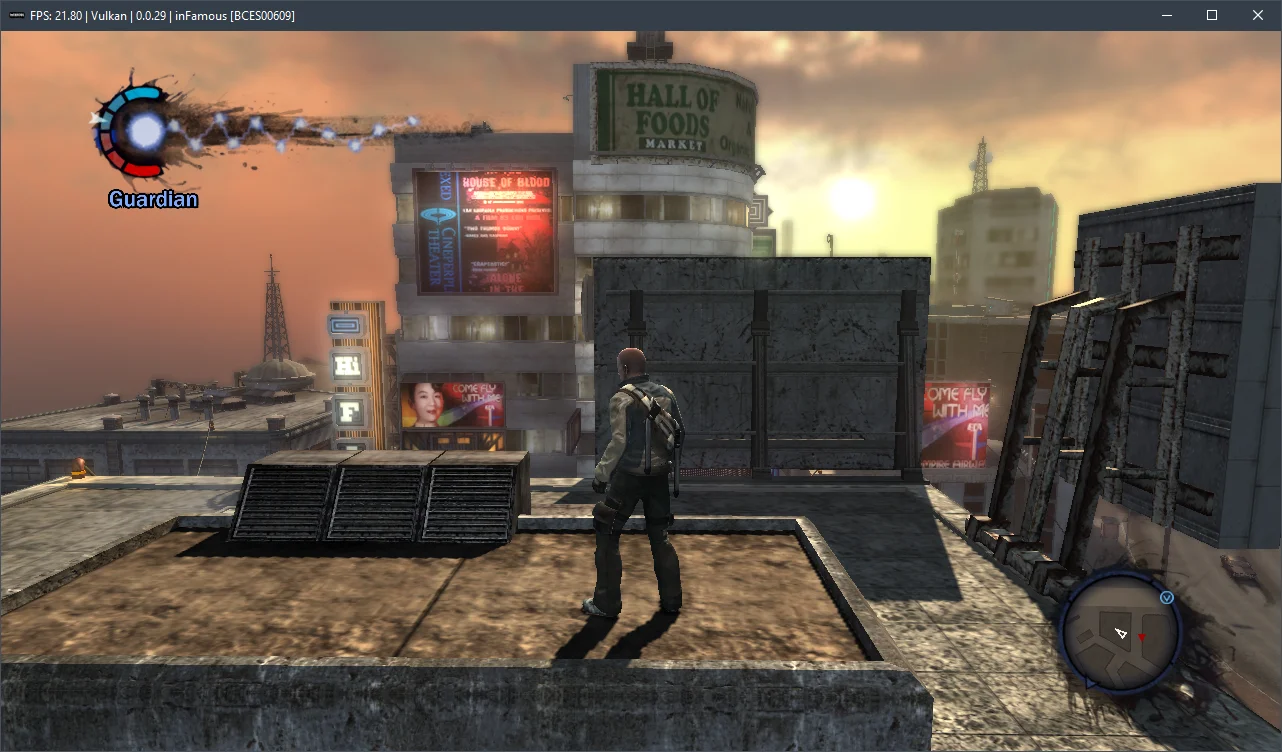
In summary, after spending over two hours with InFamous, we found that the emulation isn't perfect. We encountered visual glitches in some areas and significant FPS drops on relatively weaker CPUs. Nevertheless, the game didn't crash once during several hours of playtime and ran extremely stably.
Now, a few words about the hardware requirements for the current RPCS3 emulator version v0.0.29+. Our measurements indicate that InFamous is emulated reasonably well starting with 6-core CPUs from the AMD Zen 2-3 / Intel Skylake/Rocket Lake generations, paired with AMD Radeon RX 400 / NVIDIA GeForce GTX 1000 series graphics cards. However, for a comfortable experience at a stable 30 frames per second, you'll need a high-frequency 6-core (preferably 8-core) Alder Lake (Core 12-13) or Zen 4 (Ryzen 7000) chip. Otherwise, it will be extremely difficult to avoid significant performance issues.
Test the settings mentioned above and share your results in the comments, and feel free to ask any questions.