BLOGS · GAME BLOGS
PUBLISHED
READING5 min
Setting up the RPCS3 v0.0.29+ emulator for Killzone 3
A guide to setting up RPCS3 v0.0.29+ for Killzone 3. Get insights into performance, PC requirements, and optimal in-game settings.
Killzone is arguably the only exclusive first-person shooter available on the PlayStation 3. This series consistently delivers engaging gameplay mechanics, memorable level and character designs, and, crucially, excellent scene staging and direction for its era.
All of the above helps explain why Killzone's final PlayStation 3 installment easily stands shoulder-to-shoulder with contemporary Call of Duty or Battlefield titles. Guerrilla Games did an outstanding job with Killzone 3, and the RPCS3 developers have successfully brought the emulation of this excellent threequel to an acceptable level.
Killzone 3 Emulation Requirements
First, ensure your emulator version is RPCS3 v0.0.29 Alpha | master (main branch) or newer. Update if necessary. If you're running a significantly newer version, some of these settings might already be obsolete; try running the game without any additional modifications first. It's even possible that the game won't launch at all with the settings outlined below. If that happens, please let us know in the comments for this post, and we'll try to put together an updated guide as quickly as possible.
Currently, Killzone 3 emulation on RPCS3 faces several challenges, ranging from near-constant shader compilation (the first time on each map) and less frequent application crashes to extremely high CPU demands (more on this below) and, consequently, significant FPS drops in graphically intensive scenes.
Also, keep in mind that this title hasn't yet achieved "Playable" status. Because of this, there are no 100% guarantees you'll be able to finish the game without encountering a critical bug.
 ⤢ ВІДКРИТИ
RPCS3 Configuration for Killzone 3
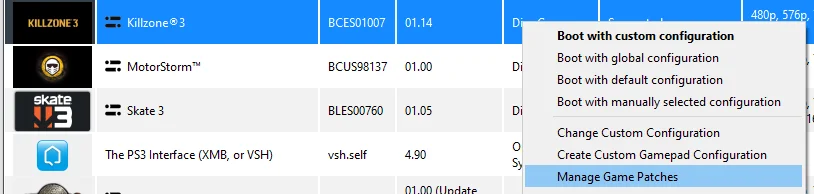
First, enable a few patches. Launch the emulator, right-click on the “Killzone 3” icon, then left-click “Manage Game Patches” in the dropdown menu:
 ⤢ ВІДКРИТИ
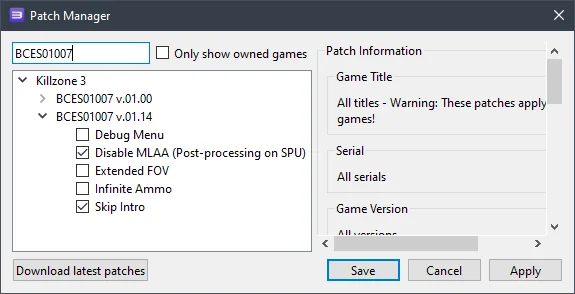 ⤢ ВІДКРИТИ
You'll need to enable these patches: The first, Disable MLAA (Post-processing on SPU), removes certain post-processing effects. This slightly boosts overall game performance and allows for higher in-game render resolutions. The second, Skip Intro, bypasses the game's initial splash screen.
Now click Apply, then Save. Next, right-click the “Killzone 3” icon again, then in the dropdown menu, left-click “Change/Create Custom Configuration”:
 ⤢ ВІДКРИТИ
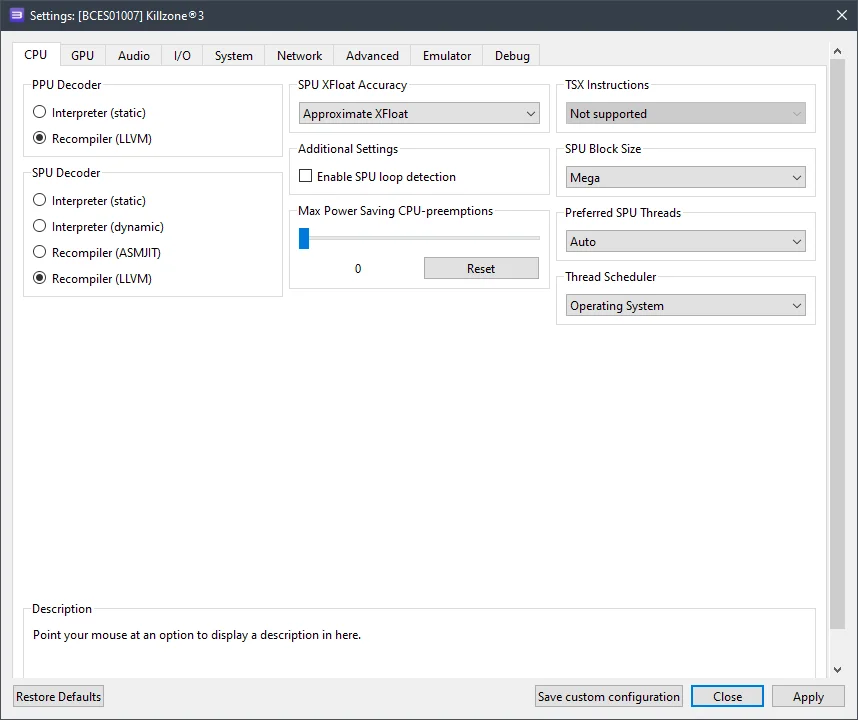
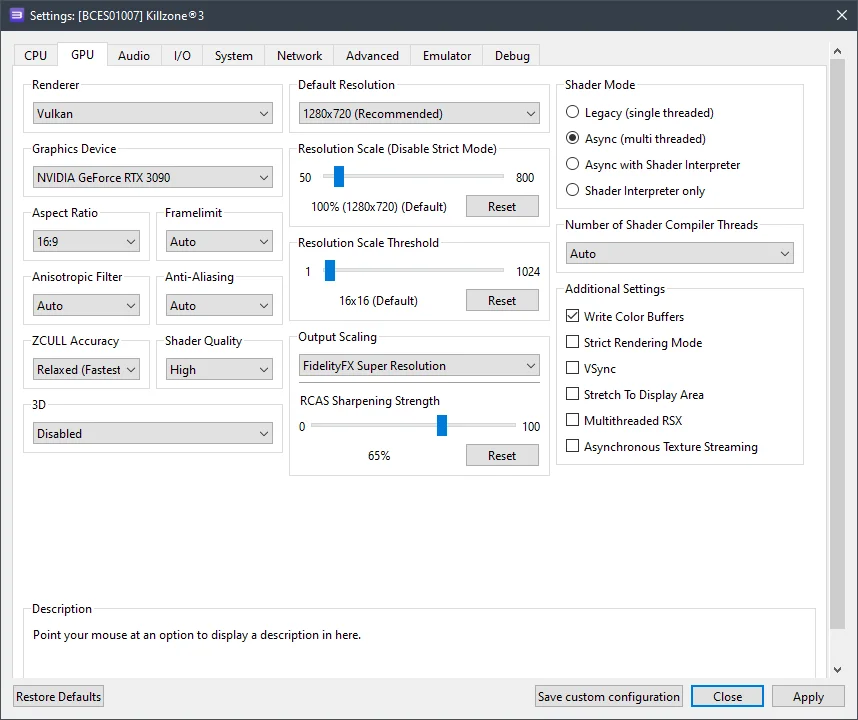
In this window, adjust the settings in each tab according to the options and screenshots provided below.
CPU Configuration (CPU Tab)
Setting | Option | Description |
|---|---|---|
SPU block size | Mega | Increases performance without sacrificing stability. |
 ⤢ ВІДКРИТИ
GPU Configuration (GPU Tab)
Setting | Option | Description |
|---|---|---|
ZCULL accuracy | Relaxed | Provides a massive performance boost. |
Write color buffers | On | Required for correct display of graphics effects! |
 ⤢ ВІДКРИТИ
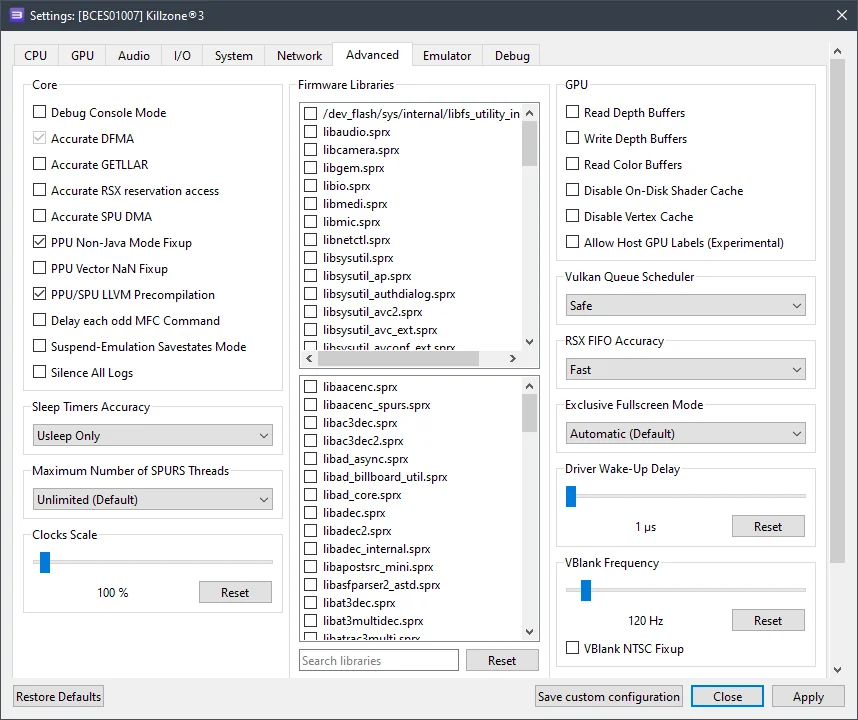
Additional settings (advanced tab)
Setting | Option | Description |
|---|---|---|
Vblank rate | 120 | This removes the 30 frames per second limit. A setting of 120 yields 60 FPS, 240 yields 120 FPS, and so on. |
 ⤢ ВІДКРИТИ
Now let's move on to the results.
RPCS3 Killzone 3 setup results
Unfortunately, and not for the first time, I have to report that owners of older processors (like Ryzen 1000-2000 or Xeon E5-2600 v3/v4) won't be able to comfortably play Killzone 3.
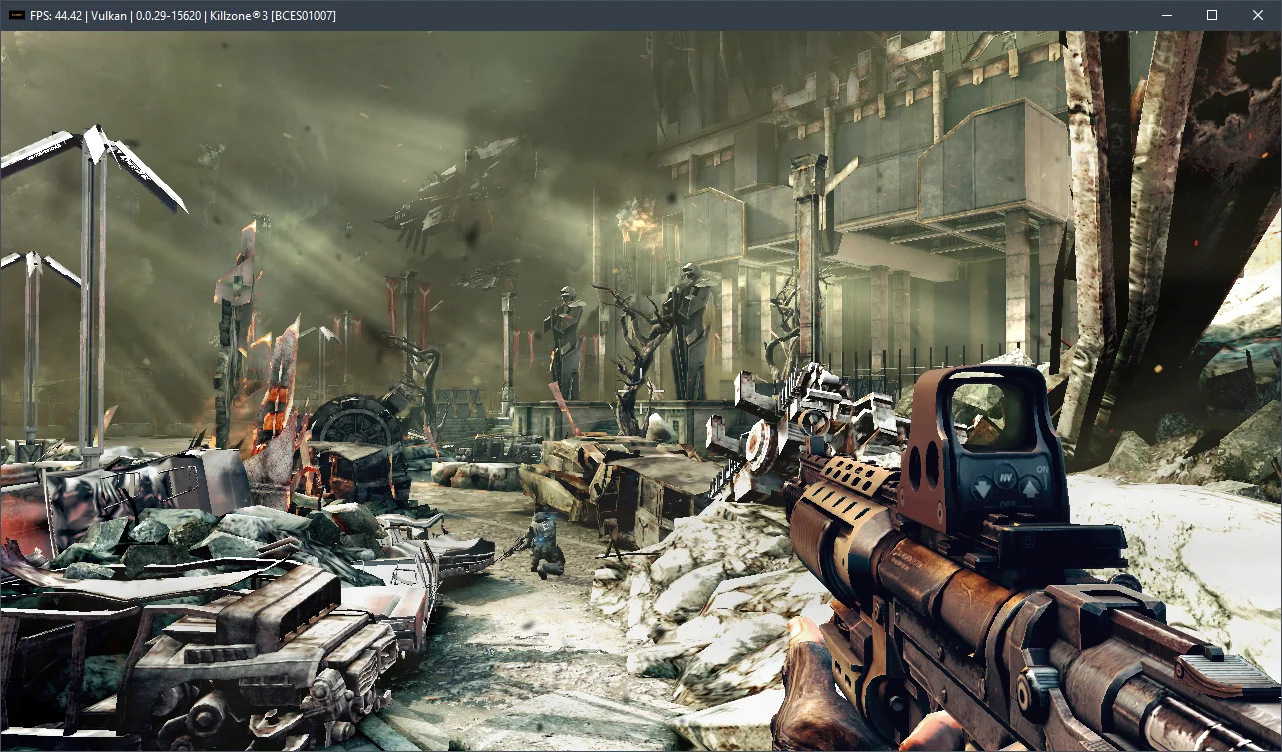
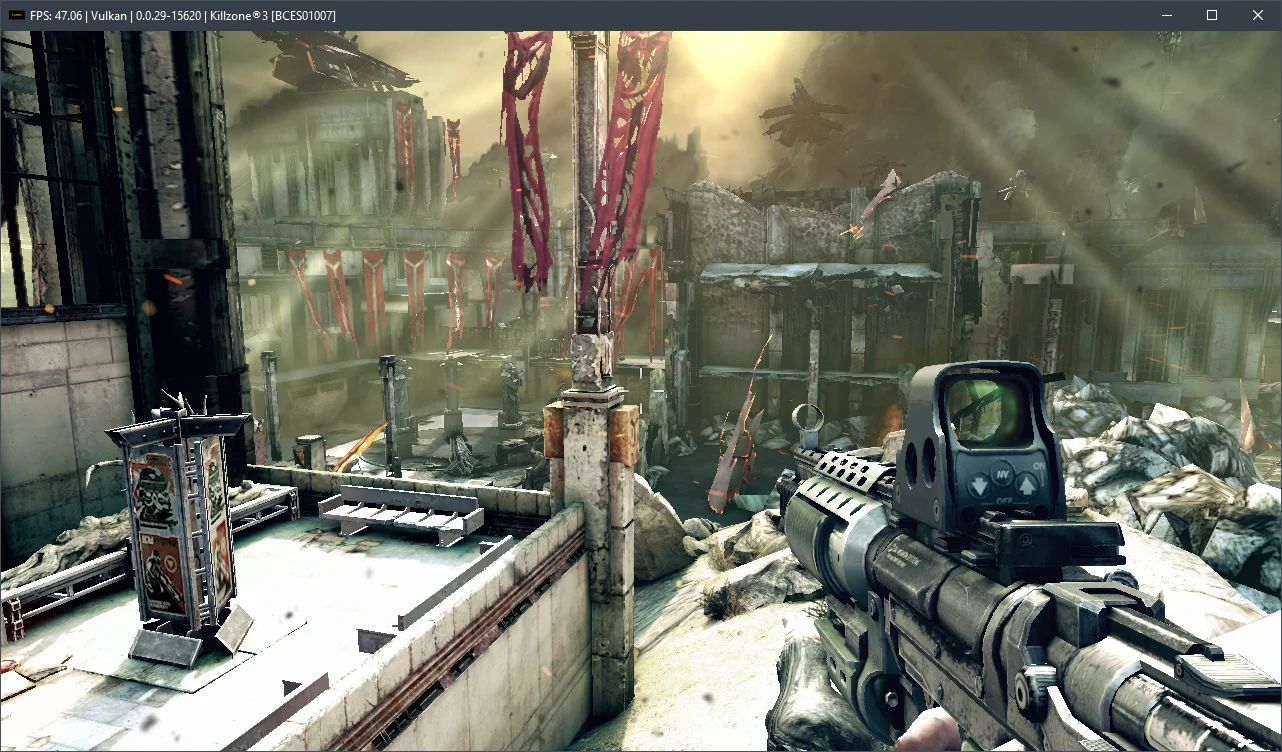
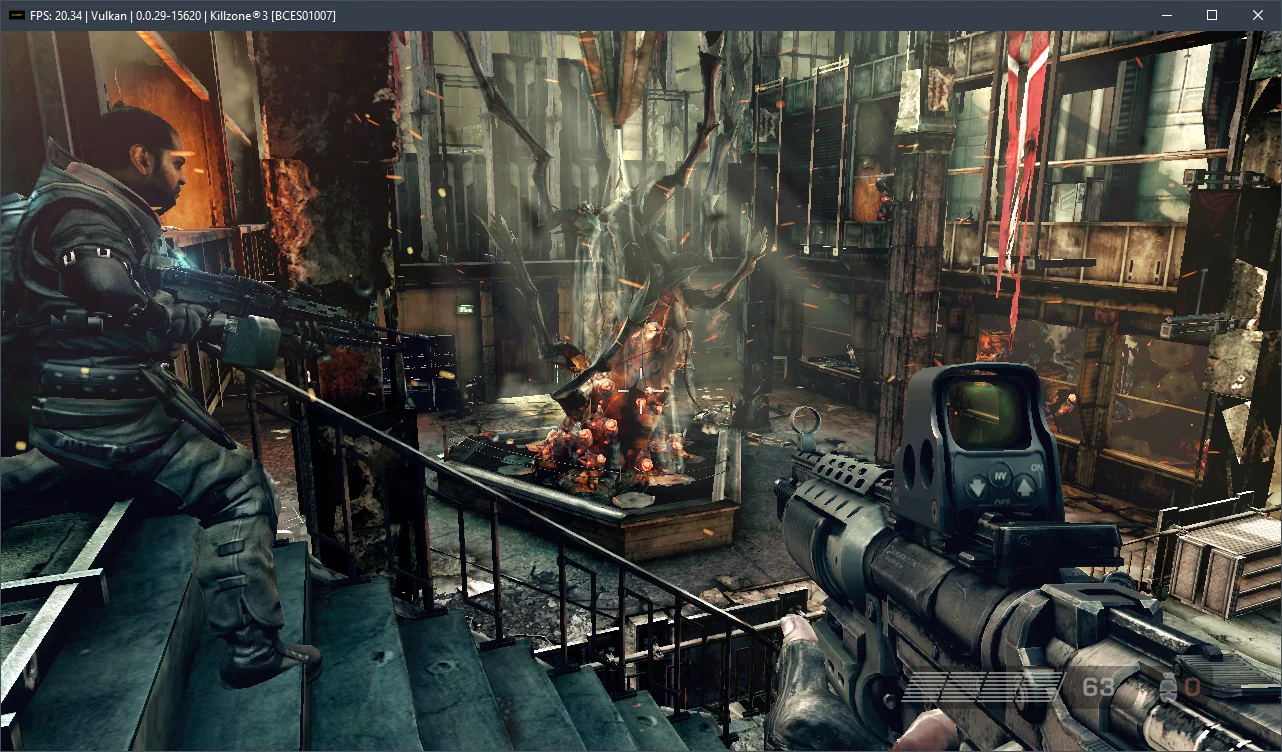
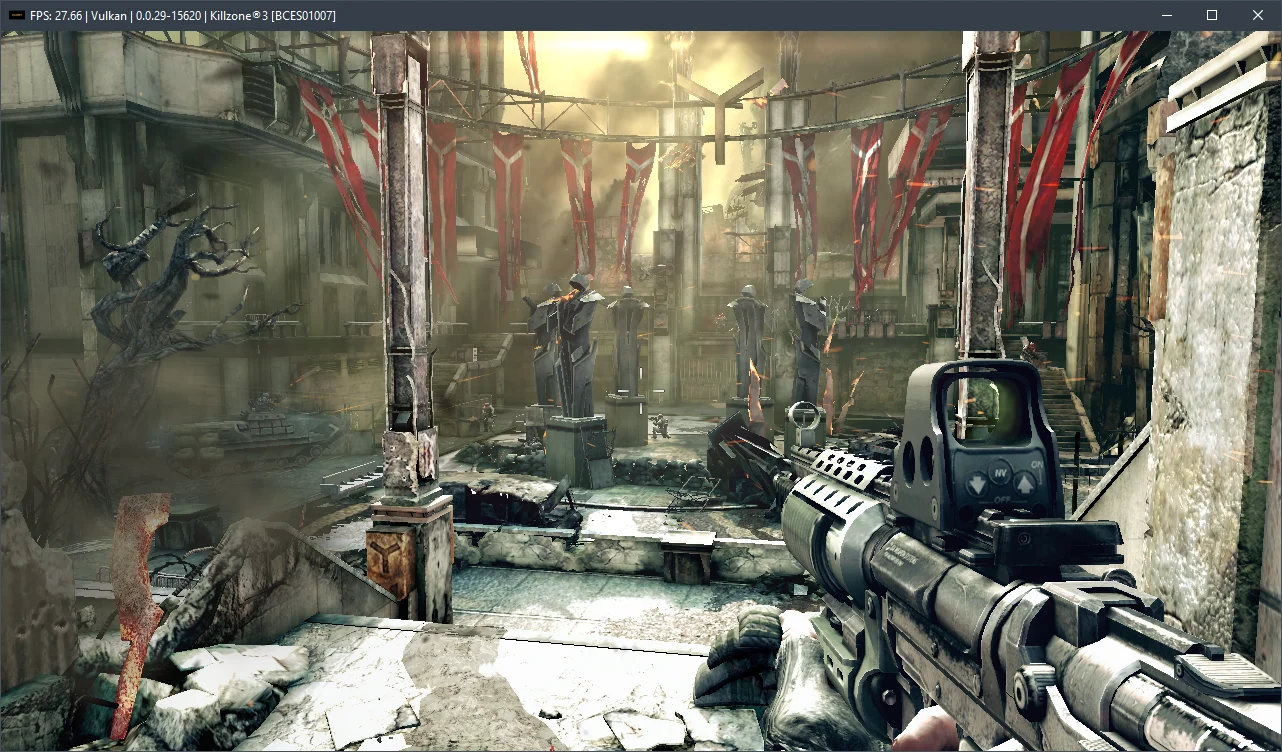
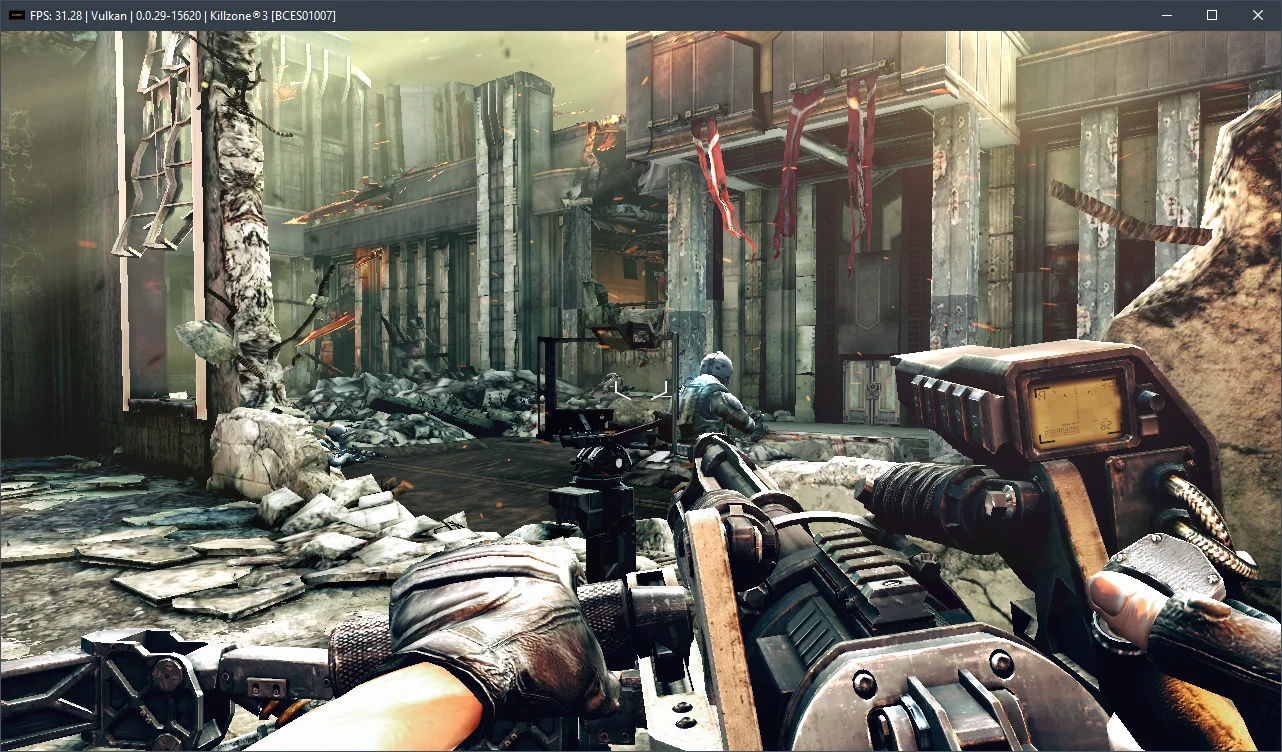
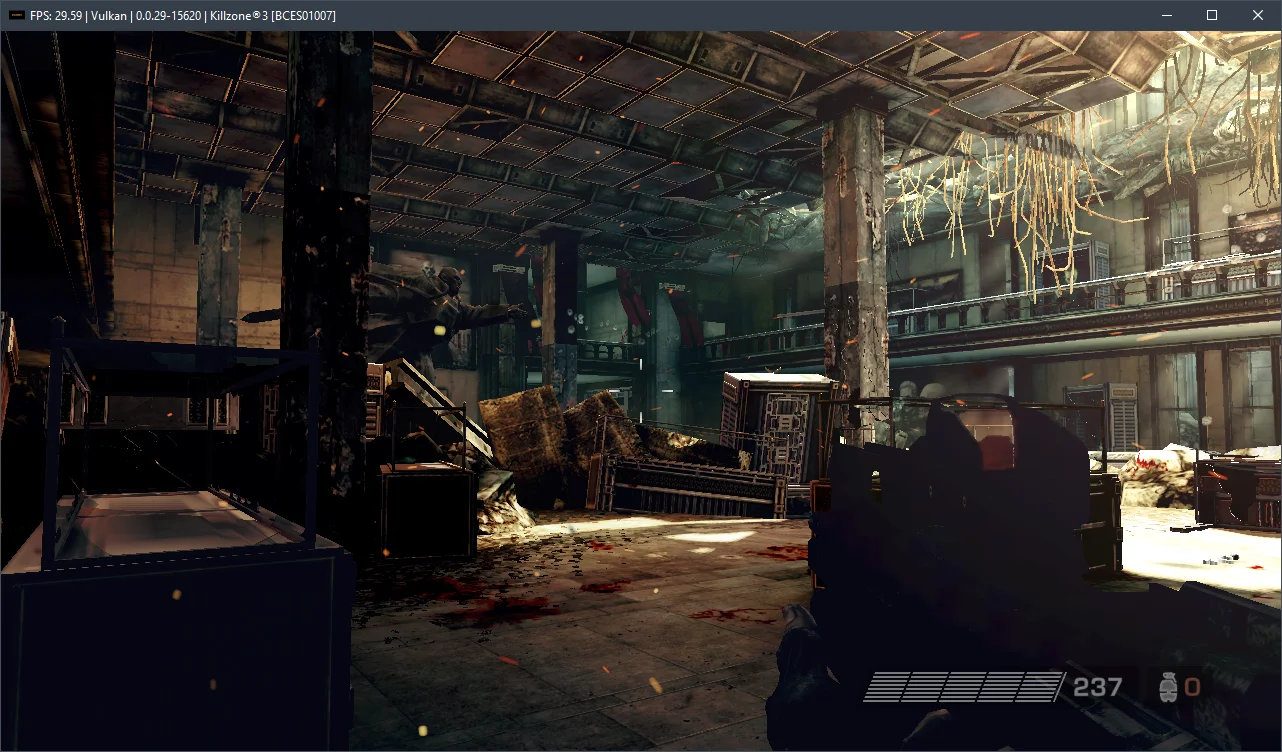
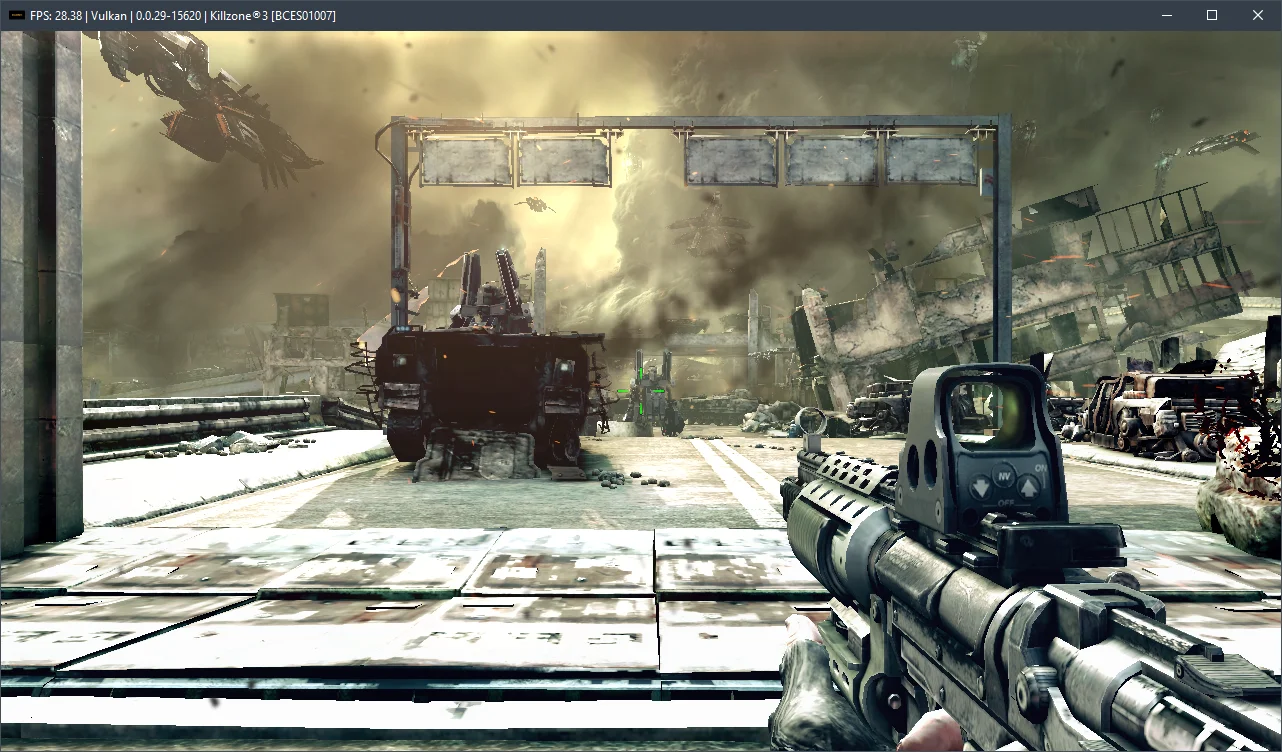
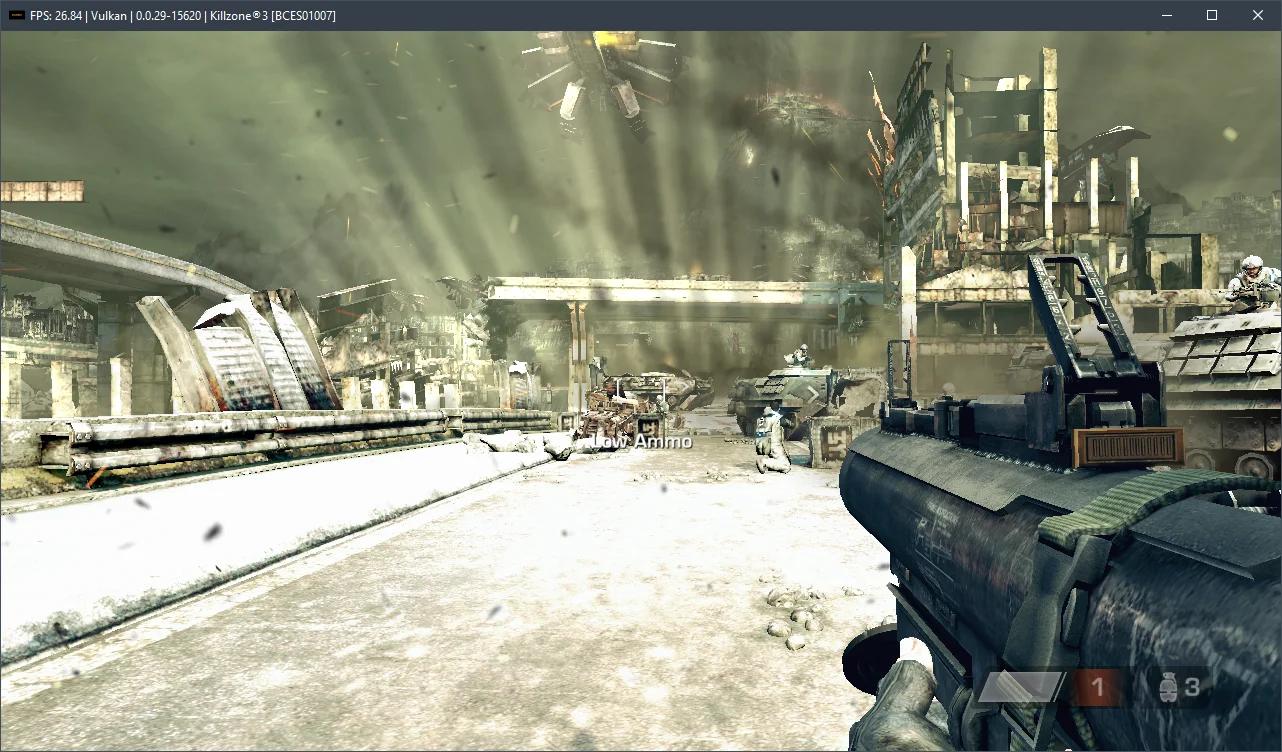
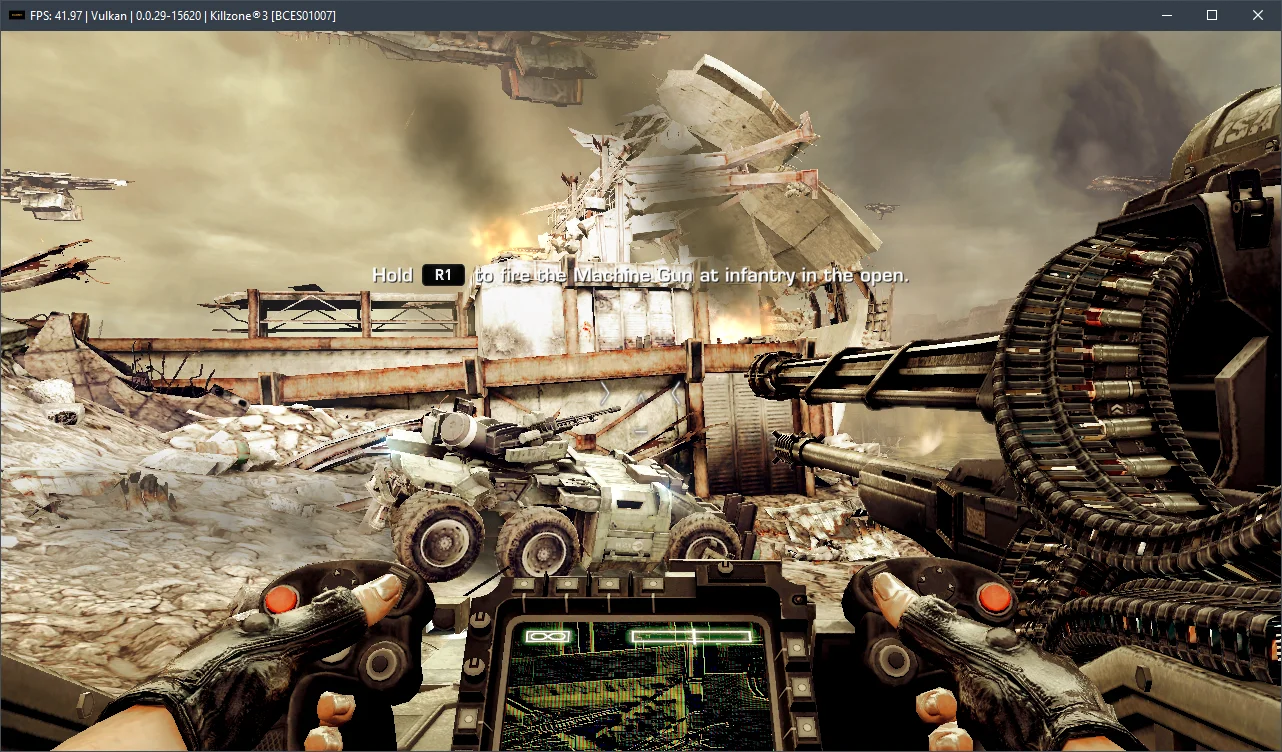
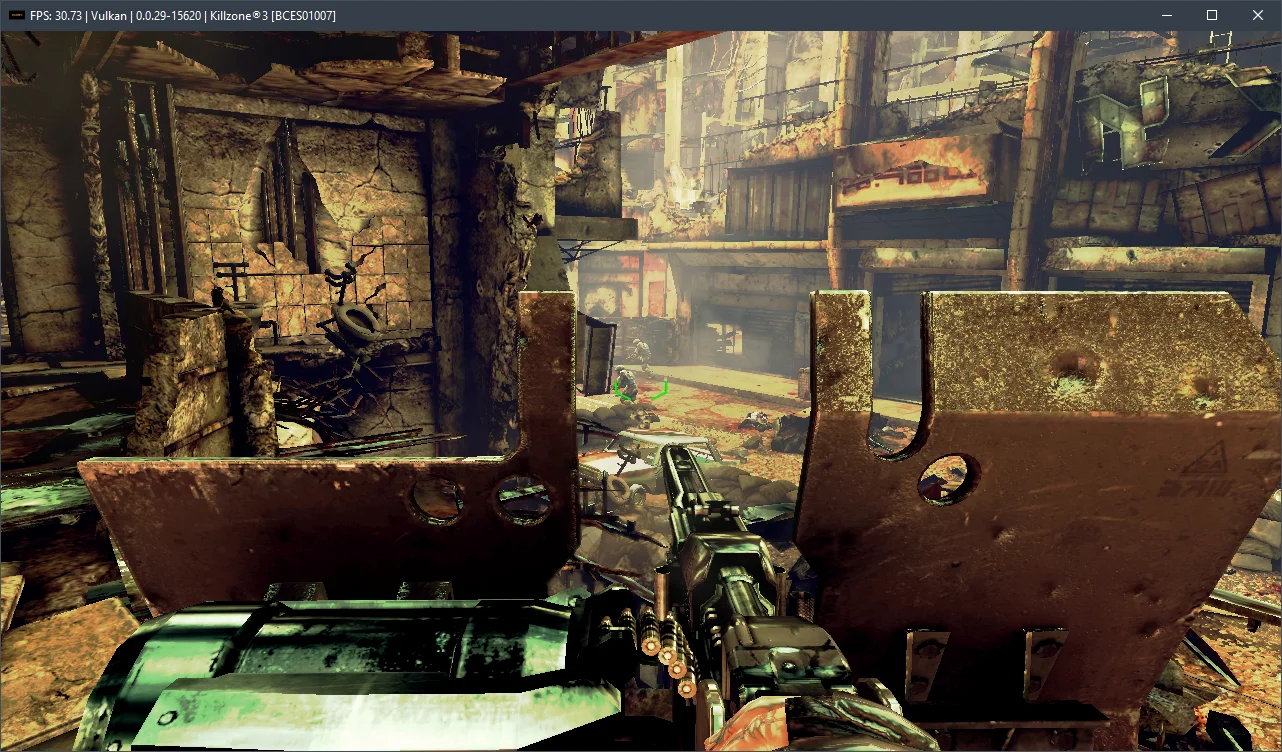
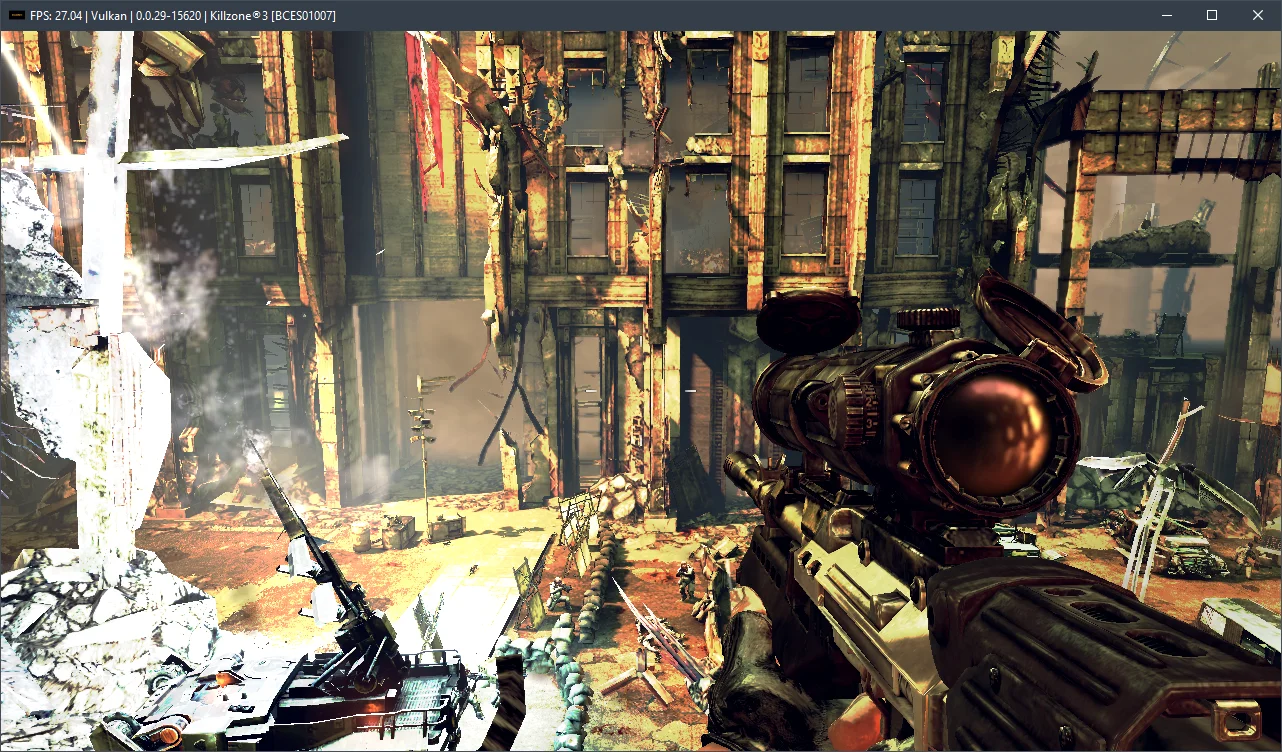
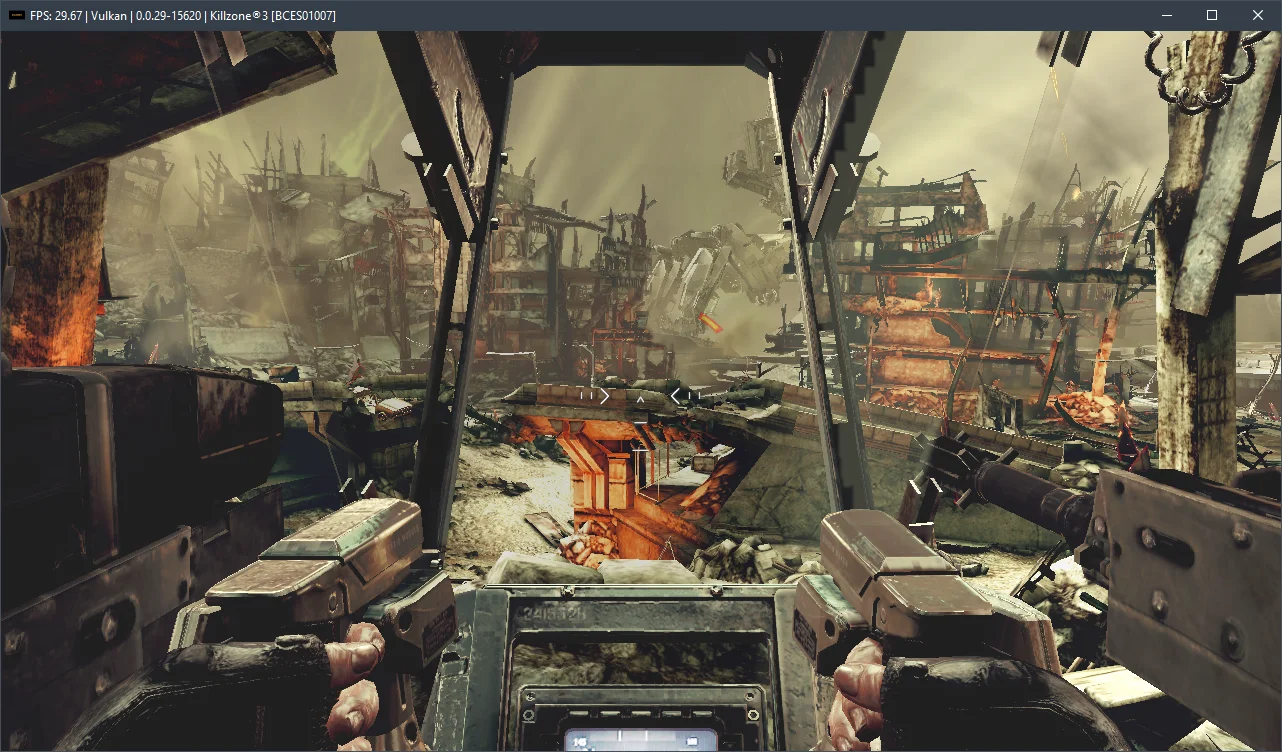
With a PC featuring a Ryzen 5 3600 and an RTX 3090 graphics card, these settings yield around 20-47 FPS.
However, the Ryzen 5 3600 is no longer a top-tier processor. When emulating Killzone 3 on a Core i5-12400F chip, we found that this CPU delivers roughly 30-60 FPS, which is significantly more comfortable. Therefore, it can be considered a baseline for emulating the third Killzone installment.
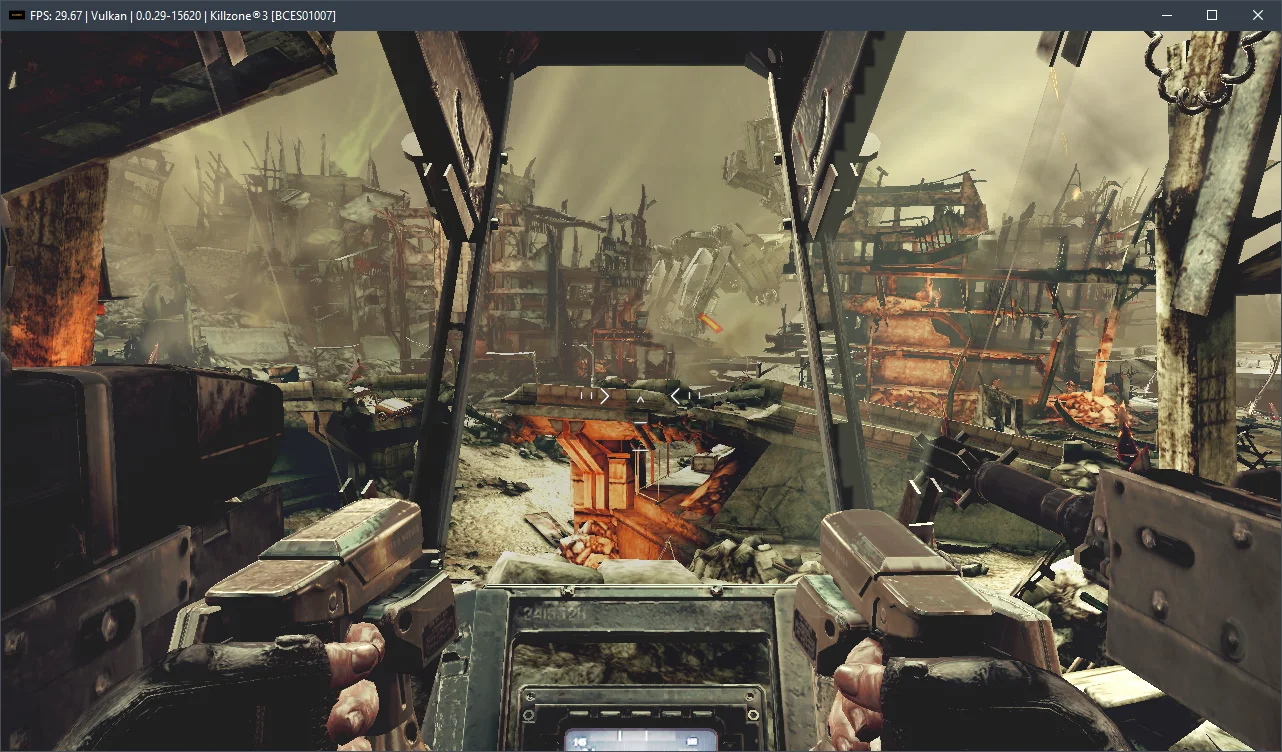
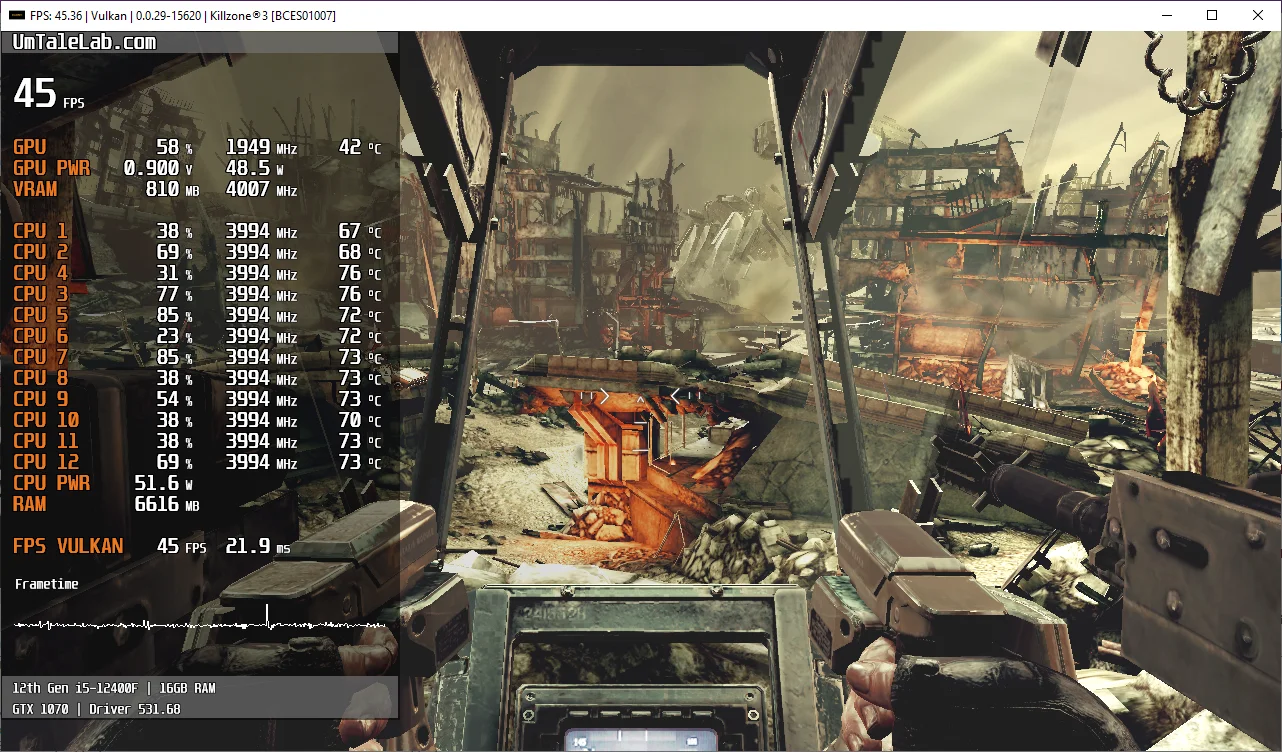
Below are screenshots taken on an AMD Ryzen 5 3600 processor and an RTX 3090 graphics card:
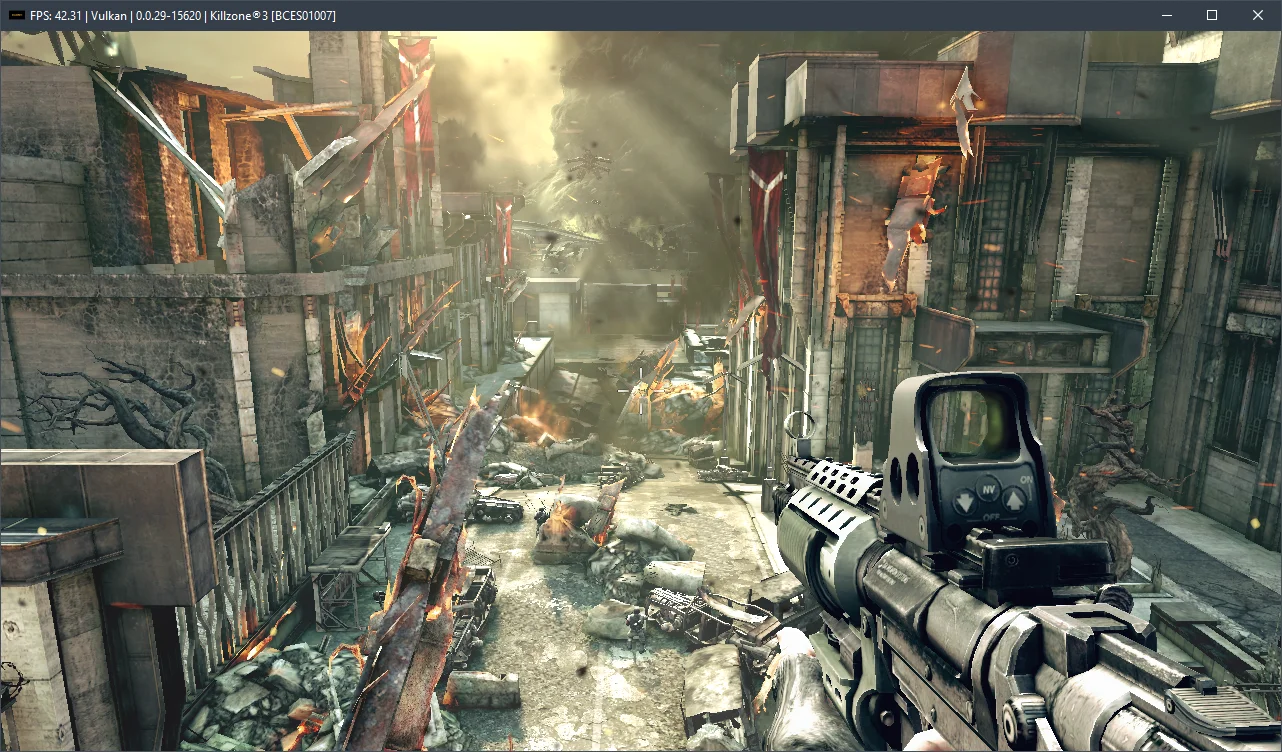
With the Intel Core i5-12400F test processor and a GTX 1070 graphics card, we achieved the following results:
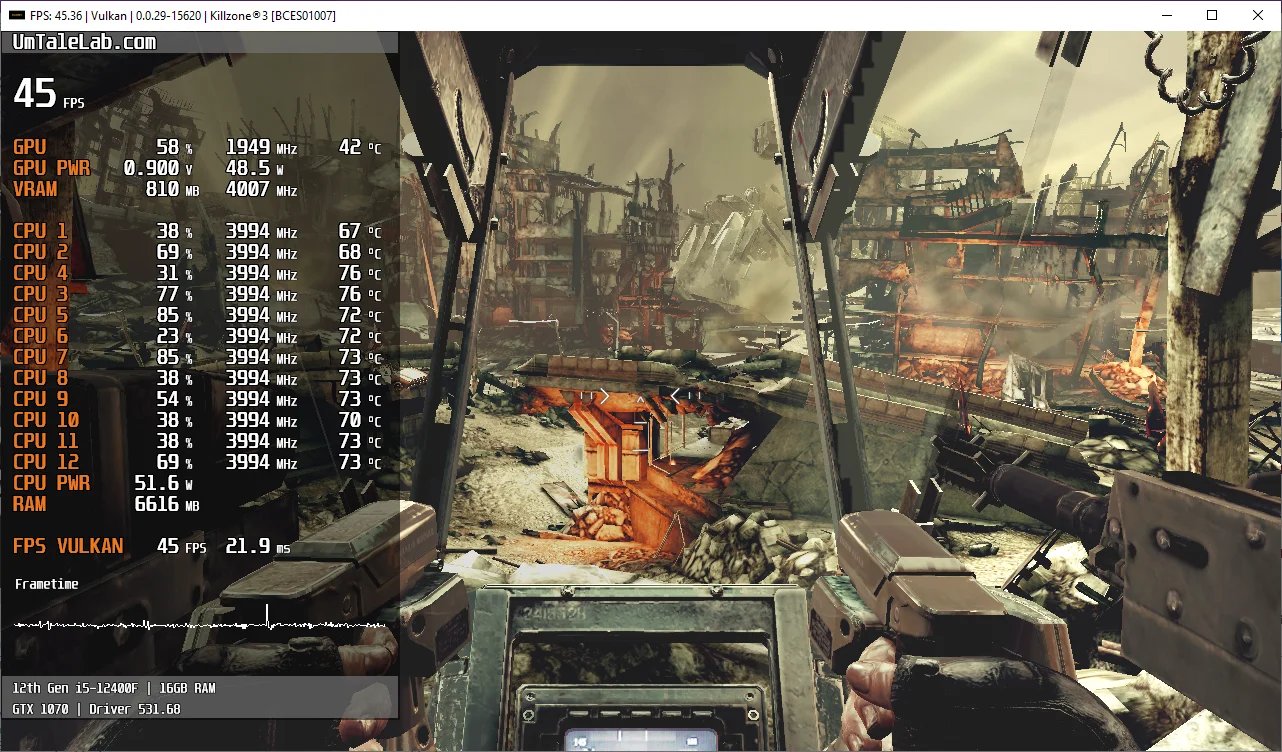
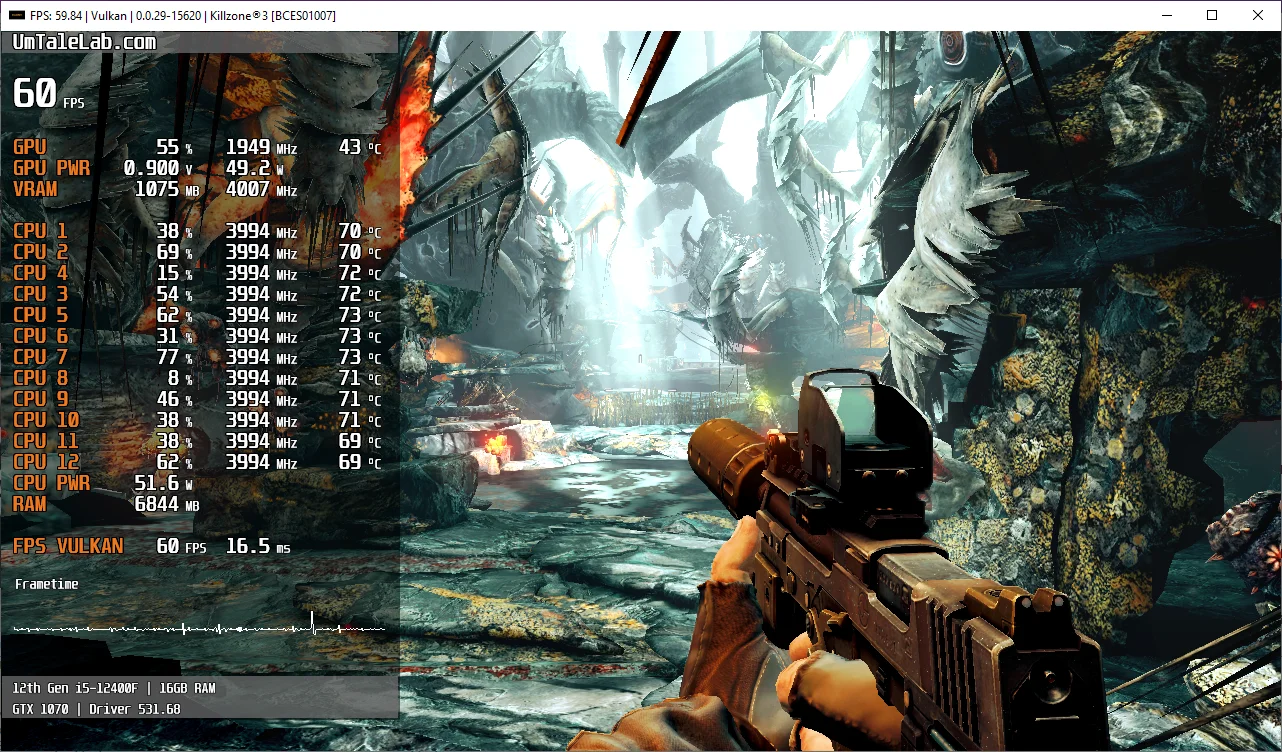
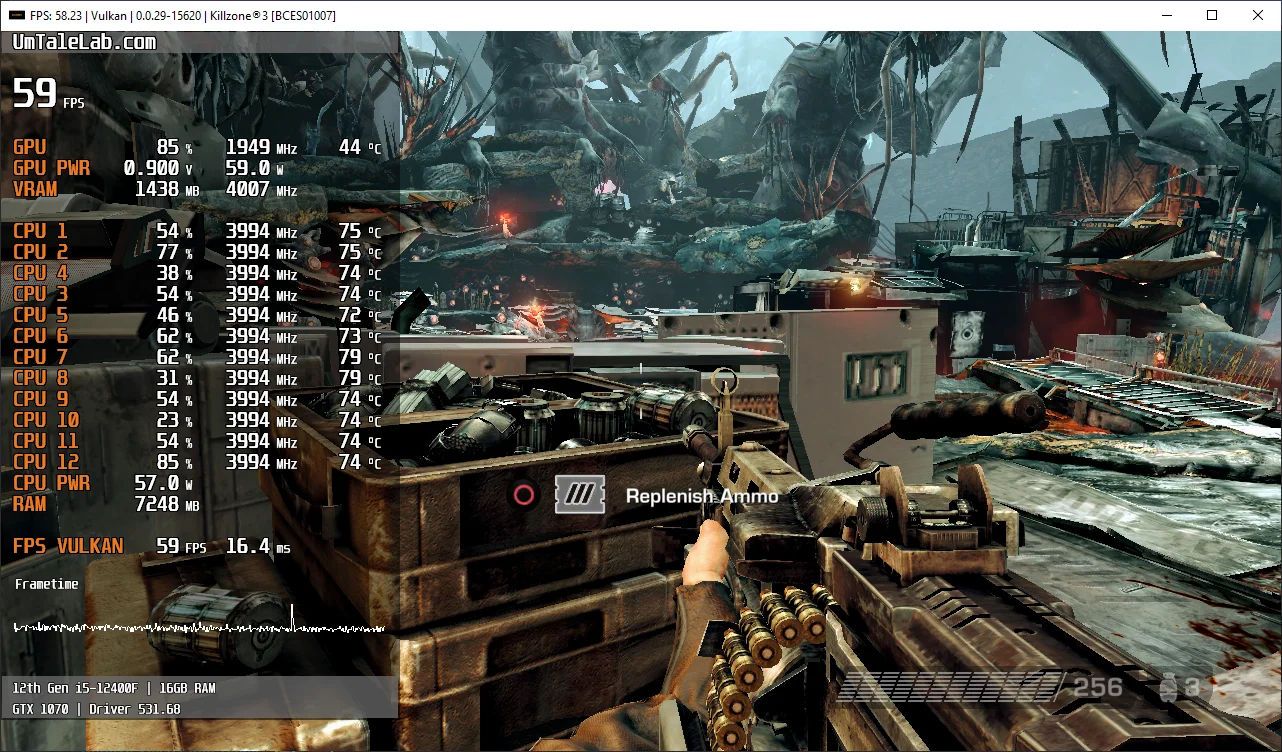
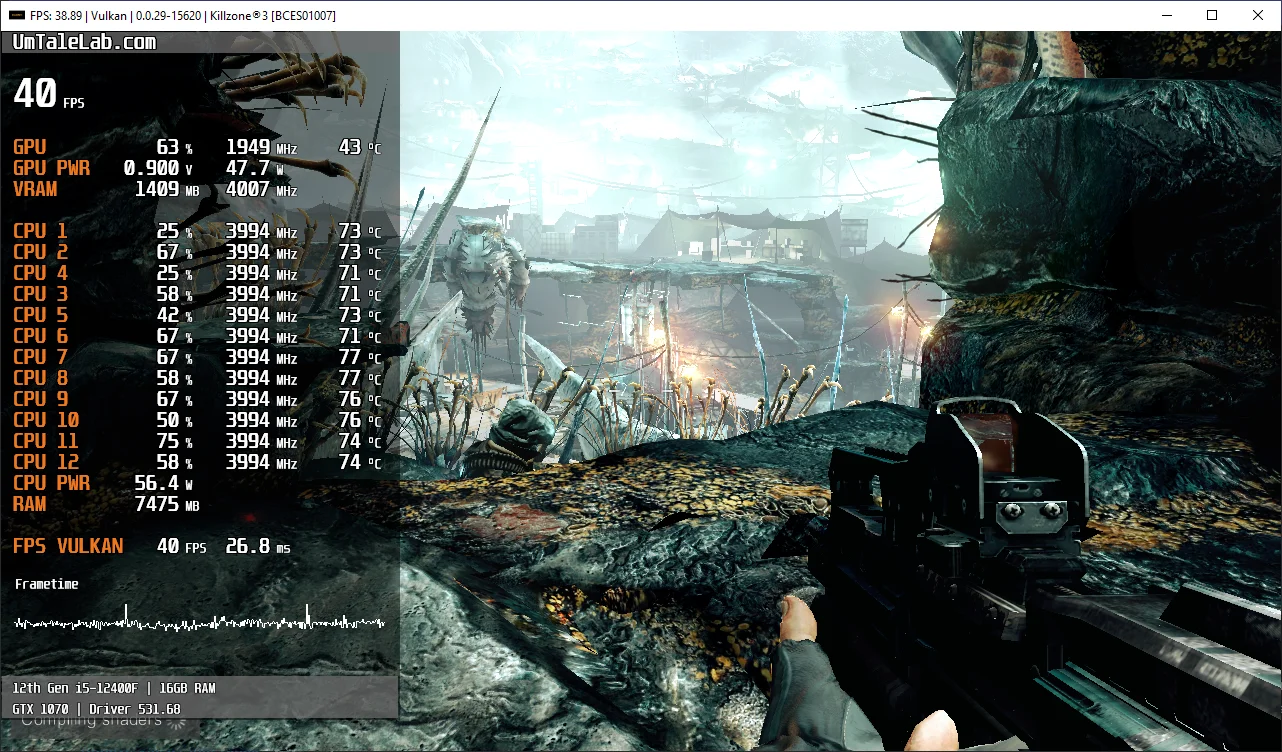
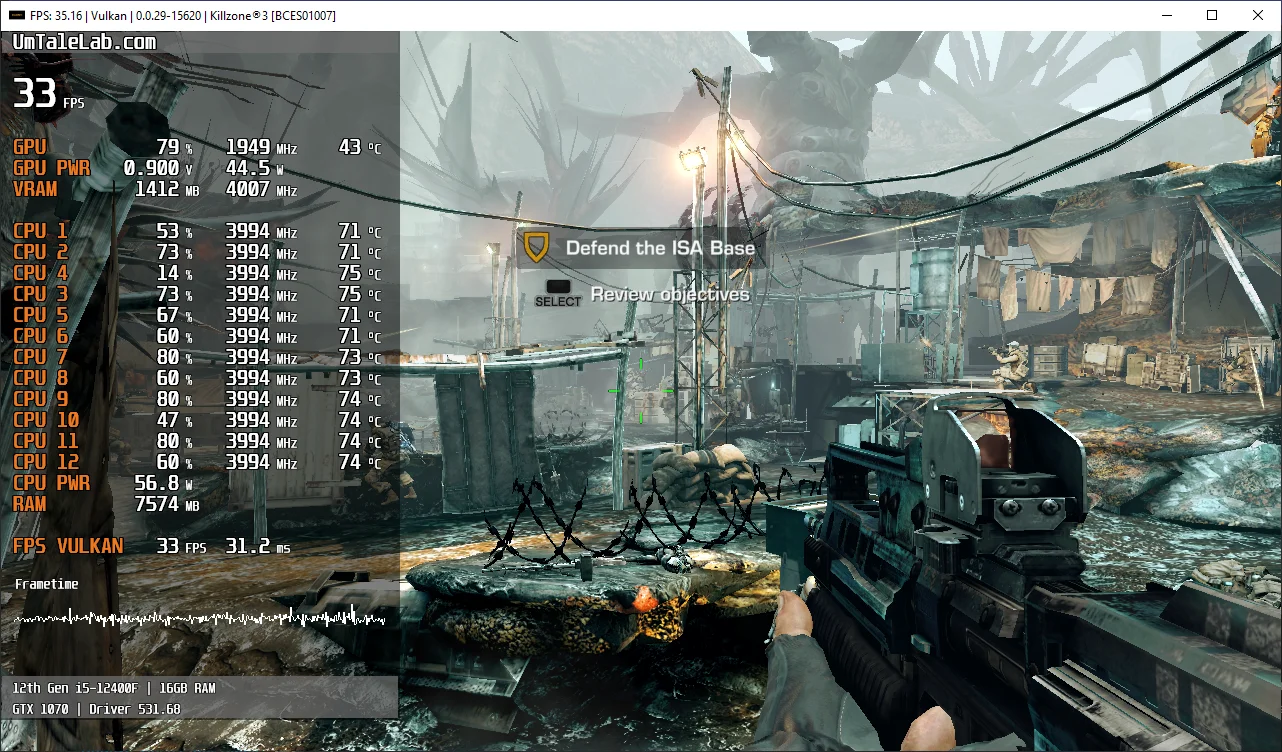
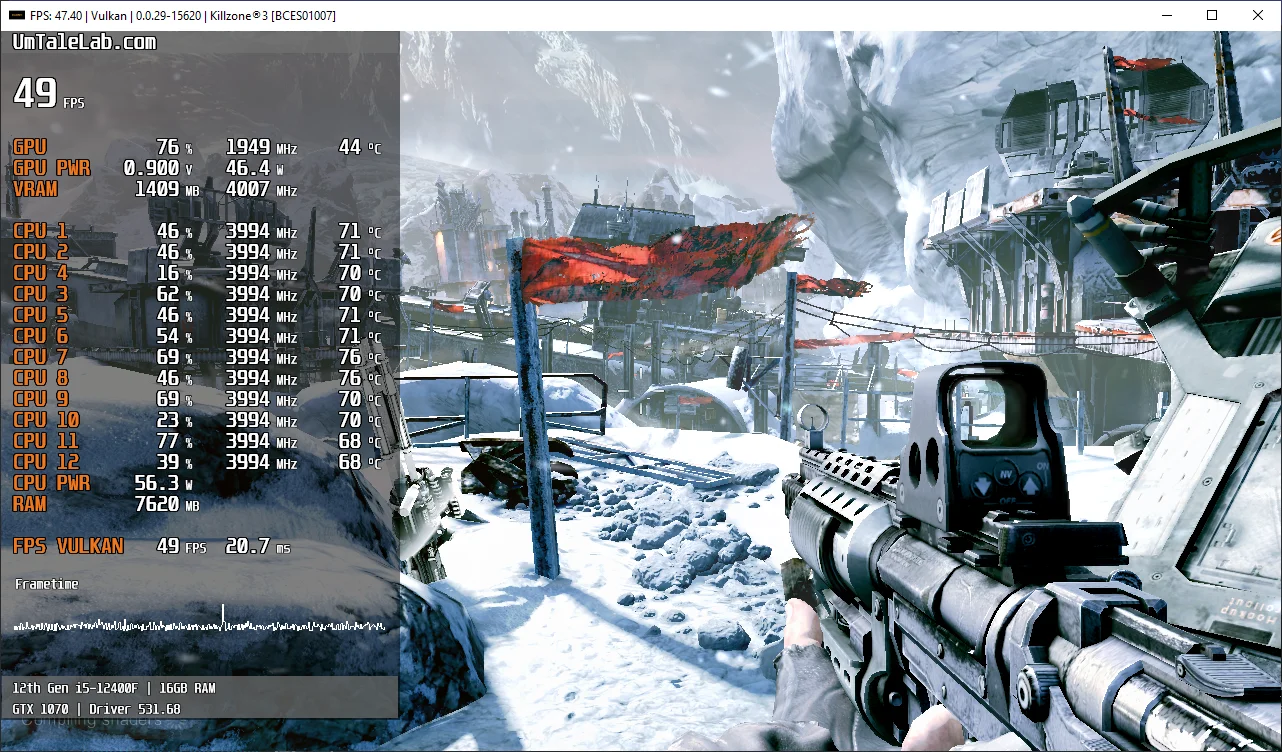
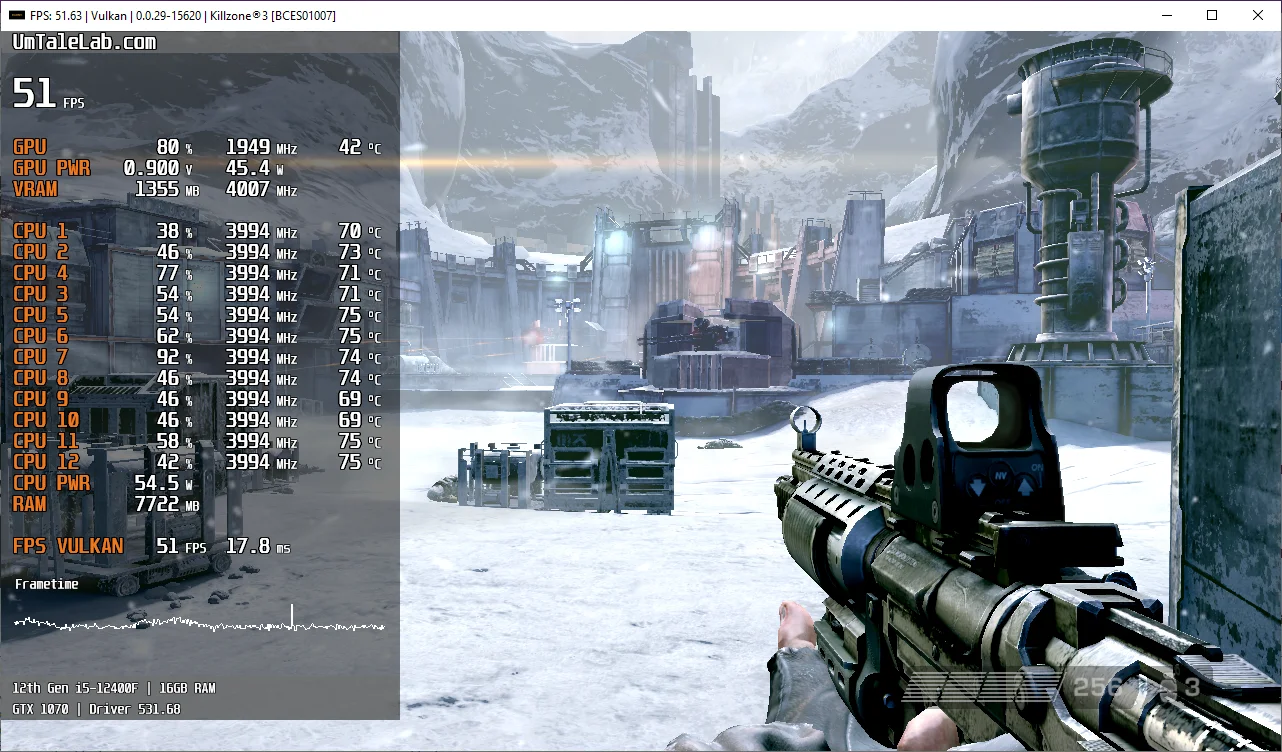
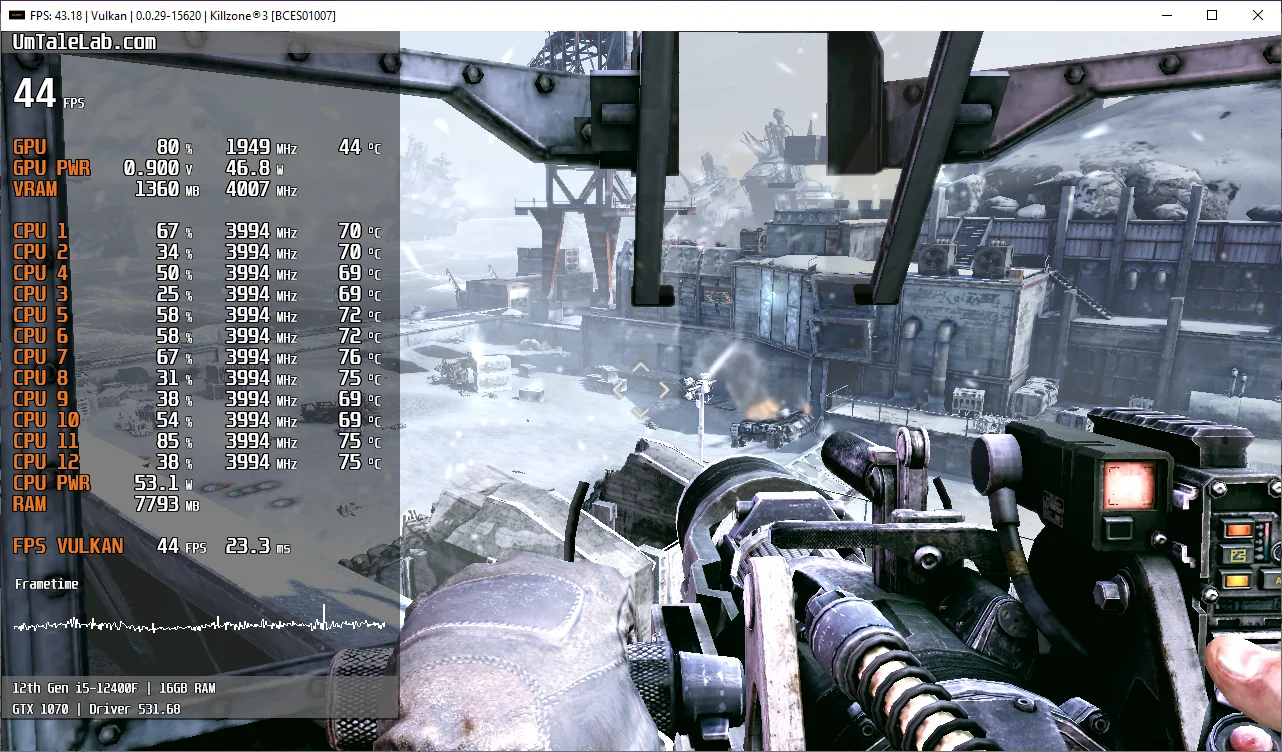
Undoubtedly, Killzone 3's emulation isn't perfect; we occasionally encountered issues with post-effects and significant FPS drops on relatively weaker processors. Nevertheless, the game never crashed once during more than five hours of gameplay and remained exceptionally stable.
Now, a few words about the hardware requirements for the current RPCS3 v0.0.29+ emulator version. Our measurements suggest that Killzone 3 can be emulated somewhat adequately starting with 6-core AMD Zen 3 / Intel Rocket Lake generation chips (this is truly the minimum hardware required) and AMD Radeon RX 400 / NVIDIA GeForce GTX 1000 series graphics cards. However, for a comfortable and consistently smooth 60 FPS experience, you'll need a high-frequency 6-core (preferably 8-core) Alder Lake chip (Core 12th-14th gen) or Zen 4 (Ryzen 7000 series). Otherwise, avoiding significant performance issues will be extremely difficult.
Test the settings mentioned above and describe your results in the comments, and also ask any questions you have.
Bonus: RPCS3 configuration for Killzone 2
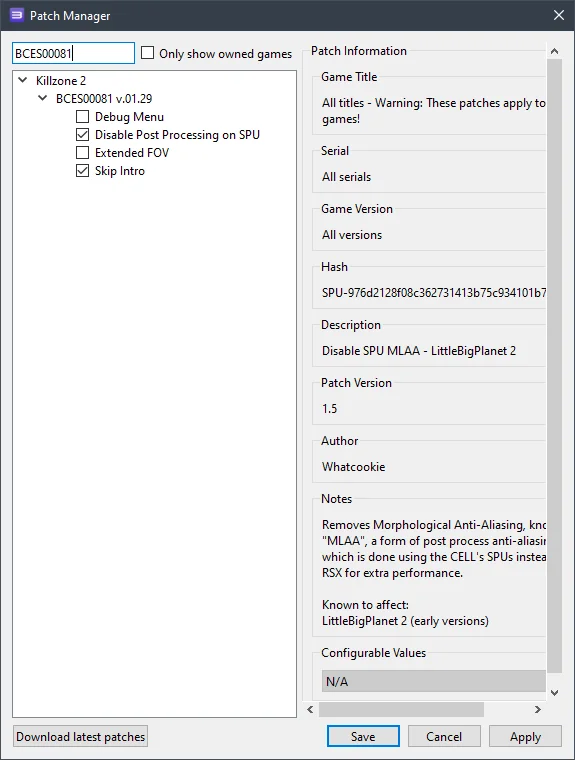
Killzone 2's settings aren't as complex, so we're giving them to you as a bonus. To ensure the game displays properly (avoiding color mixing) and achieves even a somewhat adequate FPS, you'll need to activate these patches:
 ⤢ ВІДКРИТИ
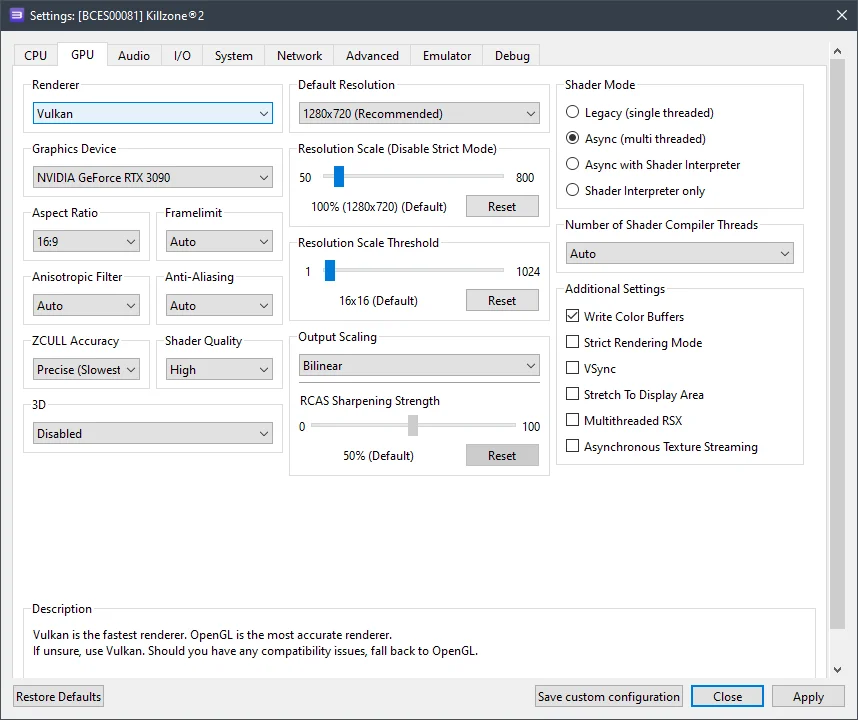
Also, enable the Write color buffers option in the GPU configuration:
 ⤢ ВІДКРИТИ
However, Killzone 2 has significantly higher CPU requirements than the third installment. Plus, removing the 30 FPS cap isn't currently possible.
It's easy to see why even an i5-12400F sometimes dipped below 20 frames per second, while an R5 3600 occasionally couldn't even hit 15 FPS.