BLOGS · GAME BLOGS
PUBLISHED
READING5 min
Setting up RPCS3 v0.0.29+ for MotorStorm: Pacific Rift
Get your RPCS3 v0.0.29+ emulator ready for MotorStorm: Pacific Rift with this detailed guide, covering optimal configurations and performance benchmarks.
The penultimate game from industry veterans Evolution Studios, MotorStorm: Pacific Rift, distilled the best elements from their previous projects. Its graphics, physics, sound, and damage model set a benchmark for its era, rivaled only by Burnout Paradise to some extent.
Unfortunately, thanks to Sony's efforts, we won't see any more racing projects from Evolution Studios. After the unsuccessful Driveclub, the team was disbanded, and the studio was closed.
Still, gamers can revisit some of the legendary developers' iconic projects. Thanks to the RPCS3 team, MotorStorm: Pacific Rift is now fully playable on the eponymous emulator.
MotorStorm: Pacific Rift emulation requirements
First, check your emulator version: it must be at least RPCS3 v0.0.29 Alpha | master (the main branch). Update if necessary. If your version is significantly newer, some of these settings might be unnecessary. Try playing the game without any extra modifications first. It's also possible the game won't launch at all with the settings below. Should that happen, let us know in the comments for this post, and we'll try to create a new guide as quickly as possible.
Currently, MotorStorm: Pacific Rift emulation on RPCS3 doesn't have any major issues. The only potential hiccup is shader compilation, which happens the first time on each track. Sometimes, recompilation occurs if a track differs from its initial version at the start of the game.
The emulator's developers have officially marked this title as "Playable." So, even if you encounter a minor bug, it absolutely won't stop you from completing the game's career 100%.
 ⤢ ВІДКРИТИ
RPCS3 configuration for MotorStorm: Pacific Rift
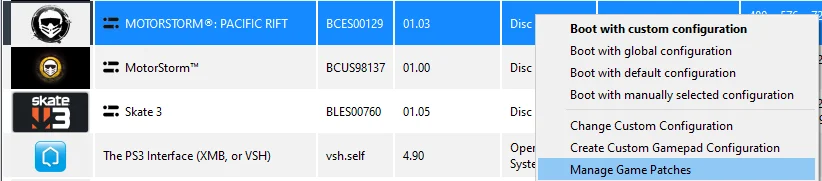
First, activate a couple of patches. Launch the emulator, right-click the “MotorStorm: Pacific Rift” icon, then left-click “Manage Game Patches” in the dropdown menu:
 ⤢ ВІДКРИТИ
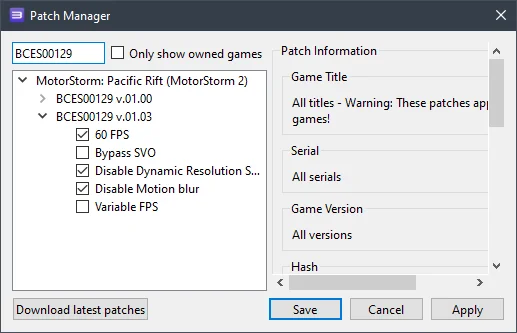
You should activate the following patches:
 ⤢ ВІДКРИТИ
Now, click Apply, then Save. Afterward, right-click the “MotorStorm: Pacific Rift” icon again, then left-click “Change/Create Custom Configuration” in the dropdown menu:
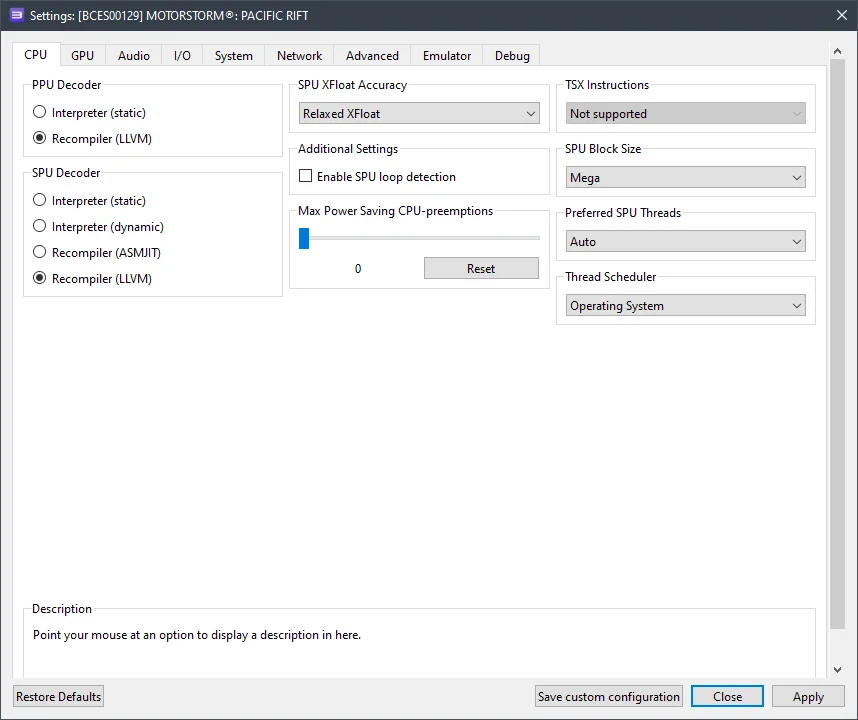
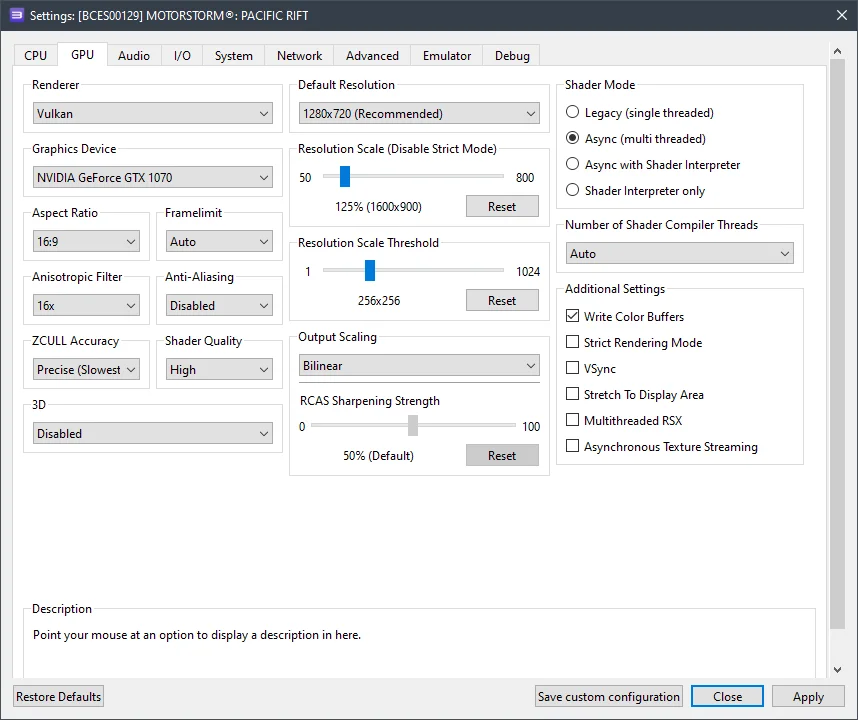
In this window, adjust the settings in each of the shown tabs according to the selected options and the screenshots below.
CPU configuration (CPU tab)
Setting | Option | Description |
|---|---|---|
SPU xfloat accuracy | Relaxed | Increases performance without compromising stability. |
SPU block size | Mega | Significantly boosts performance. |
 ⤢ ВІДКРИТИ
GPU configuration (GPU tab)
Setting | Option | Description |
|---|---|---|
Anisotropic filter | 16x | Significantly improves texture quality. |
Anti-aliasing | Disabled | Significantly boosts performance when using resolution scaling. |
Resolution scale threshold | 256 x 256 | Fixes bloom issues when using resolution scaling. |
Write color buffers | On | Fixes excessively bright bloom (white screen). |
 ⤢ ВІДКРИТИ
Additional settings (Advanced tab)
Setting | Option | Description |
|---|---|---|
Read color buffers | On | Fixes visual issues with surfaces, such as dirt. |
Driver wake-up delay | 50 | Eliminates crashes caused by RSX desynchronization. If crashes persist, increase the value to 100. |
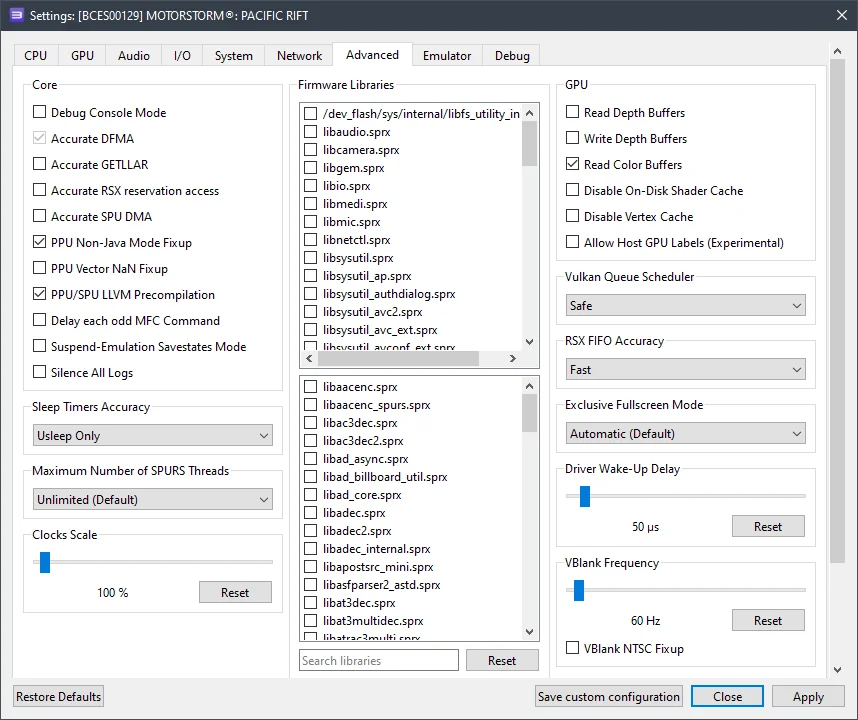 ⤢ ВІДКРИТИ
Now, let's move on to the results.
RPCS3 setup results for MotorStorm: Pacific Rift
First off, owners of older processors (like Ryzen 1000-2000 or Xeon E5-2600 v3/v4) can definitely try MotorStorm: Pacific Rift. With a Xeon E5-2630 v3, the game delivers 20-36 FPS, which generally matches the console framerate. The Ryzen 7 1800X, however, showed a more stable framerate of 25-48 FPS.
On my personal PC, equipped with a Ryzen 5 3600 and a GTX 1070, the game runs at approximately 31-60 FPS using all the settings described above. This framerate variation is quite sufficient for relatively comfortable gameplay.
Below are screenshots captured on an AMD Ryzen 5 3600 processor and a GTX 1070 graphics card:
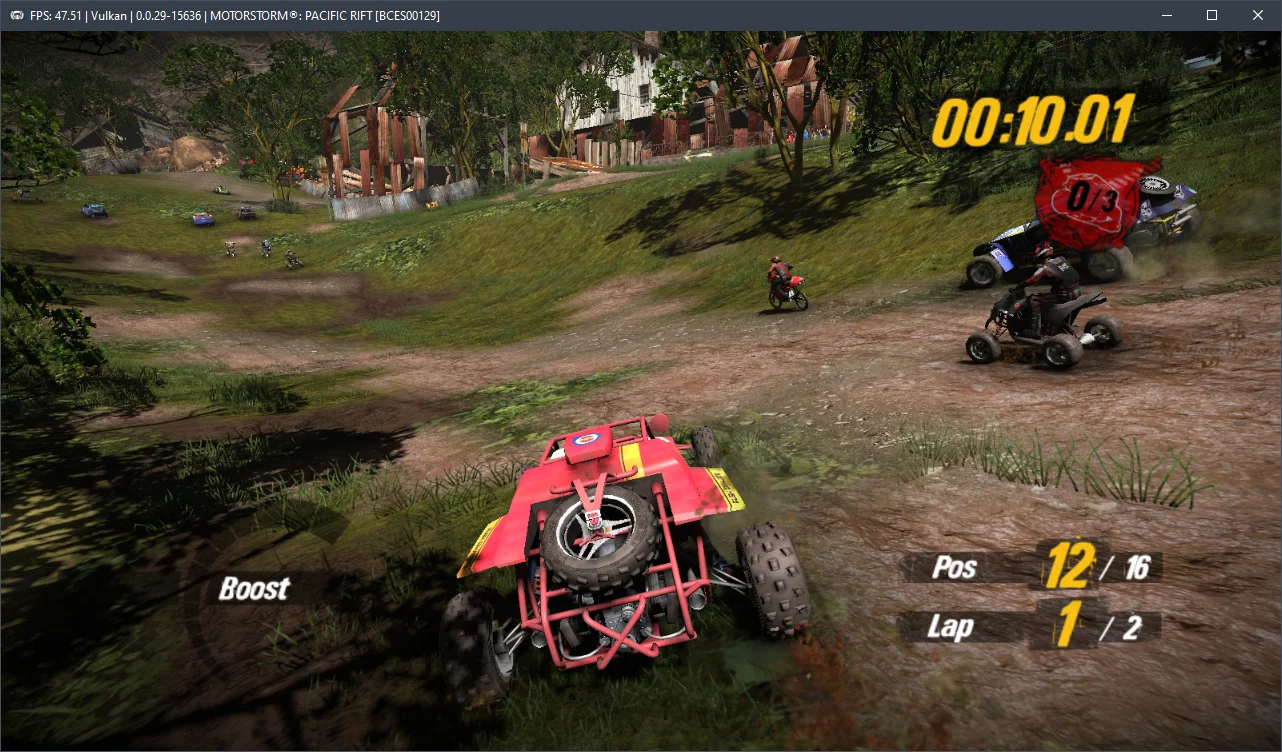
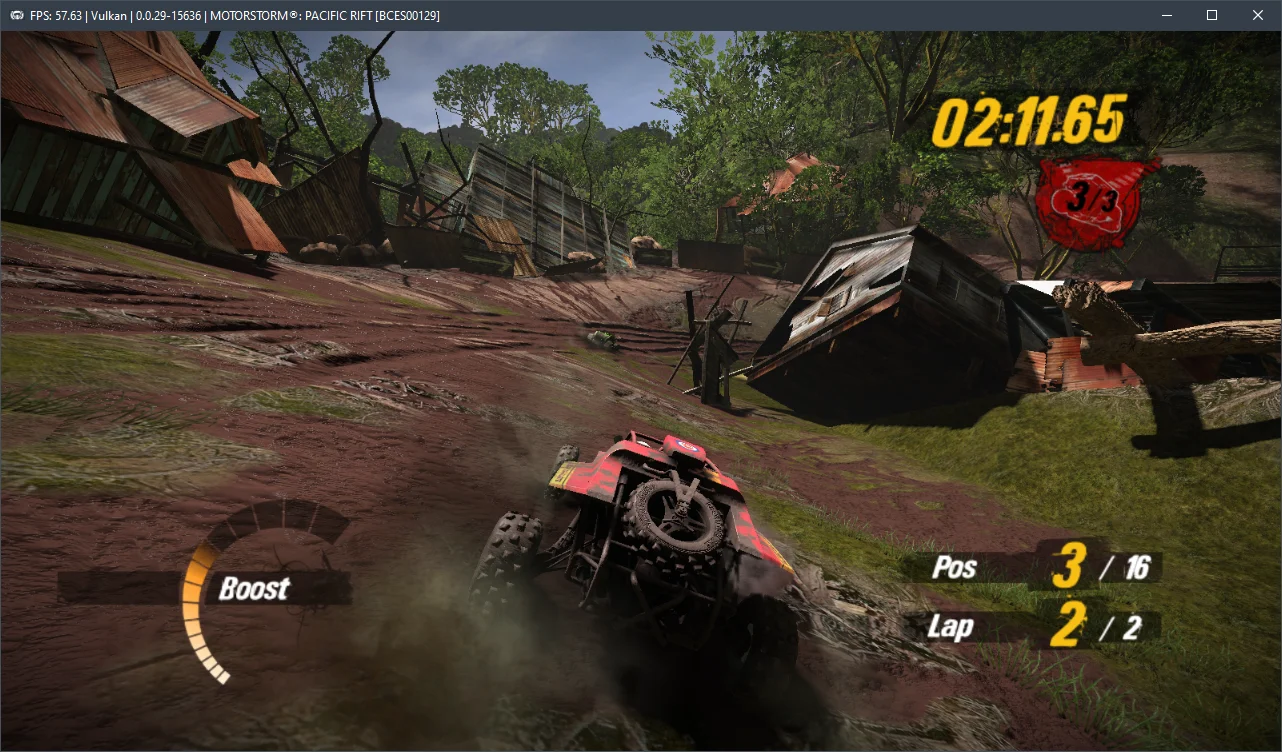
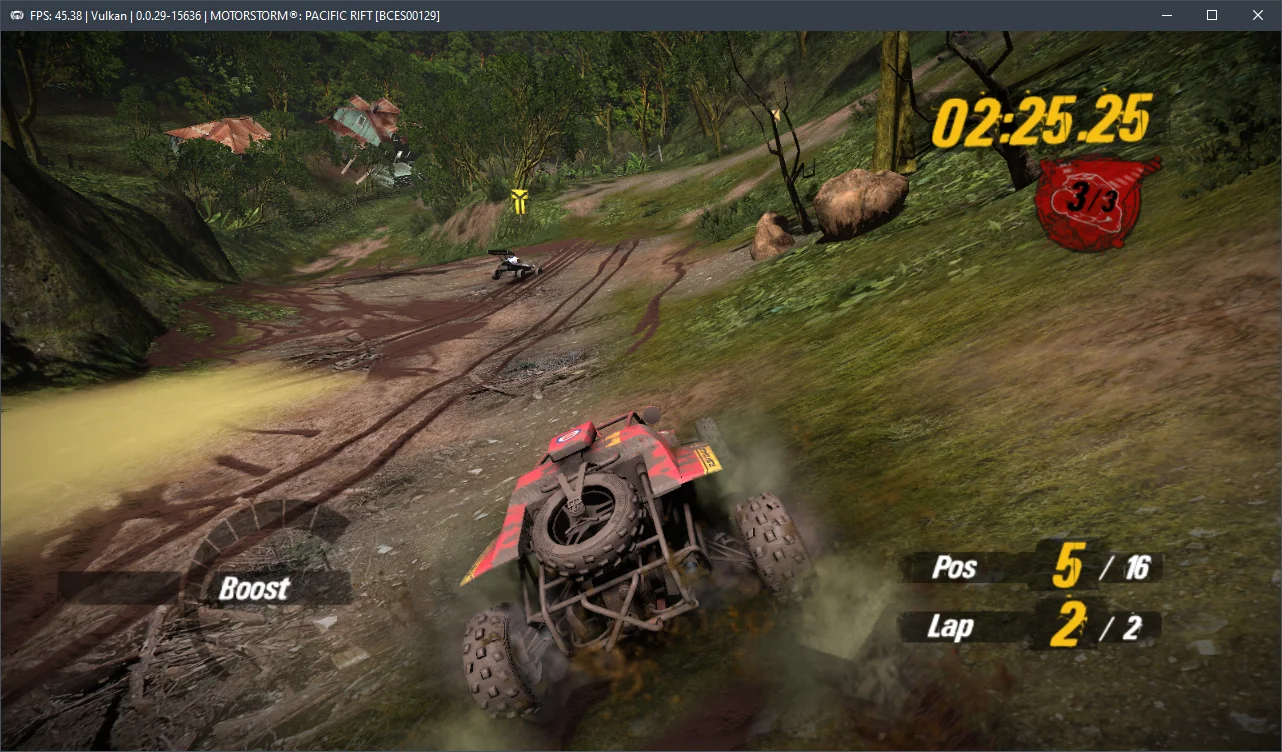
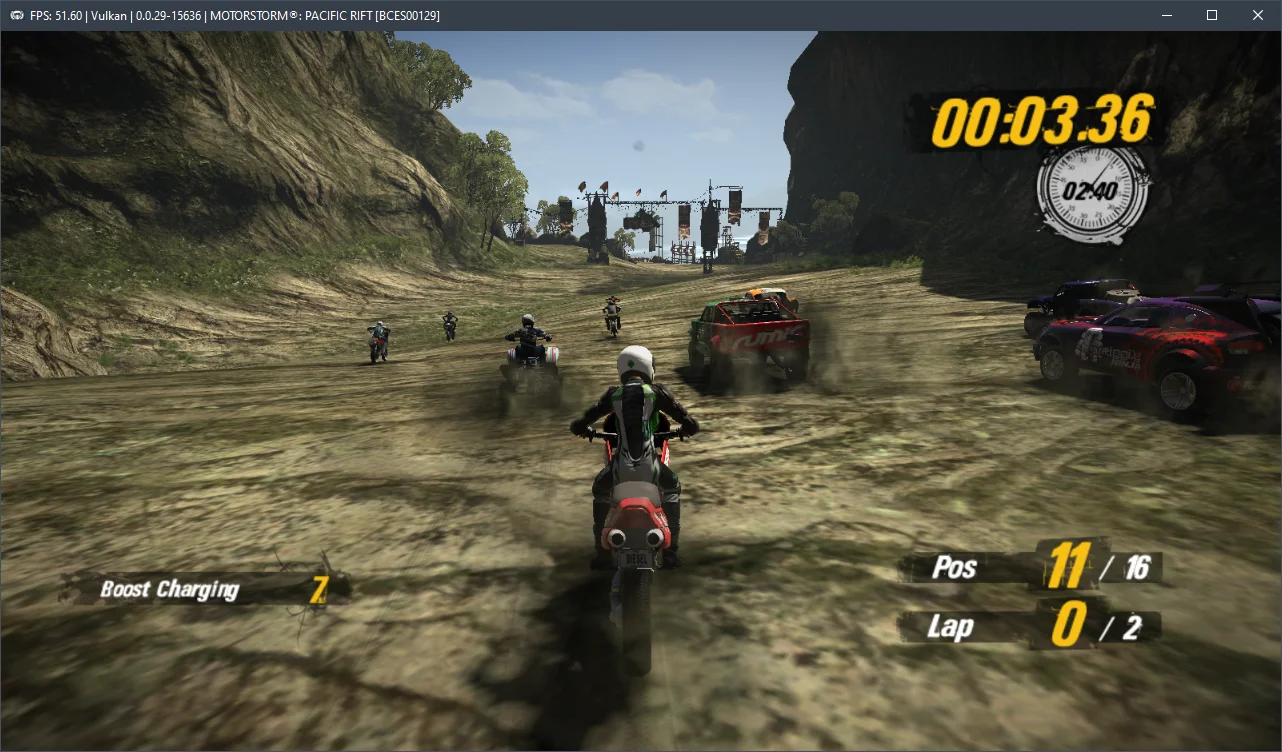
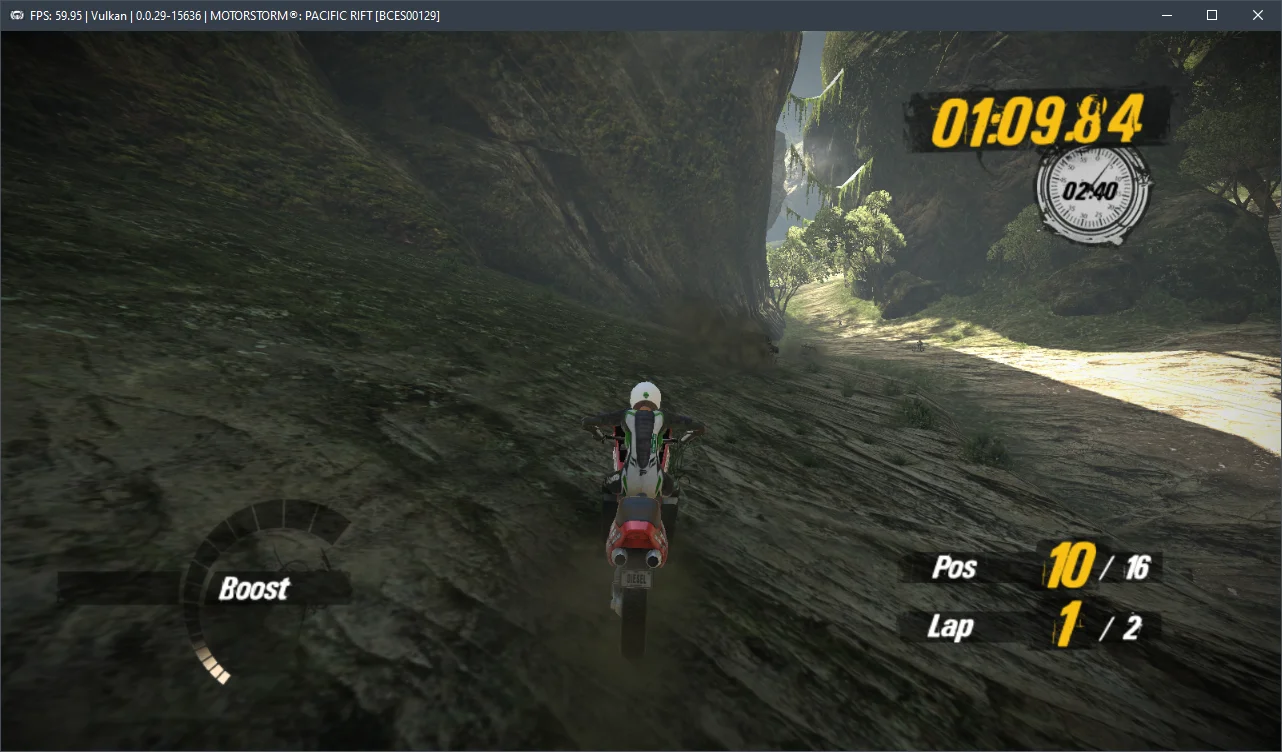
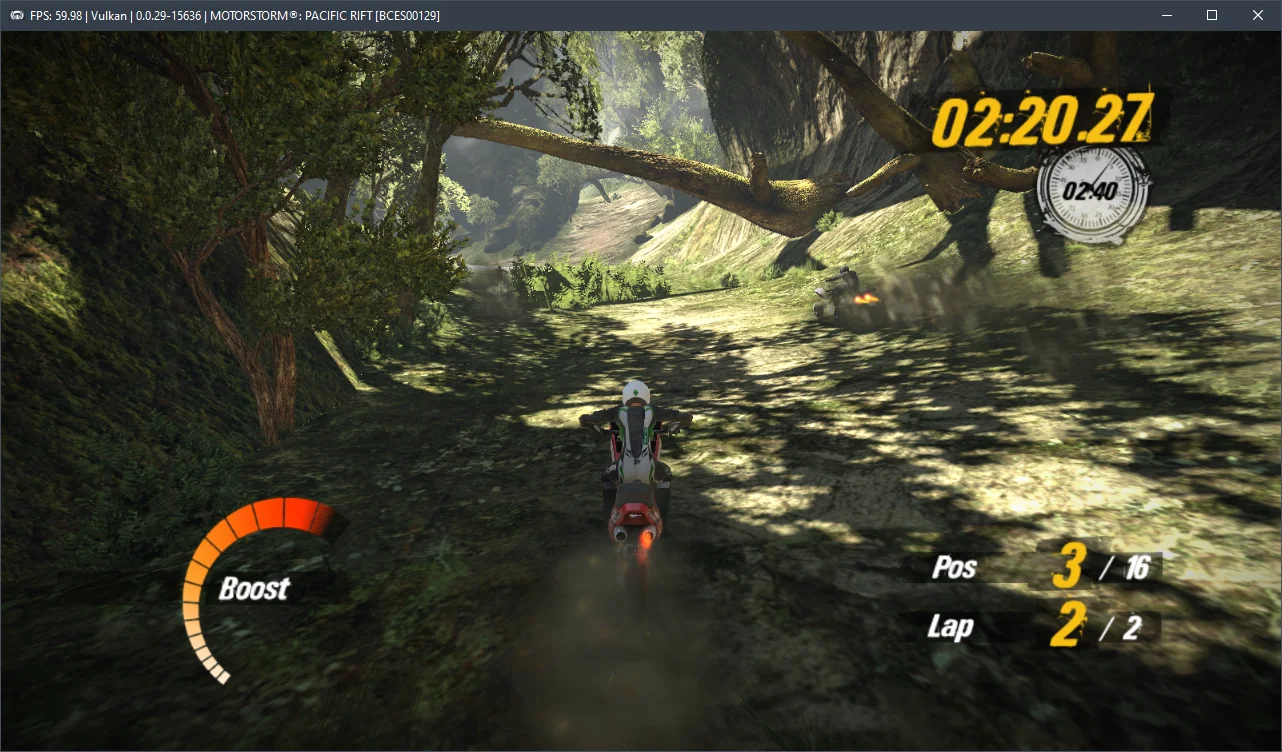
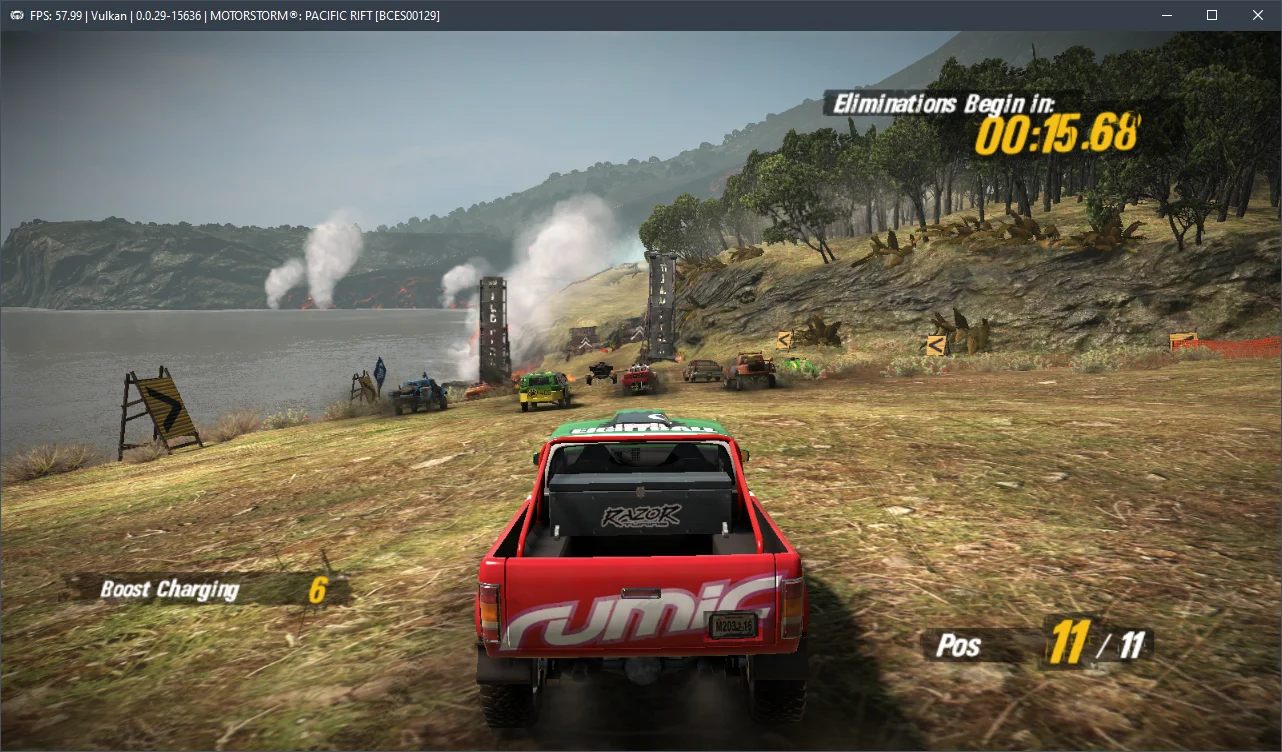
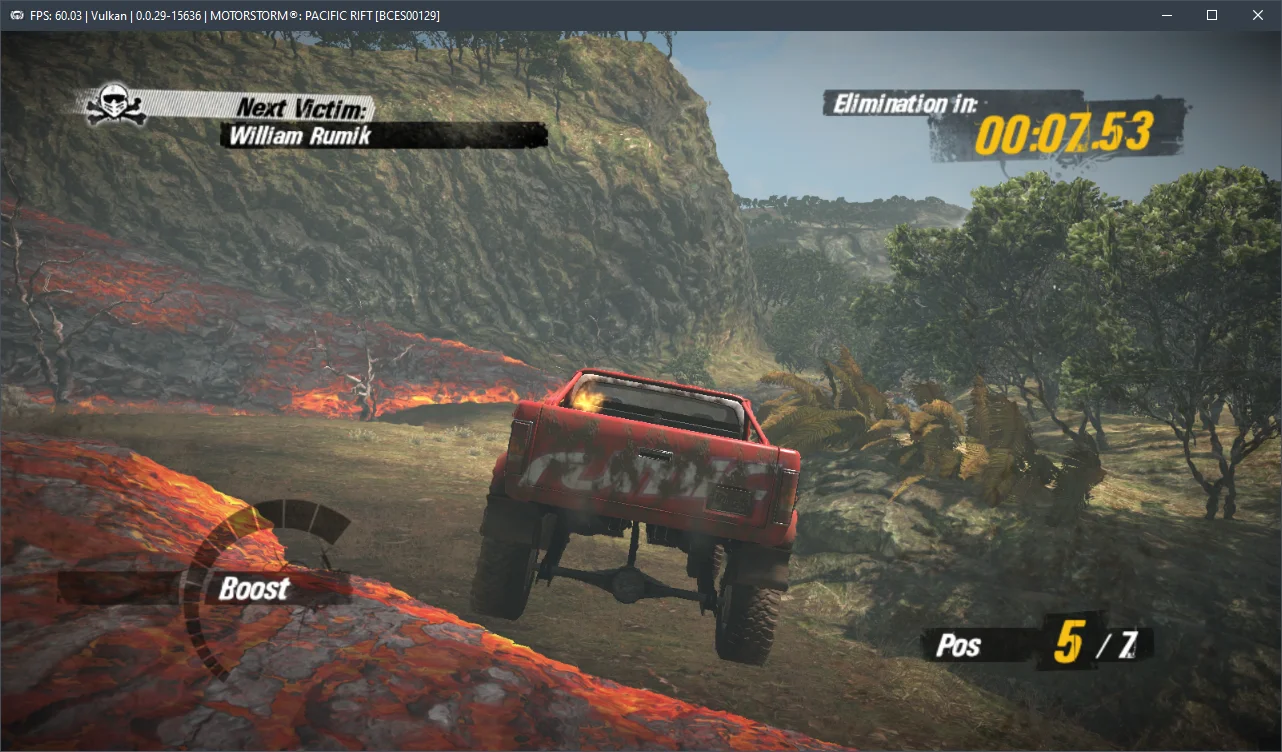
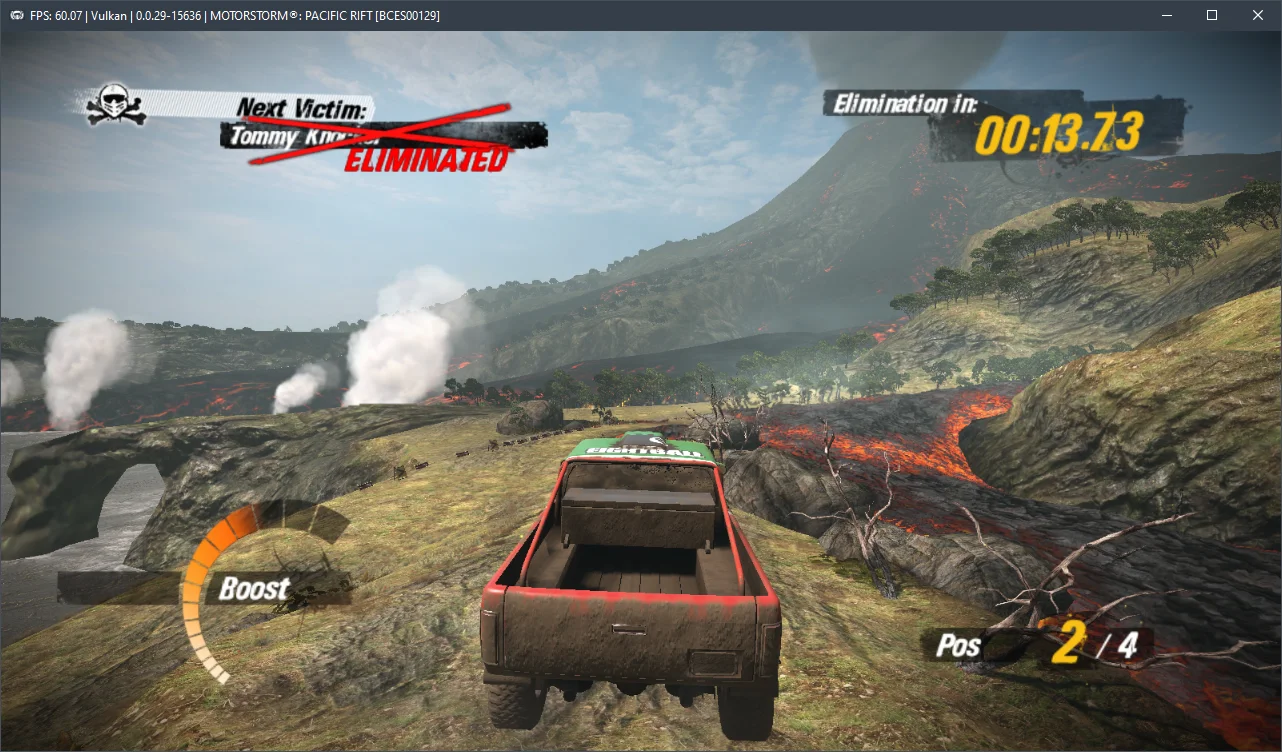
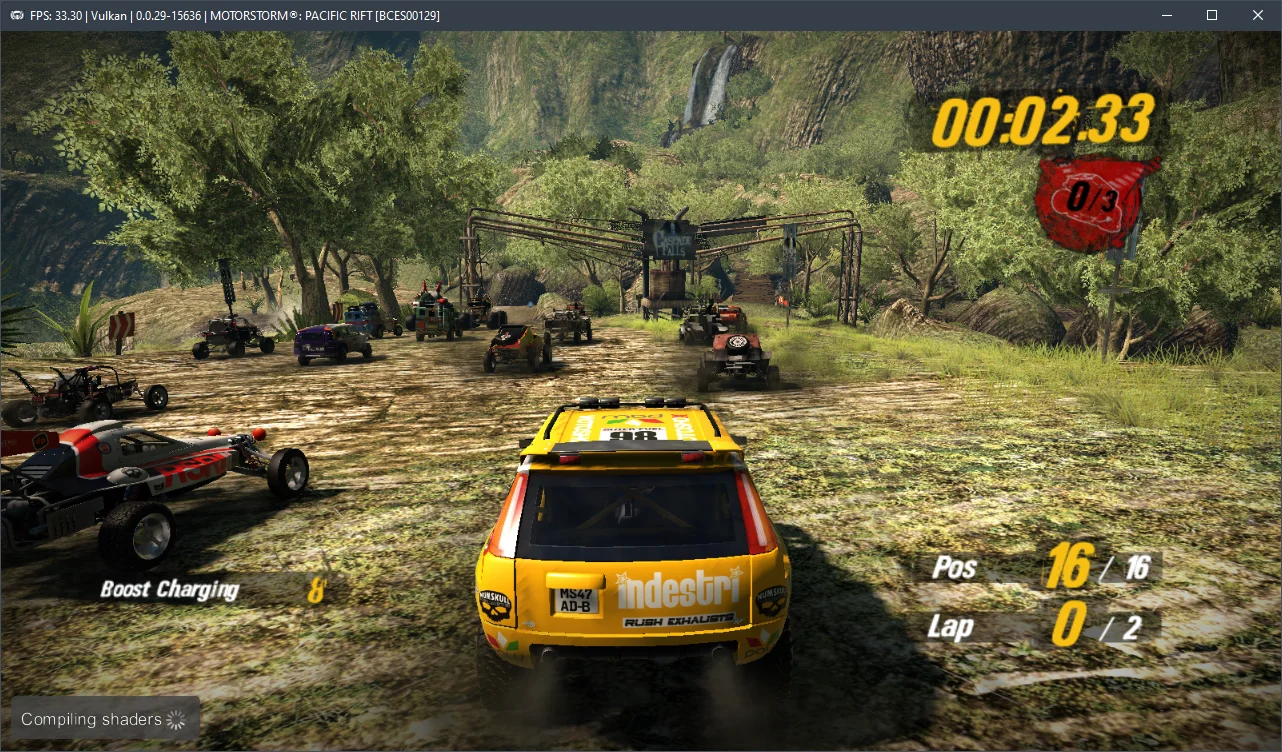
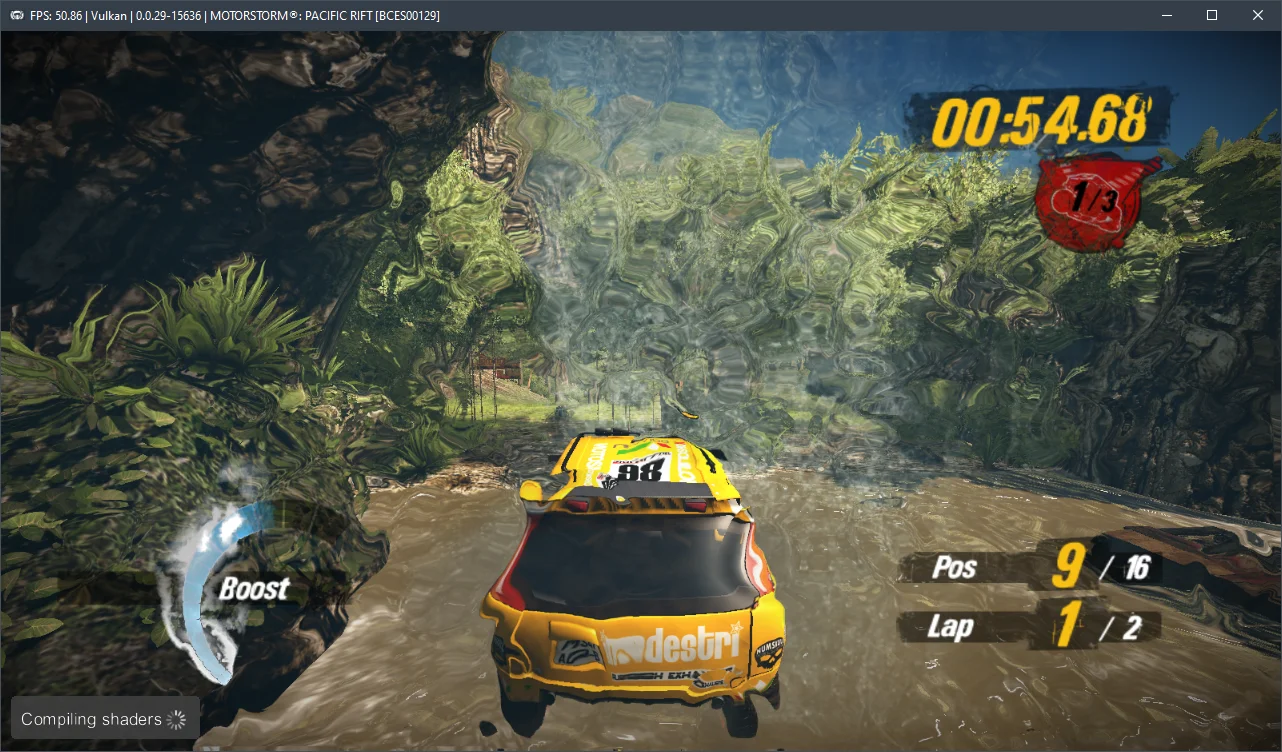
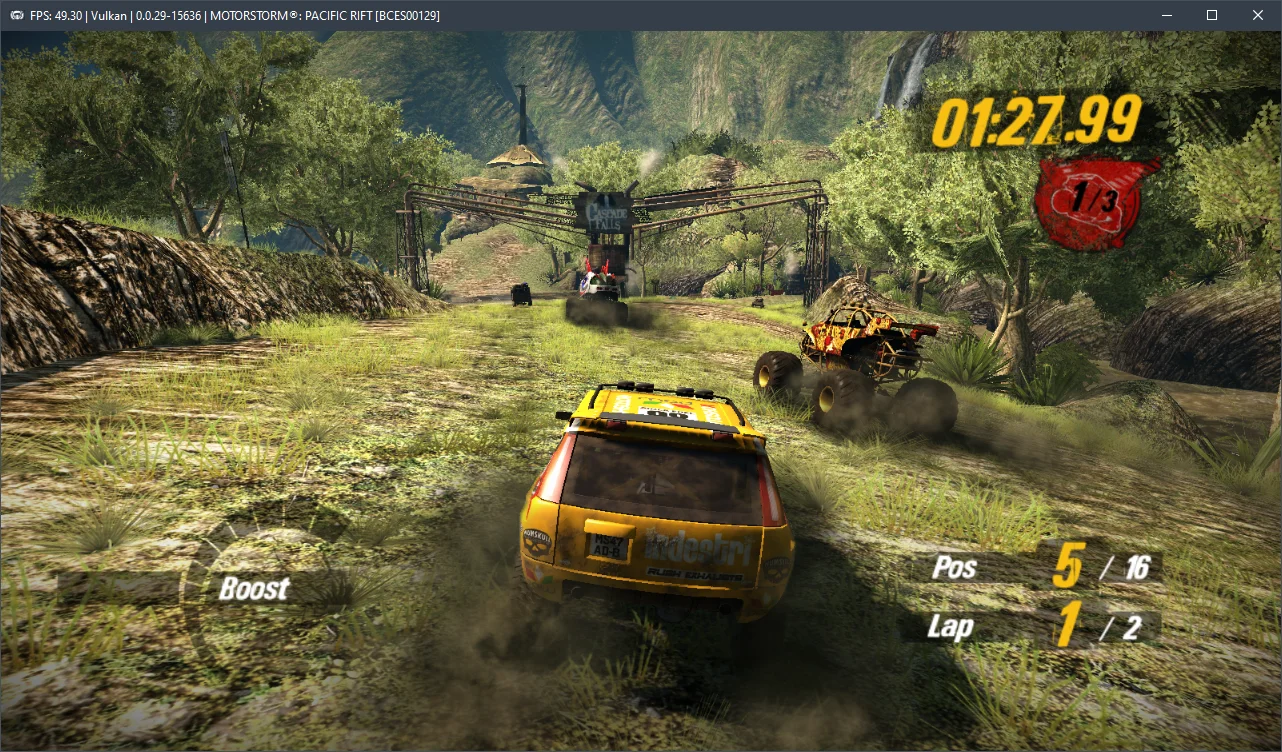
We conducted tests on maps from all biomes (earth, air, fire, and water).
However, the Ryzen 5 3600 is far from the most powerful processor available now. When emulating MotorStorm: Pacific Rift on a Core i5-12400F and an RTX 3090, we found that this CPU delivers around 50-60 FPS, which is significantly more comfortable.
Let's discuss the hardware requirements for the current RPCS3 v0.0.29+ emulator version. Our tests indicate that for MotorStorm: Pacific Rift to run somewhat adequately, you'll need at least a 6-core AMD Zen 2 or Intel SkyLake CPU, coupled with an AMD Radeon RX 400 or NVIDIA GeForce GTX 1000 series graphics card. This truly represents the minimum specification. For a consistently smooth 60 FPS gameplay experience, however, you'll want a high-frequency 6-core (or ideally, an 8-core) Alder Lake (12th-14th gen Core) or Zen 4 (Ryzen 7000) CPU. Failing that, you'll find it exceptionally challenging to avoid significant performance bottlenecks.
Go ahead and test these settings, then share your results and any questions you have in the comments below.