BLOGS · GAME BLOGS
PUBLISHED
READING4 min
Setting up RPCS3 v0.0.29+ for InFamous 2
Optimize RPCS3 v0.0.29+ for InFamous 2. We dive into requirements, GPU and Debug configurations, and benchmark results, highlighting FPS challenges and the need for robust hardware.
The second and final installment in the InFamous series, released on the PlayStation 3, received significant graphical improvements, alongside major overhauls to its animation and direction. Technologically, the game was fundamentally transformed. Yet, the developers' original artistic style, with its pervasive comic book-style inserts, remained.
Given the game's visual upgrades, you might assume that InFamous 2 would be much harder to emulate than its predecessor. However, that's only partially true. Let's dive into the details.
InFamous 2 Emulation Requirements
First, ensure your emulator version is at least RPCS3 v0.0.29 Alpha | master (the main branch). Update if necessary. If you're running a significantly newer version, you might not even need some of these settings; try running the game without any extra modifications first. It's even possible that the settings we list below could prevent the game from launching altogether. If that happens, please let us know in the comments for this post, and we'll do our best to put together a new guide as quickly as possible.
Second, InFamous 2 currently has some known issues when running on the RPCS3 emulator. These range from occasional visual artifacts (especially with particles and effects) to more frequent application crashes, critical bugs, and significant FPS drops during graphically intense scenes.
Also, remember that this title still hasn't achieved 'Playable' status on the emulator. Consequently, there are no 100% guarantees that you'll be able to complete the game without hitting a critical bug.
 ⤢ ВІДКРИТИ
RPCS3 Configuration for InFamous 2
Launch the emulator, then right-click the "InFamous 2" icon. From the dropdown menu, select "Change/Create Custom Configuration":
 ⤢ ВІДКРИТИ
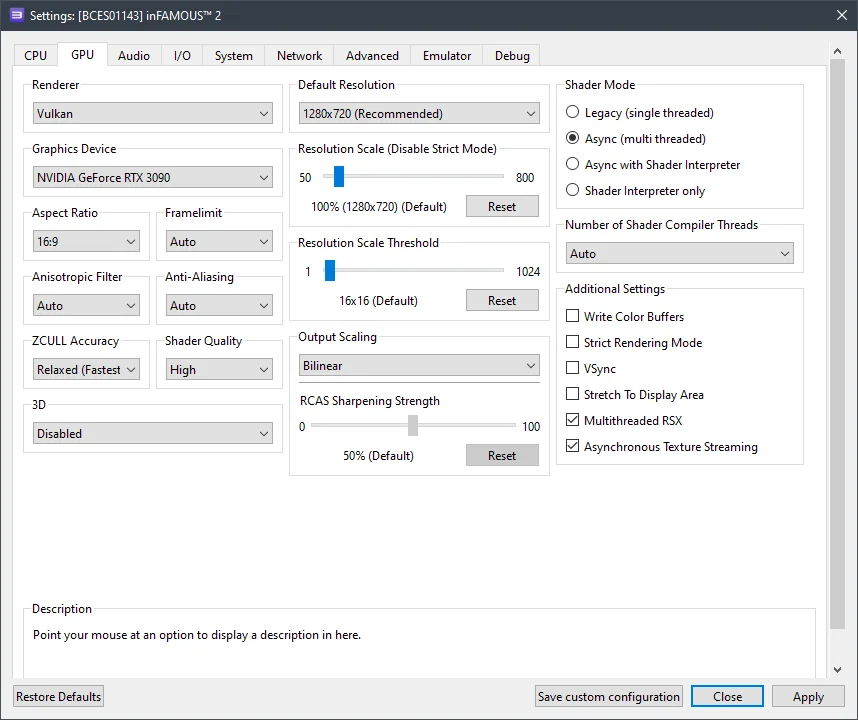
In this window, apply the settings as shown in the options and screenshots below.
GPU Configuration
Setting | Option | Description |
|---|---|---|
ZCULL accuracy | Relaxed | Boosts performance. |
Multithreaded RSX | On | Slightly improves performance. |
Asynchronous texture streaming | On | Enabling this option can boost performance if you have a relatively powerful GPU (RX 470+ / GTX 1060+). |
 ⤢ ВІДКРИТИ
Advanced Settings
Setting | Option | Description |
|---|---|---|
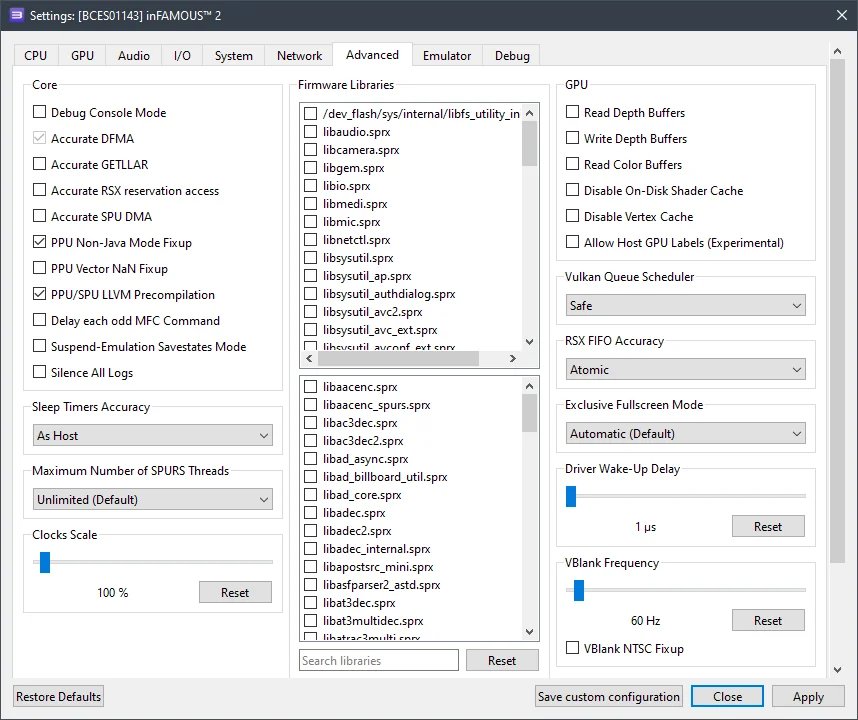
Sleep timers accuracy | As Host | Boosts performance. |
RSX FIFO accuracy | Atomic | Improves stability. |
 ⤢ ВІДКРИТИ
Hidden Settings (Debug)
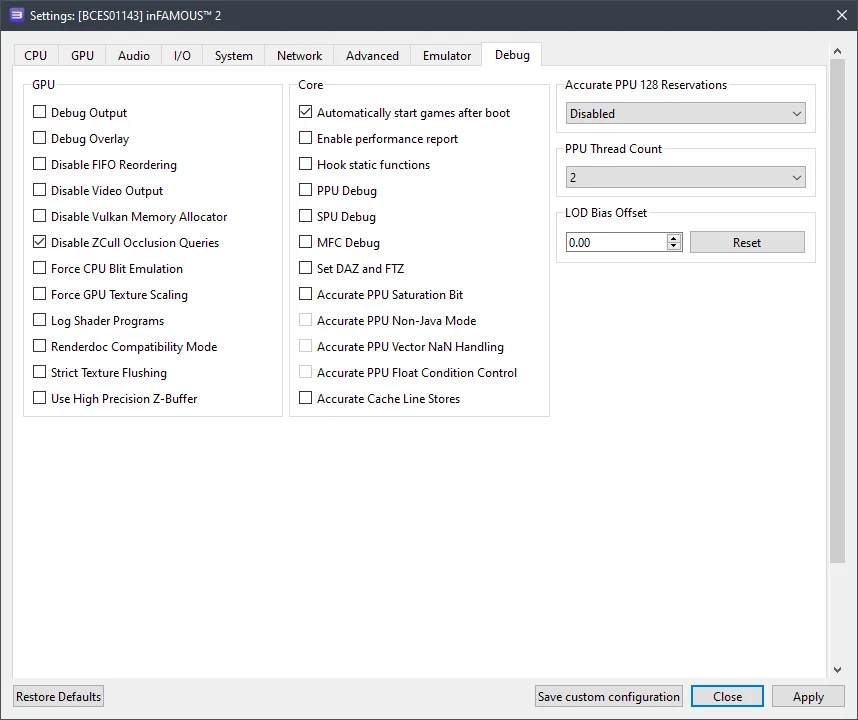
This tab is hidden by default in the emulator settings, but it's an easy fix: Open your file explorer and navigate to the RPCS3 folder, then into GuiConfigs. Open the CurrentSettings.ini file. Next, locate the line showDebugTab=false and change it to showDebugTab=true. Save the change, restart the emulator, and then reopen your game settings. The Debug tab should now be accessible for editing.
Setting | Option | Description |
|---|---|---|
Disable ZCull occlusion queries | On | Slightly boosts overall game performance. |
 ⤢ ВІДКРИТИ
Now, let's move on to the results.
RPCS3 setup results for InFamous 2
Unfortunately, once again, I have to report that owners of older processors (such as Ryzen 1000-2000 or Xeon E5-2600 v3/v4) won't be able to comfortably play InFamous. Even on my personal PC, with a Ryzen 5 3600 and an RTX 3090 graphics card, the performance with all the settings described above yields around 18 FPS in particularly demanding scenes (city center, bell tower, etc.) and up to 43 FPS in simpler locations.
However, the Ryzen 5 3600 is far from the most powerful CPU anymore. The Core i5-12400F, which we have in our lab, delivers 26-53 frames per second, making it significantly more comfortable and thus a viable starting point for InFamous 2 emulation.
Below are screenshots taken with an AMD Ryzen 5 3600 processor and an RTX 3090 graphics card:
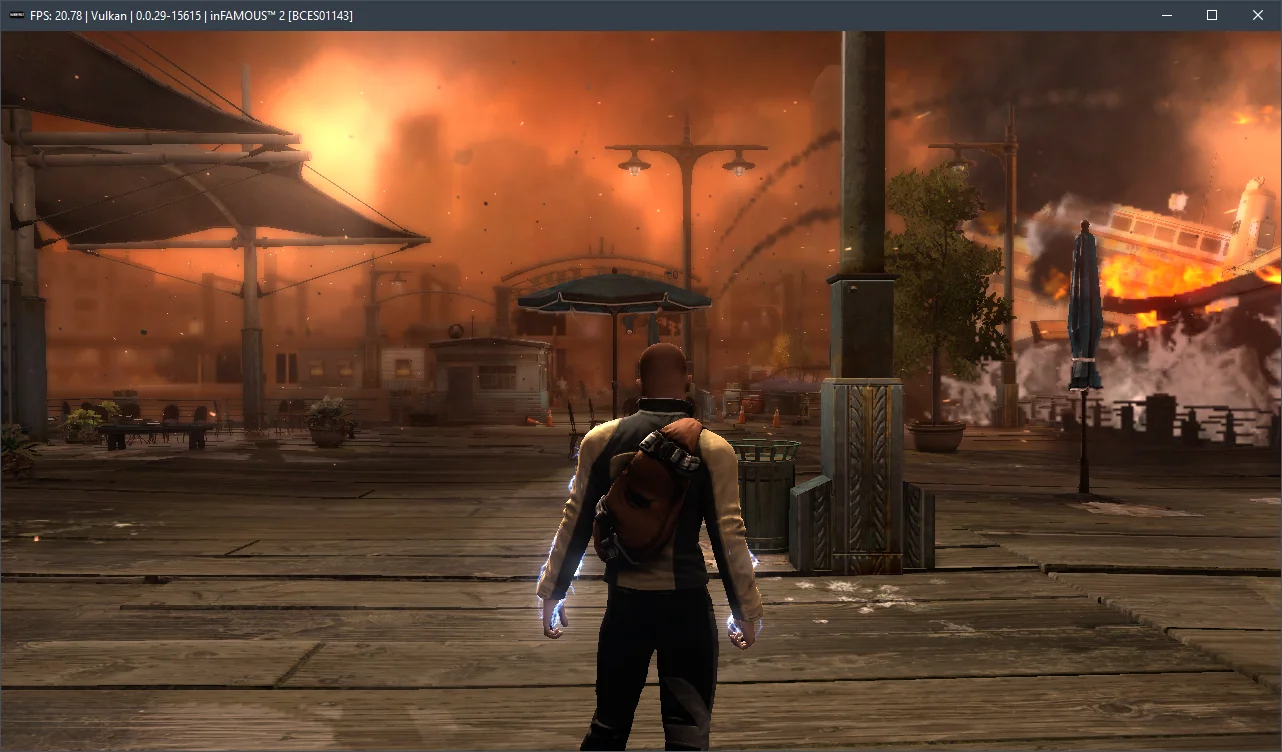
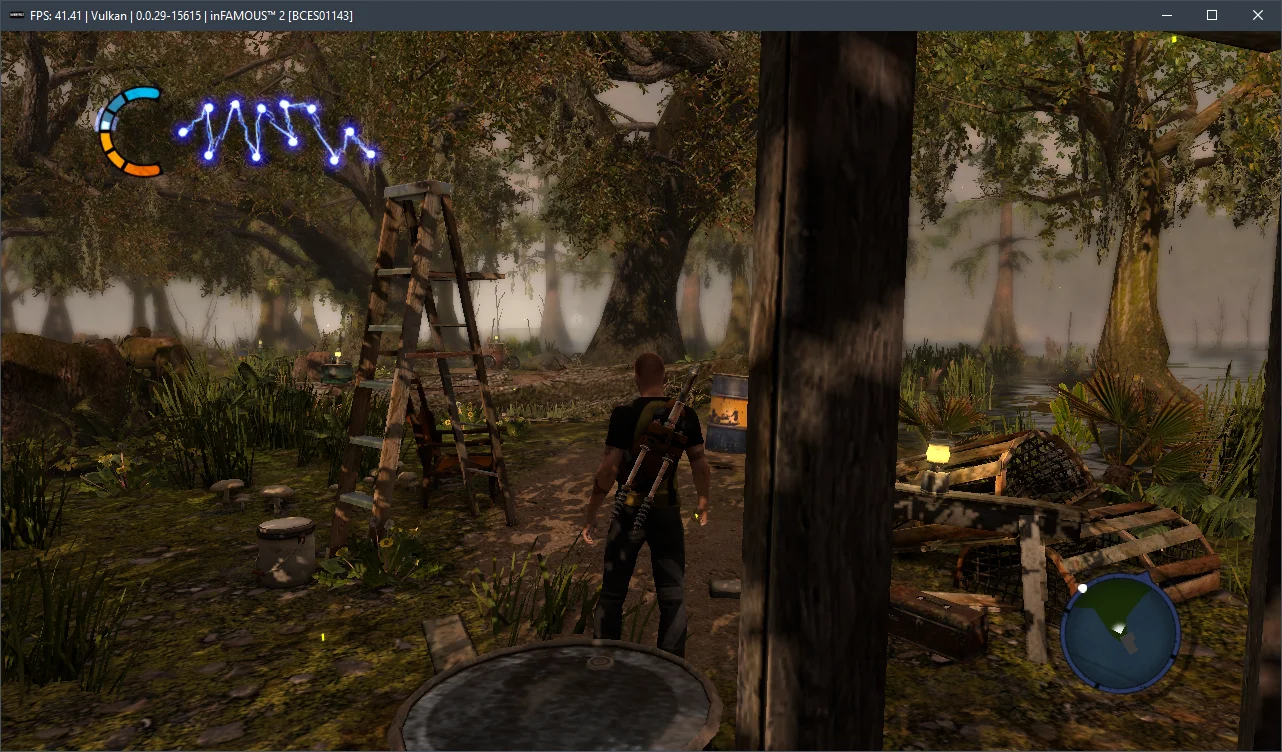
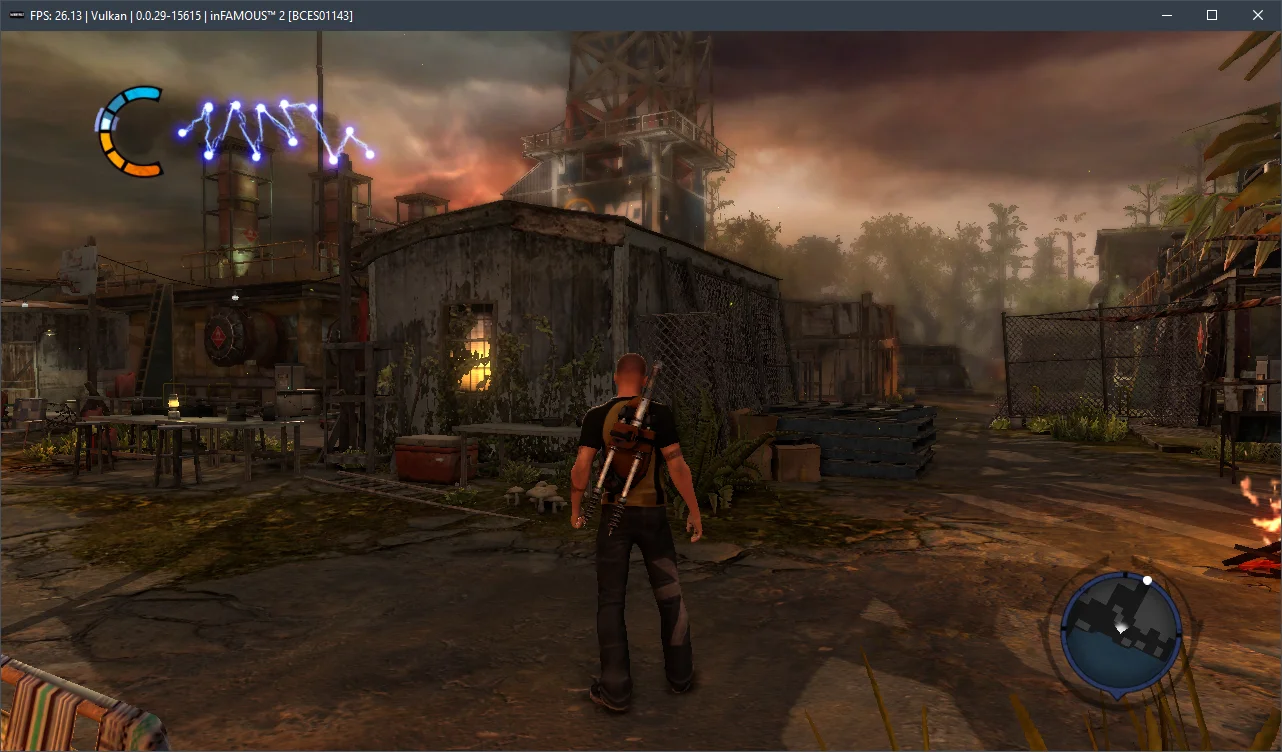
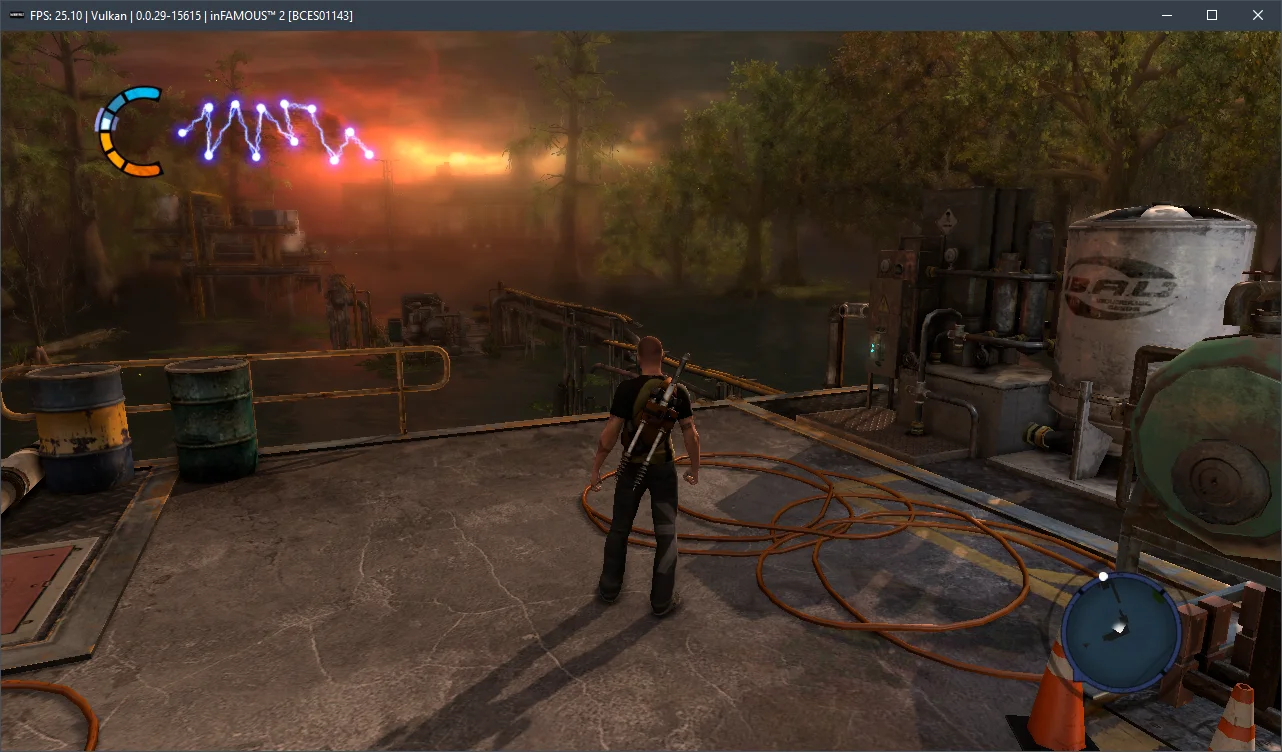
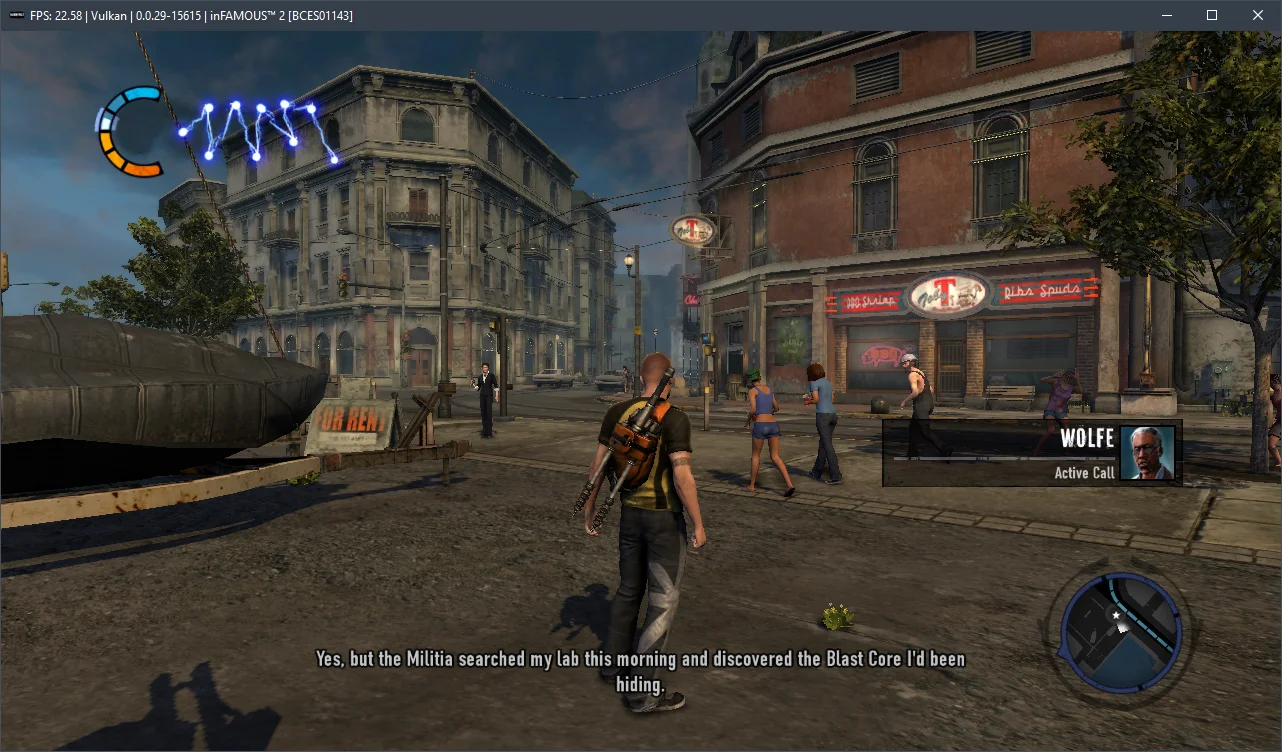
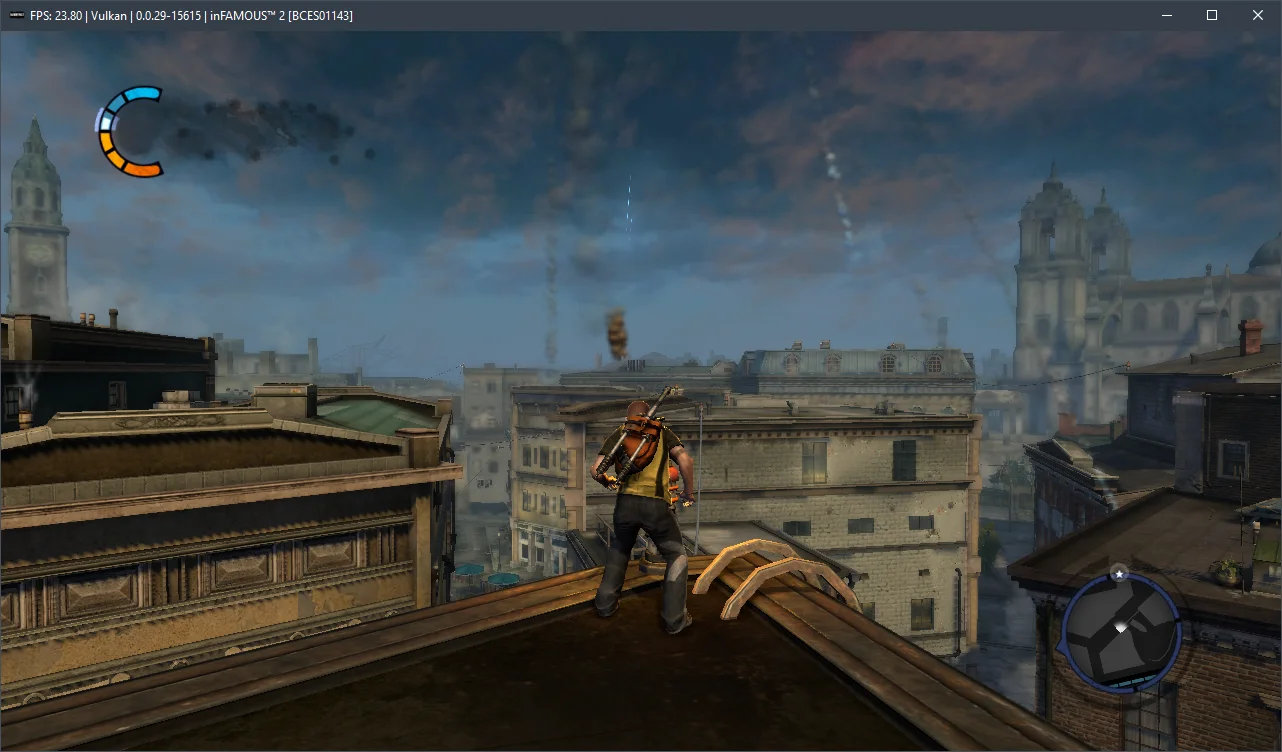
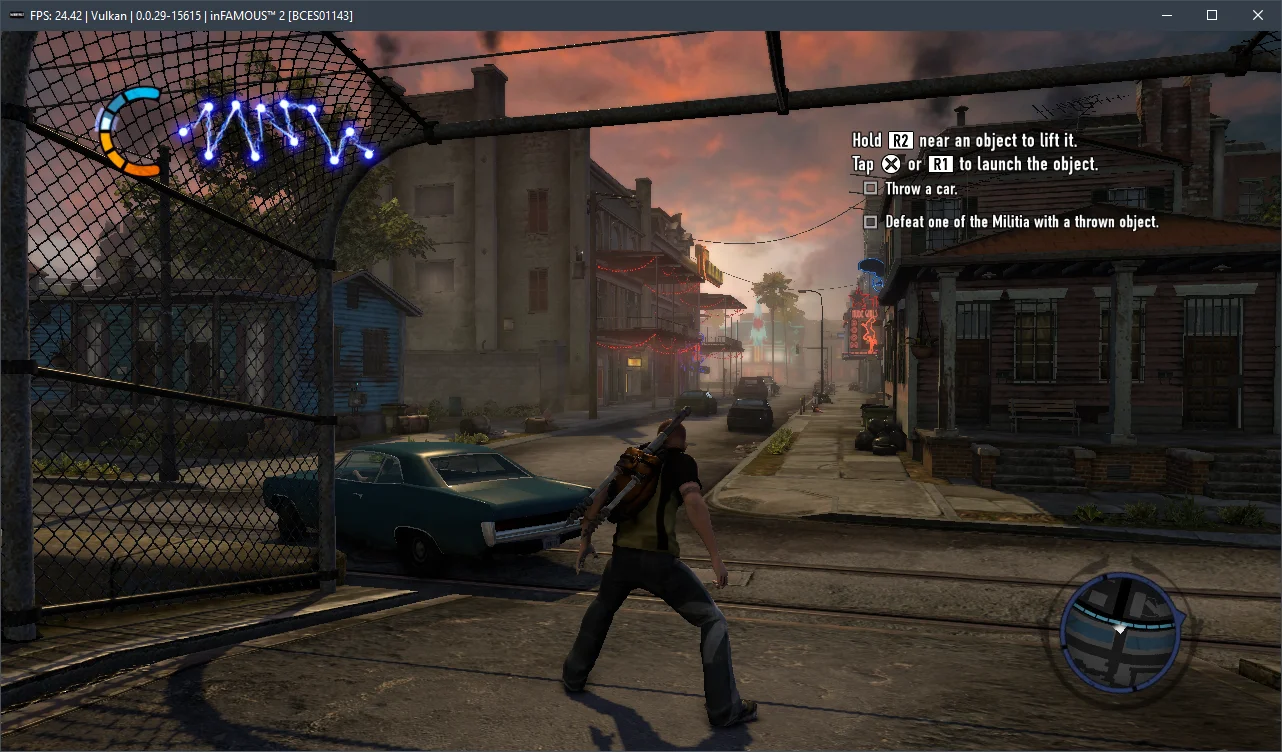
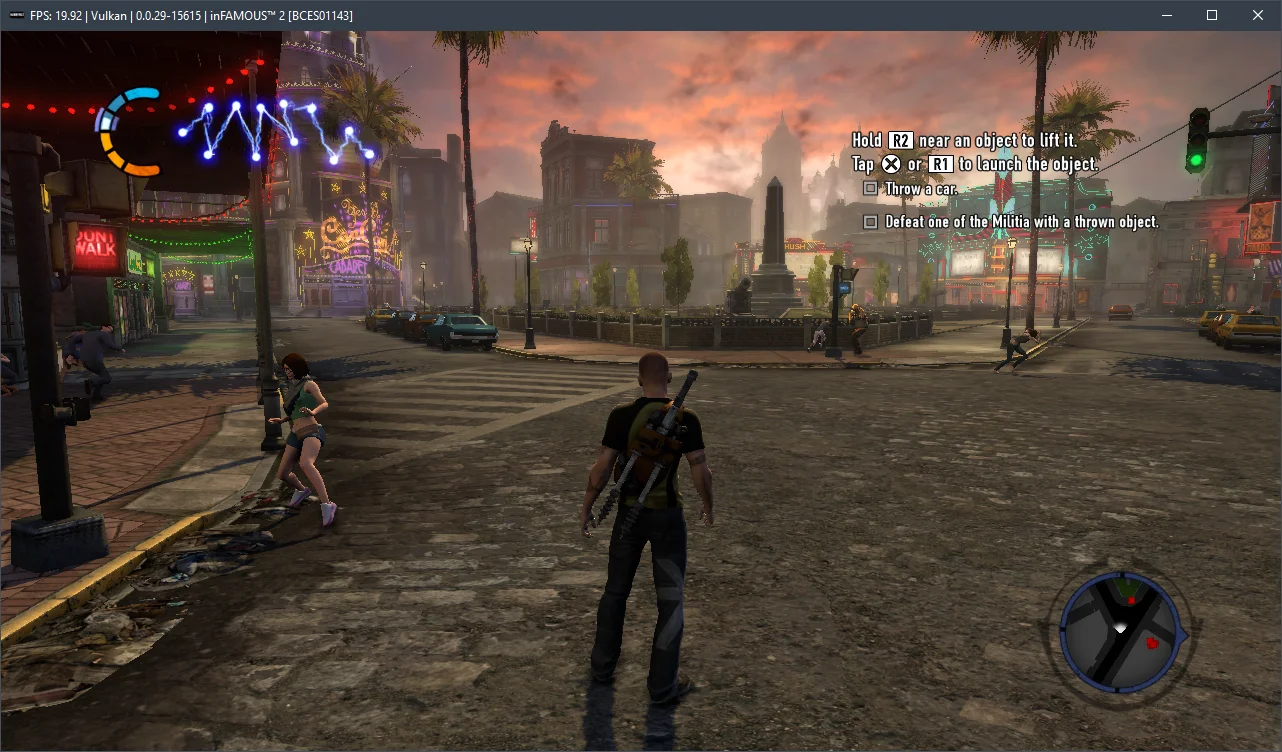
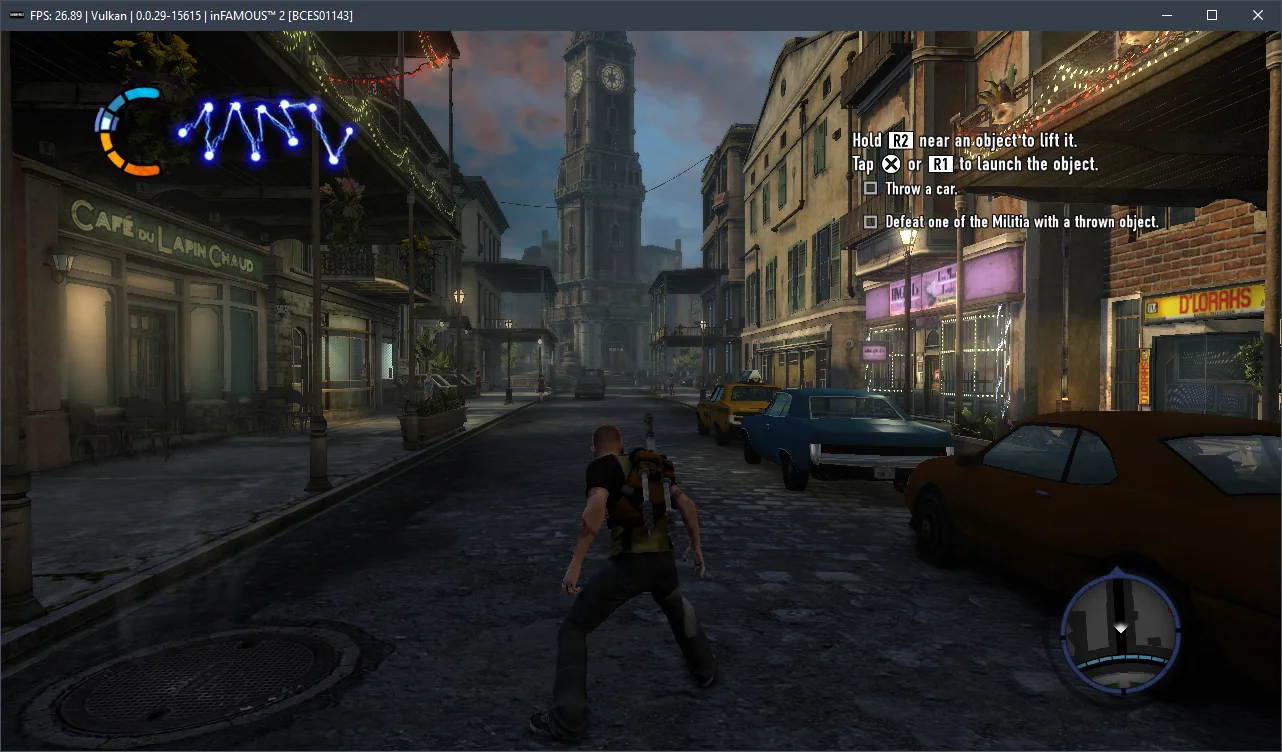
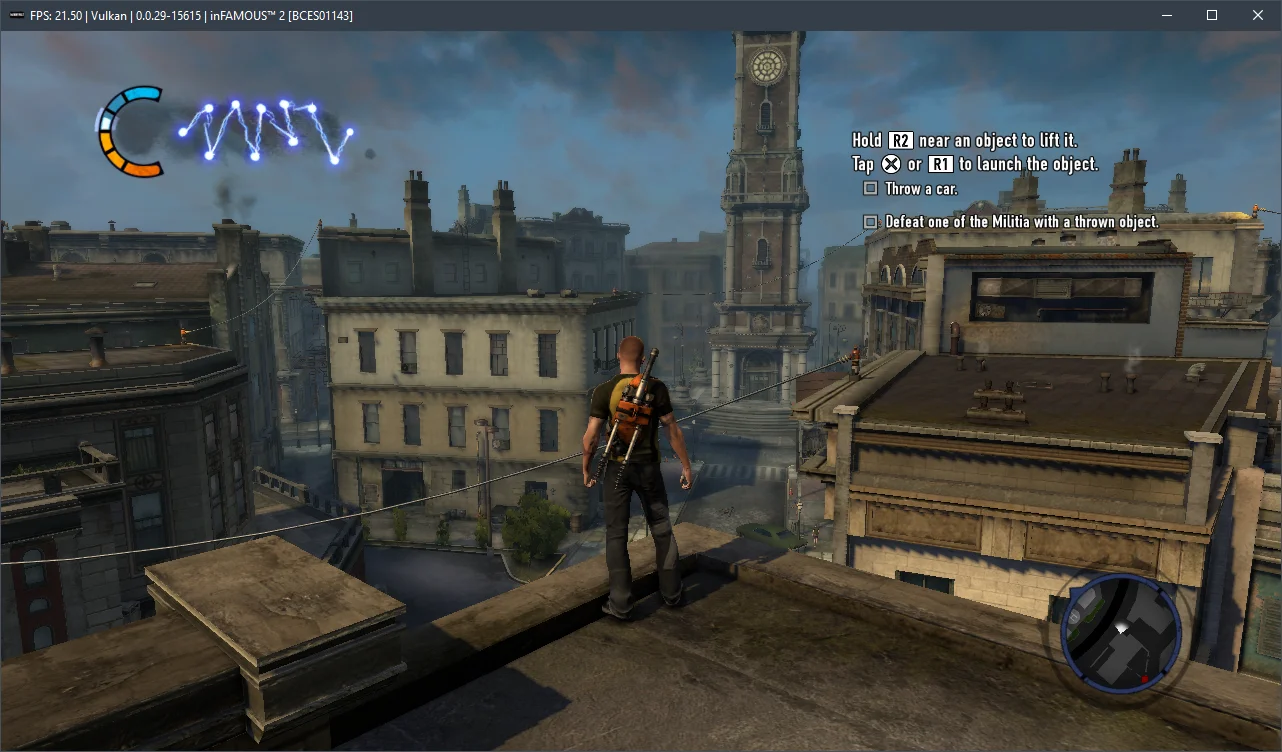
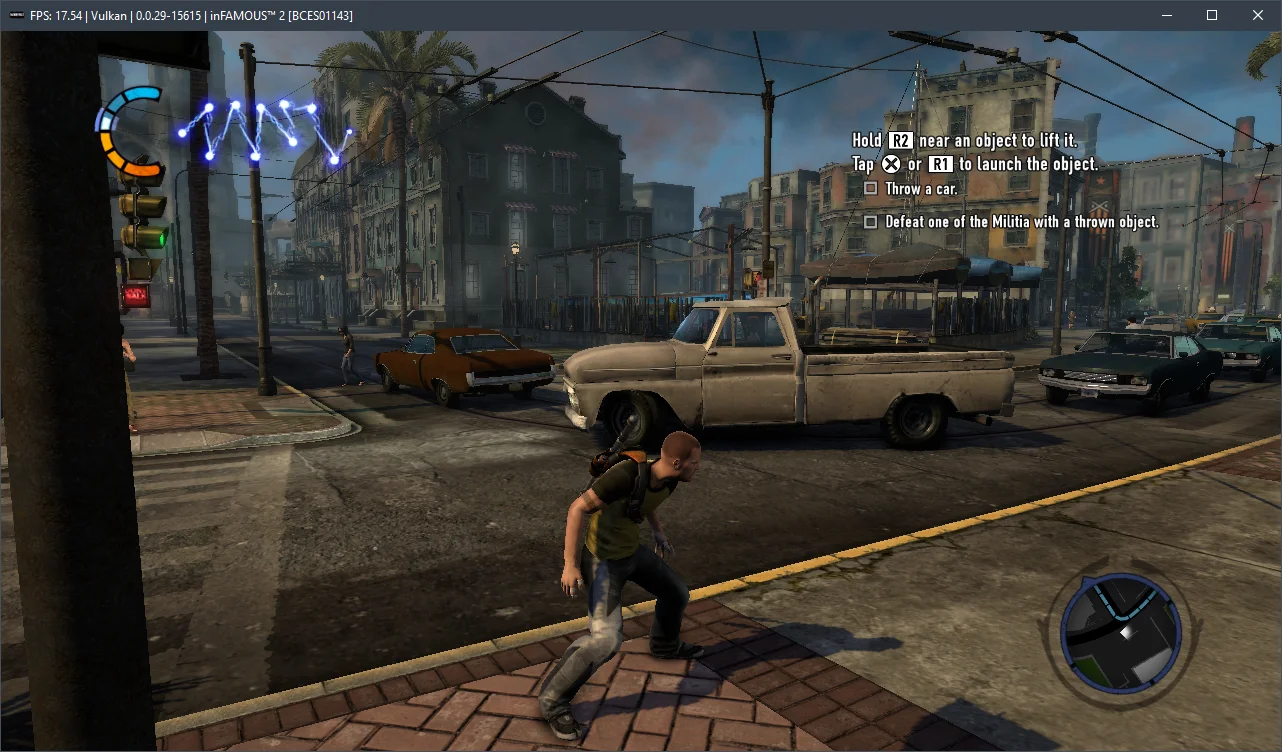
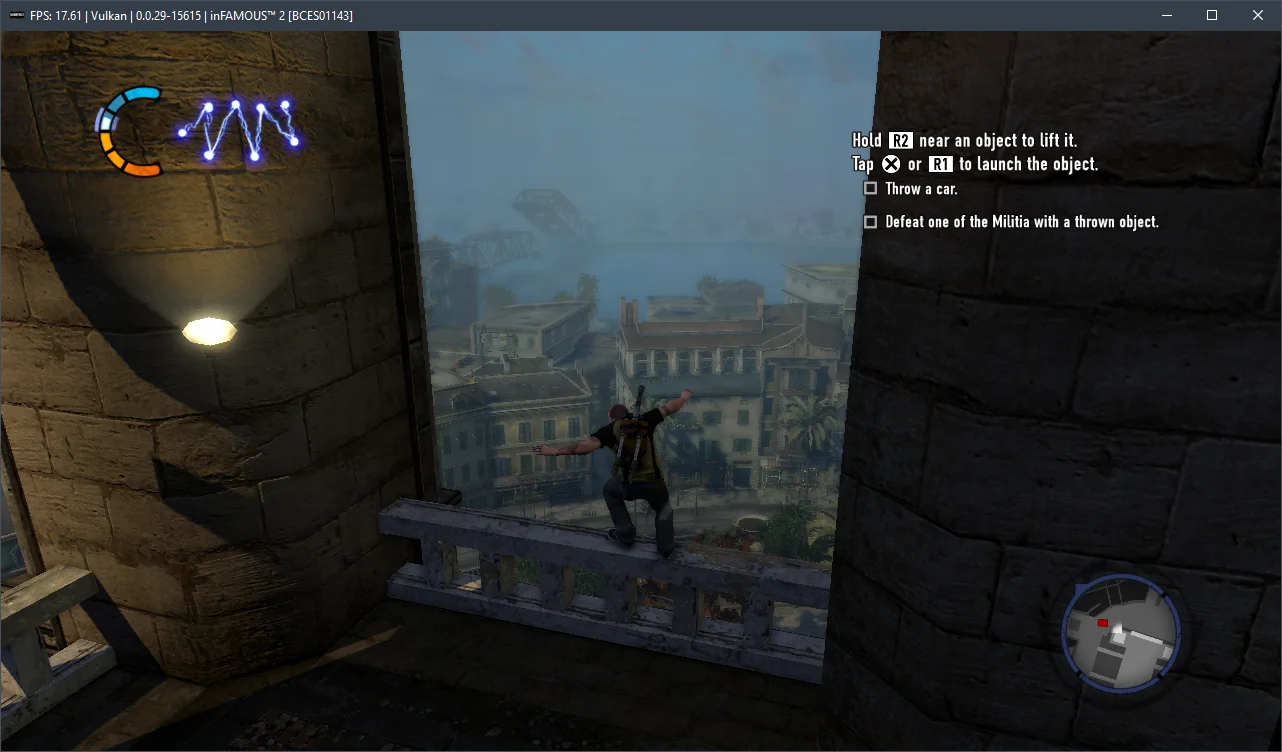
In summary, after spending over two hours with InFamous, we found that emulation isn't perfect: there are occasional visual glitches and significant FPS drops on relatively weaker processors. However, much like the first installment, the game never crashed and ran extremely stable over several hours of play.
Now, a few words about the hardware requirements for the current RPCS3 emulator version v0.0.29+. Based on our measurements, InFamous emulates more or less adequately starting with 6-core chips from the AMD Zen 3 / Intel Rocket Lake generation and AMD Radeon RX 400 / NVIDIA GeForce GTX 1000 graphics cards. For a comfortable playthrough with a stable 30 frames "everywhere and anywhere," you'll need a high-frequency 6-core (preferably 8-core) Alder Lake (Core 12-13) or Zen 4 (Ryzen 7000) chip. Otherwise, it will be extremely difficult to avoid significant performance issues.
Test the settings above and share your results in the comments, and feel free to ask any questions you have.