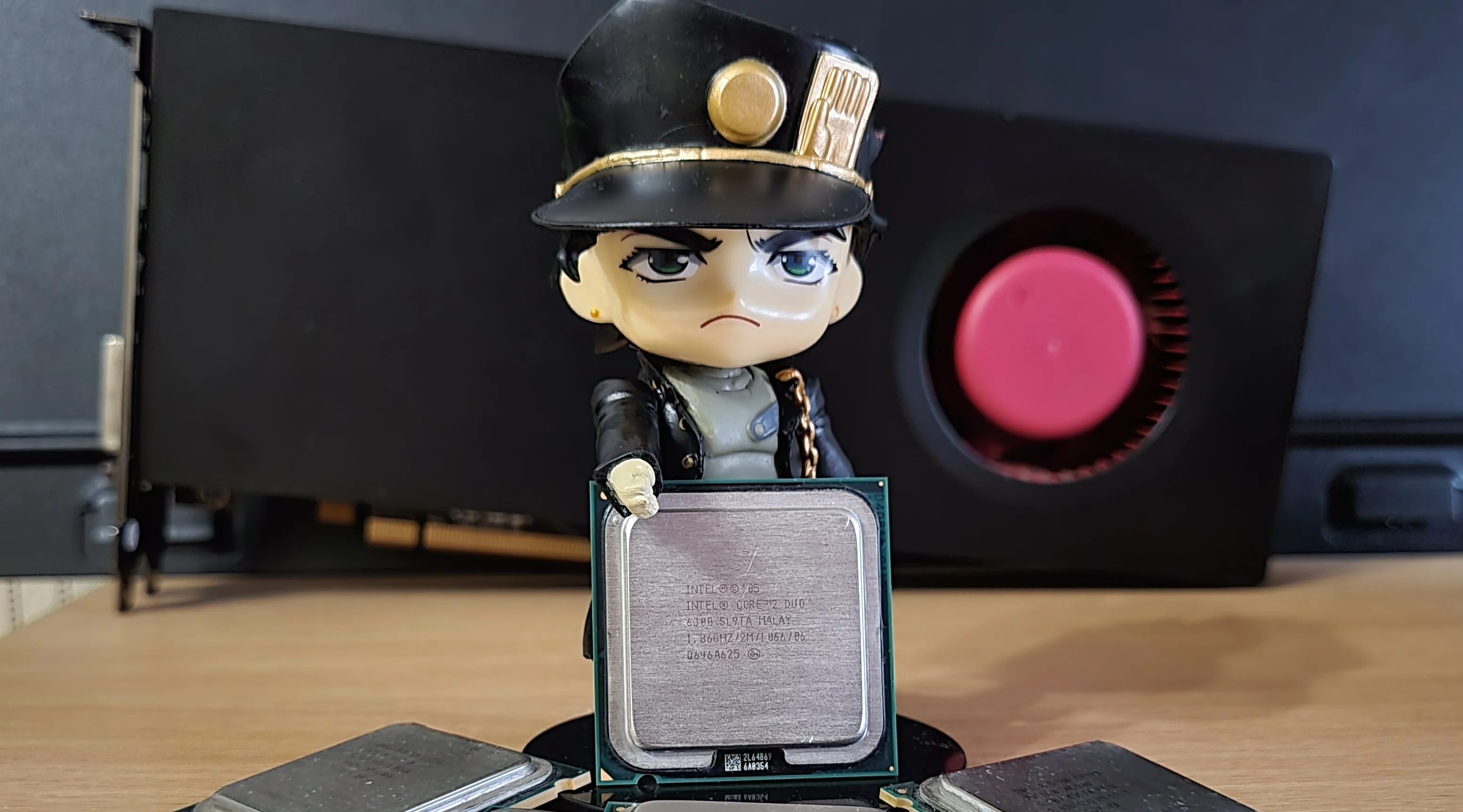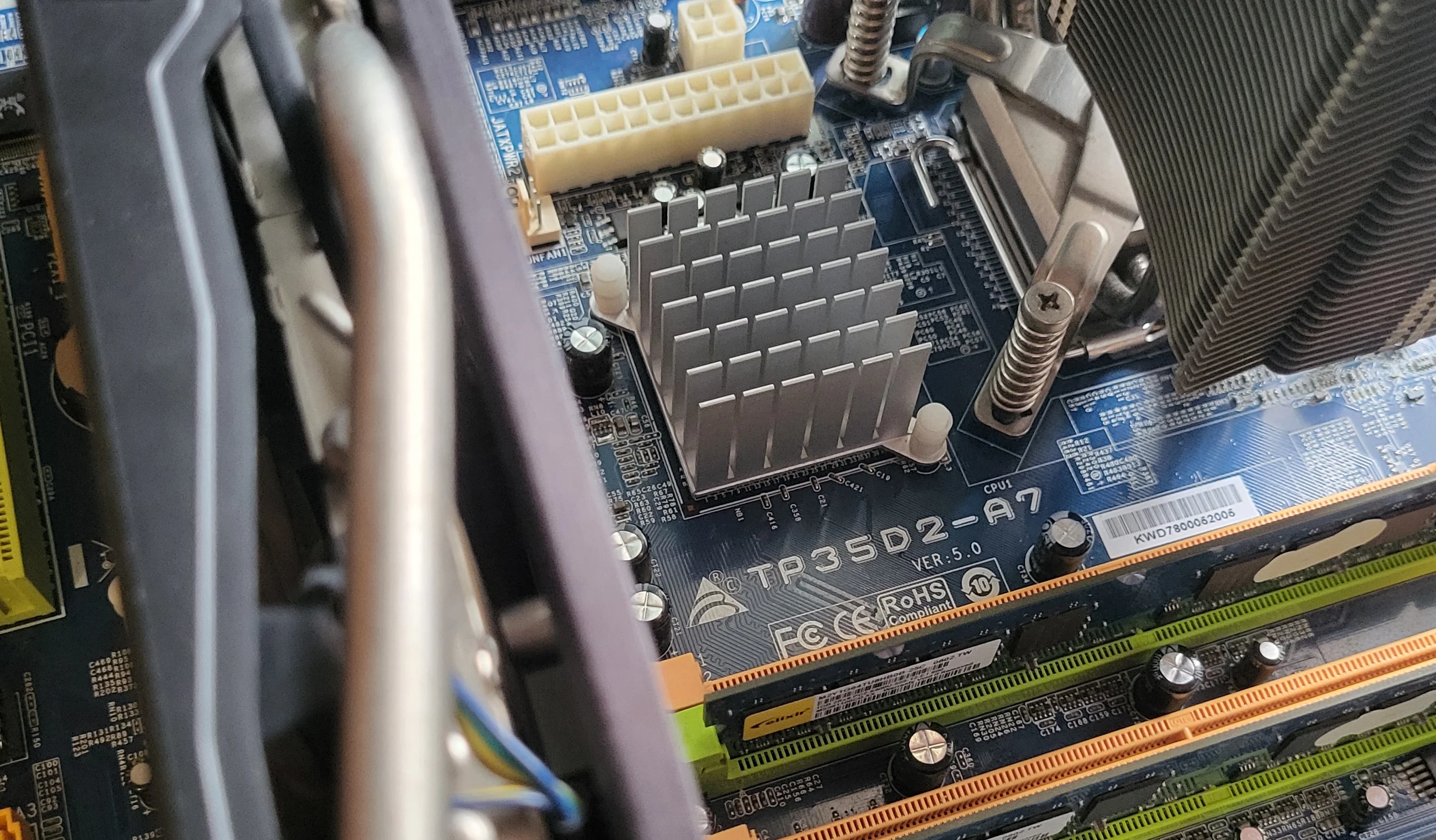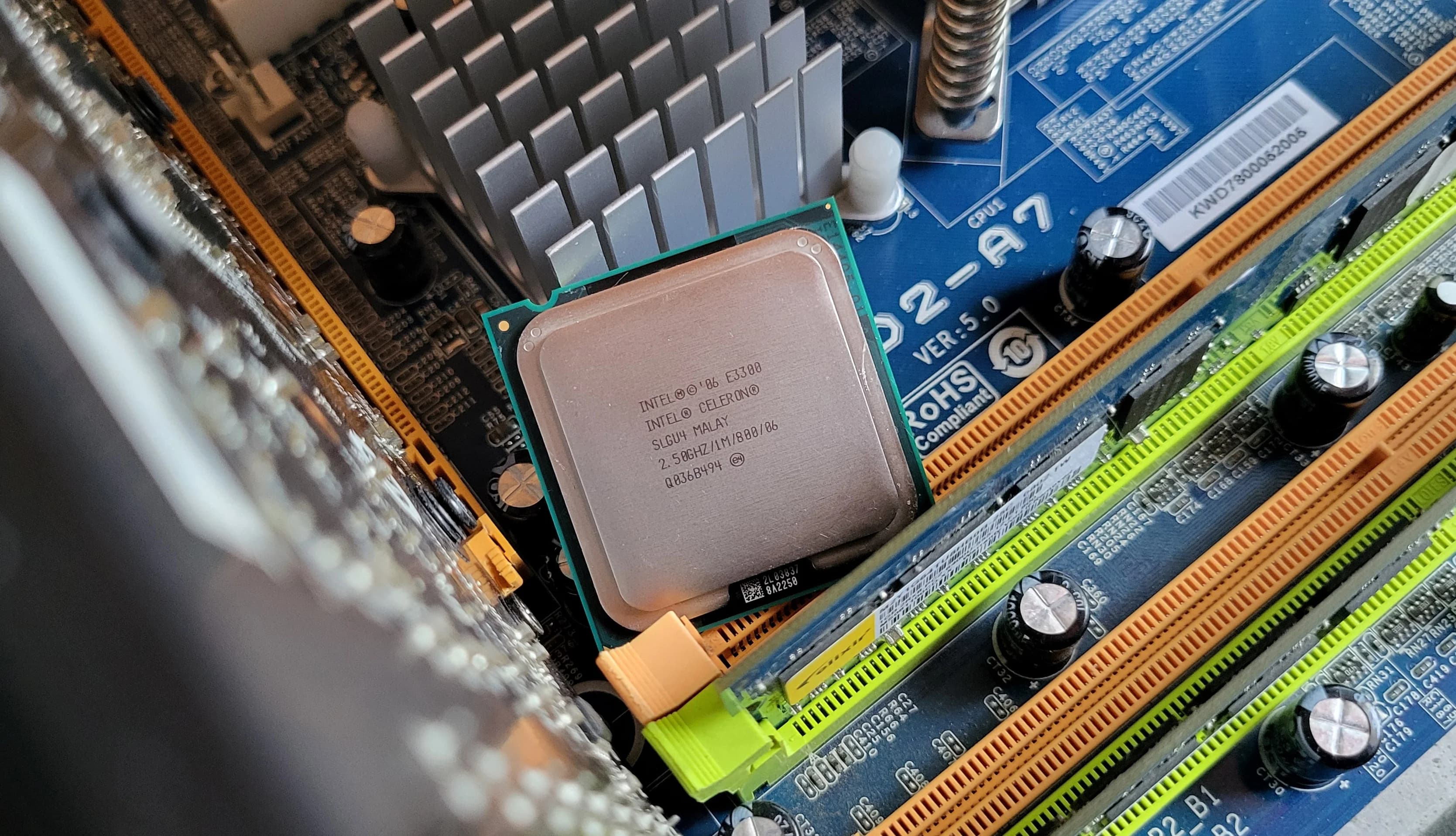
It would be logical to move directly from Intel NetBurst to the Core architecture, but I shuffled my deck a bit. The 45nm Penryn representative was next up on the test bench. So, I invite you to the second installment of my August-September benchmark session (I'm terrible with names!). The Celeron E3300 chip is already in the motherboard socket, so let's dive in!
Processor
The tested sample's marking is SLGU4, and the chip was packaged in Malaysia.
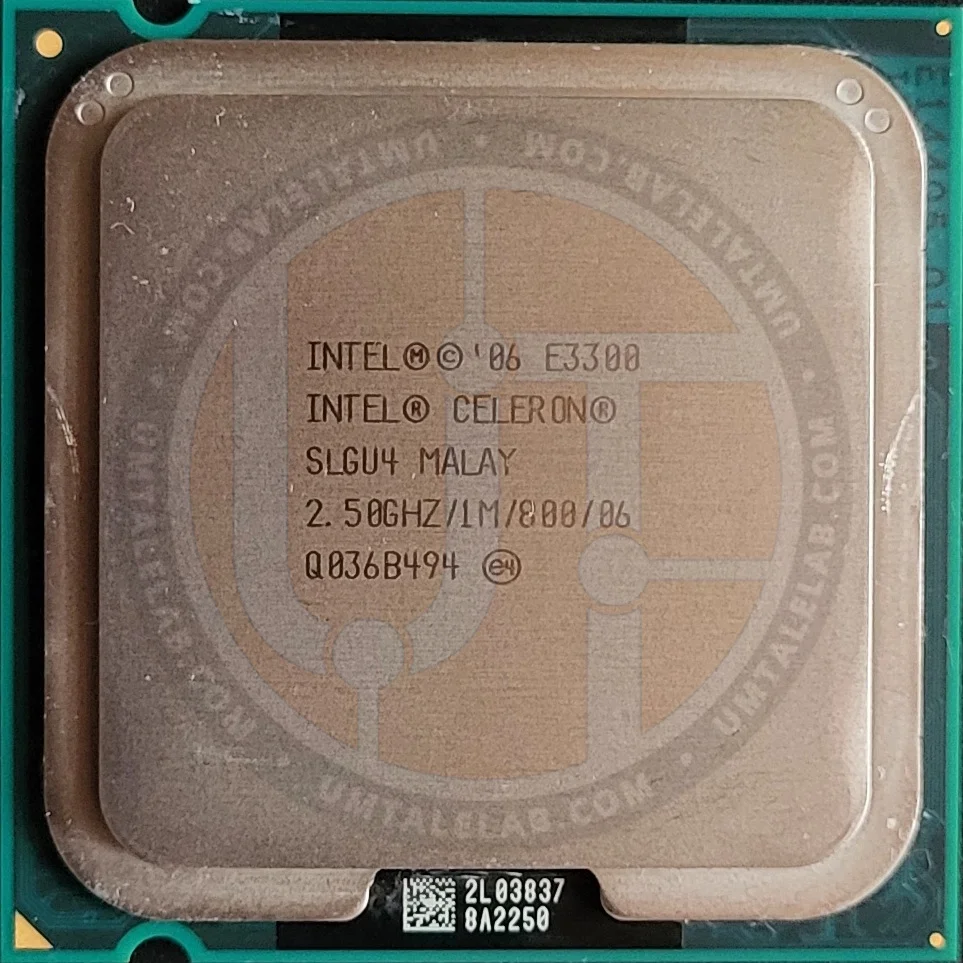
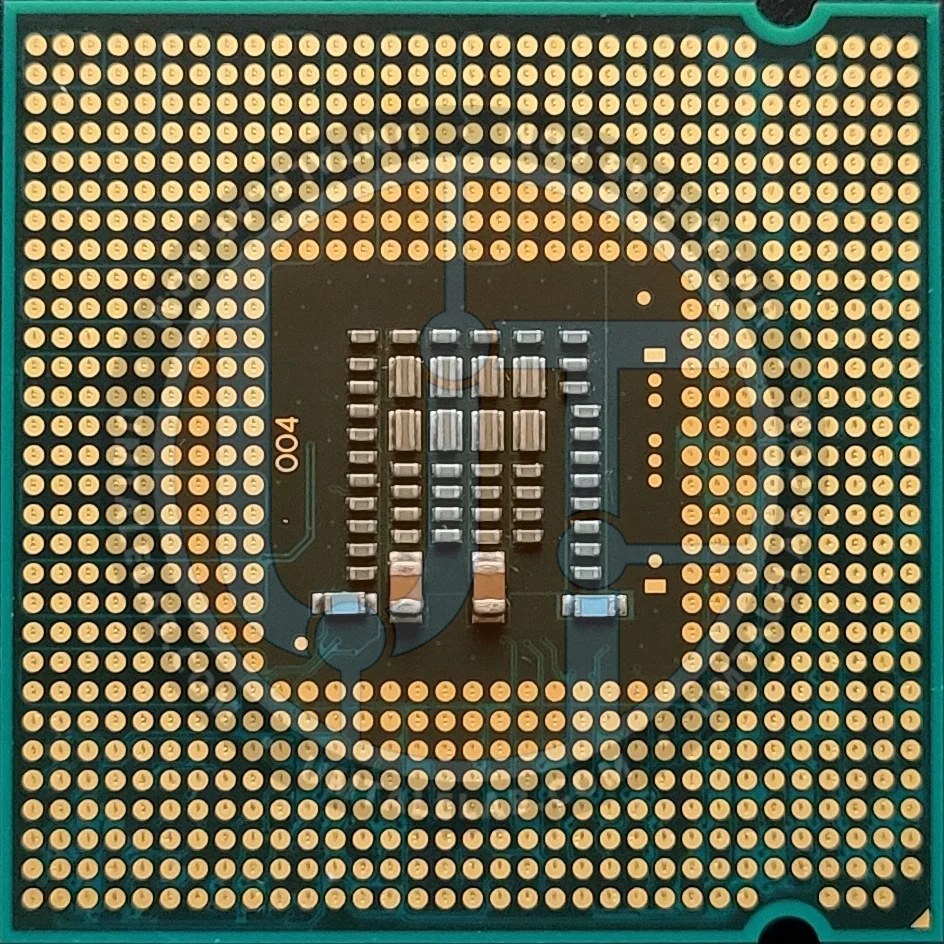
The Intel Celeron E3300 chip's codename is Wolfdale (Penryn architecture). Underneath its integrated heat spreader, this CPU houses a single 45nm dual-core monolithic die, specifically the 1M modification.
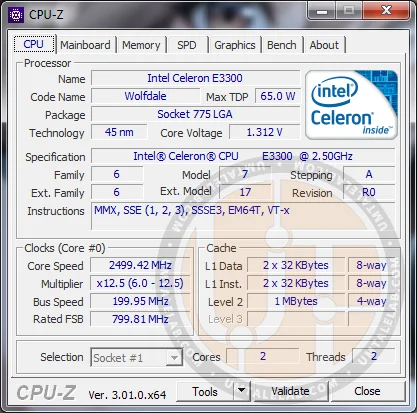
Our test sample has the R0 revision, which belongs to the lower-end Wolfdale core modification. This is great news, as R0 is the best possible stepping for overclocking. (For context, the M0 revision, also available, features slightly hotter and less successful chips.)
 ⤢ ВІДКРИТИ
The Celeron E3300 features two cores with a nominal frequency of 2500 MHz (a 12.5 multiplier, 200 MHz bus frequency, and an effective 800 MHz frequency for core-to-chipset communication). The chip has 1024 KB of L2 cache, and its stock voltage is set at 1.312 volts. Its TDP should not exceed 65 watts. However, this figure is pure nonsense. My measurements show it doesn't even consume 50 watts under full load. Intel likely set these limits with a generous margin, ensuring even less optimal chips could be cooled by standard 65-watt coolers.
RAM support for our test processor is also quite interesting. In practice, the E3300 itself lacks an integrated memory controller; the motherboard chipset handles this. In our case, that means DDR2. However, if you have a more modern board, for example, one with a P45 or X48 chipset, it might also feature DDR3 slots.
At first glance, it seems we're dealing with a typical 45nm Wolfdale chip. That's largely true, but there's one giant caveat: Intel disabled SSE4.1 instructions in this particular modification. This immediately cripples the E3300 compared to its peers, effectively turning it into a classic Conroe, which also lacked SSE4.1.
I still don't understand why Intel took this step. Even with SSE4.1 enabled, nothing much would change for the E3300, as its one megabyte of L2 cache makes it quite weak in many tasks, even compared to lower-clocked Core 2 Conroe processors. You'll see what I mean shortly.
Test bench
 ⤢ ВІДКРИТИ
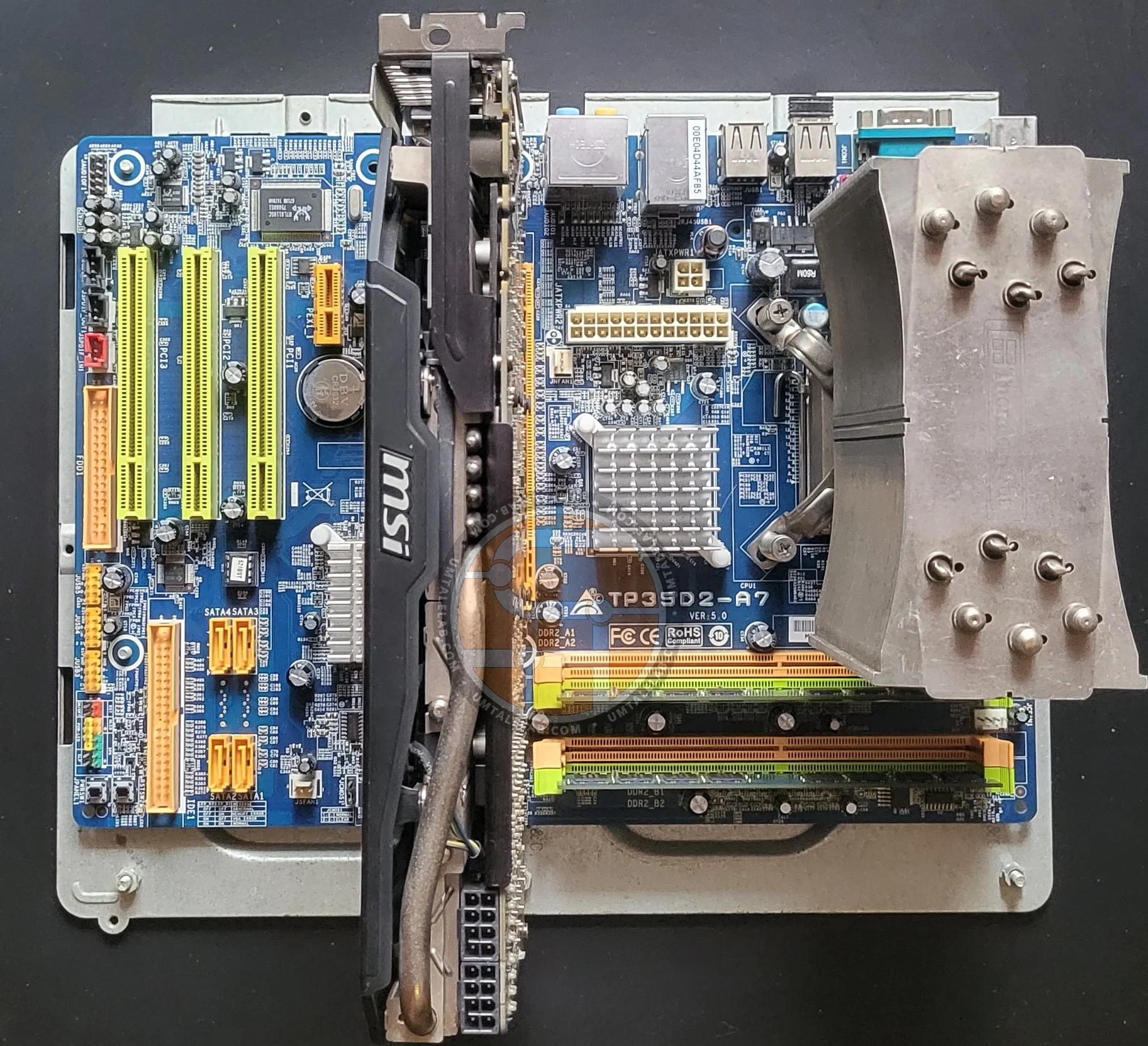
Processor — Celeron E3300;
Cooler — Thermalright Ultra-120 eXtreme;
RAM — 2x 1GB Nanya Technology modules, for a total of 2GB;
Motherboard — Biostar TP35D2-A7;
Graphics card — MSI GTX 770 Gaming OC 2GB (~1085/7000 MHz, Power Limit 115%);
SSD — KINGSTON 120GB SA400S37120G (Windows 7/Applications);
HDD — Seagate 2TB ST2000DM008-2FR102 (Games);
Power supply — Chieftec GPS-1250C.
Overclocking the Celeron E3300
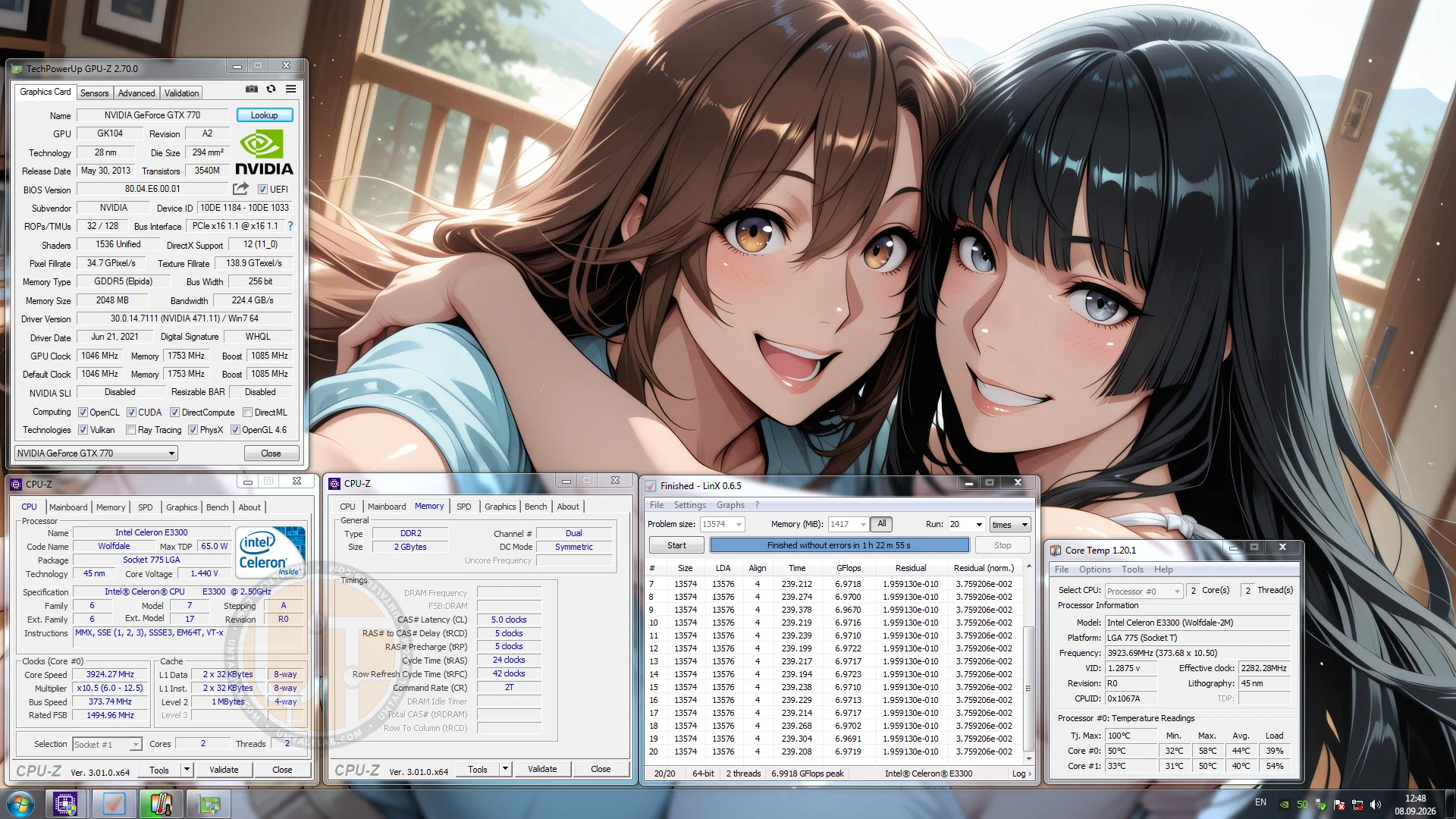
At its nominal voltage, the E3300 managed to hit 3400 MHz. This isn't bad at all, especially considering that the worst Wolfdale 3M dies typically end up in the Wolfdale 1M bins. So, let's start by exploring the relatively safe voltage limits for 45nm chips. I increased the core voltage to 1.44 volts, lowered the multiplier to 10.5, and achieved a stable 3924 MHz:
 ⤢ ВІДКРИТИ
Again, this isn't exactly a stellar result. Fully-fledged processors like the Core 2 Duo E8400 can typically reach 4000-4100 MHz at similar voltages.
BIOS settings for overclocking Celeron E3300 to 3924 MHz:
Core voltage — 1.440 volts (+0.120 above nominal; the multimeter showed a physical 1.425 volts);
Bus frequency — 373 MHz;
Bus multiplier - 10.5;
Bus voltage — 1.350 volts (+0.100 above nominal);
RAM multiplier in BIOS — 400 MHz (with overclocking, the effective memory frequency was 746 MHz);
RAM voltage — 1.950 volts (+0.000 above nominal).
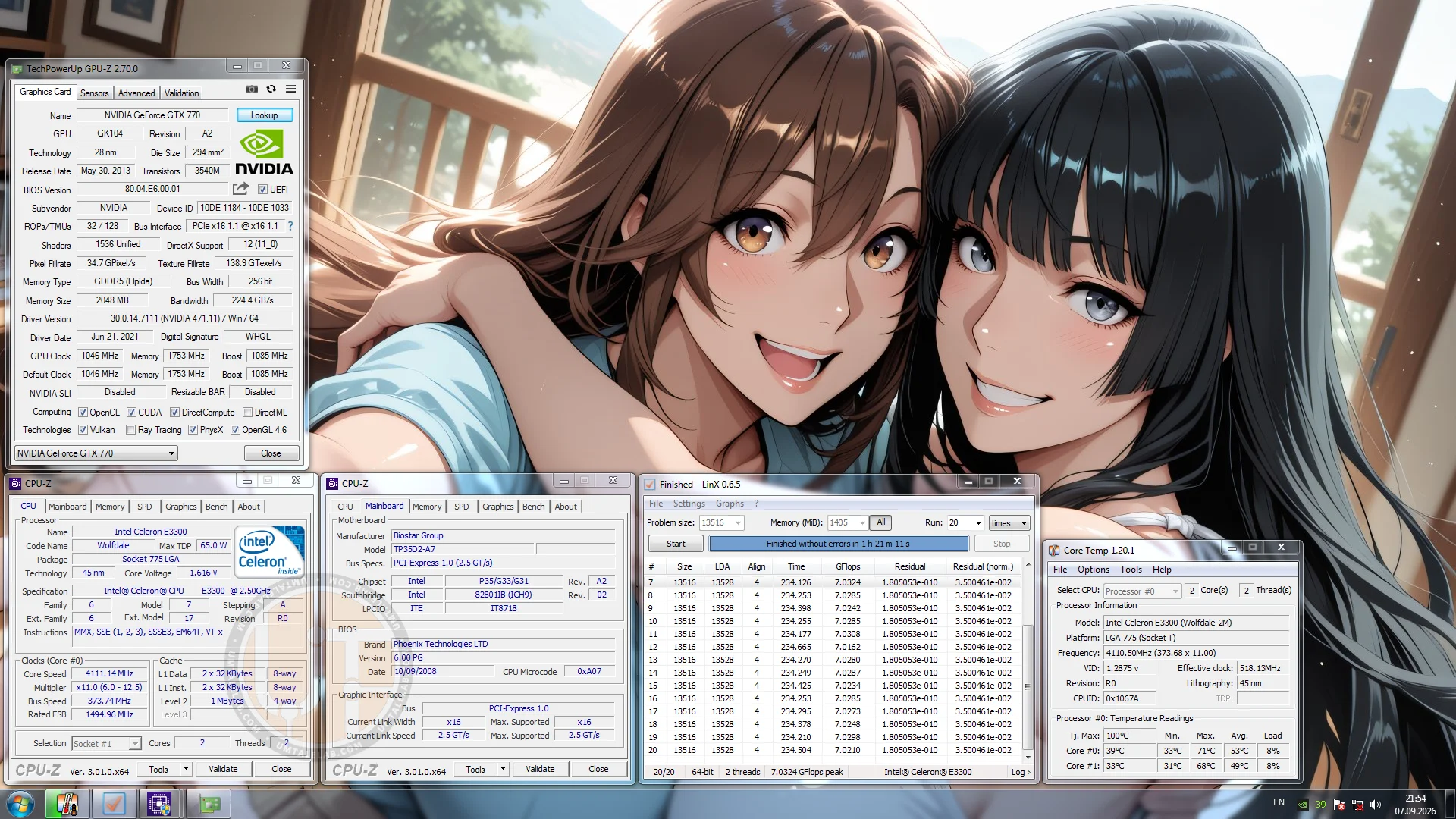
Now, let's talk about the FSB wall. As you can see, I managed to push the Celeron to 373 MHz. However, if the bus frequency is increased by even 1 MHz, the system fails to boot. So, yes, we hit the FSB overclocking ceiling. But, as you've already guessed, I lowered the multiplier. This means there's still room for further overclocking, right? I won't beat around the bush. Although it might seem at first glance that we have plenty of options—like increasing the multiplier and lowering the bus—in practice, the chip has almost stopped responding to any voltage increases. Only at 1.6V (which is extremely ill-advised for 45nm chips!) did the E3300 manage to pass a stress test at 4111 MHz:
 ⤢ ВІДКРИТИ
Does it make sense to get just under 200 MHz of additional frequency for an extra 0.16 volts? That's a rhetorical question, but we're not here to save CPUs; we're here to squeeze every last megahertz out of them. So, I consider this result valid, although I don't recommend anyone else try to replicate it—unless you're eager to shorten your CPU's lifespan, of course.
Just a warning: don't be fooled by the peak core temperatures of only 71 degrees shown in the screenshot, as seemingly low core temperatures don't always indicate safety against degradation. A voltage of 1.6 volts itself is dangerous for 45nm dies, even with low core temperatures. So, proceed with caution.
Celeron E3300 overclocking settings for 4111 MHz in BIOS:
Core voltage — 1.612 volts (+0.300 above nominal; the multimeter showed a physical 1.590 volts);
Bus frequency — 373 MHz;
Bus multiplier - 11;
Bus voltage — 1.350 volts (+0.100 above nominal);
RAM multiplier in BIOS — 400 MHz (with overclocking, the effective memory frequency was 746 MHz);
RAM voltage — 1.950 volts (+0.000 above nominal).
Additionally, the E3300's results contrast significantly with what I once achieved on the E8400. If you don't have the time or desire to read that article, here are some numbers from 2012 experiments:
1.456 volts → 4226 MHz.
1.664 volts → 4630 MHz.
1.744 volts → 4768 MHz.
So, either I got a terrible E3300 sample, or the lower-end Wolfdale modifications are genuinely sourced from completely trash and unsuccessful silicon dies. I'll leave the conclusion on this topic up to you.
Quick testing
After reflecting on the previous article about the Pentium 4 631, I concluded that we need to expand our benchmark and game test suite for older hardware a bit further. Therefore, starting with this article in the 'Retro Overclocking' series, we'll add a couple more tests: AIDA64 and Crysis. Keep in mind, though, that I didn't run these new benchmarks on the Pentium; thus, AIDA64 and Crysis data are only available for the Celeron for now, and will be included in future reviews.
One more thing: I'll comment on some results, while others I'll leave for you to interpret. I think that's a fair approach.
CPU-Z benchmark
CPU-z Benchmark 17.01.64
LinX
LinX 0.6.5
Here's something interesting: in LinX, the Pentium 4 631 chip at 4930 MHz surpassed the Celeron E3300 overclocked to 4111 MHz. And by a significant margin too: 7.61 versus 7.03 gigaflops, an 8% lead! To be honest, I haven't tested CPUs in LinX for a very long time, as I personally consider it a decent stress test, not a benchmark. However, it turns out that beyond core count, clock speed, fast RAM, and bus speed, LinX really loves large caches — and the Pentium 4 631 has literally twice as much.
Crucially, this is the only test where the old single-core chip with its long pipeline managed to beat the more modern dual-core processor.
AIDA64
AIDA64, CPU Queen
AIDA64, FP32 Ray Trace
Metro: Last Light
Benchmark settings:
Resolution: 1280 x 1024;
DirectX: DirectX 11;
Quality: Low;
Texture filtering: AF 4X;
Advanced PhysX: Disabled;
Tessellation: Off;
Motion blur: Low;
SSAA: OFF;
Metro: Last Light
Built-in game benchmark (D6 scene)
The situation in the second Metro game proved quite interesting: the stock E3300 lost to the overclocked Pentium 4 631 in minimum FPS. There's no mistake here; I ran the benchmark 5 times automatically and selected the average result. Indeed, the dual-core Celeron lost to the single-core, dual-thread 'Pentium' in terms of the recorded minimum FPS. Naturally, the average frame rate still belongs to the E3300, with a lead of over 30%: 20 versus 15 FPS.
Regarding the performance increase from overclocking, it amounted to 34% at 3924 MHz and 37% at 4111 MHz.
Crysis
Crysis
Built-in game benchmark
Due to the peculiarities of the built-in Crysis benchmark, I had to omit the minimum frame rate, as it consistently registered 0 at any frequency. This might be a Windows 7 OS issue or a benchmark bug — I couldn't figure it out, but it is what it is.
The E3300's overclocking gain is 36%, while an additional overclock from 3924 to 4110 MHz yields another 2%. In practice, that extra 2% is meaningless.
Summary
The Celeron E3300 turned out to be a rather contradictory processor. And I say this specifically regarding our sample, which showed relatively poor overclocking potential. This is especially true considering what its elder siblings are capable of. Interestingly, this was practically unheard of in the previous generation (65nm Conroe). What I mean is: a hypothetical Celeron 420 could easily hit 3100-3300 MHz, just like its architectural counterparts.
Intel might've been more assertive in limiting the cheaper E3000 processors via a hypothetical FSB Wall, especially after the runaway success of the E1000 and E2000 series. Or, the 45nm manufacturing process might not have been fully mature when Penryn chips launched. That could've resulted in an excess of less-than-perfect dies that were then frequently repurposed for budget chips. I wouldn't make any definitive claims, however.