BLOGS · GAME BLOGS
PUBLISHED
READING4 min
Setting up RPCS3 v0.0.27+ for Midnight Club: Los Angeles
Midnight Club: Los Angeles never made it to PC, but this RPCS3 emulator guide will help you set it up. Get tips for optimal performance and an improved gaming experience.
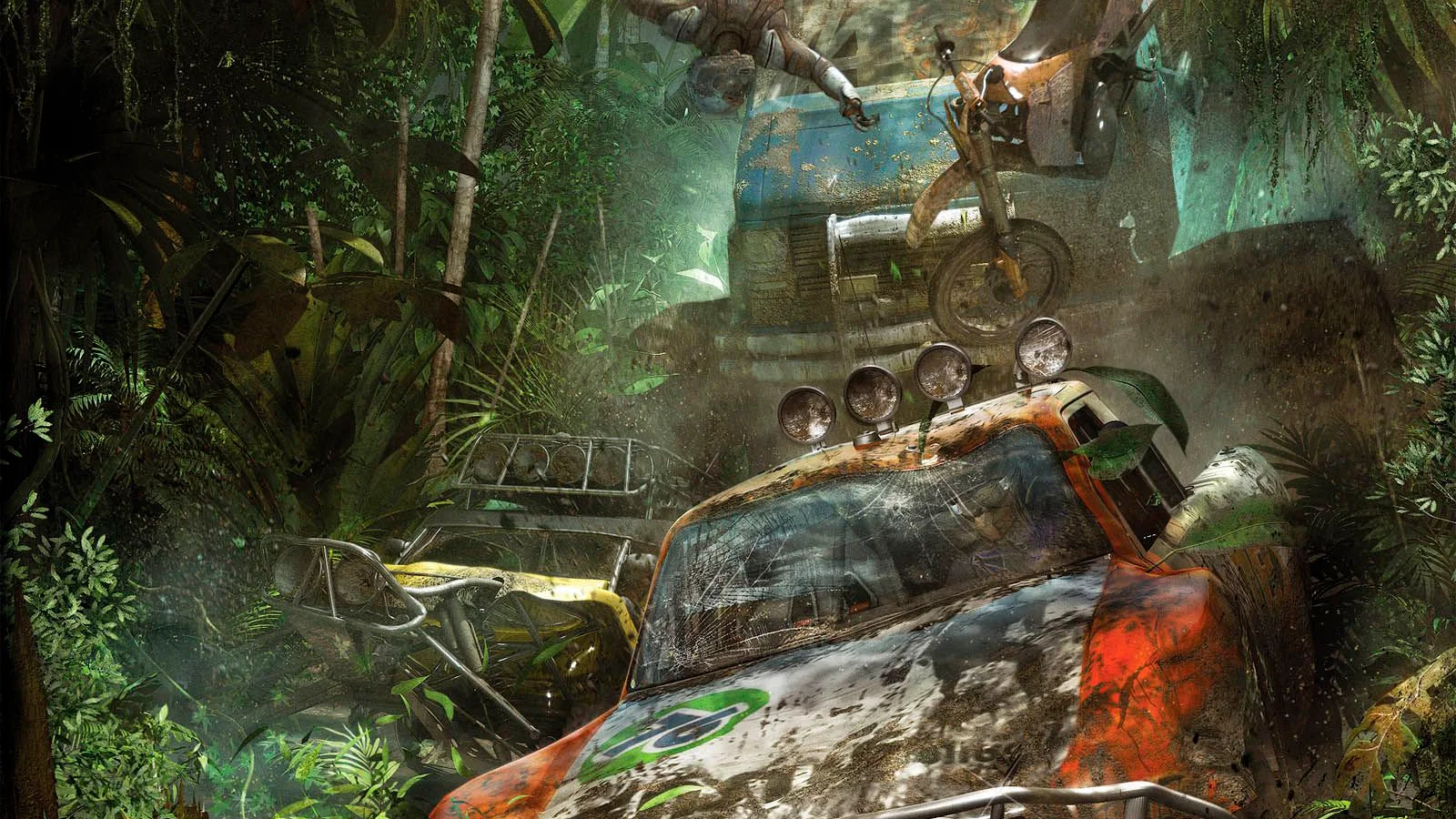
After the legendary Need for Speed Underground, Midnight Club: Los Angeles is arguably one of the best street racing simulators. It features a seamless and expansive open world with a dynamic day-night cycle, a detailed city, decent vehicle physics for its time, and an in-car view. Yes, this is Midnight Club: Los Angeles!
Unfortunately, Rockstar never released Midnight Club: Los Angeles for PC or previous/current-gen consoles (though remaster rumors occasionally surface online). This left fans of the series in an unenviable position: either clinging to outdated gaming hardware from two generations ago or simply hoping Rockstar would eventually revisit the franchise.
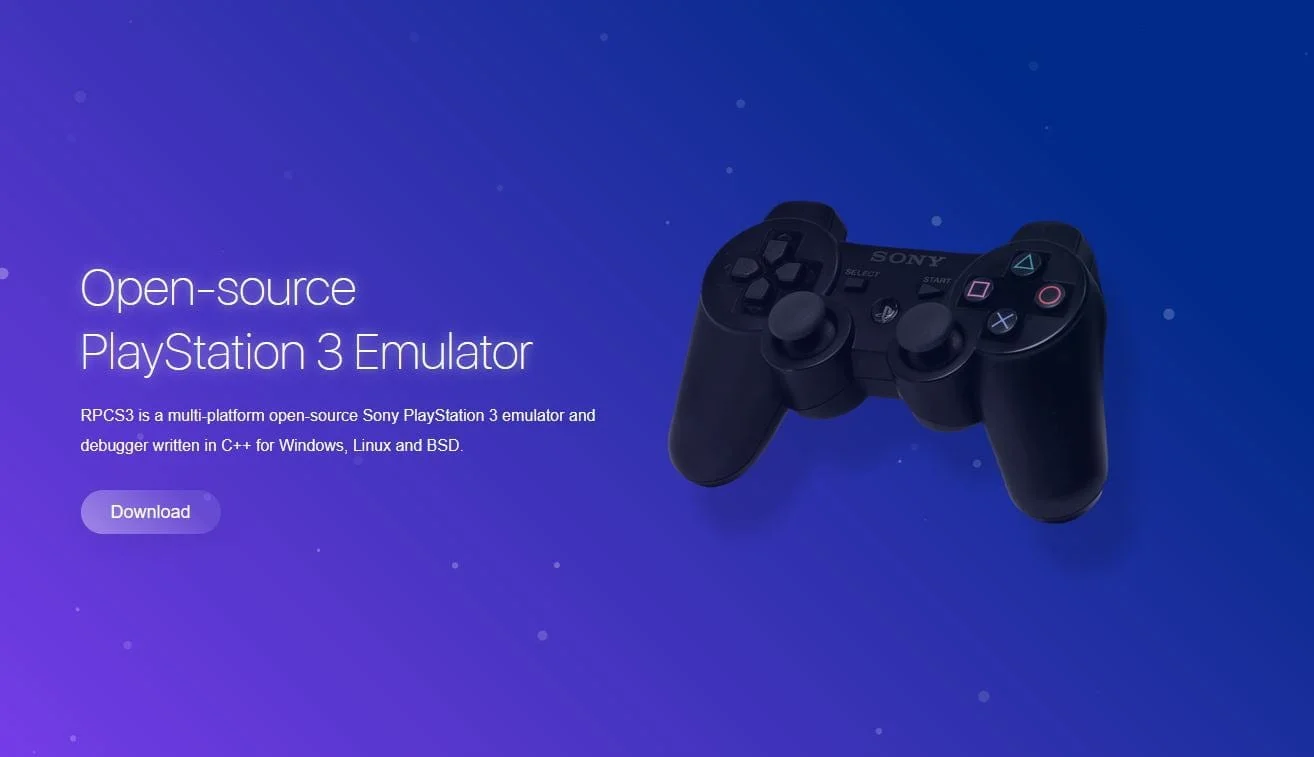
However, a third option has recently emerged. Lately, RPCS3 emulator developers have significantly improved the playback quality of most demanding AAA projects, and thankfully, Midnight Club: Los Angeles is among them.
First and foremost, ensure your copy of Midnight Club: Los Angeles is version 01.06. Older versions may not work correctly with the settings outlined below. However, you can still try our settings with version 01.00.
Second, and equally important, check your emulator version: it must be at least RPCS3 v0.0.27 Alpha | master (main branch). Update if necessary. If your version is significantly newer, it's possible some settings might no longer be needed. Try playing the game without additional changes. It's also possible that the game won't launch at all with the settings below. If that happens, please report it in the comments, and we'll try to compile a new guide as quickly as possible.
Third, currently, running Midnight Club: Los Angeles on RPCS3 has some issues. These range from rare visual artifacts during shader compilation to less frequent application crashes and critical bugs. However, these don't prevent you from completing the game from start to finish.
Also, remember that this title still hasn't achieved 'Playable' status. Therefore, nobody can offer 100% guarantees that you'll be able to finish the game without encountering a critical bug.
 ⤢ ВІДКРИТИ
RPCS3 configuration for Midnight Club: Los Angeles
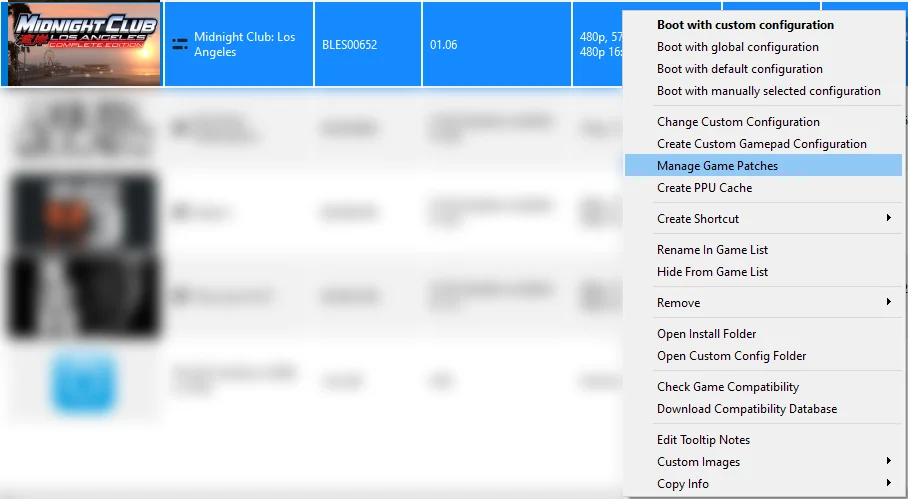
Launch the emulator, then right-click the 'Midnight Club: Los Angeles' icon. From the dropdown menu, click 'Manage Game Patches'.
 ⤢ ВІДКРИТИ
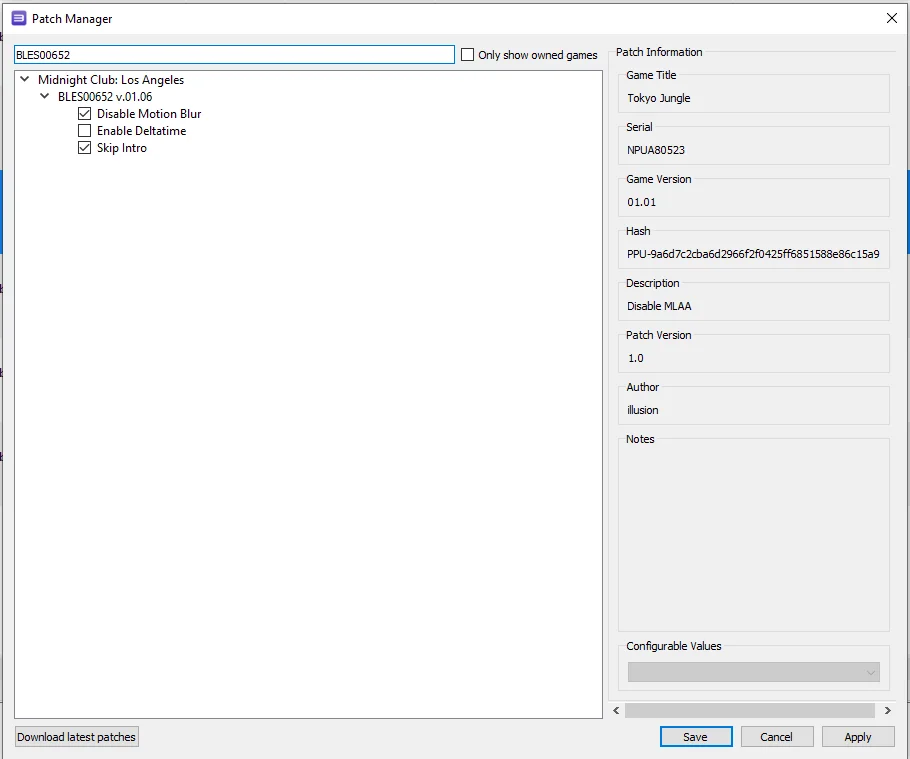
Here, you only need to activate two patches:
 ⤢ ВІДКРИТИ
“Disable Motion Blur”
"Skip Intro"
The first option disables motion blur (an extremely important setting, as it removes background visual artifacts), while the second skips the initial game intro.
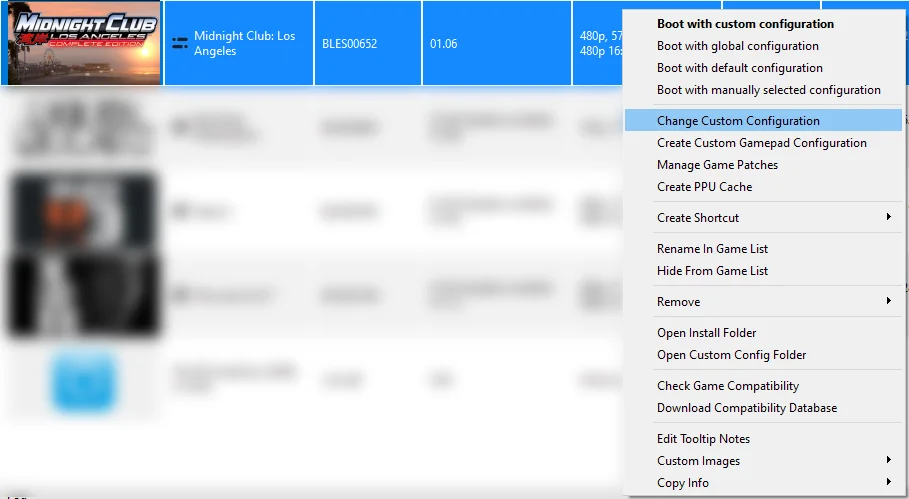
Next, click 'Apply', then 'Save'. Right-click the 'Midnight Club: Los Angeles' icon again, and from the dropdown menu, click 'Change Custom Configuration'.
 ⤢ ВІДКРИТИ
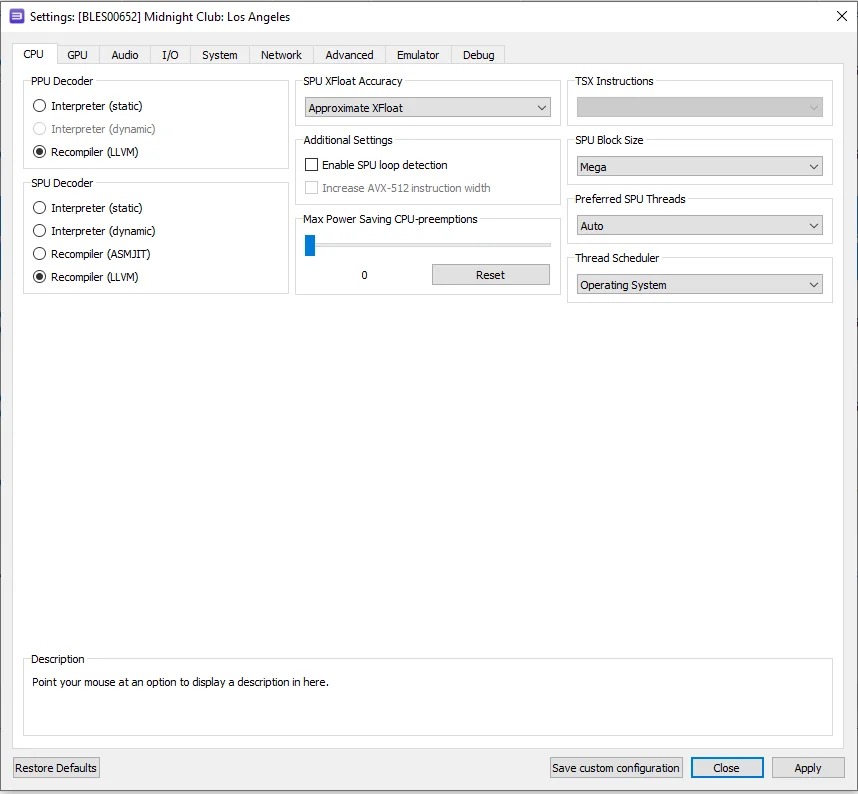
In this window, set the options according to the selections and screenshots below.
CPU configuration
Setting | Option | Description |
|---|---|---|
SPU block size | Mega | Improves performance without reducing stability. |
 ⤢ ВІДКРИТИ
GPU configuration
Setting | Option | Description |
|---|---|---|
ZCULL accuracy | Relaxed | Improves performance compared to 'precise'. |
Write color buffers | On | Fixes lighting issues. |
Beyond tweaking the 'CPU' and 'GPU' tab settings, you can also experiment with the RSX FIFO accuracy setting in the 'Advanced configuration' tab. Changing it to Atomic might improve things, but be aware it could also lead to frequent emulator crashes.
Now, let's look at the results. With RPCS3 configured this way, we achieved a relatively acceptable 19-30 FPS on an Intel Core i5-12400F processor. Naturally, weaker CPUs will see a more significant frame rate drop, but to be fair, the game didn't run much better on the original PS3.
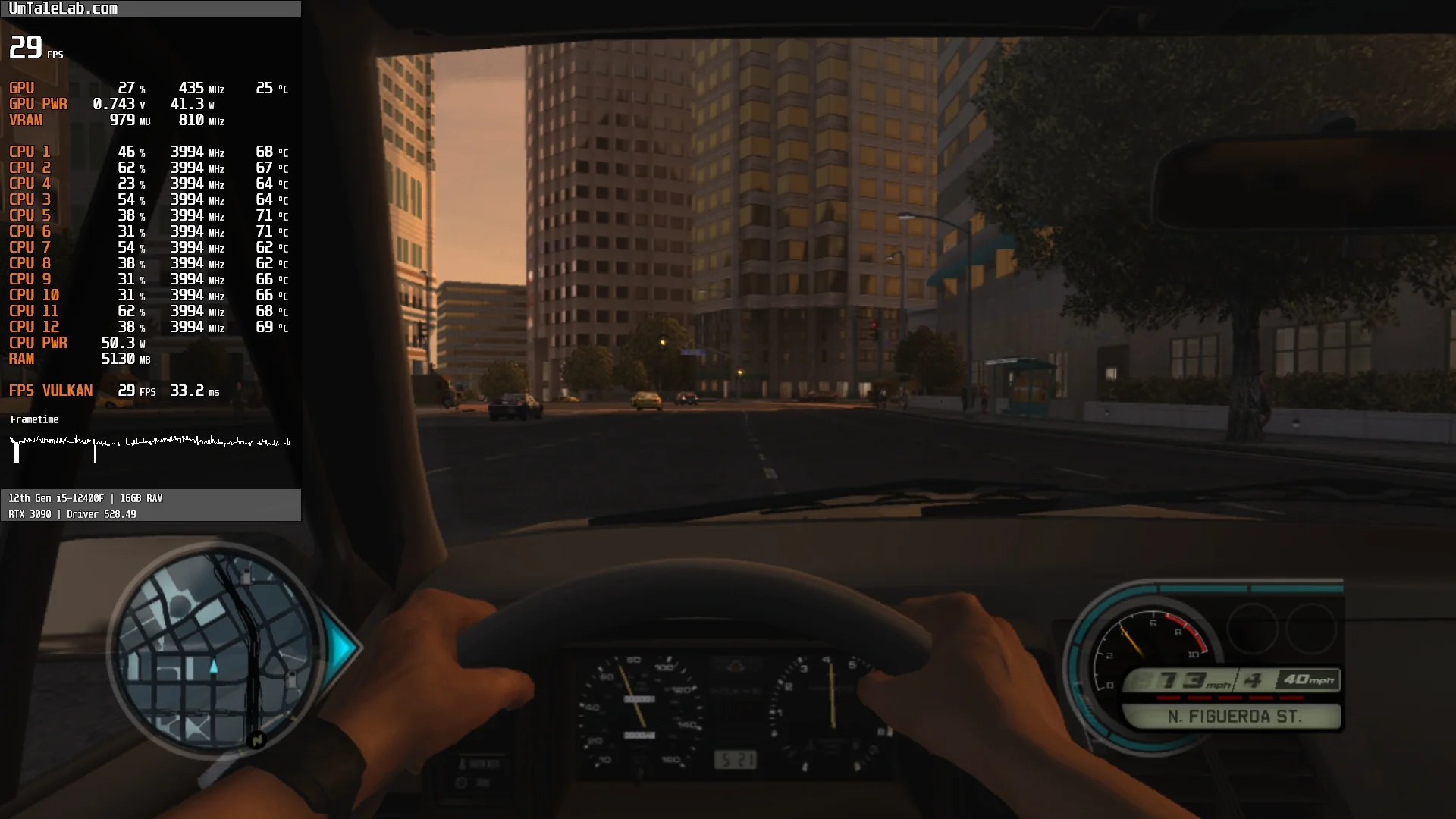
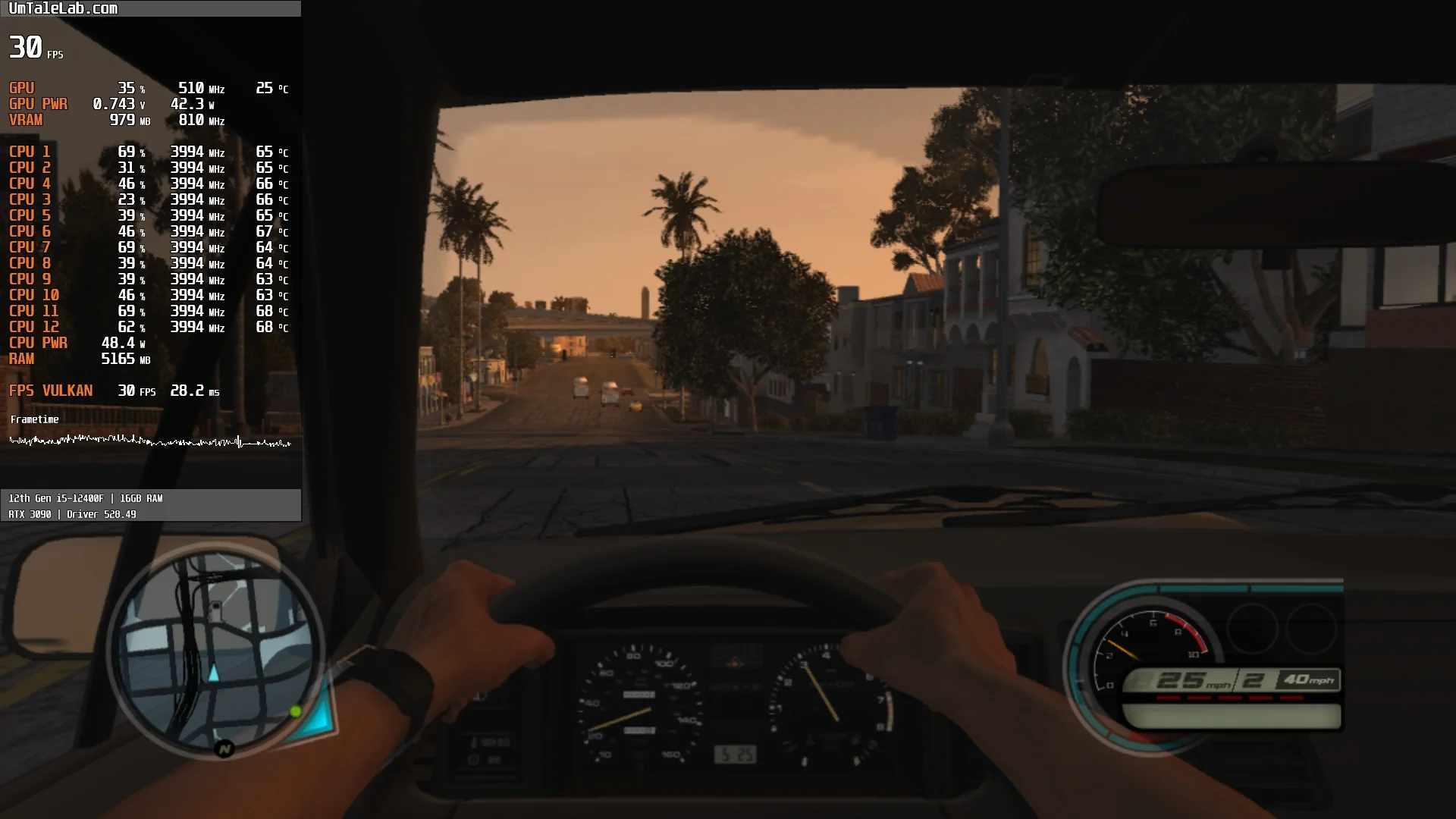
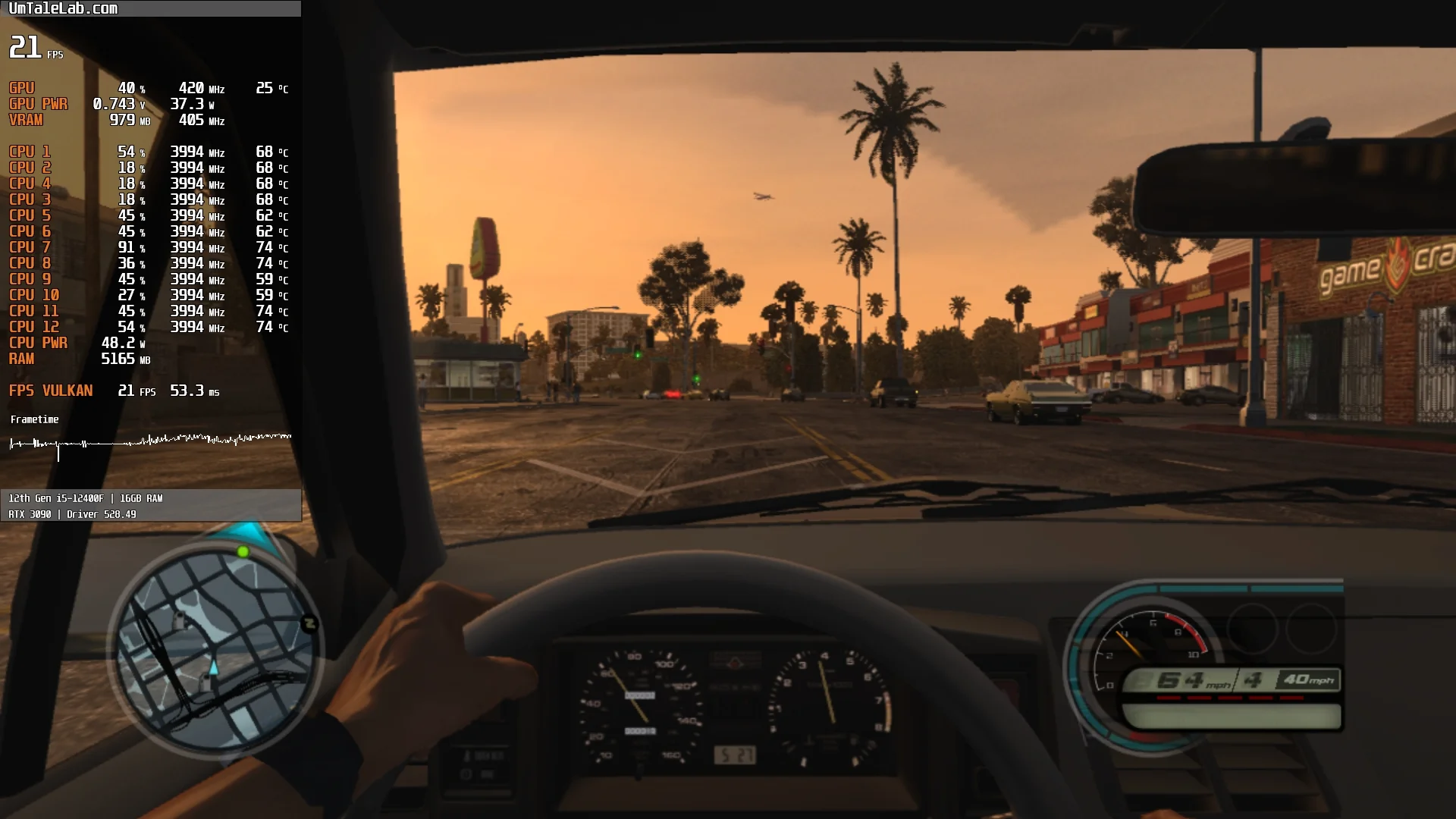
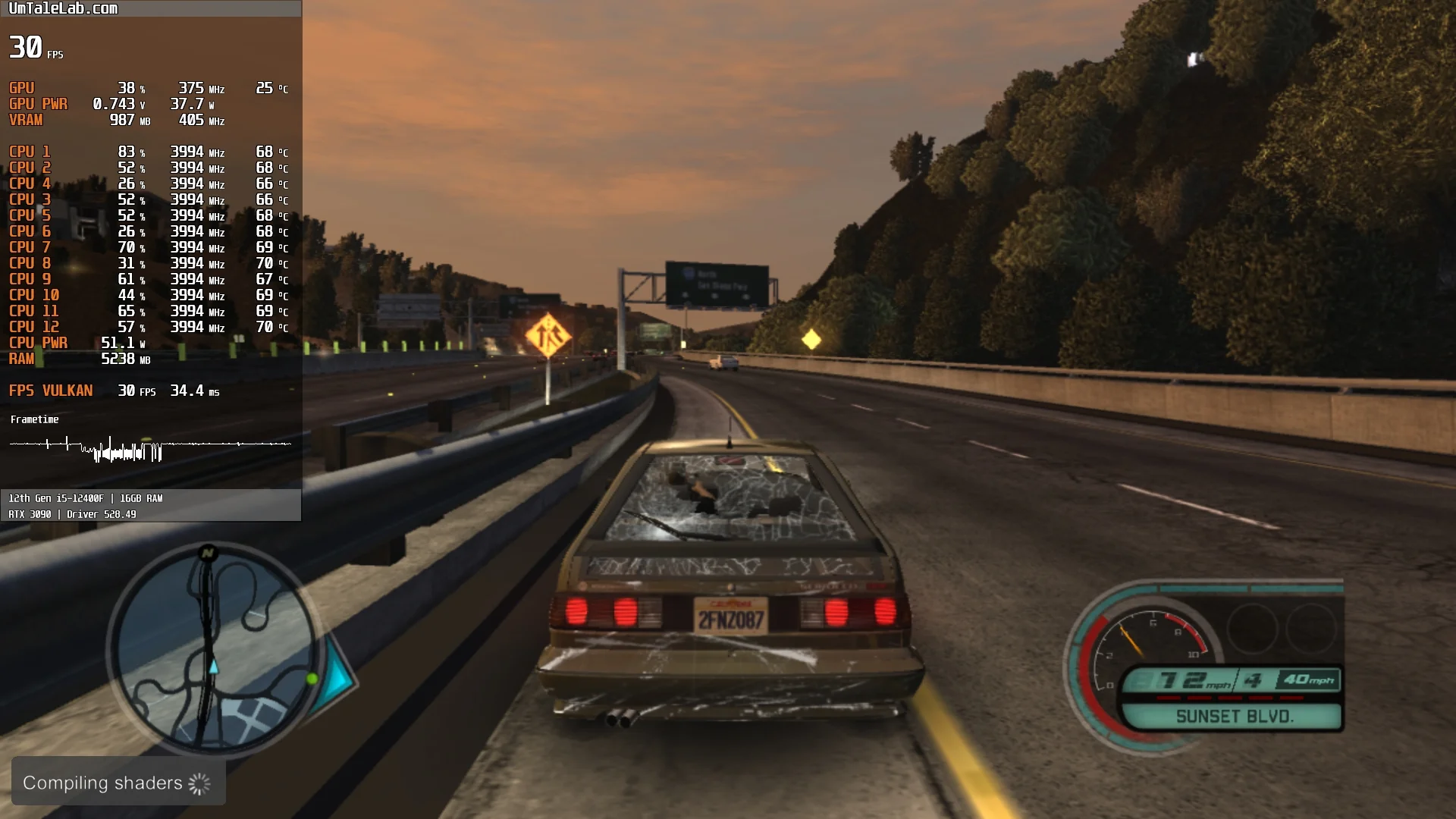
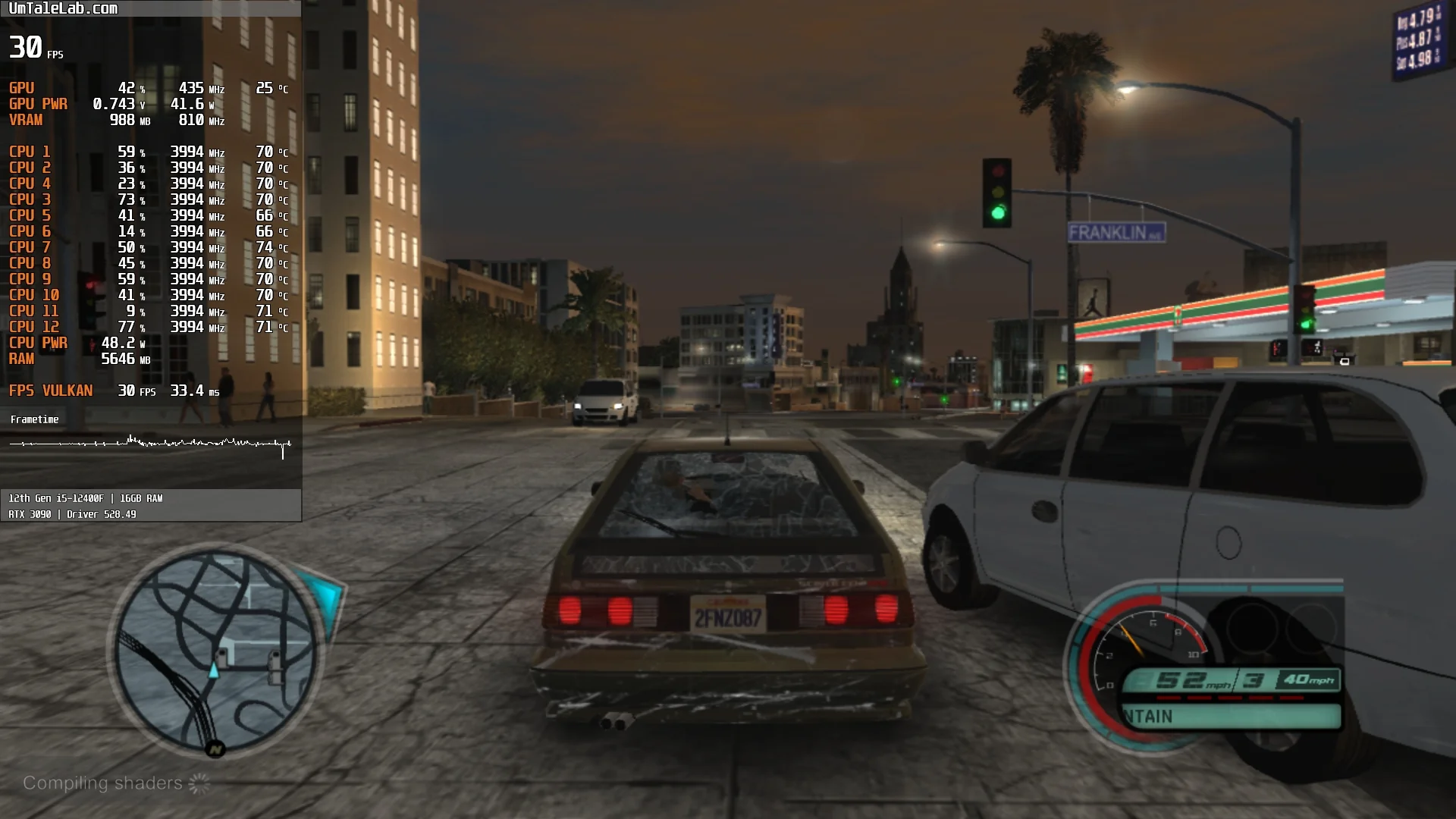
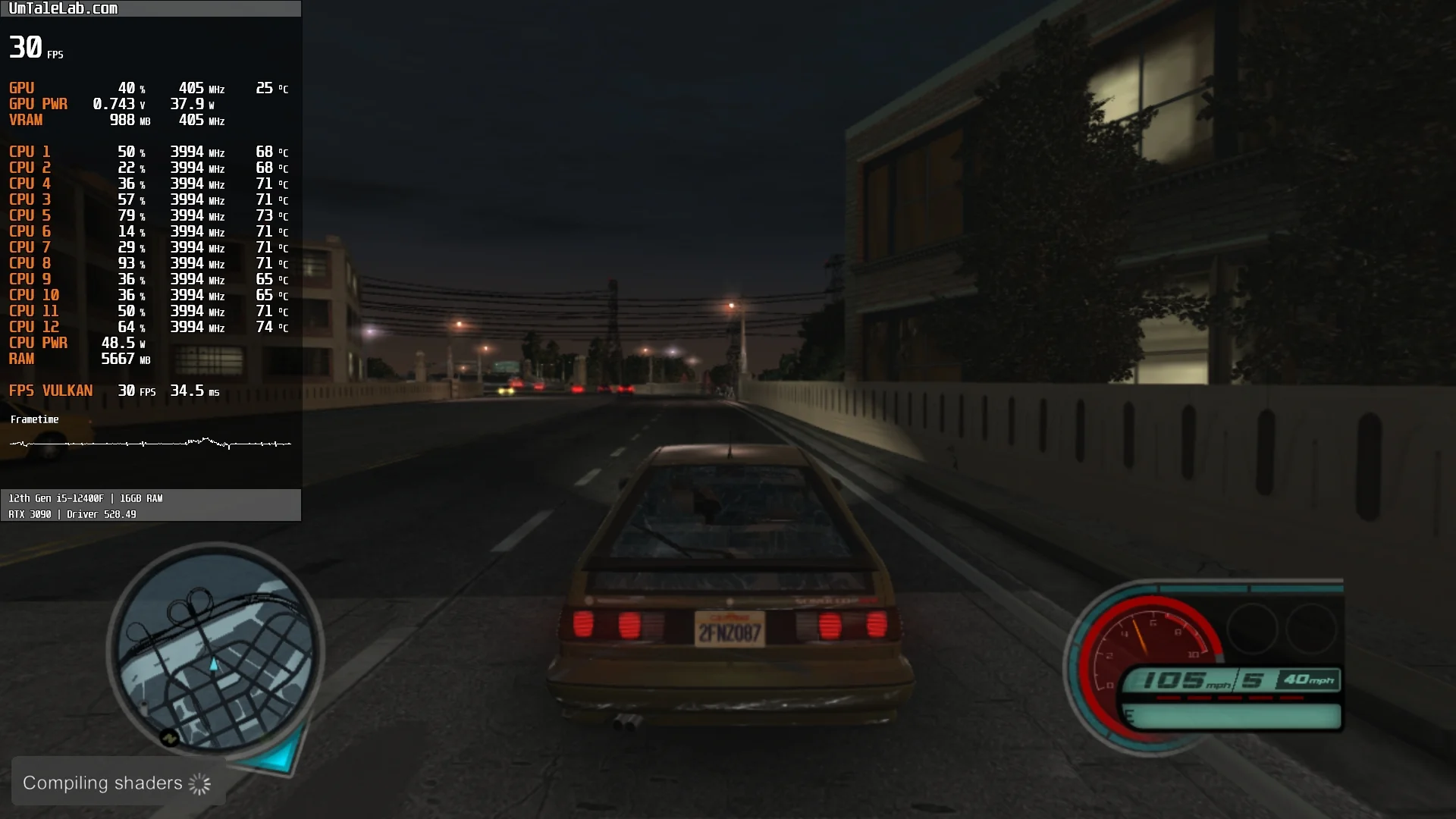
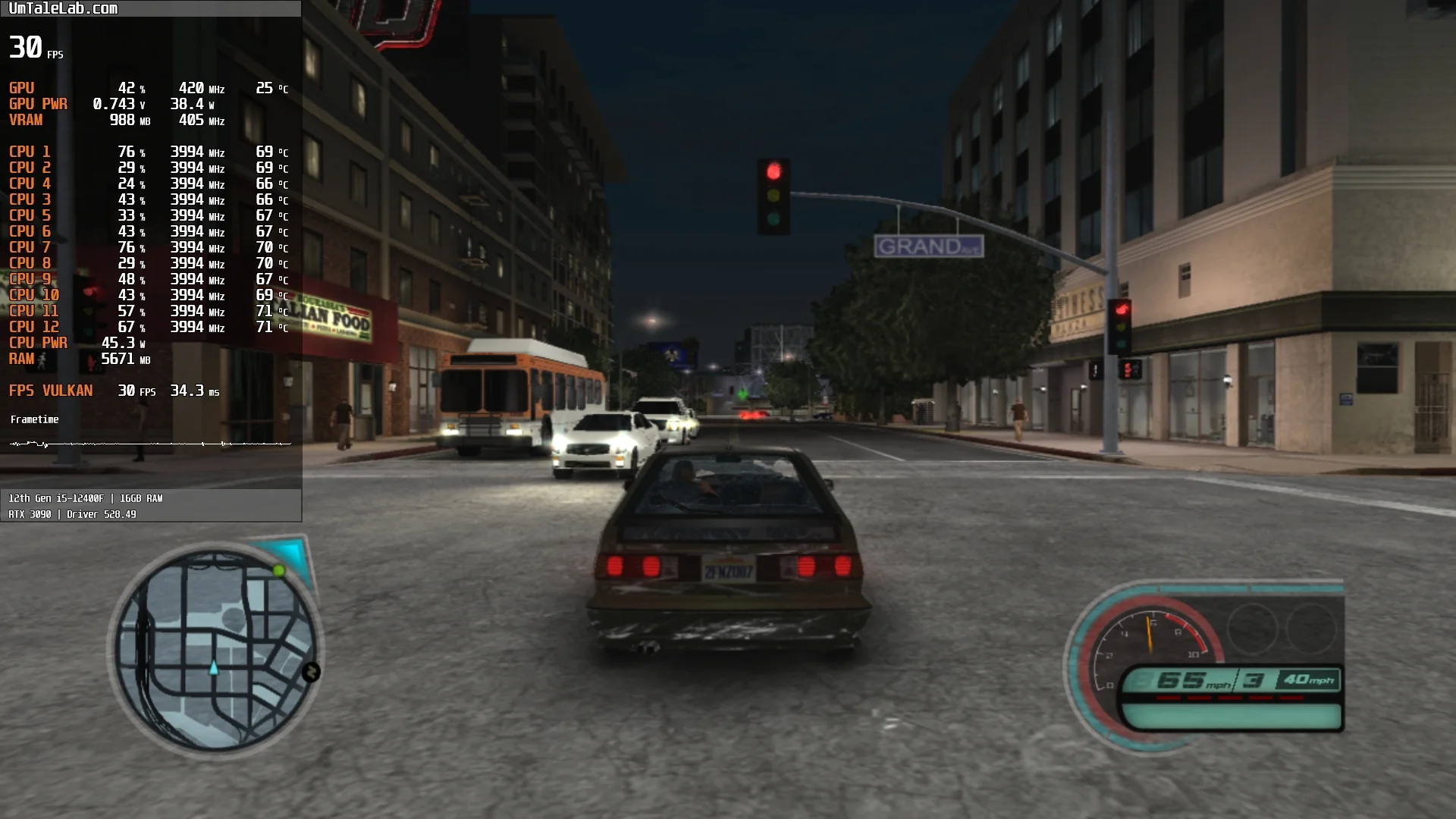
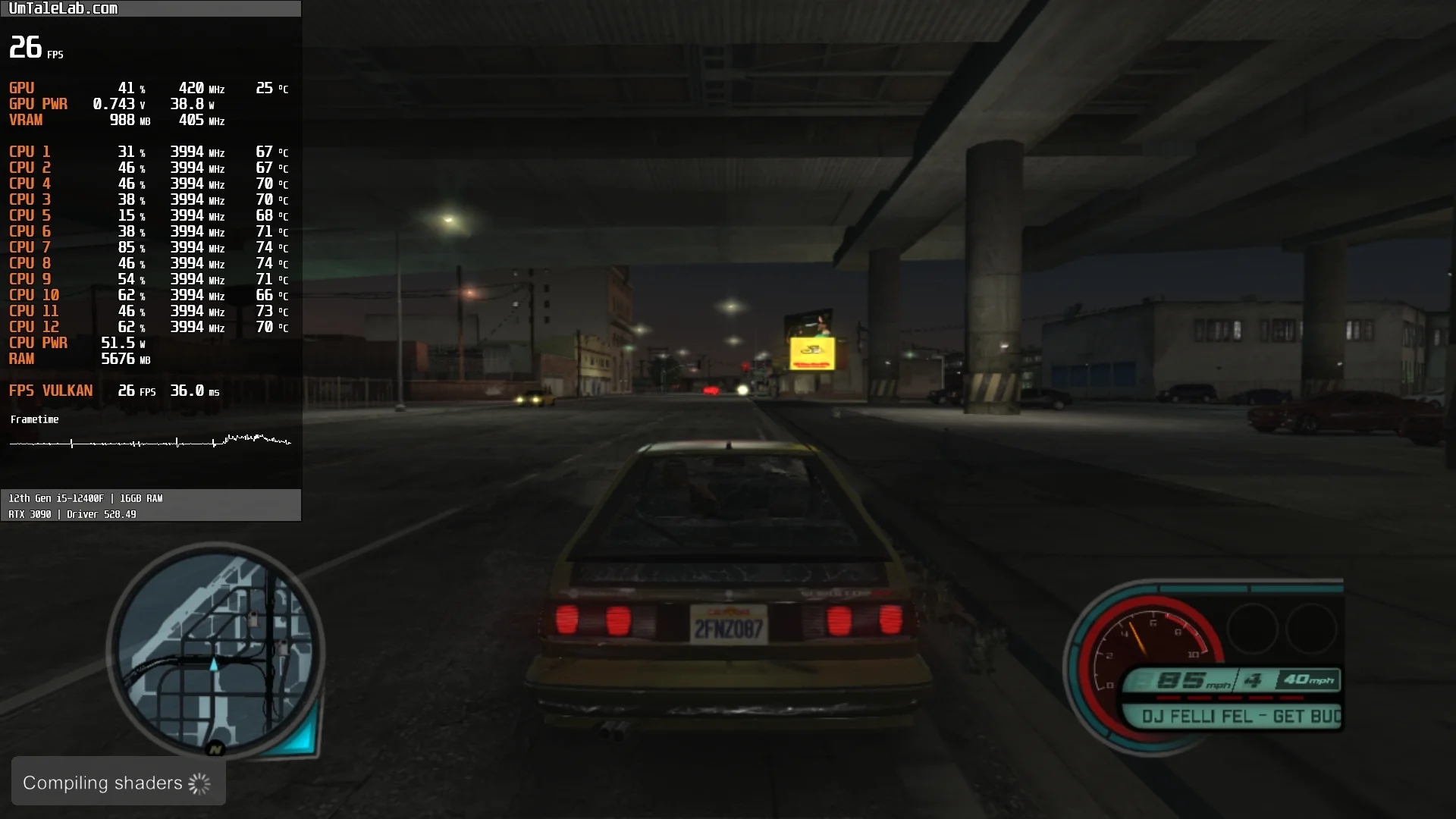
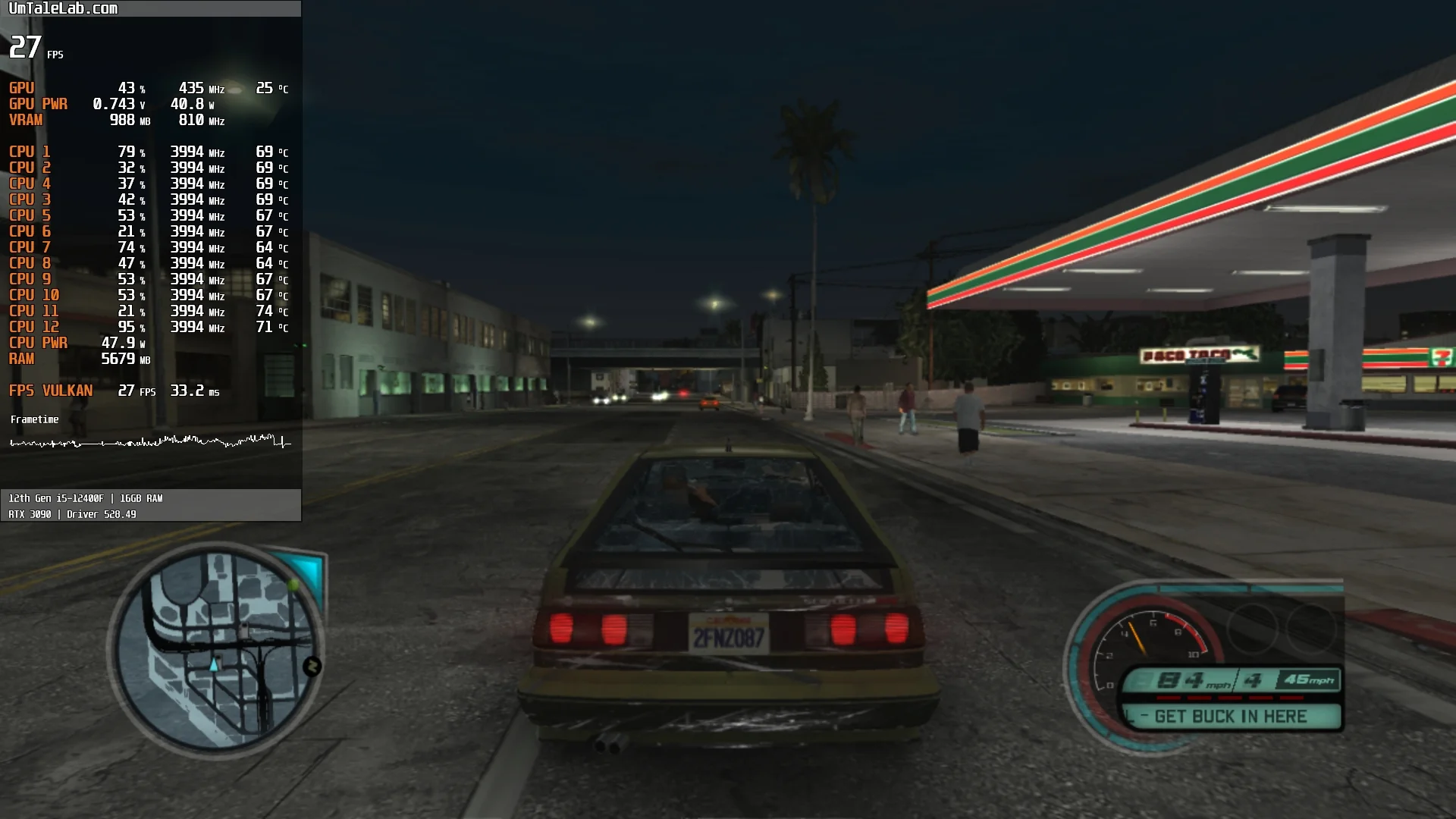
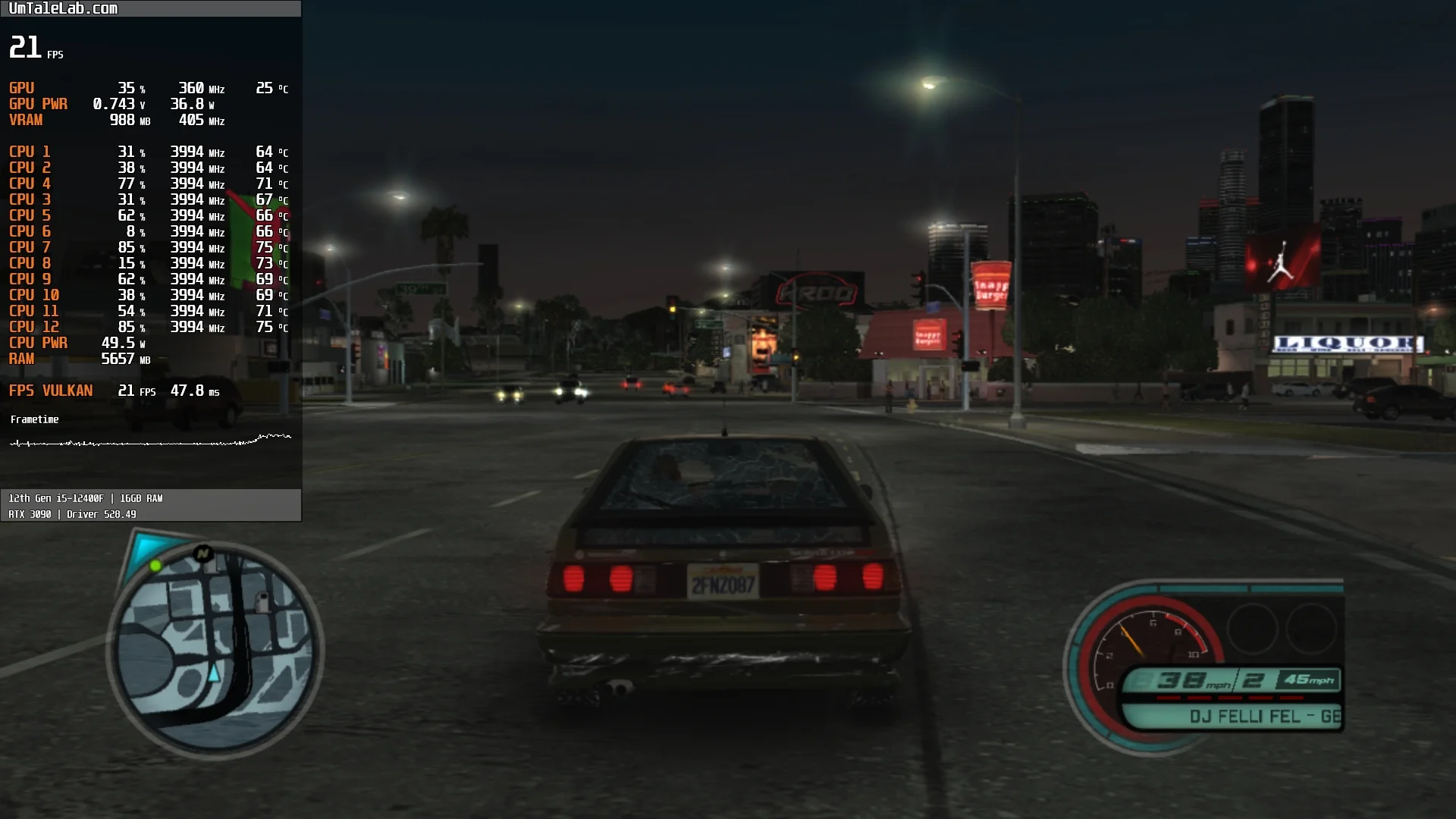
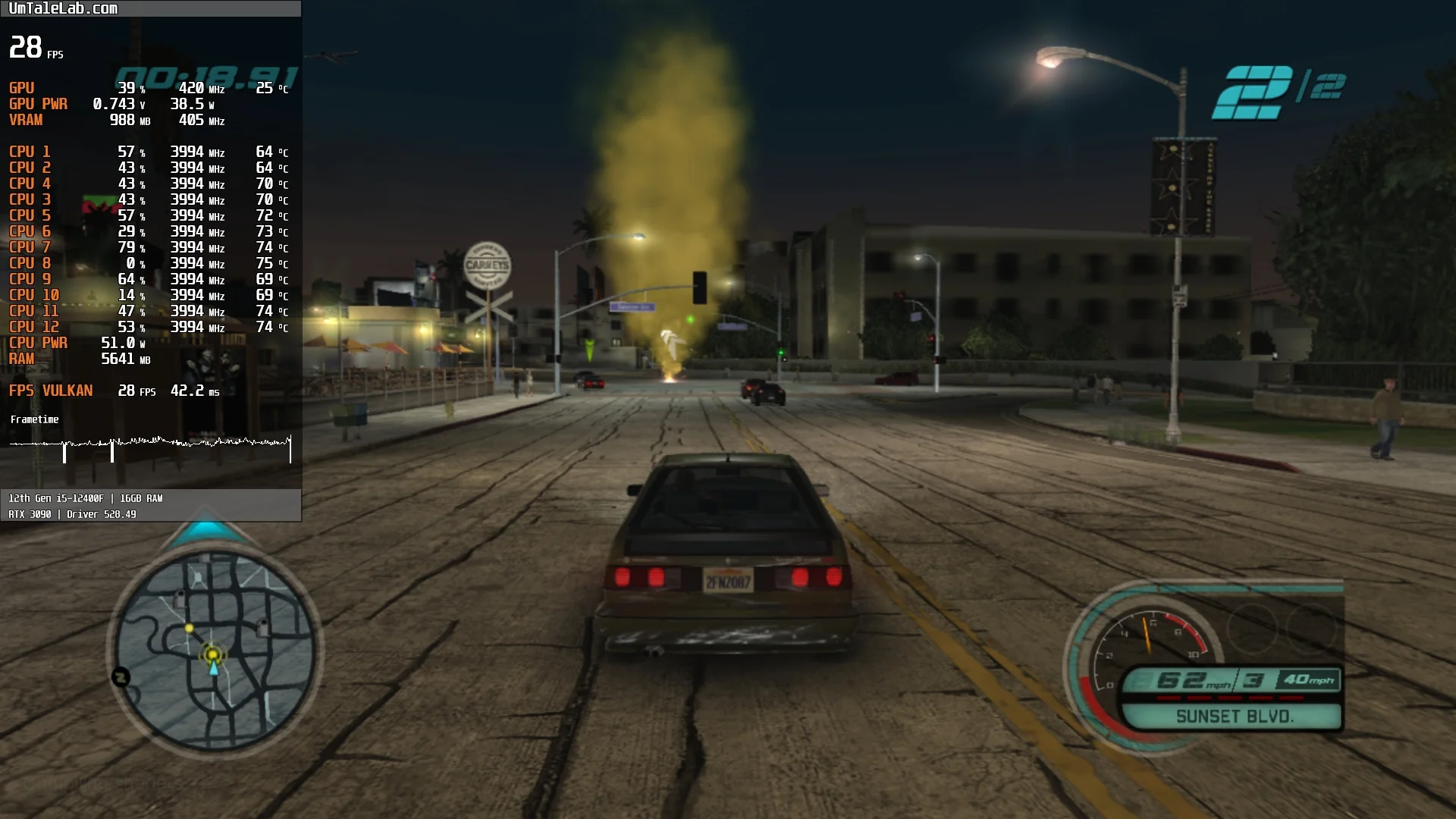
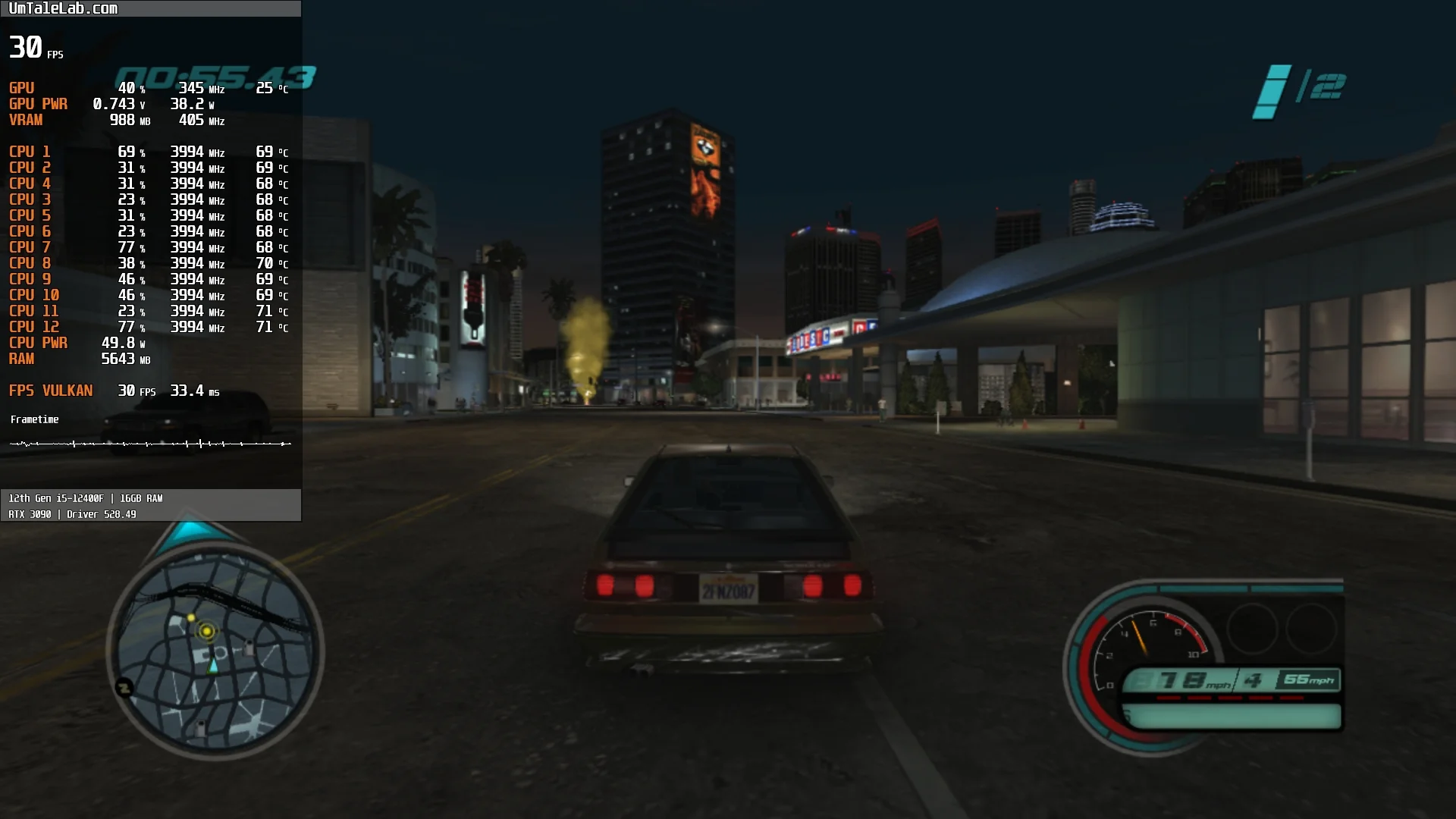
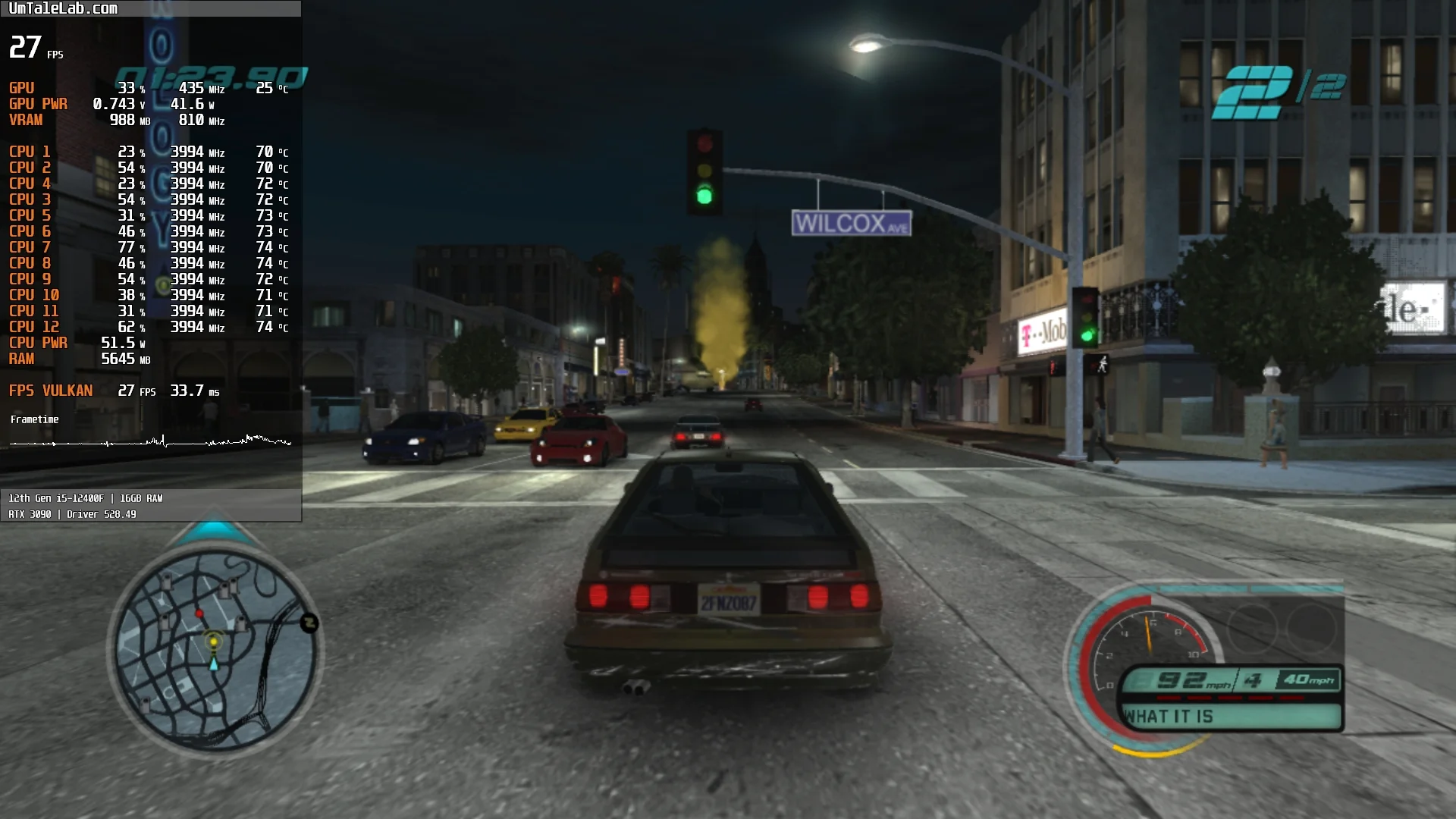
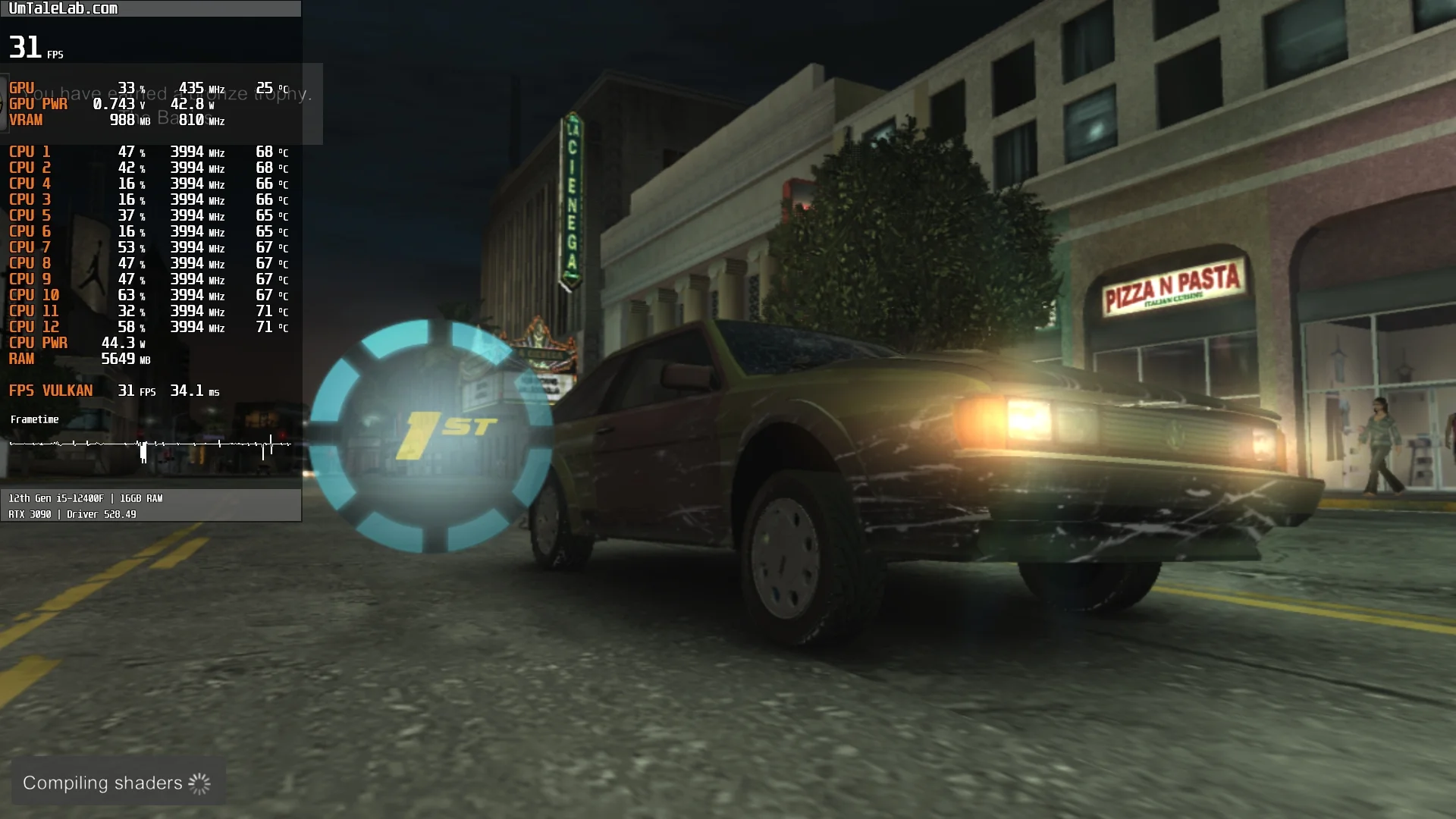
In summary, after spending over two hours with Midnight Club: Los Angeles, we found the emulation is certainly not perfect. We encountered subtle artifacts and LOD system issues in places. Despite these quirks, the game never crashed, which is surprisingly good.
Naturally, the game will emulate significantly better on faster CPUs. Compared to our chosen Core i5-12400F, chips like the 12600K, 7600X, and 13700K should offer a substantial performance boost.
Our measurements also indicate that Midnight Club: Los Angeles emulates reasonably well on 6-core CPUs from the AMD Zen 3 / Intel Rocket Lake generations, paired with AMD Radeon RX 400 or NVIDIA GeForce GTX 1000 series graphics cards. Without that kind of hardware, you'll likely struggle to avoid significant performance issues.
Test these settings yourself and share your results and any questions in the comments below.